
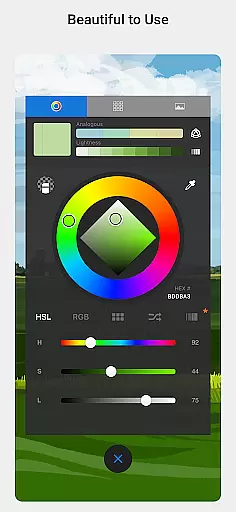
Sketchbook is a premier digital art studio designed for artists, illustrators, and creative enthusiasts who seek to bring their ideas to life. This award-winning app offers professional-grade sketching, painting, and drawing tools that cater to both beginners and experts. With its elegant interface and highly customizable features, Sketchbook provides an immersive drawing experience free of distractions.
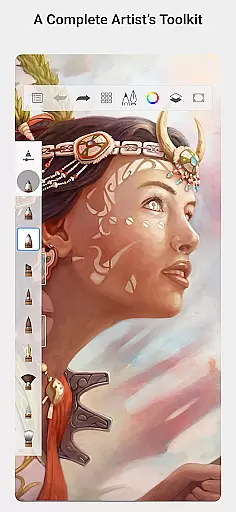
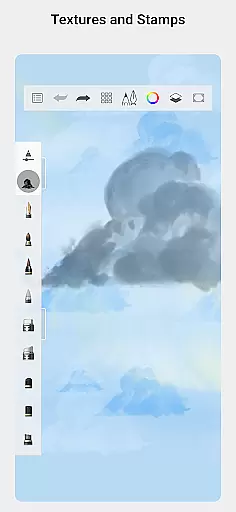
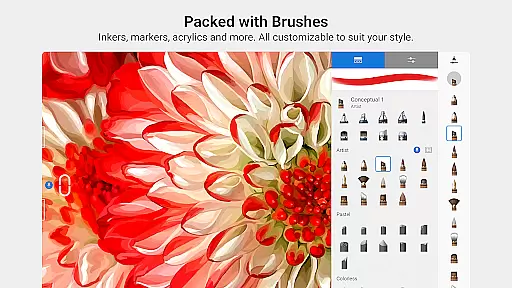
The app includes a full complement of brush types such as pencils, markers, airbrushes, and smear tools that mimic physical counterparts. Artists can explore precision with guides, rulers, and stroke tools while utilizing layers with blend modes for flexible artwork development. Whether you're creating quick sketches or fully finished illustrations, Sketchbook adapts to your creative process.
Available on multiple platforms, Sketchbook empowers users to focus on capturing and expressing their ideas without limitations. Its natural drawing experience makes it the ideal choice for anyone looking to create digital art effortlessly.
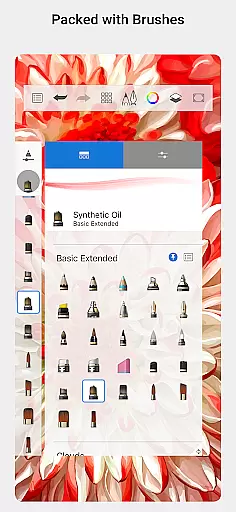
Sketchbook stands out with its extensive array of features tailored for digital artists. The app boasts a comprehensive set of brush types including pencils, markers, airbrushes, and more, each designed to look and feel like their traditional counterparts. These brushes are not only versatile but also highly customizable, allowing users to tailor them to achieve specific artistic effects.
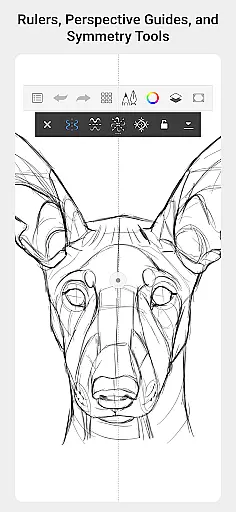
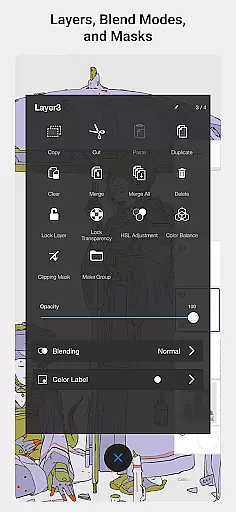
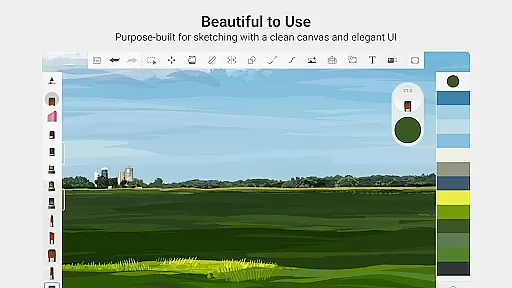
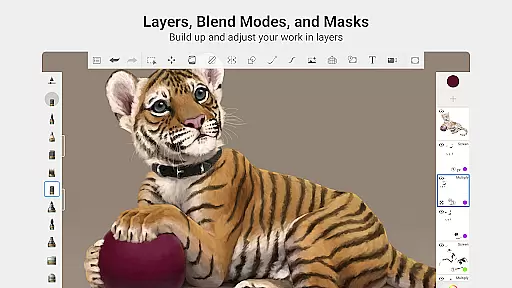
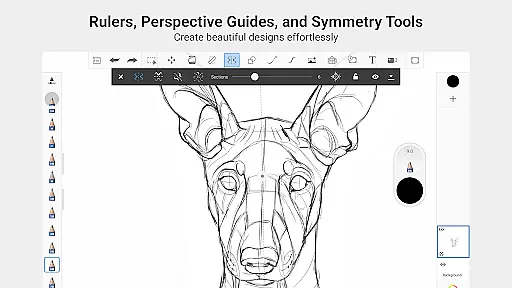
Precision tools such as guides, rulers, and stroke options provide accuracy for detailed work. The layer functionality supports a complete range of blend modes, giving artists the flexibility to build up drawings and experiment with color seamlessly. Additionally, the purpose-built interface ensures a clean and unobtrusive workspace, promoting an uninterrupted creative flow.
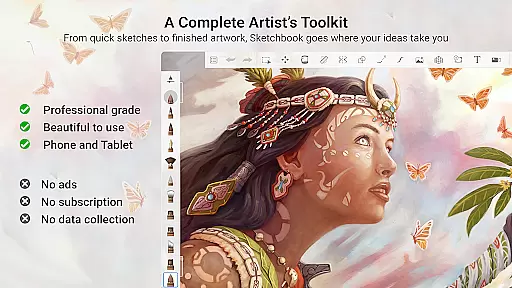
These features collectively deliver a powerful yet user-friendly platform for artists to express their creativity. Sketchbook's dedication to providing professional-grade tools ensures that every user can achieve their desired artistic outcomes efficiently.
Sketchbook offers a comprehensive suite of creative tools that cater to both amateur and professional artists. The app includes a full range of brush types such as pencils, markers, airbrushes, and smear tools, each designed to mimic their physical counterparts with remarkable accuracy.
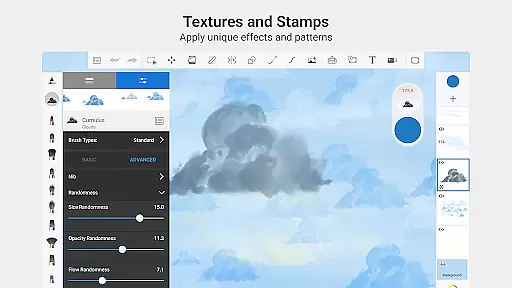
These brushes are not only diverse but also highly customizable, allowing users to fine-tune settings to achieve the exact look they envision for their artwork. This flexibility ensures that every stroke can be personalized to fit the artist's unique style and technique.
In addition to the versatile brush options, Sketchbook provides precision support through guides, rulers, and specialized stroke tools. These features empower users to execute detailed work with accuracy, making it an ideal platform for creating intricate designs or perfecting fine details in illustrations.
Sketchbook stands out with its exceptional canvas and format flexibility, accommodating various artistic needs and preferences. Users can explore different drawing dimensions and resolutions, ensuring that their creations are not constrained by size or quality limitations.
The app supports layers with a complete set of blend modes, enabling artists to build up complex drawings and experiment with colors without affecting the underlying work. This feature is crucial for developing depth and texture in digital art, providing unparalleled control over how elements interact visually.
Furthermore, Sketchbook's purpose-built interface enhances the drawing experience by remaining clean and unobtrusive. By eliminating distractions, artists can focus on their creative process, whether they're sketching quick ideas or working on fully finished masterpieces.
User-friendly interface
Highly customizable brushes
Professional-grade tools
Clean and distraction-free design
Versatile layer functionality
Limited advanced text tools
No built-in tutorials
Occasional performance lags
Subscription fees apply
Advanced features require learning

Vidu is an AI video generator made for creators and aspiring makers.
 3.30
3.30
Text to Image, Image to Video & AI Chat
4.20
See Color, Paint Color
4.90
Unleash Your Creativity with Draw Cartoon - AR Drawing App
4.10
Create stunning video, photo & magic from text with FlixAI GPT video generator.
3.10
800+ Drawing, Painting Lessons App to Practice, Sketch & Paint Art.
4.30
Minecraft & Roblox Clothes
4.70
Share the joy of painting with ibis Paint! Drawing anime and manga art.
4.50
Just trace a projected picture on paper and color! Draw & Paint with AR drawing
4.40
Mobile pixel art editor. Simple. Fast. Portable.
4.80
Logo Generator powered by AI: Create stunning logos effortlessly!
4.70
Image resizer to resize, crop, rotate, flip, change dpi photo or picture in bulk
4.60
Bring One UI 8.5 Icons to life -elegant dark icons with a modern, premium touch.
4.30
Sketch, plan, take notes and illustrate on an infinite canvas.
4.20
Create stylish invitation cards using templates for weddings, birthdays & RSVP.
4.20
Art of Combination Wear OS Watch faces (for Wear OS 5+ devices)
3.90
Create sweet, cool and unique couple avatars easily, in just a few steps!
3.40
Pose and morph realistic male and female models! 3D poser app
3.00
Art of Combination Wear OS Watch faces
4.1


User Reviews