
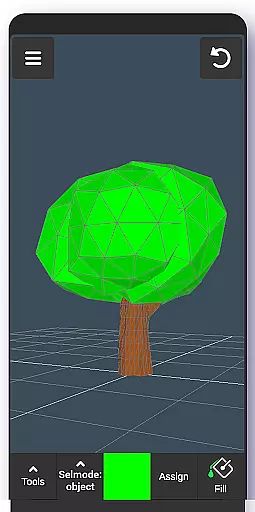
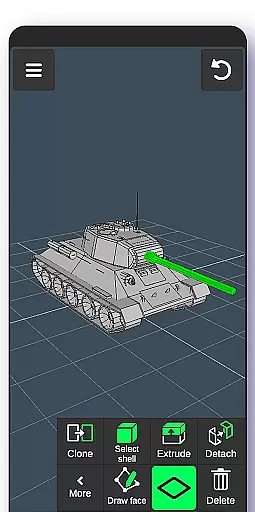
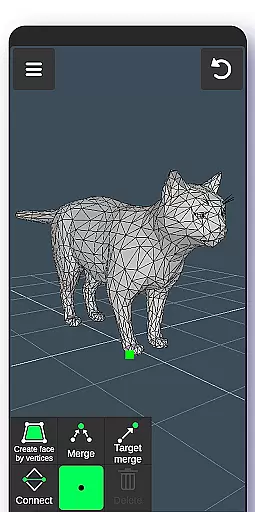
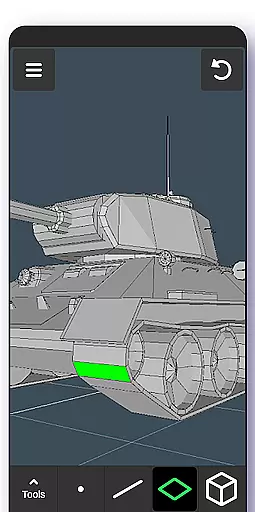
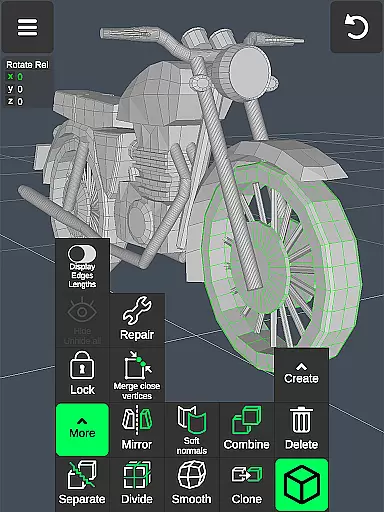
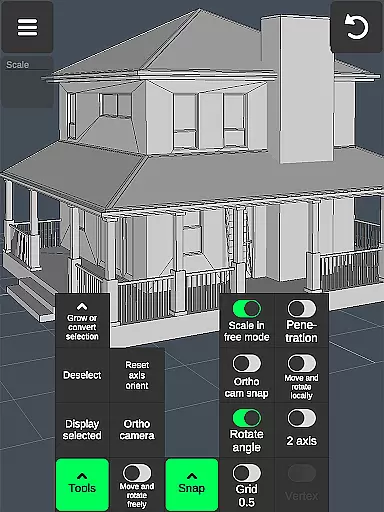
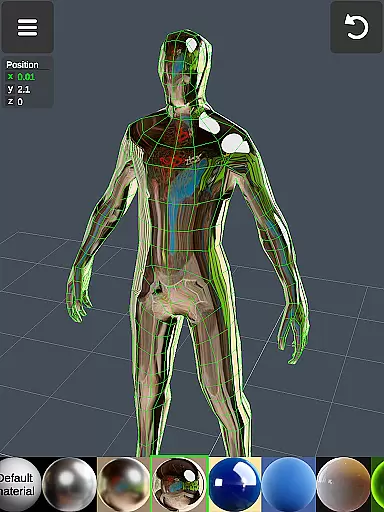
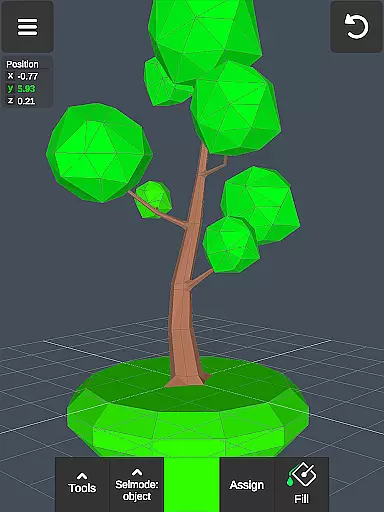
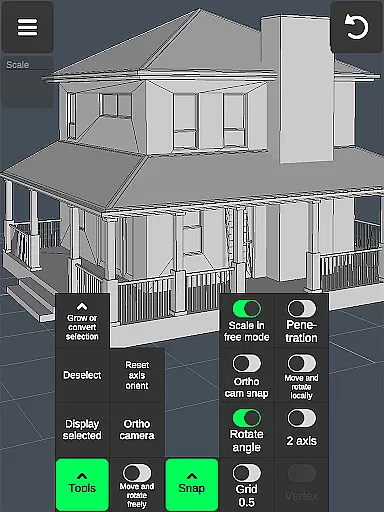

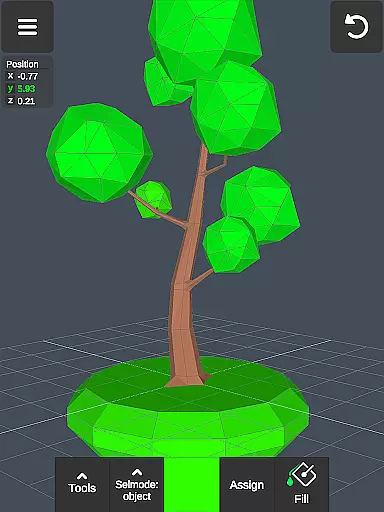
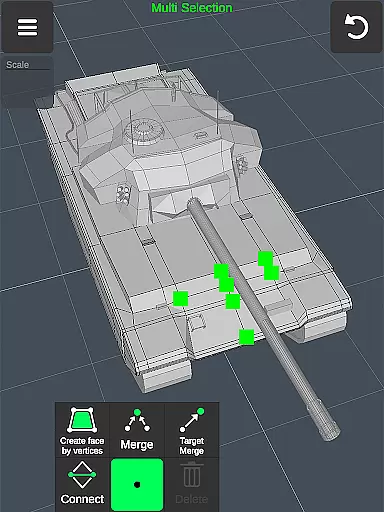
3D Modeling App is a powerful mobile solution for creating 3D models, objects, and art directly on your phone or tablet. Designed for professionals and hobbyists alike, this app supports a wide range of creative tasks including 3D character design, game development, and industrial modeling. Its gesture-based interface allows users to manipulate 3D objects with ease, while advanced tools enable detailed editing and sculpting.
The app stands out as an all-in-one toolkit for various industries. Engineers can use it for technical designs, artists for digital sculptures, and game developers for character modeling. With support for stylus pens and a rich set of features like vertex editing, edge manipulation, and object sculpting, it provides a professional-grade experience in the palm of your hand.
Whether you're designing furniture, planning automotive components, or crafting immersive game worlds, this app streamlines the creative process. The ability to export and import .obj files makes it compatible with major 3D modeling software, ensuring seamless integration into professional workflows.
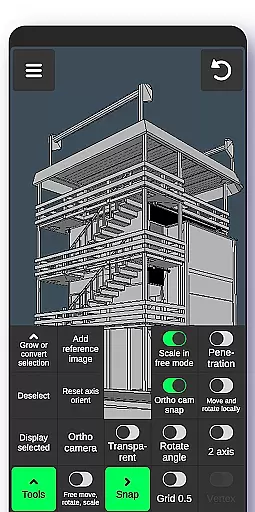
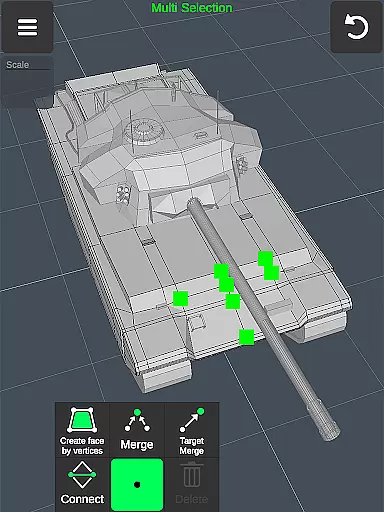
3D Modeling App offers an extensive suite of tools that cater to different aspects of 3D creation. The app's fast workflow features allow users to move, rotate, and scale objects using intuitive gestures. Quick tool switching and multi-selection options make the modeling process efficient and enjoyable. These features are particularly beneficial for professionals who need to work on complex projects while on the go.
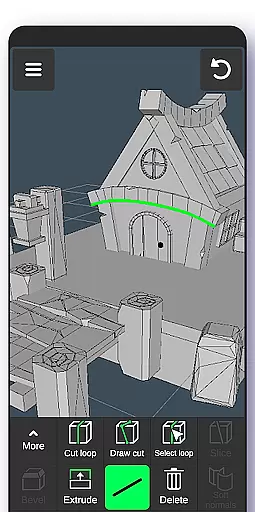
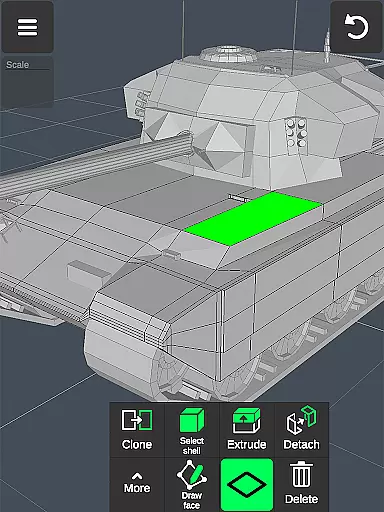
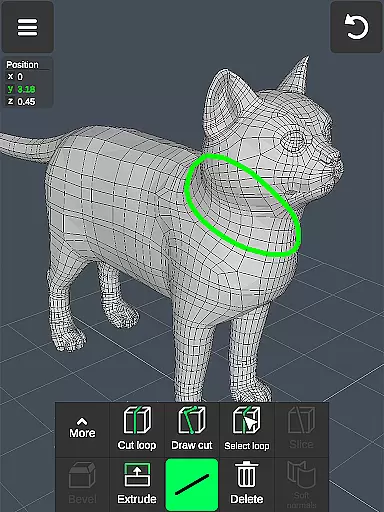
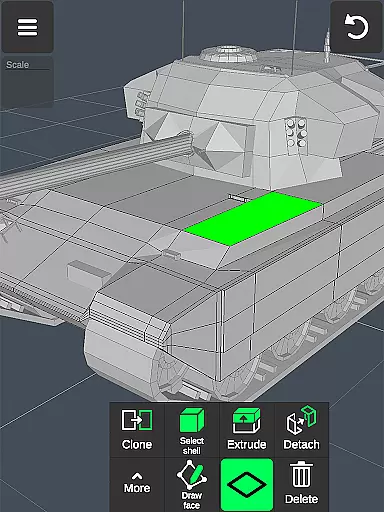
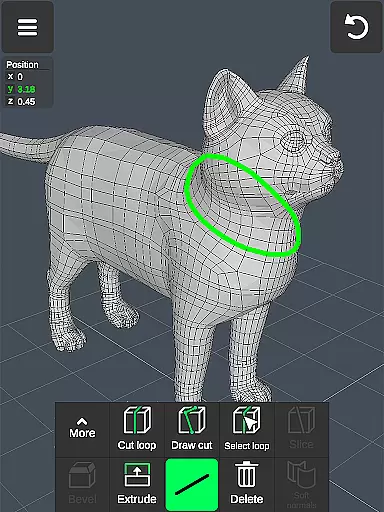
The app includes specialized tools for geometry editing, such as vertex merging, edge cutting, and face extrusion. Users can perform precise modifications using these tools, which are essential for creating detailed 3D models. Additionally, the sculpting tools provide artists with the ability to shape their creations organically, mimicking traditional sculpting techniques in a digital environment.
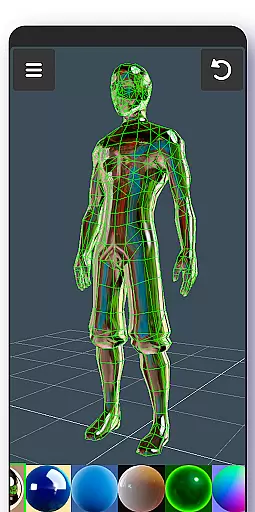
Advanced display options and material application enhance the modeling experience. Users can apply up to 20 materials to their objects and utilize various display settings to visualize their work accurately. The app also supports exporting and importing .obj files, making it compatible with industry-standard software like 3ds Max, Maya, and Blender. This interoperability ensures that users can incorporate their mobile creations into larger projects without limitations.
In the realm of 3D modeling and design, having a comprehensive suite of creative tools is paramount. The 3D Modeling App offers an extensive array of features that cater to both novices and professionals in the field of art and design. With functionalities ranging from basic 3D object creation to advanced sculpting and animation, this app ensures that all artistic visions can be brought to life with precision.
The app provides users with vertex, edge, and face tools which allow for detailed manipulation of 3D geometries. These include merging, connecting, cutting loops, extruding faces, and more. Such robust tools enable creators to develop complex models with intricate details, ensuring their designs are limited only by imagination.
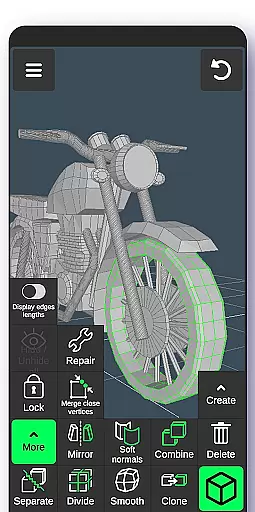
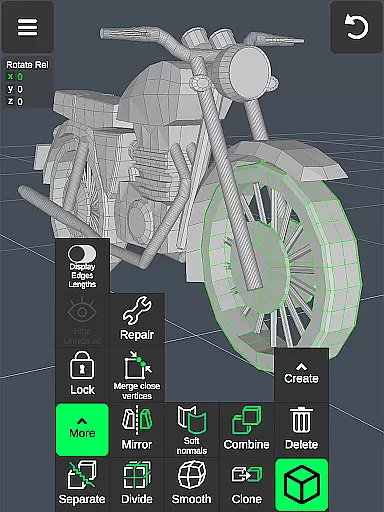
Additionally, object tools like combining/separating, cloning, mirroring, smoothing, and adjusting normals give artists unparalleled control over their creations. This level of detail empowers designers to produce high-quality work that meets industry standards, whether it's for game development, engineering projects, or digital art pieces.
By integrating these powerful features into a mobile platform, the 3D Modeling App democratizes access to professional-grade 3D modeling software. Users can now create sophisticated 3D models on-the-go, making it an indispensable tool for anyone involved in creative industries.
A versatile canvas is essential for any artist or designer working within the digital space. The 3D Modeling App excels in providing canvas and format flexibility, allowing users to seamlessly transition between different project requirements without losing fidelity or creative intent. Whether you're crafting detailed characters, expansive game worlds, or precise industrial designs, this app adapts to your needs.
One standout feature is its support for gesture-based controls, enabling intuitive scaling, rotating, and moving of 3D images. This tactile approach enhances user interaction, making the design process more fluid and natural. Additionally, the ability to switch quickly between tools keeps the workflow efficient, letting creativity flow uninterrupted.
Export and import functionalities further enhance format flexibility. By supporting .obj file formats, the app integrates smoothly with popular 3D modeling and CAD software such as 3ds Max, Maya, Blender, AutoCAD, and SolidWorks. Moreover, third-party converters allow exporting to various other formats including IGS, IGES, STP, STEP, and many others, broadening compatibility across platforms.
This adaptability not only streamlines collaboration but also future-proofs projects by ensuring they remain accessible and editable regardless of technological advancements. For artists seeking a dynamic and flexible digital canvas, the 3D Modeling App stands out as an exemplary choice.
User-friendly interface
Wide range of tools
Professional-grade features
Excellent compatibility
Intuitive gesture controls
Steep learning curve
High system requirements
Limited free features
No real-time collaboration
Occasional performance issues

Digital Drawing: Draw & Paint
 4.10
4.10
AI Face Swap, Video Effects Editor, Realtime Morph, Funny Video FX,AI Filters
3.70
Logo Generator powered by AI: Create stunning logos effortlessly!
4.70
Get creative and make art with your Sesame Friends!
4.00
A luxurious gold watch face for an elegant and refined look.
4.0
Your homescreen as an elegant glass with customized blur, lighting, and visuals.
3.70
Experience next-gen icons with a modern liquid glass look.
3.60
Just trace a projected picture on paper and color! Draw & Paint with AR drawing
4.40
Unleash your inner artist! Sketchar: AR Drawing for Limitless Creativity
4.40
Make your phone cooler and have a fantastic experience
4.80
Novices can also easily complete diamond painting masters
4.70
Everything you need to create hand drawn animation, anywhere you go!
4.40
Draw, make movies & animate cartoons easily with our 2D animation maker app
4.40
Customizable Outlined Fonts. Watch Face Format. Battery friendly Digital Clock.
4.20
Unleash Your Creativity with Draw Cartoon - AR Drawing App
4.10
Unleash the artist in you with our AR drawing and tracing tool for photo drawing
4.10
AI Assistant, powered by ChatGPT GPT-4 & GPT-4o. Your intelligent companion.
3.50
Create trending AI photos & videos with powerful effects and 3D styles.
3.20
Art of Combination Wear OS Watch Faces
4.1


User Reviews