
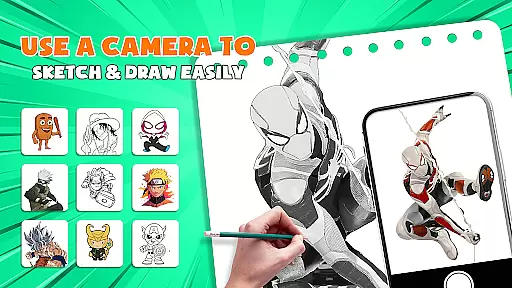
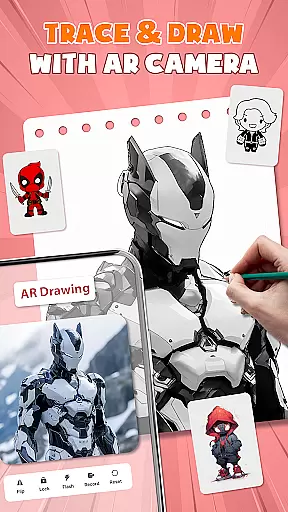
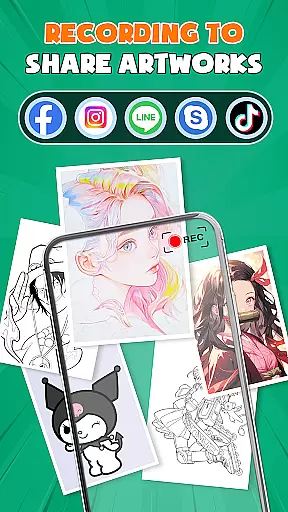
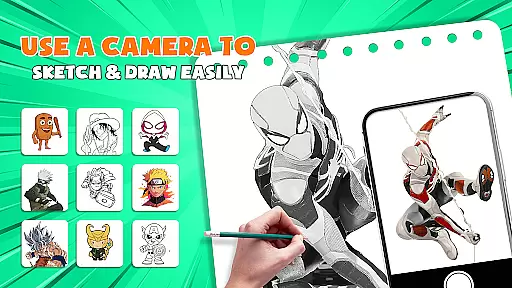
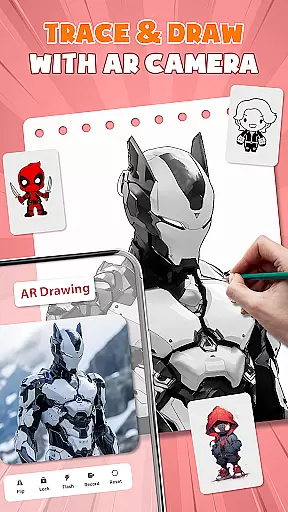
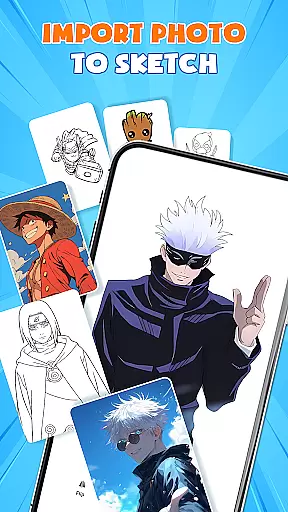
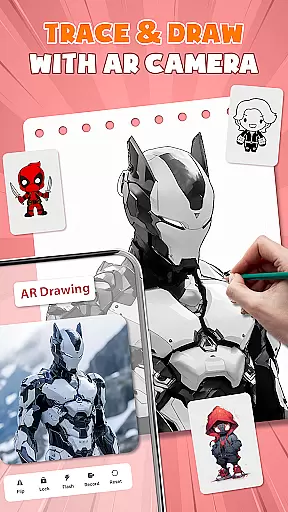
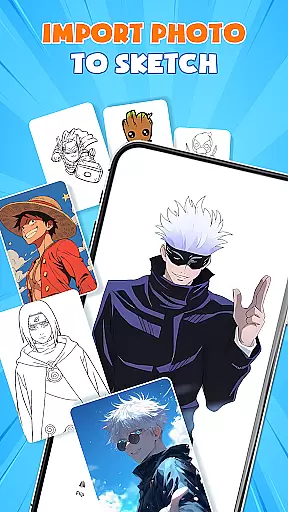
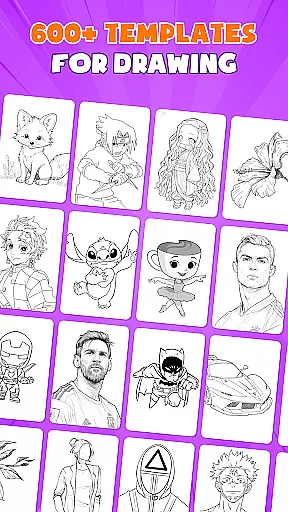
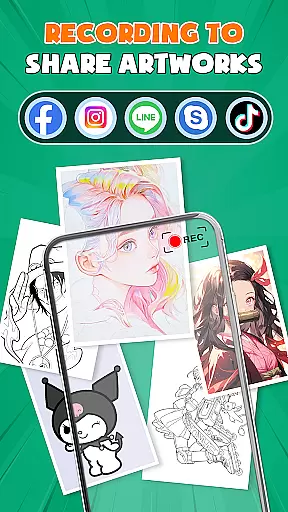
AR Drawing - Paint & Sketch is an innovative art application that combines augmented reality with traditional drawing techniques. This app allows users to create stunning anime-style artwork using advanced AR tracing and sketching tools. With features like AR projection, precise tracing overlays, and a vast library of free templates, the app caters to both beginners and professional artists.
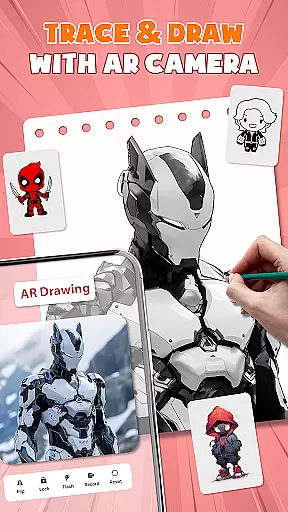
The application's standout feature is its ability to transform your device into a mobile projector for accurate tracing. Users can import images, adjust settings in AR view, and trace directly onto paper or canvas. The app also offers a complete suite of painting tools, anime drawing tutorials, and community features that enable artists to connect, share, and improve their skills together.
Whether you're learning to draw or looking to enhance your artistic capabilities, AR Drawing - Paint & Sketch provides all the necessary tools in one comprehensive package. From basic sketching to advanced anime creation, this app streamlines the creative process while maintaining professional-grade quality.
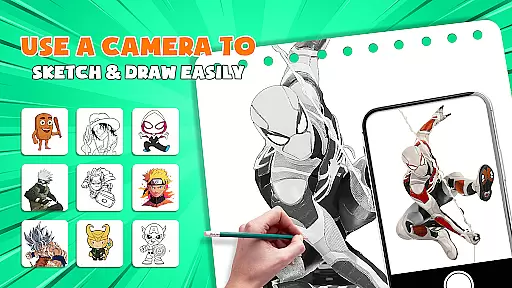
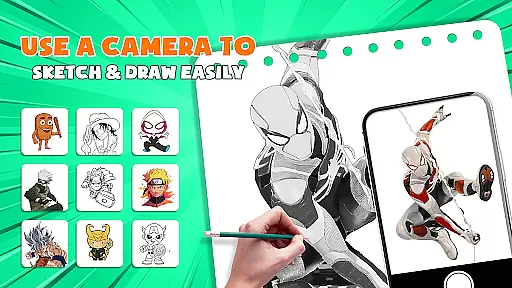
AR Drawing - Paint & Sketch distinguishes itself through its extensive feature set tailored for digital artists. The app's AR projection capability allows users to trace real-world objects with remarkable accuracy, effectively turning their devices into portable lightboxes. This feature is particularly useful for creating precise outlines and sketches without requiring additional equipment.
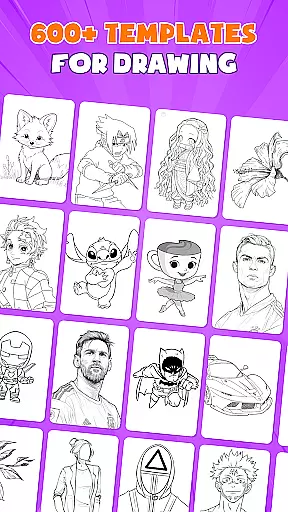
Beyond basic tracing, the app offers a complete art studio experience. Users can access over 1000 free drawing templates, experiment with various sketching modes including anime-specific effects, and utilize professional-grade painting tools. The inclusion of art games and drawing competitions adds a social and competitive element to the creative process, keeping users engaged and motivated.
What truly sets this app apart is its seamless integration of multiple art forms. From pencil sketches to digital paintings, from simple tracing to complex anime compositions, AR Drawing - Paint & Sketch handles all aspects of artistic creation. The app's user-friendly interface and comprehensive toolset make it an invaluable resource for artists seeking to expand their digital capabilities while maintaining traditional drawing techniques.
AR Drawing - Paint & Sketch offers an extensive suite of creative tools that cater to both amateur and professional artists. The app includes AR projection and tracing features, allowing users to turn their devices into mobile projectors for precise sketching. With a full range of painting functionalities, users can shade with an AR pencil or paint with vibrant brushes, all within a unified platform.
The Anime Studio mode is particularly noteworthy, providing specialized tools for creating anime art. Users have access to tutorials, guides, presets, and sketch effects tailored for anime drawing. This comprehensive feature set ensures that whether you're sketching real-world scenes or designing anime characters, the app delivers the necessary instruments to bring your visions to life.
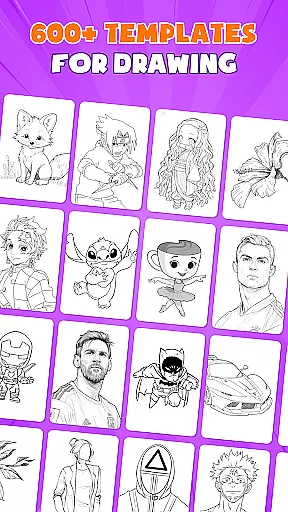
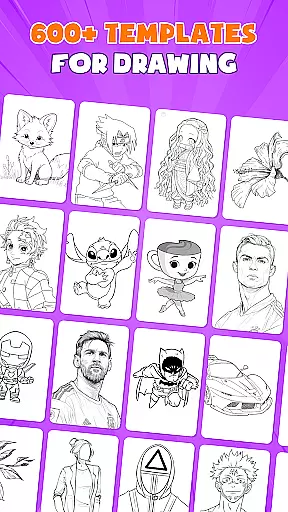
For those who enjoy structured creativity, the app provides over 1000 free templates. These templates cover various art styles and help users quickly find starting points for their projects. Additionally, the inclusion of tattoo and pencil art modes expands the creative possibilities, making it a versatile choice for different artistic pursuits.
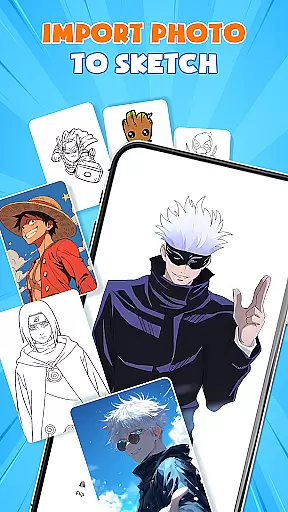
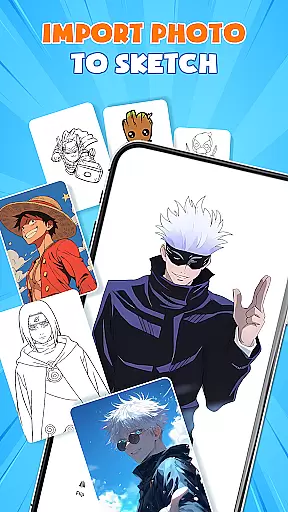
One of the standout features of AR Drawing - Paint & Sketch is its canvas and format flexibility. Artists can import pictures directly from their gallery, adjust opacity, and trace the images effortlessly. This functionality transforms any photo into instant artwork, offering limitless creative freedom. Whether working on digital formats or traditional paper sketches, the app adapts to various artistic needs.
The app supports multiple drawing modes, including AR drawing, painting, and sketching. Users can switch between these modes seamlessly, ensuring that their workflow remains uninterrupted. The ability to adjust size, position, and transparency in AR view adds another layer of customization, allowing for precision in every stroke.
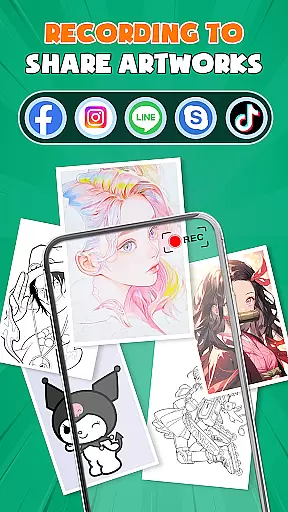
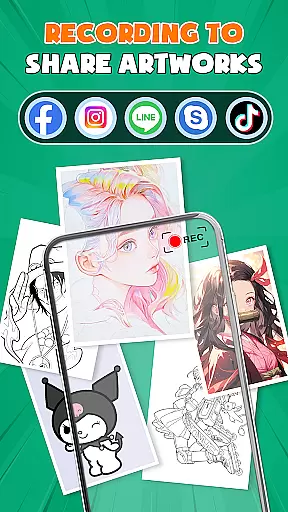
Furthermore, AR Drawing - Paint & Sketch fosters a connected artist community. Users can share their creations, follow other artists, and receive feedback. This collaborative environment not only enhances individual projects but also encourages artistic growth through shared experiences and techniques.
User-friendly interface
Extensive template library
Precise AR tracing
Comprehensive art tools
Active artist community
Requires stable internet
Steep learning curve
Some features are premium
Device compatibility issues
Occasional performance lags

Customizable Outlined Fonts. Watch Face Format. Battery friendly Digital Clock.
 4.20
4.20
Stylish letters, Stylish Keyboard, Symbols, Emojis, Cool nickname
4.40
Create trending AI photos & videos with powerful effects and 3D styles.
3.20
Design your dream room with AI. Get decor ideas & plan home interiors
3.90
Create stylish invitation cards using templates for weddings, birthdays & RSVP.
4.20
Unleash your drawing and painting potential
4.50
Art of Combination Wear OS Watch Faces
4.0
Digital, Abstract, Classic - all types of color wheels in one app!
4.60
Create Logos, Tattoos, AI Art & more with our AI Photo Generator & Design Editor
4.20
Discover Cartoon Dream : Unleash Your Creativity with CuttingEdge AI
4.50
Draw anime & manga drawing, art with templates to create stunning picture!
4.50
Painting, drawing, & sketching
4.50
AI generated images & photos, turn your words into drawing, painting & pictures.
4.30
Remove Background, Magic Eraser, Photo Enhancer, Story Templates, Collage Maker
4.30
Resize photos and print photos in exact size with our powerful photo printer!
3.80
Experience next-gen icons with a modern liquid glass look.
3.60
Meet the magic aı 3d photo generator and smart AI video generator app.
3.20
Create stunning video, photo & magic from text with FlixAI GPT video generator.
3.10
A luxurious gold watch face for an elegant and refined look.
4.5


User Reviews