
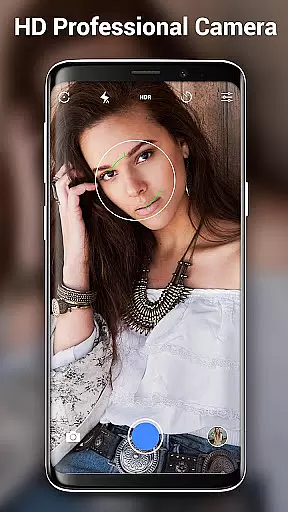
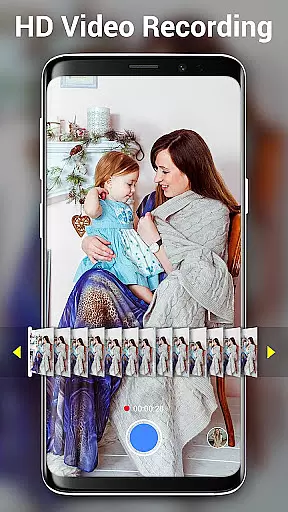

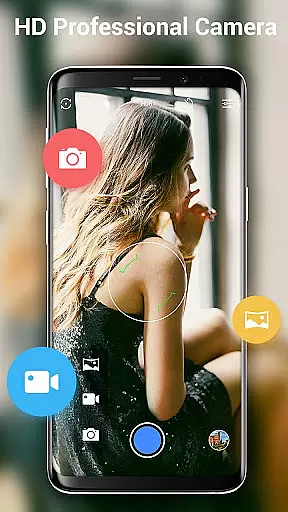
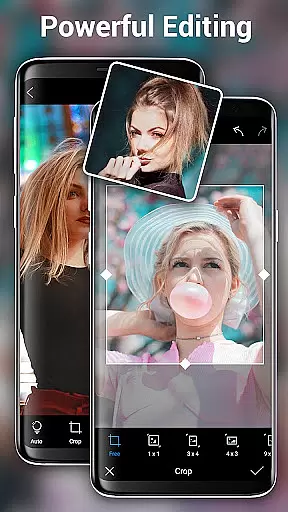
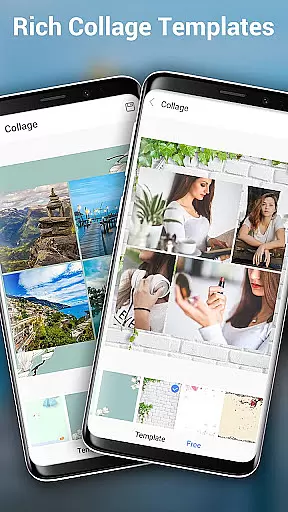
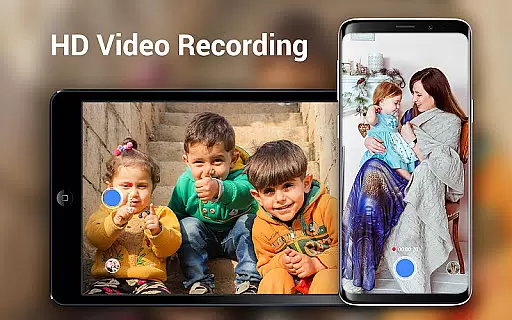
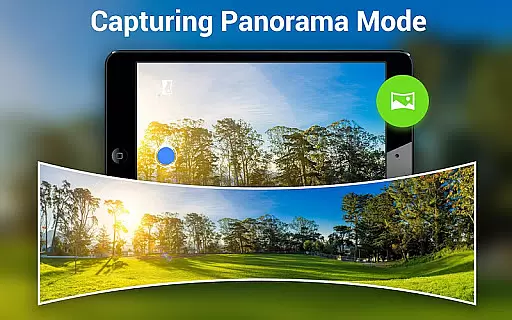
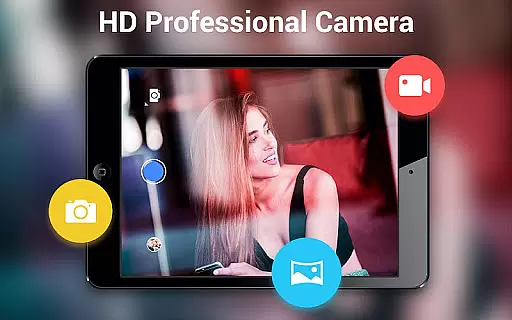
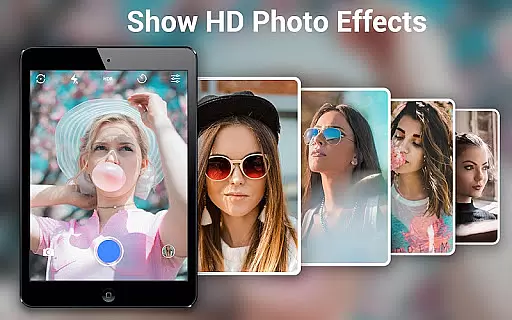
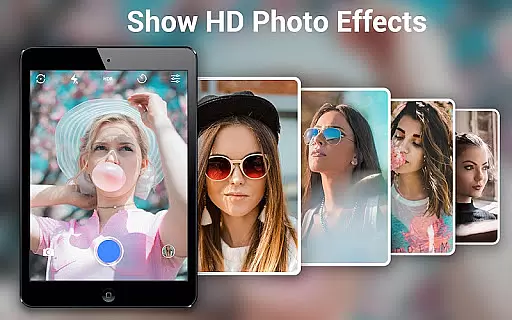
HD Camera Pro Edition is a premium photography application designed for Android users who demand professional-grade features without any advertisements. This app offers a comprehensive suite of tools including Quick Snap, HD video recording, and creative panorama modes such as Photo Sphere. It stands out as an all-in-one solution for capturing high-resolution images and videos, making it ideal for both amateur photographers and professionals.
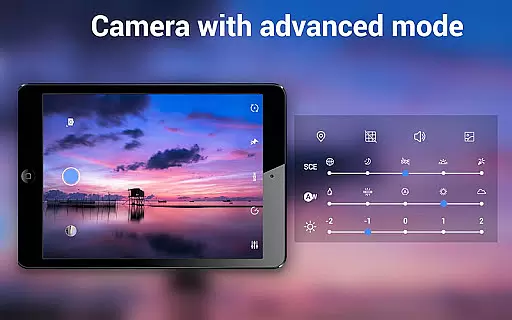
The application excels in providing users with DSLR-like capabilities on their mobile devices. With advanced features like optical and digital zoom, various white balance settings, and time-lapse photography, HD Camera Pro transforms your smartphone into a powerful camera. Its intuitive interface ensures that even beginners can easily navigate through the options while still offering depth for more experienced users to explore.
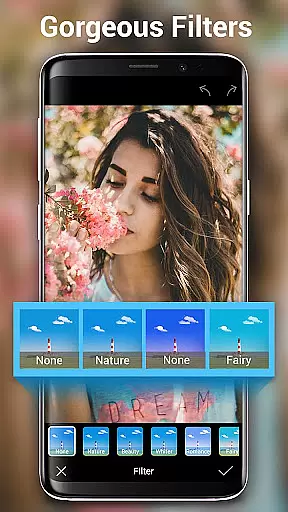
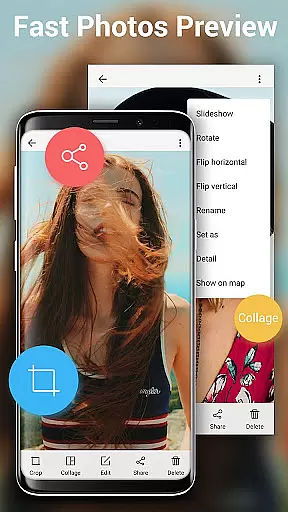
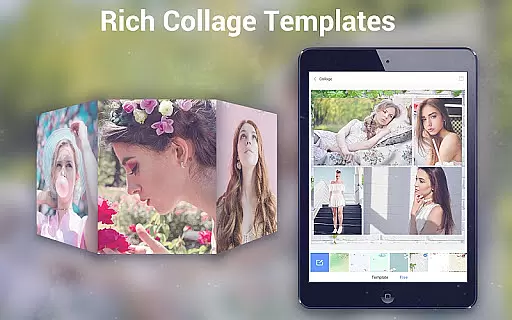
Whether you're taking selfies or shooting landscapes, HD Camera Pro delivers exceptional image quality. The app's beauty camera mode enhances portraits, while its built-in photo editor allows for cropping and applying filters. This makes it perfect for anyone looking to capture stunning visuals right from their phone, ensuring every moment is documented with clarity and style.
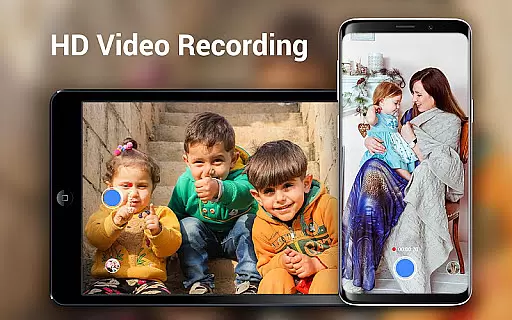
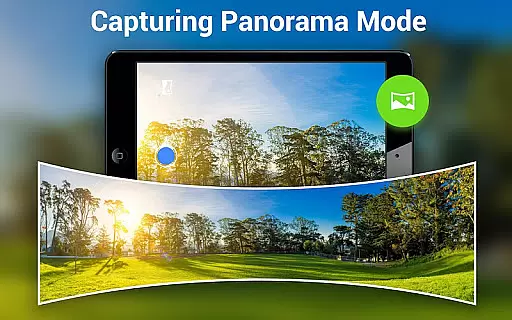
HD Camera Pro boasts an impressive array of features tailored to meet the needs of photography enthusiasts. One standout feature is its support for high-definition video recording, allowing users to capture crisp and clear footage. Additionally, the app includes specialized modes such as Panorama and Photo Sphere, enabling unique perspectives that go beyond traditional photography.
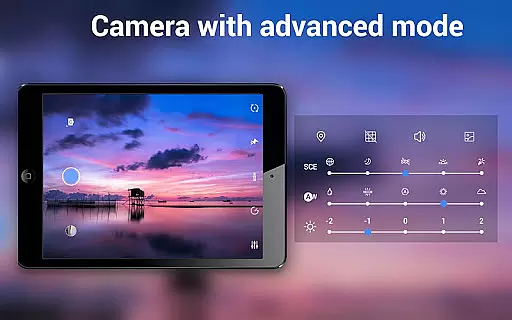
The app also provides extensive customization options. Users can adjust settings like white balance (Auto, Incandescent, Fluorescent, Daylight, Cloudy) and utilize timers for auto-shooting photos and recording videos. These functionalities ensure optimal performance in various lighting conditions and scenarios, enhancing the overall user experience.
Another remarkable aspect of HD Camera Pro is its focus capabilities. With options for optical/digital zoom and tap-to-focus, users can achieve precise control over their shots. Moreover, the inclusion of beauty camera modes and filters adds a creative touch to portraits, making this app not just functional but also fun to use. Whether capturing everyday moments or artistic compositions, HD Camera Pro empowers users to unleash their creativity.
Real-time capture and preview functionality is essential for ensuring that every photo or video taken with HD Camera Pro Edition meets the user's expectations. This feature allows users to see exactly what the camera sees, in high definition, before they take a shot. The immediacy of this feedback empowers users to make necessary adjustments on the fly, ensuring optimal lighting, framing, and focus.
HD Camera Pro leverages your device's hardware capabilities to provide an instantaneous and accurate preview of your subject. Whether capturing a serene landscape or a dynamic event, the app ensures that each moment is framed perfectly. With real-time filters and effects, users can apply creative touches to their images or videos even before capturing them, enhancing the photographic experience.
The value of real-time capture and preview extends beyond just taking better photos; it also significantly contributes to a more engaging and interactive photography process. Users can experiment with different settings and modes, such as panorama or HD video, seeing the results instantly. This immediate visualization aids in learning and mastering the art of photography, making HD Camera Pro Edition not only a tool for capturing moments but also for developing one's skills.
AI Beauty and Enhancement features in HD Camera Pro Edition are designed to elevate the quality of selfies and portraits by intelligently applying enhancements that maintain the natural essence of the subject. In today's digital age, where social media presence is pivotal, having a tool that can subtly enhance features without appearing artificial is invaluable. HD Camera Pro uses advanced algorithms to analyze facial features and apply enhancements that complement the user's natural beauty.
This application goes beyond simple beautification by offering nuanced adjustments such as skin smoothing, blemish removal, and eye enhancement, all while preserving the authenticity of the original image. The AI-driven processes ensure that every modification enhances the photo naturally, avoiding the over-processed look that plagues many selfie cameras. Users can trust that their edited photos will reflect a polished yet genuine version of themselves.
By integrating AI beauty enhancements, HD Camera Pro Edition caters to users who seek professional-quality edits directly from their mobile devices. This feature not only boosts confidence when sharing photos online but also saves time that would otherwise be spent on post-processing. The result is a seamless blend of technology and artistry, empowering users to present their best selves to the world without compromising on natural appearance.
User-friendly interface
High-quality image output
Extensive feature set
No advertisements
Versatile shooting modes
Premium pricing
Resource-intensive
Limited free trial
Occasional bugs
Steep learning curve

Photo Album Watch Face shows your favorite pictures as a Watchface.
 1.90
1.90
How would you look like with a differently shaped nose, chin or lips?
3.90
1M influencer's special filter
4.60
A must-have app for landscape photographers
4.60
Gallery Slideshow is slideshow maker app for slideshow from your gallery photos.
3.90
Movie camera, supports pro recording settings for filming. Try it and be amazed!
4.50
Create amazing frames with up to five photos. Rounded corners, effects and more!
3.60
Luminar: Photo Editor - easy picture editing with AI
4.20
Edit photos with the picture generator: PS2 & AI Clay filters, cartoon effects.
4.50
Photo prints, cards, & gifts at Walgreens. Easy ordering & fast local pickup !
4.80
Discover & download millions of art for The Frame TV or Hisense CanvasTV
4.60
AI photo editor with hair editor, retouch tools, hair color changer & filters!
4.50
[3DSteroid Pro] is a stereoscopic application for Android.
4.30
Professional camera app that brings DSLR manual photography controls to Android.
4.20
Photobooth mini FULL app will allow you to add more fun to your parties
4.00
Turn photos into cartoons & avatars! - Photo Editor, Cartoon Face!
3.90
Application for remote controlling DSLR
3.00
Raw Image Viewer. Gallery with support of raw images (.cr3, .cr2, .nef, .raf).
2.00
Remote control the phone camera shutter from your smartwatch and take a picture
1.60


User Reviews