
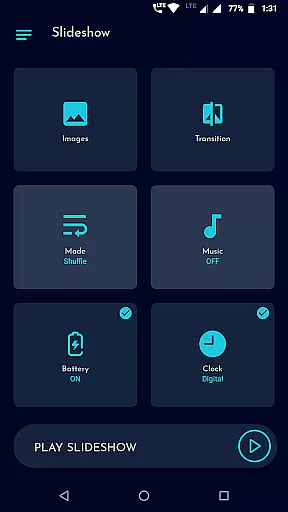
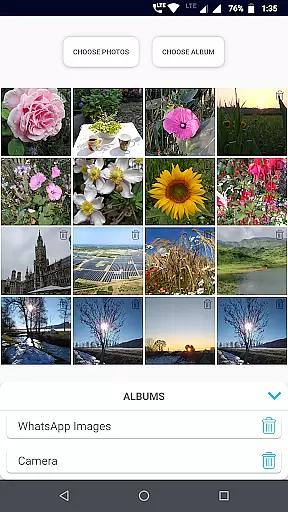
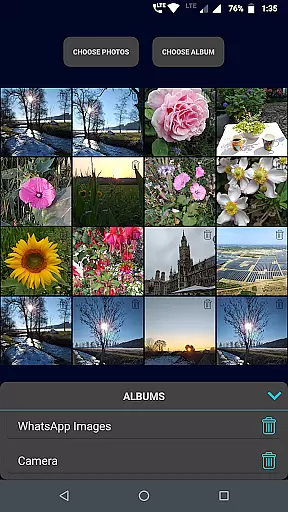
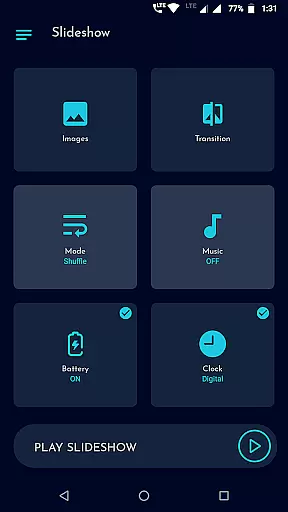
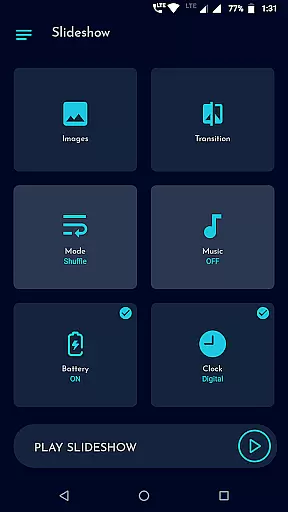
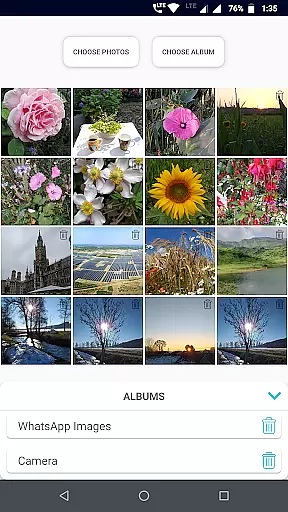
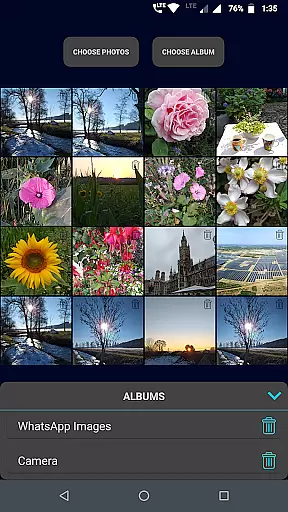
Gallery Slideshow is a photography app designed to display your gallery photos as dynamic slideshows on your phone screen. With background music and cool transition effects, it offers an engaging way to view your cherished memories. Unlike video editing or slideshow maker apps, this tool focuses purely on presenting your existing photos in an attractive format without generating new media files.
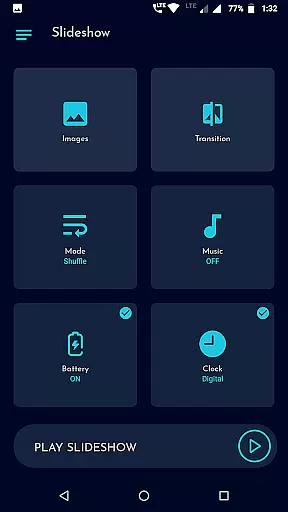
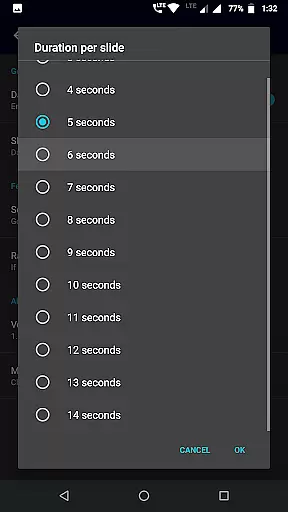
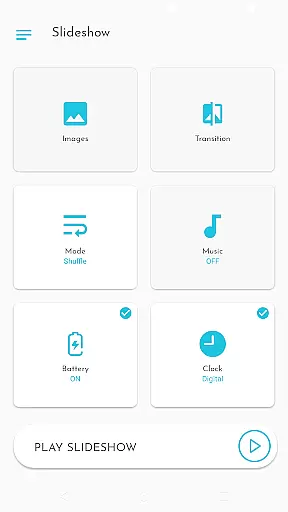
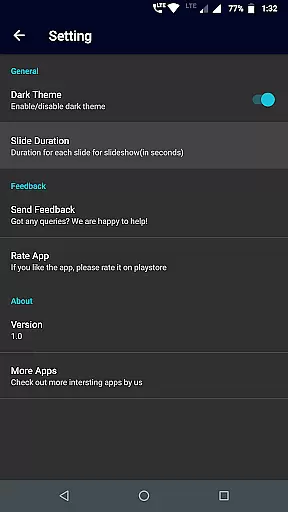
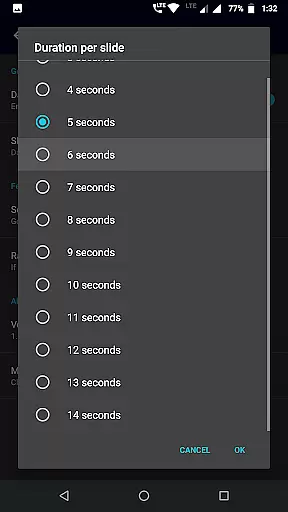
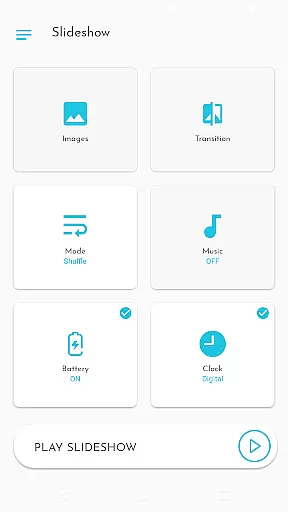
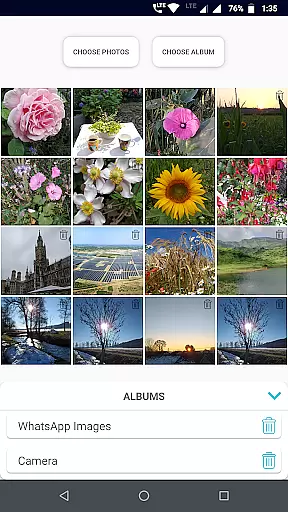
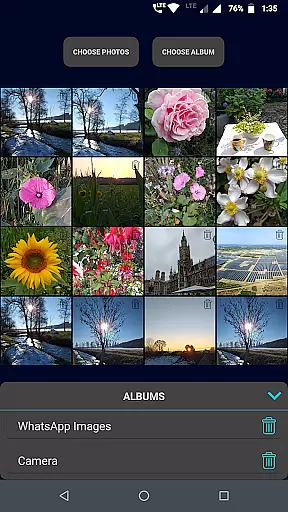
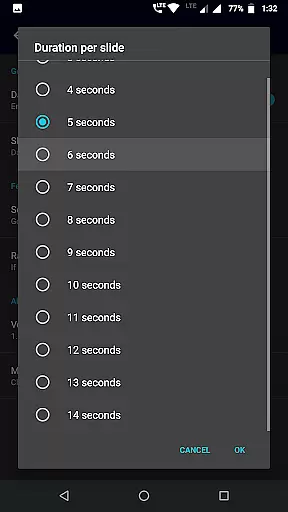
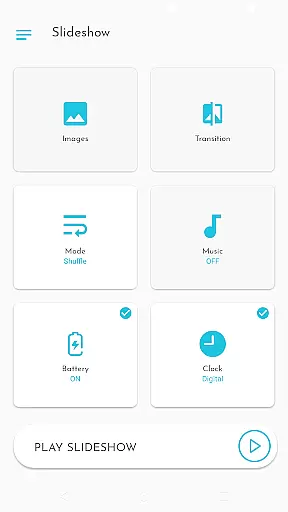
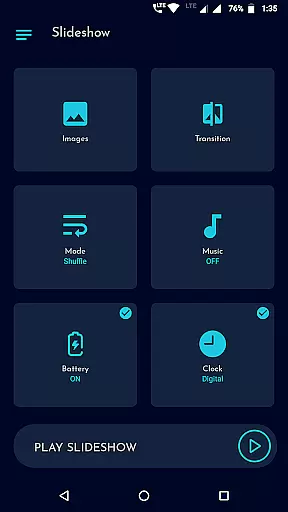
The app allows users to select multiple photos individually or entire folders for the slideshow. It includes features like shuffle mode, battery percentage display, clock options (digital/analog), and adjustable durations between slides. Whether you want to relive personal moments or showcase images with friends, Gallery Slideshow provides a seamless experience tailored to enhance photo viewing.
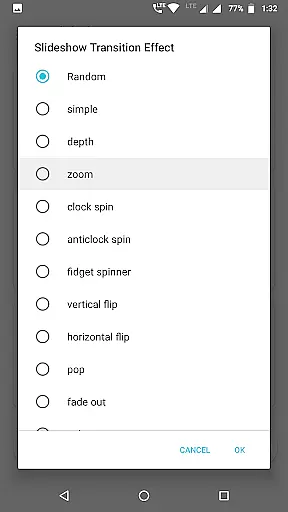
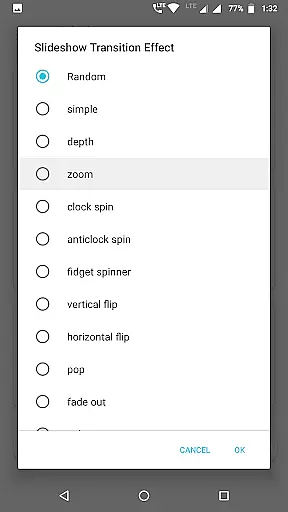
Gallery Slideshow stands out with its user-friendly interface and customizable options. Users can choose from many cool transition effects that make each photo change visually appealing. The app supports both sequential and shuffle modes for displaying photos, catering to different preferences in organizing visual content.
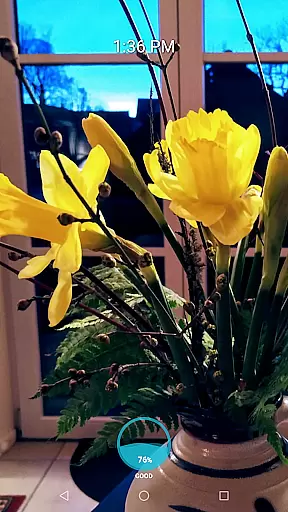
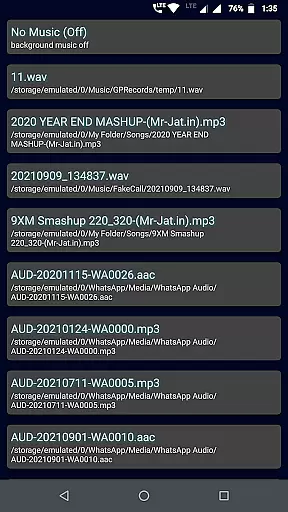
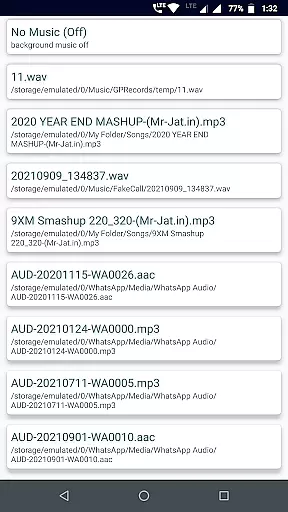
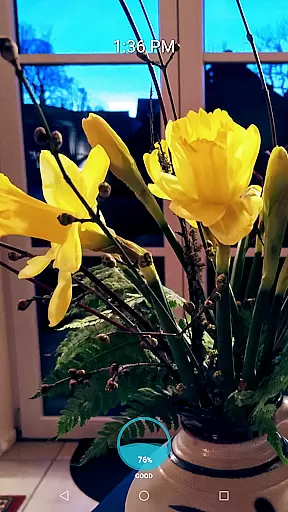
Another notable feature is the ability to add background music, which enhances the emotional impact of the slideshow. Additionally, users can enable practical overlays such as showing battery percentage, digital or analog clocks, or both during the presentation. These thoughtful additions ensure that while enjoying their photos, users remain informed about time and device status without interruptions.
Real-time capture and preview functionality is essential for photography apps as it allows users to see exactly what the camera is capturing. Gallery Slideshow offers a unique take on this feature by enabling users to view their selected photos with added elements such as music and transitions.
The app provides an immersive experience where users can create a dynamic viewing session of their gallery images, enhanced with background music and transition effects. This real-time preview of photos in a slideshow format brings static images to life, offering a fresh perspective on one's photo collection.
Users benefit from the ability to customize their viewing experience with options like shuffle or sequence order, clock display, and battery percentage visibility. These features ensure that each slideshow is not only visually appealing but also personalized to individual preferences.
While Gallery Slideshow does not focus on AI beauty enhancements typically found in photo editing apps, it emphasizes natural presentation and user engagement through its core functionalities. The emphasis is placed on showcasing photos in their original form while adding tasteful enhancements such as transitions and music.
The application includes various transition effects that add a touch of elegance to each photo change during the slideshow, simulating a professional presentation without altering the image content itself. This approach respects the authenticity of the captured moment while elevating the viewer's experience.
By allowing users to select durations between slides and choose from multiple transition styles, Gallery Slideshow ensures that the enhancement features complement rather than overshadow the photographs. This results in a natural and enjoyable viewing experience that highlights the beauty of the original images.
User-friendly interface
Customizable transitions
Background music support
Battery percentage display
Clock overlay options
No video generation
Limited editing tools
No status maker features
Basic photo selection
Few advanced settings

Safe & smart flight with Go Fly drone controller for 40+ drone camera, zone map
 4.50
4.50
HD Photo gallery and photo manager to edit, hide private photos, videos & albums
4.3
Natural Beauty, Selfie Retouch
4.30
Perfect body tune & face app - photo retouch, makeup, slim body & beautify face.
4.80
Be your best in every shot! Fix, edit and retouch your face in selfies & photos.
3.70
Take videos and pictures with the popular TikTok TIME WARP SCAN filter.
4.60
Superimpose one photo on top of another using the original Superimpose app!
3.20
HD Camera Pro with HD Video shooting, Panorama, Photo editor , Beauty Camera.
4.50
Enhance, upscale, and transform your images — on your device, without limits
4.70
Create funny photos and videos with the popular Time Warp Scan filter.
4.90
Your personal guide to the sun and moon. Plan ahead, visualize and predict!
4.70
The original Rarevision VHS look seen everywhere!
4.70
RAW video capture with advanced controls
4.40
AI portrait generator and polaroid AI selfie, fun AI generated AI photo creator!
4.30
Luminar: Photo Editor - easy picture editing with AI
4.20
A light meter for true photographers.
4.20
USB Storage Access for Photos, Videos, Music and Documents
3.80
Hair color changer, AI haircut app, fun hair editor and buzz cut filter for all!
3.80
Add a dreamy vibe to your selfies and videos with soft style filters
4.1


User Reviews