
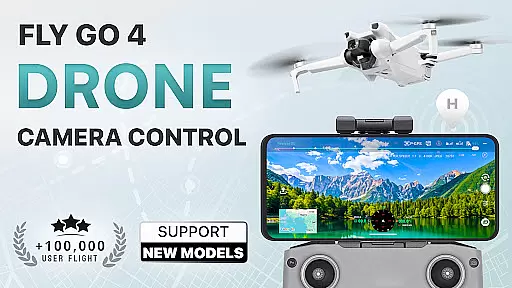
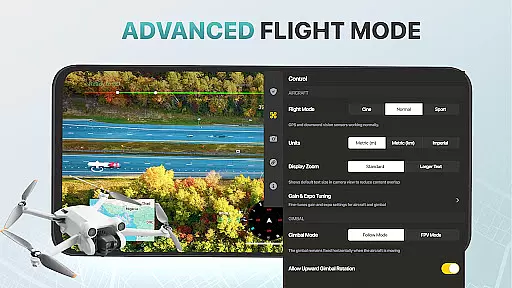
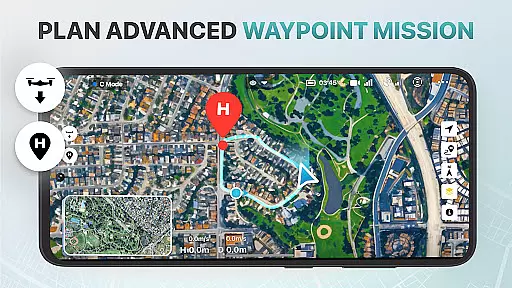
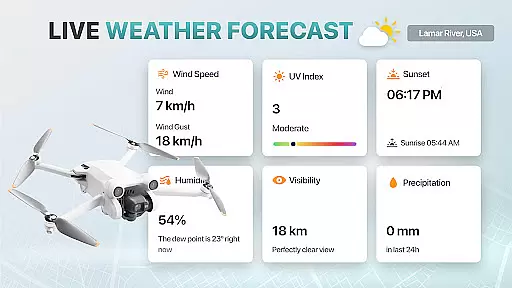
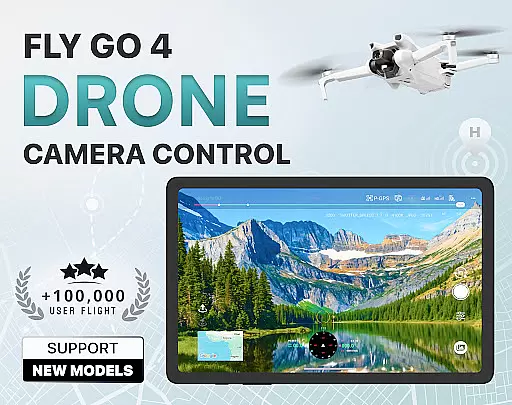
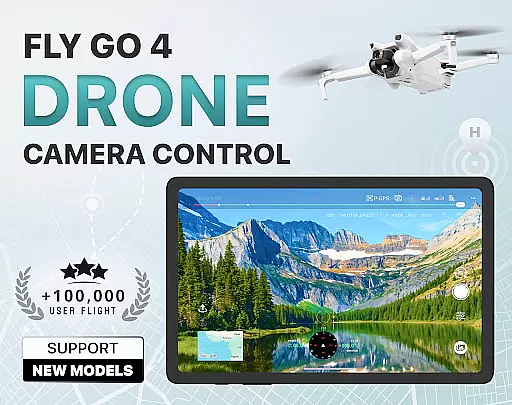
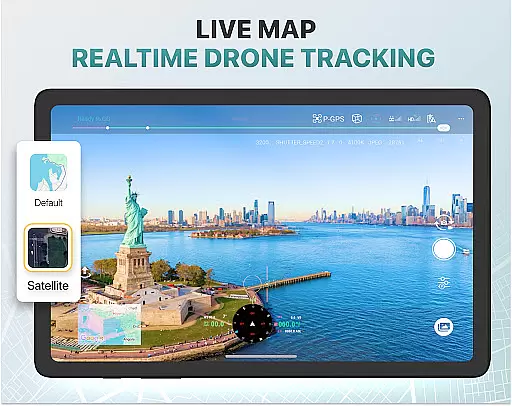
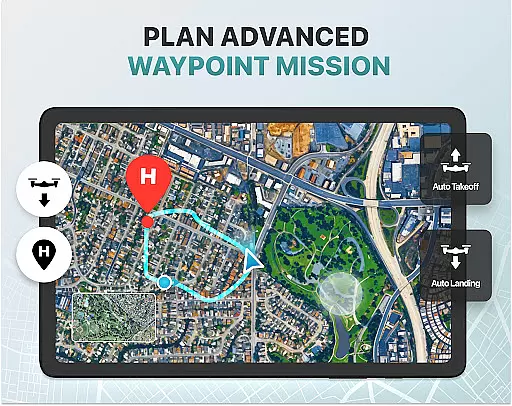
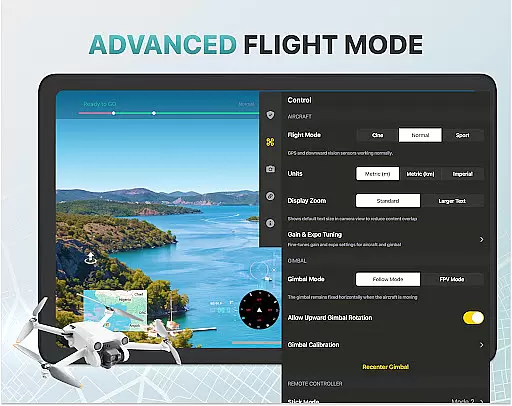
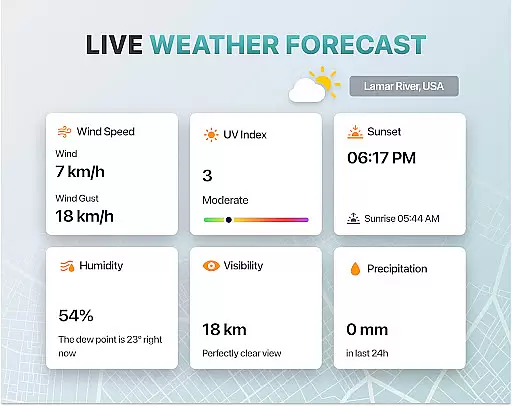
Fly Go 4 Drone Camera Control is a comprehensive drone management app designed for both amateur and professional drone pilots. This app provides seamless control over various drone models, including UAVs, flycams, and other devices, ensuring an optimal flying experience. With features like real-time weather updates, no-fly zone alerts, and intuitive flight modes, users can safely operate their drones while capturing stunning aerial footage.
One of the standout capabilities of Fly Go 4 is its advanced camera control functionality. Users can access a lag-free live video feed directly on their phone screens, enabling precise gimbal adjustments and exposure settings. Additionally, the app supports smart media export, allowing users to transfer high-quality files effortlessly. Whether you're a beginner learning through step-by-step tutorials or an experienced pilot utilizing advanced flight modes, this app caters to all skill levels.
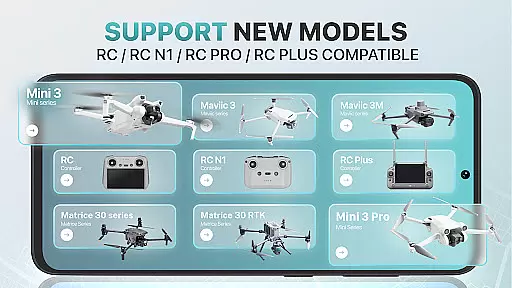
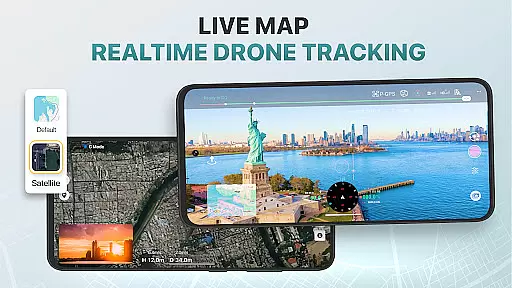
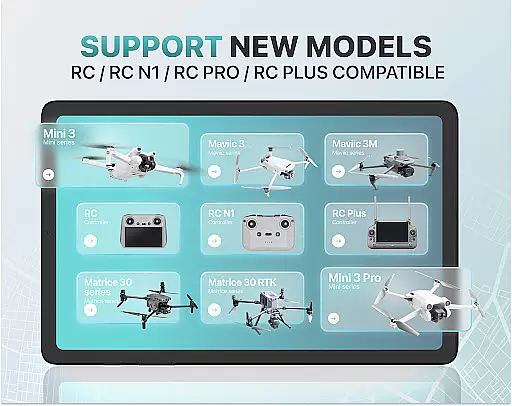
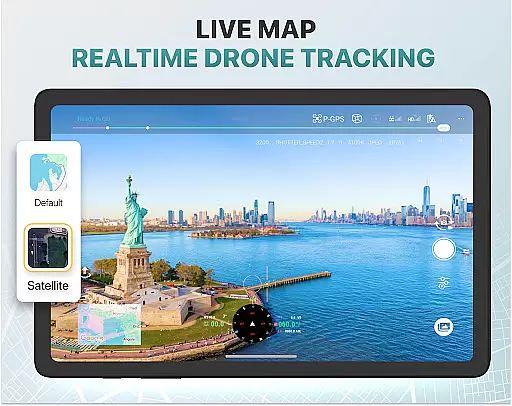
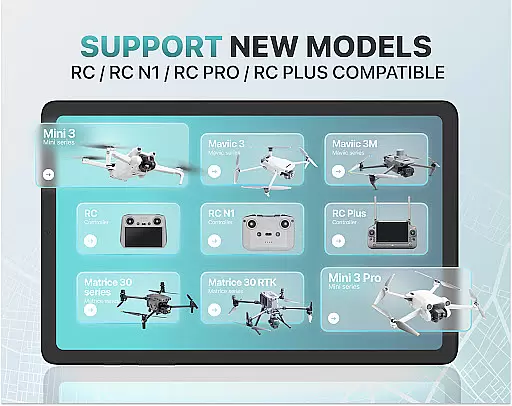
The app's compatibility with popular drone models such as DJI Mini 3, Matrice 350 RTK, and Mavic 3 Enterprise Series makes it versatile for a wide range of users. Its GPS tracking feature ensures that even in emergencies, locating your drone remains straightforward. Overall, Fly Go 4 empowers users to maximize their drone's potential while maintaining safety and ease of use.
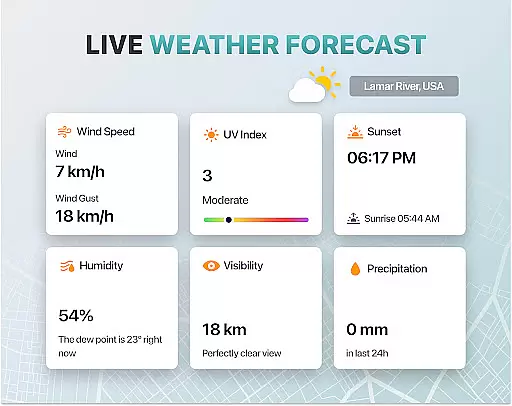
Fly Go 4 Drone Camera Control offers a rich set of features tailored to enhance the drone flying experience. One of its key highlights is the ability to capture panoramic images and videos using the drone's camera. This feature allows users to create breathtaking visuals, all controllable from their smartphone screen. The app also includes a real-time weather forecasting tool, which helps pilots avoid adverse weather conditions during flights.
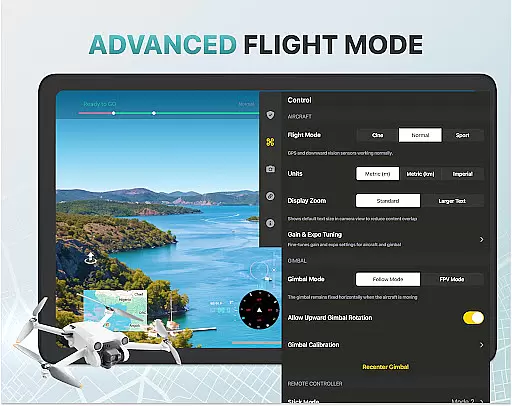
Another notable feature is the no-fly zone alert system. This functionality keeps users informed about restricted airspaces, such as areas near airports or military bases, ensuring compliance with aviation regulations. Additionally, the app provides advanced drone control options, including gimbal direction adjustment and exposure graph tools, giving users detailed command over their drone's camera settings.
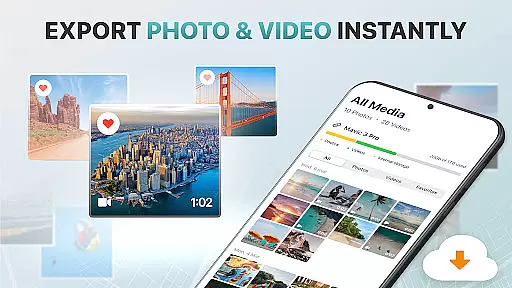
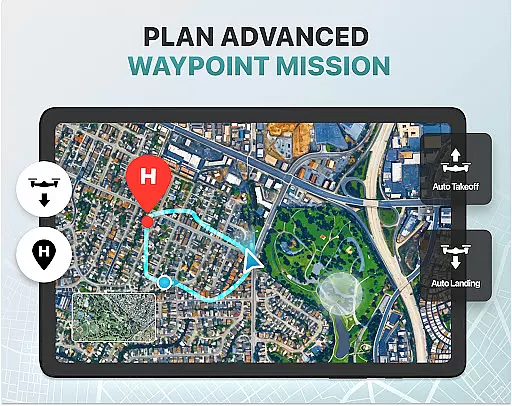
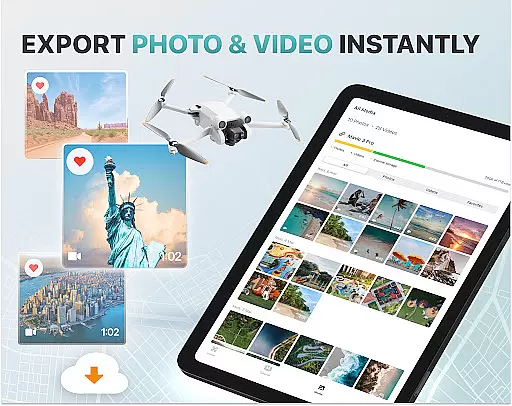
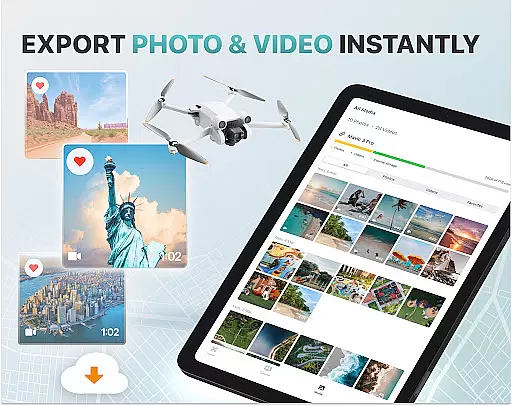
For convenience, Fly Go 4 includes smart media export and home point functionality. The media export feature supports multiple high-quality file formats, making sharing and editing captured footage simple. Meanwhile, the home point setting ensures the drone returns to a safe location in case of low battery or signal loss. These practical features make Fly Go 4 an indispensable tool for drone enthusiasts seeking both creativity and security in their flights.
Real-time capture and preview functionality is essential for drone photography, allowing users to see exactly what their drone's camera is capturing as it happens. The Go Fly Drone Controller Pro app excels in this area by providing a seamless live video feed directly to your phone screen.
This feature ensures that every shot or video taken with the drone is precisely framed and composed according to the user's vision. With lag-free transmission, pilots can make real-time adjustments to capture the perfect moment without any delay between the drone's actions and the video displayed on their device.
Furthermore, the app supports advanced camera settings, such as exposure control through an on-screen graph, which empowers users with detailed command over how their footage looks. This level of precision enables both amateur and professional photographers to produce high-quality content with confidence.
The ability to monitor and adjust gimbal direction also adds another layer of creative freedom, ensuring smooth transitions and stable shots even when the drone is in motion. By delivering a responsive and intuitive interface for controlling these aspects, Go Fly Drone Controller Pro enhances the overall photographic experience.
While primarily designed for drone control, the Go Fly Drone Controller Pro app incorporates AI beauty and enhancement features that bring out the best in captured images without compromising naturalness. These intelligent tools work behind the scenes to optimize photo quality while maintaining authenticity.
Users will appreciate how these enhancements subtly improve image clarity, color balance, and dynamic range, making each aerial photograph stand out. Unlike heavy-handed filters, the AI algorithms are tuned to preserve the original scene's integrity, offering enhancements that complement rather than overwhelm.
In addition to beautifying stills, the app facilitates media export in various formats, streamlining post-production workflows. Whether sharing online or editing further, creators can be confident that their visuals retain a lifelike appearance thanks to the thoughtful application of AI technology.
By focusing on enhancing natural beauty rather than altering reality, Go Fly Drone Controller Pro ensures that every piece of content produced remains true to its source, empowering users to share stunning yet genuine representations of their flights.
Wide drone model support
Real-time camera feed
Intuitive flight modes
Comprehensive weather updates
Efficient media export
Premium subscription required
Not an official app
Limited free trial
Advanced features may overwhelm beginners
Occasional GPS inaccuracies

AI portrait generator and polaroid AI selfie, fun AI generated AI photo creator!
 4.30
4.30
Photo editor: face & body editor, beauty cam, filters and quality enhancer.
4.00
How would you look like with a differently shaped nose, chin or lips?
3.90
Pet Camera
3.70
Photo editor & gallery. Crop pictures & edit photos offline, no wifi!
4.50
Raw Image Viewer. Gallery with support of raw images (.cr3, .cr2, .nef, .raf).
2.00
GCamera allows all GCam features on all phone models! Better photos with GCamera
3.30
Unlock the full potential of your DJI drone with Litchi
4.50
A unique animation app. Powerful, easy to use, and lots of fun.
4.30
See your baby AI baby face generator AI baby maker Face generator babymaker fun!
4.70
1M influencer's special filter
4.60
Easily create custom gifts, cards, photo books & more on the Shutterfly app!
4.60
Movie camera, supports pro recording settings for filming. Try it and be amazed!
4.50
Easily stitch panoramas from multiple photos or video.
4.40
Edit like a pro with Hypic. Apply filters, AI effects, & magic touch.
4.40
Natural Beauty, Selfie Retouch
4.30
Professional camera app that brings DSLR manual photography controls to Android.
4.20
Hair color changer, AI haircut app, fun hair editor and buzz cut filter for all!
3.80
An interval timer to automate photo taking process for timelapse
2.90


User Reviews