
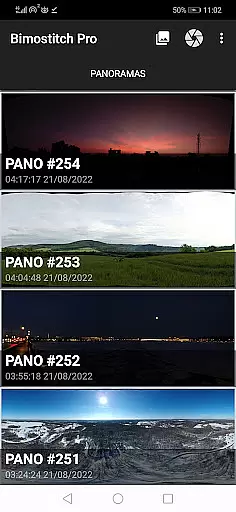
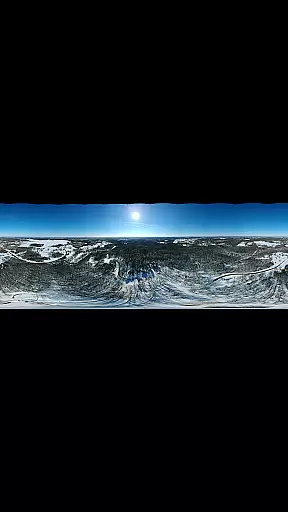
Bimostitch Panorama Pro is a powerful photography app designed for creating high-resolution panoramic images directly on your mobile device. The app utilizes advanced on-device stitching algorithms to automatically align, match, and blend overlapping photos into stunning panoramas. Whether you're capturing landscapes, cityscapes, or 360-degree views, this tool ensures professional-quality results without the need for bulky equipment or post-processing on a computer.
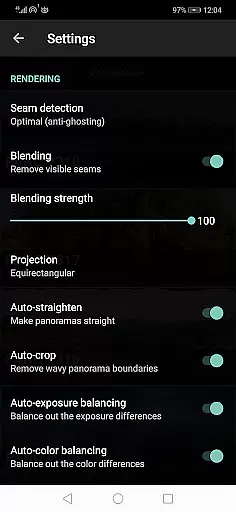
One of the standout features of Bimostitch Panorama Pro is its versatility. Users can stitch single-row, multi-row, vertical, horizontal, and even 360-degree photospheres. With support for up to 200+ overlapping images, the app allows for ultra-high resolution outputs of up to 1 Gigapixel. Additionally, it offers pro-level controls such as auto-exposure balancing, seam detection modes, and lens distortion compensation, making it suitable for both amateur photographers and professionals seeking precision in their work.
The app's offline functionality and compatibility with various photo sources, including DSLR cameras and drones, make it an ideal choice for photographers who require flexibility and convenience. By enabling users to create impressive panoramas while on the go, Bimostitch Panorama Pro transforms how panoramic photography is approached, offering a seamless blend of power and portability.
Bimostitch Panorama Pro stands out with its comprehensive set of features tailored for panoramic photography enthusiasts. At its core, the app provides automatic stitching capabilities that work seamlessly with overlapping photos captured from any source, including DSLR cameras, drones, or smartphone cameras. Its intelligent algorithms handle everything from alignment and exposure balancing to straightening and color correction, ensuring that every panorama maintains the quality of the original images.
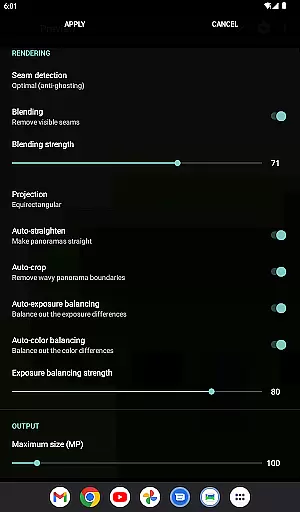
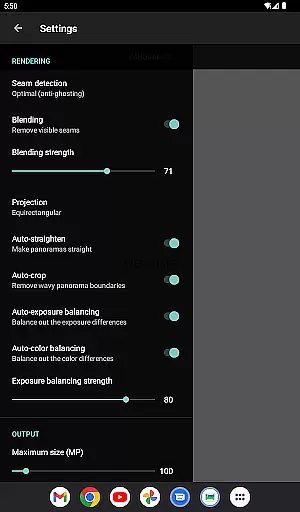
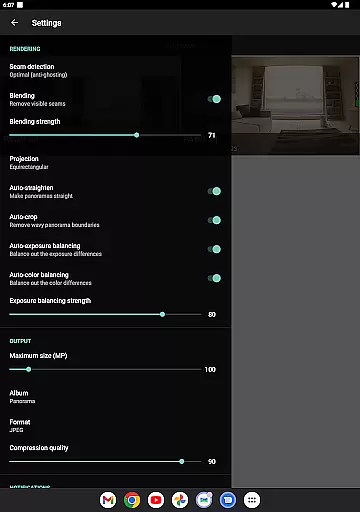
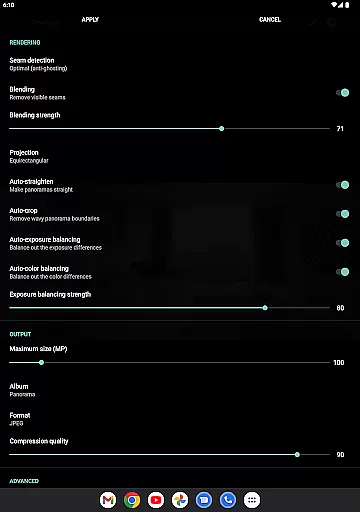
For advanced users, the app offers a range of customizable options. These include adjustable seam detection quality, blending intensity controls, and the ability to fine-tune auto-exposure and color balancing features. Additionally, the app supports multiple output formats (JPEG or PNG) and includes tools for compressing large panoramas to save storage space. A unique feature is the video-to-panorama functionality, which converts videos of panning motions into detailed panoramic images, further expanding creative possibilities.
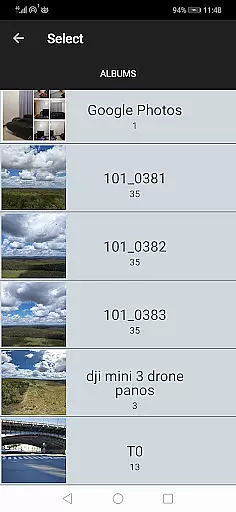
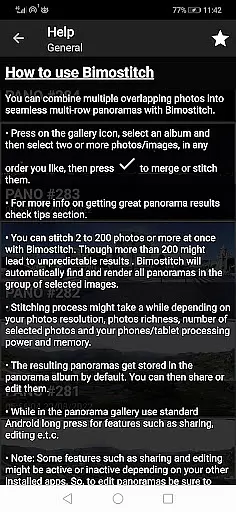
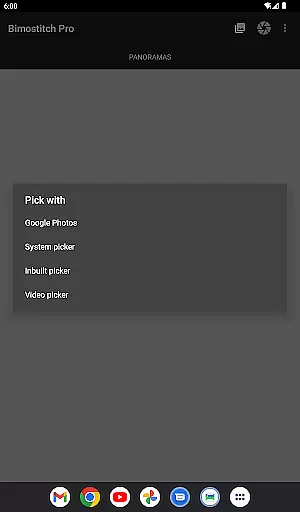
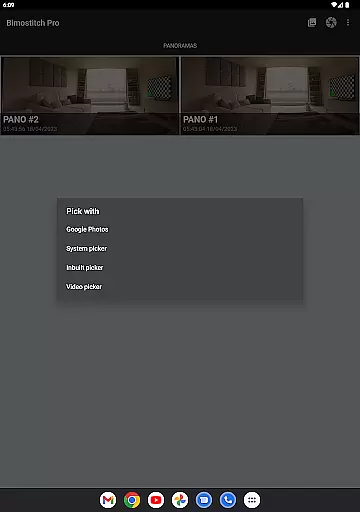
Usability is another key strength of Bimostitch Panorama Pro. The interface is intuitive yet powerful, allowing users to easily select photos via the built-in gallery picker or share images directly from other apps. The app also supports real-time previews, enabling users to view source images during the editing process. With no ads and fully offline operation, Bimostitch Panorama Pro delivers a streamlined experience focused solely on producing exceptional panoramic imagery.
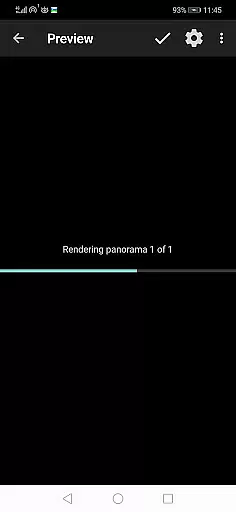
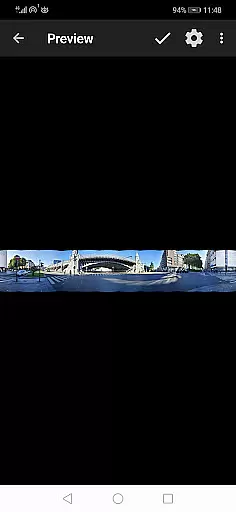
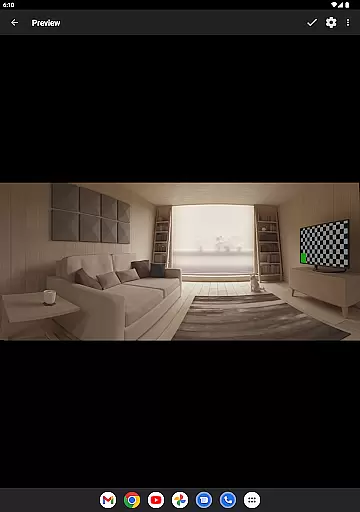
Real-time capture and preview functionality is essential for ensuring that every moment is captured accurately. Bimostitch Panorama Pro offers users the ability to stitch high-resolution panoramas directly on their device, providing immediate visual feedback as they capture overlapping photos. This real-time capability allows photographers to see how their final panorama will look, making it easier to adjust framing or exposure settings.
The app's advanced algorithms work seamlessly to match, align, and blend images into a cohesive panorama. Whether using the built-in photo picker, sharing images from other apps, or capturing shots with a drone, users can trust that the app will deliver precise results. The automatic exposure balancing and straightening features further enhance the preview experience by ensuring consistent brightness and alignment across all frames.
For those who prefer video-to-panorama conversion, Bimostitch supports this innovative feature as well. By shooting a video while panning around a fixed point, users can later extract key frames and merge them into stunning panoramas. This flexibility empowers creators to experiment with different capture methods without sacrificing quality or immediacy.
AI beauty and enhancement features have become increasingly important in photography apps, offering tools that improve image quality while maintaining natural aesthetics. Bimostitch Panorama Pro leverages AI technology to provide auto-color balancing, seam detection modes, and blending intensity controls. These enhancements ensure that stitched panoramas retain the original quality of source photos, delivering ultra-high-resolution outputs of up to 1 Gigapixel.
One standout feature is the auto-lens calibration, which compensates for lens distortion when stitching images captured with wide-angle, ultra-wide-angle, or fisheye lenses. This ensures that panoramas appear true-to-life, without exaggerated perspectives or warped lines. Additionally, users can fine-tune various parameters such as the intensity of auto-exposure and color balancing, allowing for personalized adjustments that suit individual preferences.
Beyond technical precision, Bimostitch emphasizes user convenience. With options to save previews and load them later, photographers can refine their work over time. The app also supports JPEG or PNG output formats, enabling users to compress large panoramas to save space on their devices. Overall, these AI-driven enhancements make Bimostitch Panorama Pro an indispensable tool for creating breathtaking, natural-looking panoramas.
High-quality stitching
Offline functionality
Wide compatibility
Customizable settings
Video-to-panorama feature
Requires 4GB RAM
Premium pricing
Complex for beginners
Limited free features
Processing time varies

Search, tag and rate your way to an organized image gallery
 4.40
4.40
Perfect body tune & face app - photo retouch, makeup, slim body & beautify face.
4.80
Photo prints, cards, & gifts at Walgreens. Easy ordering & fast local pickup !
4.80
Photo editor: AI filters, photo enhancer, pic collage maker, AI art generator.
4.80
Create Business Headshots, Polaroid Filter, Retake Photos,Profile Pics,AI Photos
4.50
Turn your phone into a professional camera - full DSLR manual photography
4.30
A reflected light meter with spot metering and incident light metering.
4.40
See your baby AI baby face generator AI baby maker Face generator babymaker fun!
4.70
Try an anime version, cartoon yourself, and generate AI hug or aging videos!
3.70
Gallery show photo, video, slideshow, is perfect 3D effect private photo albums.
4.80
Android Native system HD camera app. Never been so simple and faster.
4.70
Easily view, share, delete photos with Gallery.
4.70
PhotoSync Bundle Add-On License. Enables all features and services in PhotoSync.
4.60
Create collages easily! Nice pic collage maker & background eraser for Instagram
4.50
Transform photos into videos! Create realistic or anime-style images easily!
4.50
Future baby face generator: AI kids generator, kid face! What my baby look like?
4.40
Smart, light, and fast photo and video gallery
4.30
The #1 app for B&W film developing featuring an advanced darkroom timer.
4.10
Transform Photos: Edit, Beautify and Craft Memories & Make Collages!
4.10


User Reviews