
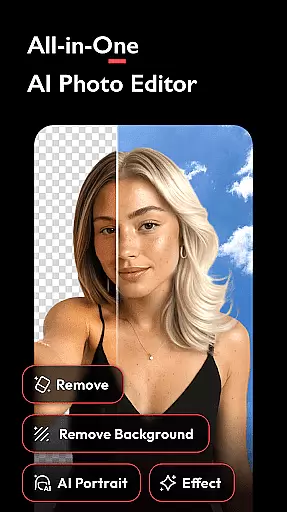


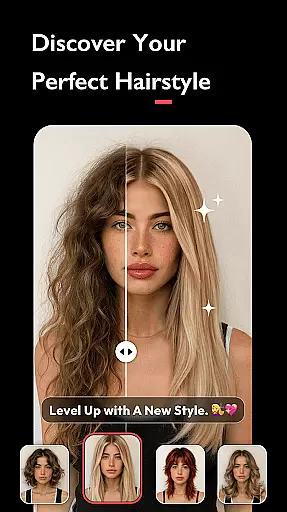
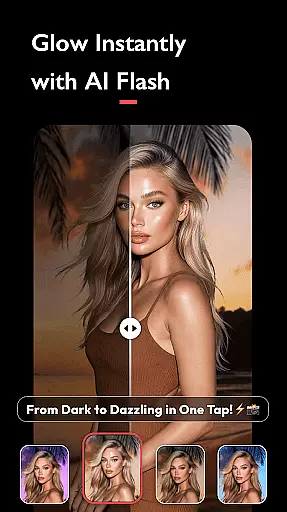
AI Photo Editor - Polish is a powerful photography application that utilizes advanced AI technology to help users transform their photos into professional-grade artwork. The app offers an extensive suite of editing tools including AI filters, photo enhancement, object removal, and portrait generation.
With over 500 AI filters, effects, templates, stickers, and backgrounds, this app caters to influencers, business owners, and everyday creators who want to refine their personal brand or capture creative moments without needing professional skills. Polish supports various use cases from retouching selfies to creating content for social media platforms like LinkedIn, TikTok, and Instagram.
The app's standout feature is its ability to enhance photo quality effortlessly while providing specialized tools such as AI Beautify, Auto Adjust, and Body Tune. These features ensure users can achieve polished results with minimal effort, making it ideal for both casual photographers and professionals alike.
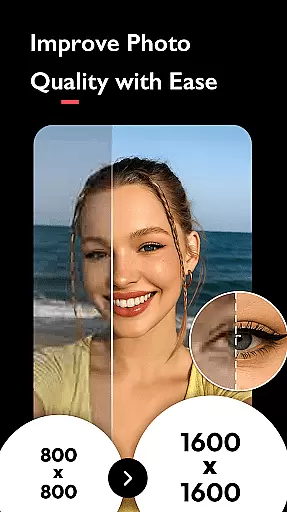
AI Photo Editor - Polish boasts an impressive array of features designed to cater to diverse editing needs. Its AI-powered tools include the AI Photo Enhancer, which upgrades blurry images to HD clarity in one tap, and the AI Remove tool that eliminates unwanted objects seamlessly.
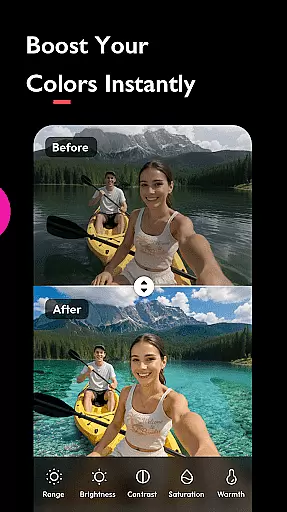
For creative expression, the app provides 100+ customizable filters such as Y2K, VHS, and Glitch, along with HSL color adjustments for brightness, contrast, and saturation. Users can also experiment with advanced options like blending images, adding light effects, and creating collages using up to 18 photos.
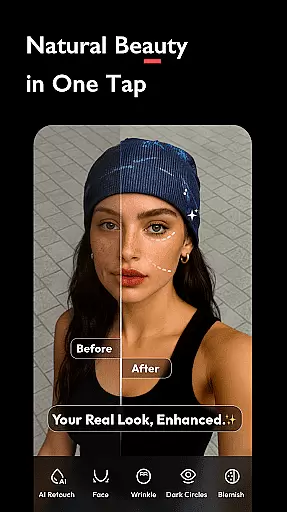
Additional highlights are the AI Beautify function for skin smoothing and facial retouching, and practical utilities like background removal and resizing for social media optimization. This combination ensures versatility for artistic projects as well as professional marketing materials.
Real-time capture and preview functionality is essential for ensuring that users can see the results of applying various AI filters, effects, and adjustments immediately as they edit their photos.
AI Photo Editor - Polish offers an intuitive interface where creators can witness the transformation of their images instantly with features like AI Filters, AI Beautify, and Auto Adjust. This immediate feedback empowers users to make precise modifications, thus enhancing their editing experience.
The app's real-time processing capabilities allow for on-the-fly photo enhancements, enabling users to adjust brightness, contrast, and saturation through HSL color enhancement without any lag. This seamless interaction between the user and the application ensures a fluid creative process.
By delivering instant visual feedback, AI Photo Editor - Polish not only simplifies the photo editing process but also significantly improves user engagement by allowing them to experiment with confidence, knowing they can perfect their images in real time.
The naturalness of AI beauty and enhancement features is crucial for maintaining the authenticity of edited photos while still elevating their quality. With AI Photo Editor - Polish, users have access to sophisticated tools that ensure edits look realistic and preserve the original essence of the image.
This app provides advanced retouching options such as skin smoothing, face tuning, and body shaping which are intelligently designed to enhance features without making them appear artificial or overly processed. The AI algorithms work to create a balanced effect that respects natural proportions.
Moreover, with functionalities like AI Remove and Auto BG Remover, unwanted objects or backgrounds can be eliminated while retaining a lifelike appearance in photos. These intelligent solutions help maintain focus on the subject without compromising on realism.
Ultimately, AI Photo Editor - Polish equips creators with powerful yet subtle enhancement tools that deliver professional-grade results while keeping edits convincingly naturalu2014a key factor in producing compelling visual content across platforms like Instagram and TikTok.
Powerful AI tools
User-friendly interface
Versatile filter options
High-quality photo enhancements
Social media integration
Occasional ads
Premium feature costs
Learning curve for beginners
Limited offline functionality
Heavy on storage

Easily stitch panoramas from multiple photos or video.
 4.40
4.40
What celebrity do you look like? Celebs will find your celebrity match!
4.10
Edit like a pro with Hypic. Apply filters, AI effects, & magic touch.
4.40
Create AI Photos, Improve and restore quality of blurry, old or damaged pics.
4.20
Create amazing frames with up to five photos. Rounded corners, effects and more!
3.60
Professional quality photo edits with the new Snapseed.
4.00
RAW video capture with advanced controls
4.40
Snap photos remotely using your Garmin watch as the camera trigger
4.0
Discover & download millions of art for The Frame TV or Hisense CanvasTV
4.60
Enhance, upscale, and transform your images — on your device, without limits
4.70
Take videos and pictures with the popular TikTok TIME WARP SCAN filter.
4.60
HD Camera Pro with HD Video shooting, Panorama, Photo editor , Beauty Camera.
4.50
Effortlessly organize, view and share your photos & videos with Gallery app!
4.40
A reflected light meter with spot metering and incident light metering.
4.40
AI portrait generator and polaroid AI selfie, fun AI generated AI photo creator!
4.30
Turn your phone into a professional camera - full DSLR manual photography
4.30
Remote control of the phone camera from your Wear OS smartwatch
3.70
Be your best in every shot! Fix, edit and retouch your face in selfies & photos.
3.70
Add a dreamy vibe to your selfies and videos with soft style filters
4.2


User Reviews