
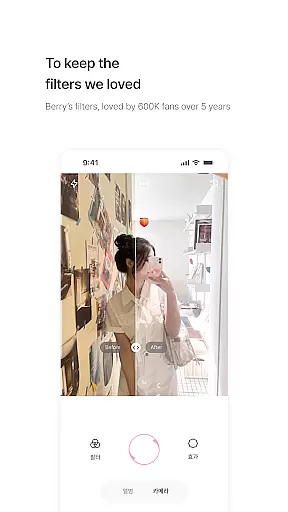
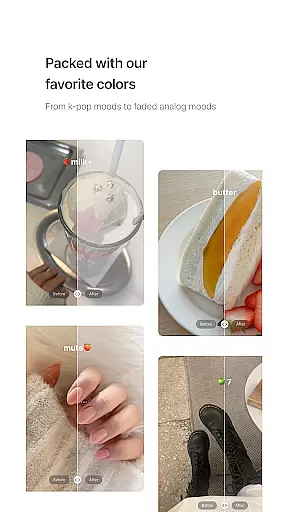
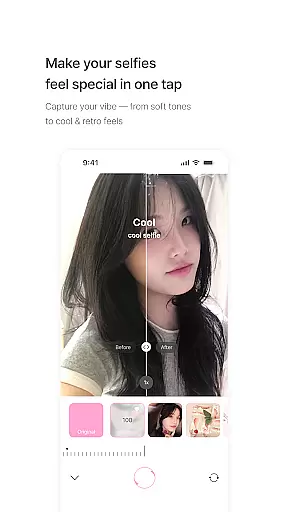
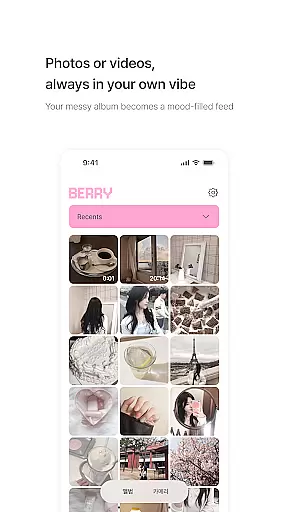
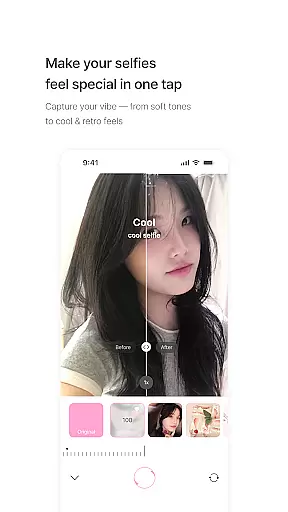
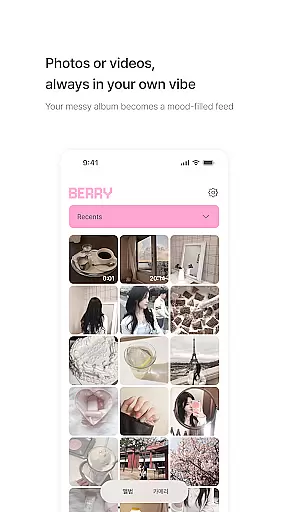
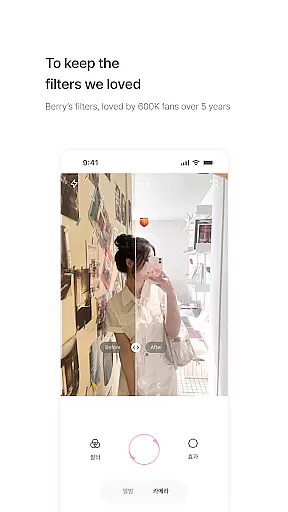
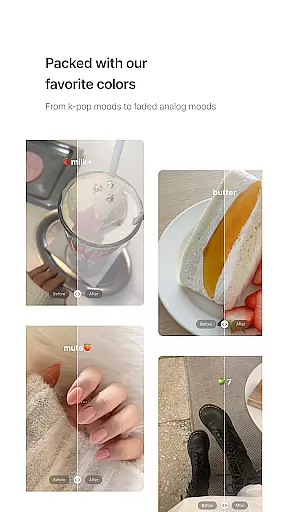
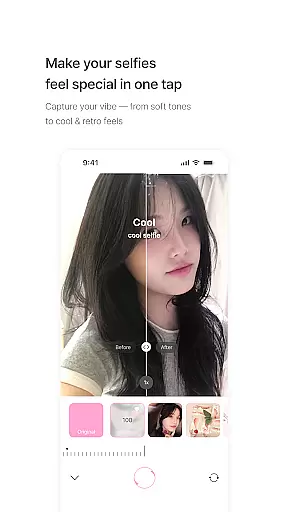
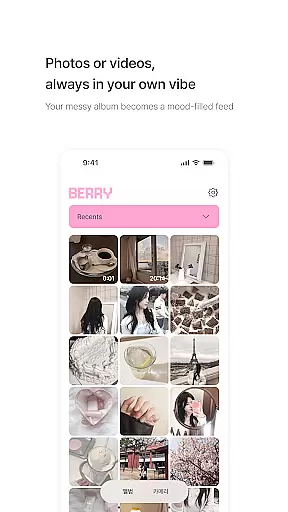
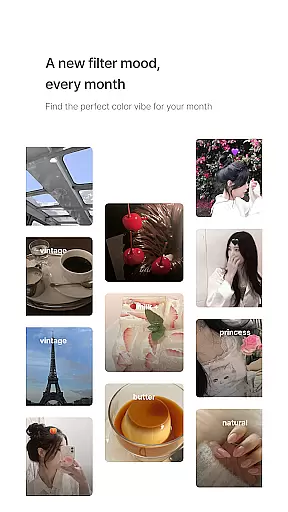
BerryFilm is a photography app designed for users who appreciate soft, natural Korean-style filters. Developed by Berry, a renowned filter creator from South Korea, this app preserves the delicate tones and aesthetics she has crafted over the years. The app offers an array of features including unique filters that range from airy milk tones to vintage moods, transforming both photos and videos into aesthetically pleasing content.
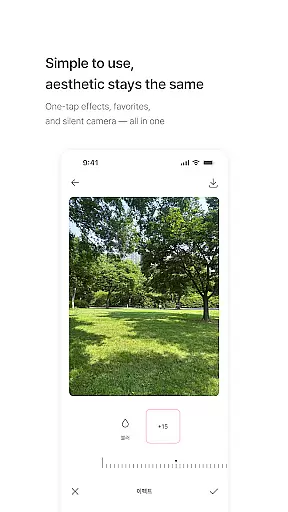
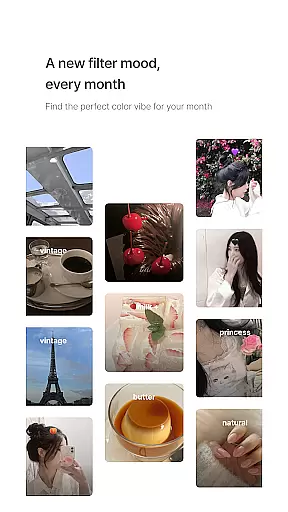
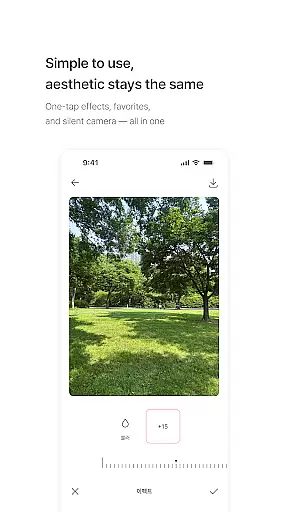
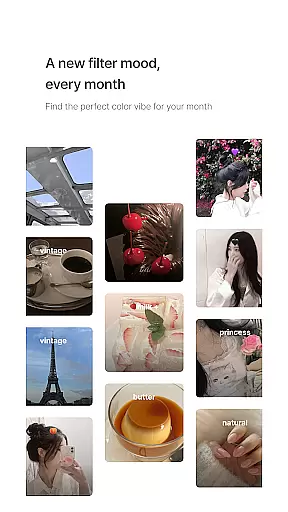
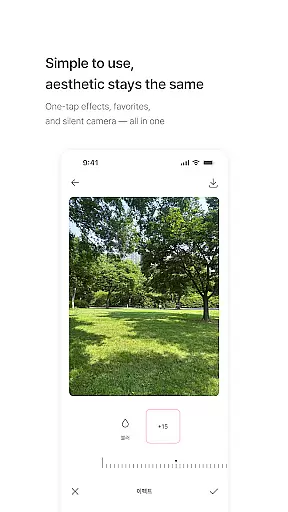
What sets BerryFilm apart is its user-friendly interface that allows one-tap filter application, saving favorite filters, and capturing moments with a silent shutter. Regular updates ensure new filters are added monthly, keeping the content fresh and engaging. Additionally, the app incorporates user feedback for continuous improvement, making it a dynamic tool for photography enthusiasts looking to enhance their visual storytelling.
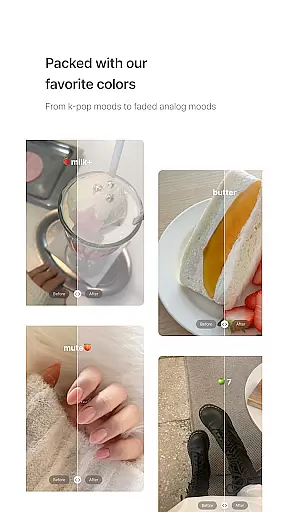
BerryFilm stands out with its meticulously crafted filters that embody the essence of Korean aesthetics. These filters offer a variety of moods such as airy milk tones, cool, warm, and vintage vibes, allowing users to bring out the natural beauty in their photos and videos. Each filter is designed to provide a soft and subtle touch, perfect for those who prefer minimalistic yet impactful edits.
The app's intuitive design ensures ease of use, enabling users to apply filters with just one tap. It also includes practical features like a silent shutter for discreet photo-taking and the ability to save favorite filters for quick access. With plans to introduce skin tone effects and soft lighting features, BerryFilm continues to evolve, promising an ever-improving experience tailored to user preferences and feedback.
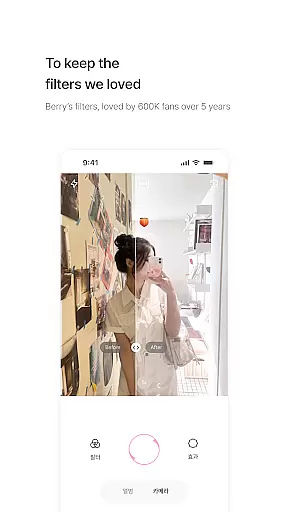
Real-time capture and preview functionality is essential for photography apps as it allows users to see exactly how a filter or adjustment will look before taking the shot. BerryFilm excels in this area by providing an intuitive interface where users can instantly apply one of the many Korean-style filters and see the effect in real time.
The app ensures that each filter, from airy milk tones to vintage moods, is accurately represented in the preview, giving users confidence in the final output. This feature saves time and enhances creativity, letting users experiment with different styles on the fly.
With BerryFilm's real-time capabilities, photographers can fine-tune their images to achieve the perfect soft tone they desire. The ability to preview these adjustments live on the screen is not only convenient but also a powerful tool for those who appreciate meticulous control over their photographic expression.
In the realm of photo editing, AI beauty and enhancement features are sought after for their ability to subtly improve images without making them appear overly processed. BerryFilm incorporates advanced AI algorithms that focus on maintaining the natural beauty of a photograph while enhancing its overall appeal.
Users of BerryFilm can expect skin tones to be enhanced with a gentle touch, preserving authenticity while elevating the image quality. The app's AI works to refine photos with light corrections and minimalist touches that bring out the best in each shot, aligning with modern preferences for realistic yet polished visuals.
This dedication to natural-looking enhancements ensures that every picture edited with BerryFilm retains its original charm, offering users an editing tool that respects the integrity of their photos while still providing the benefits of sophisticated AI technology.
Soft Korean filters
User-friendly interface
Regular filter updates
Incorporates user feedback
Transforms photos and videos
Limited to specific aesthetic
No advanced editing tools
Monthly updates may be slow
Requires internet for updates
Interface may feel too simple

Search, tag and rate your way to an organized image gallery
 4.40
4.40
Virtual makeup, hair filters & body tuner—edit from face to full body!
4.20
Natural Beauty, Selfie Retouch
4.30
Take videos and pictures with the popular TikTok TIME WARP SCAN filter.
4.60
Collage your moments in one tap: 1000+ layouts, filters, stickers, and texts.
4.90
Pro version: AR sun/moon tracker for any date. Tool for photographers & planners
4.90
Professional camera app that brings DSLR manual photography controls to Android.
4.20
Discover & download millions of art for The Frame TV or Hisense CanvasTV
4.60
Solocator stamps photos you take with GPS location, Compass Direction, Date/Time
3.80
A collection of tools and reference tables for DPs, ACs, DITs and Operators.
4.70
Enhance, upscale, and transform your images — on your device, without limits
4.70
Easily create custom gifts, cards, photo books & more on the Shutterfly app!
4.60
Movie camera, supports pro recording settings for filming. Try it and be amazed!
4.50
AI photo enhancer with Sora 2! Enhance, descratch, and colorize your old photos.
4.50
Easily stitch panoramas from multiple photos or video.
4.40
All-in-One Editor & AI Photo Enhancer, Collage, Cartoonify, Funny Stickers & BGS
4.10
How old age camera Gender Swap App Face Shape Hairstyle App Hair Styler App fun!
4.00
GCamera allows all GCam features on all phone models! Better photos with GCamera
3.30
Snap photos remotely using your Garmin watch as the camera trigger
4.3


User Reviews