
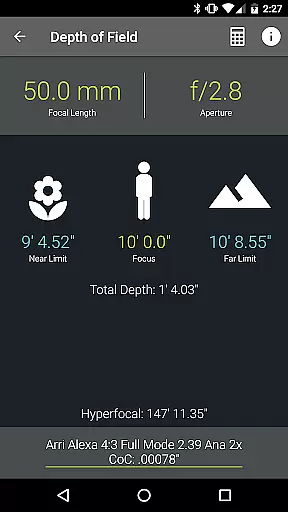
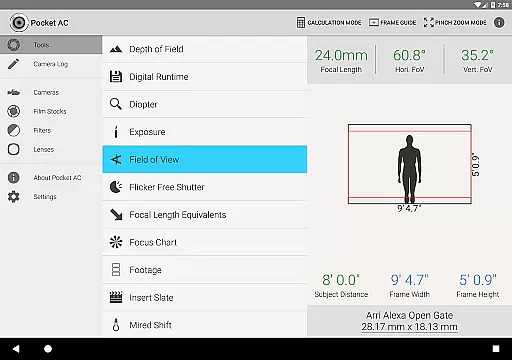
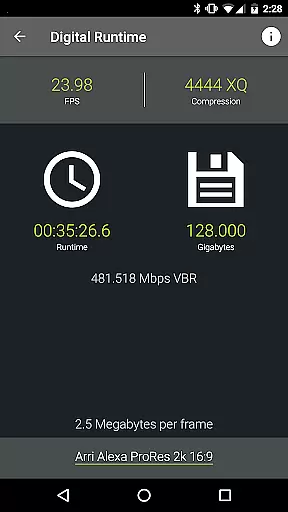
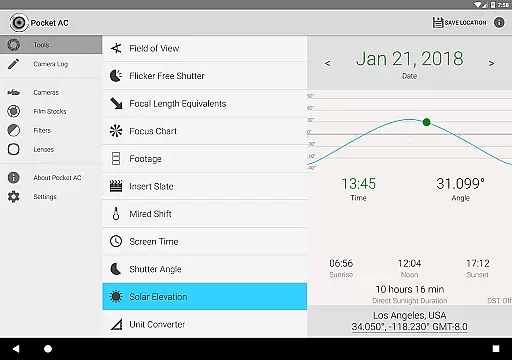
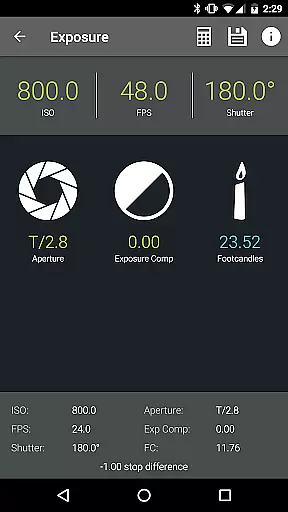
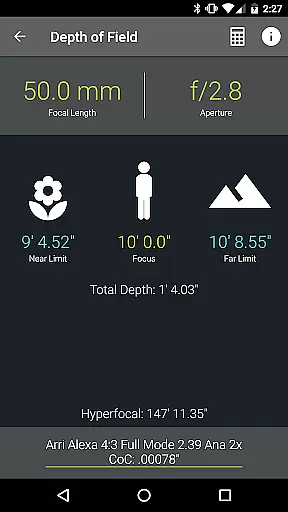
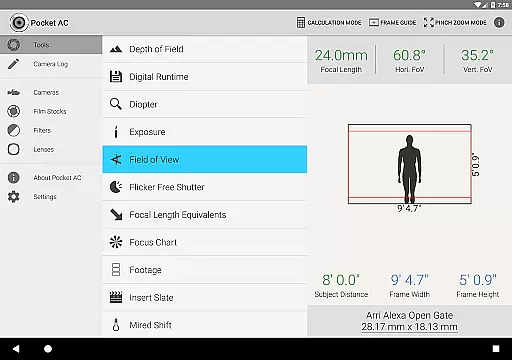
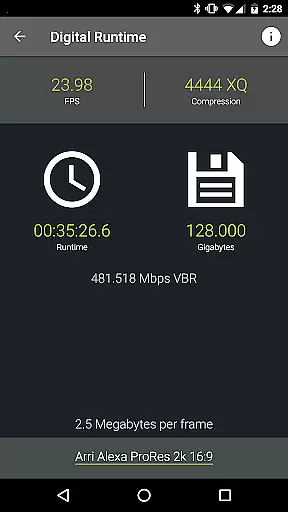
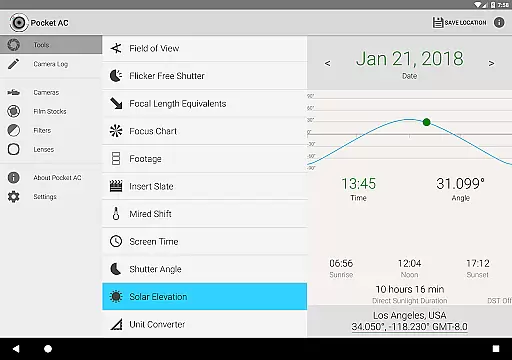
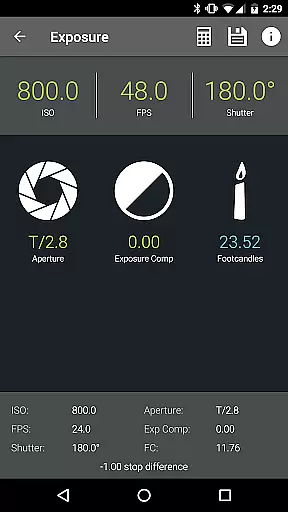
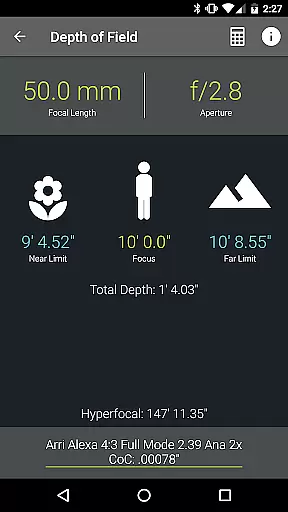
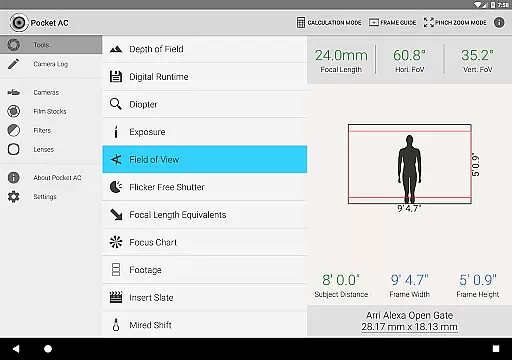
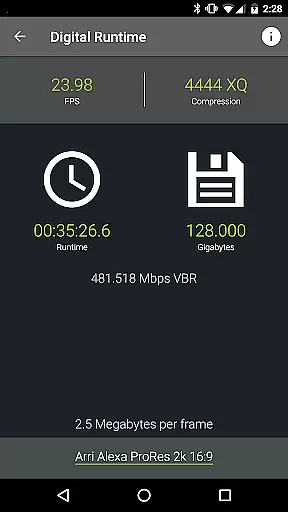
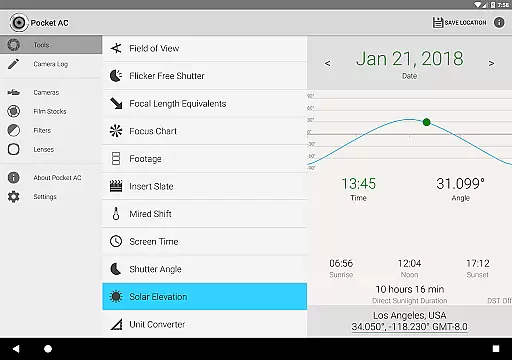
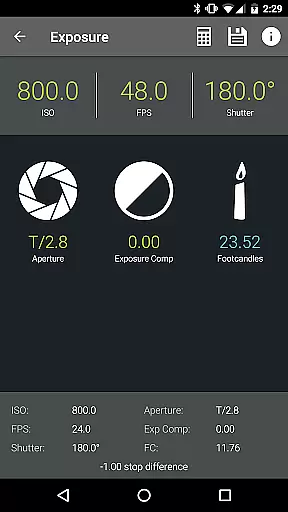
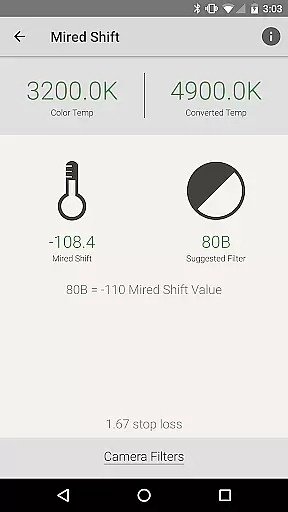
Pocket AC is an essential mobile application tailored for cinematographers, camera assistants, and videographers. This app serves as a comprehensive toolkit that includes various calculators and reference tables to streamline production processes. With specialized tools like Depth of Field, Exposure, and Flicker Free Shutter calculators, users can efficiently prepare and execute their filming projects.
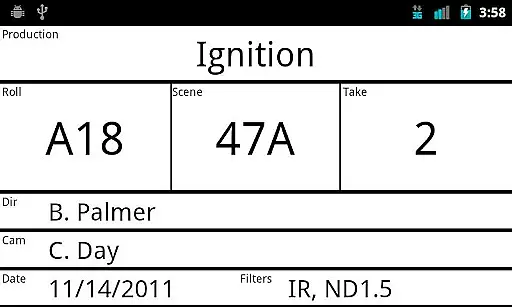
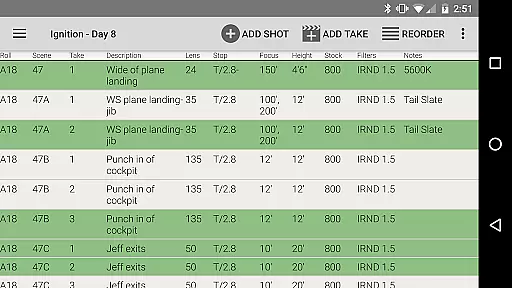
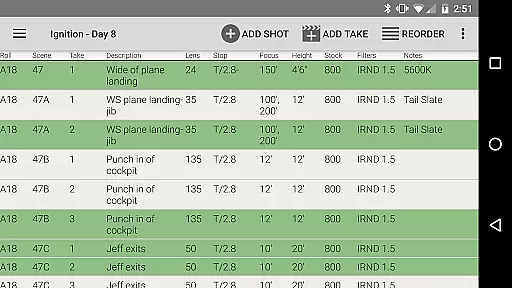
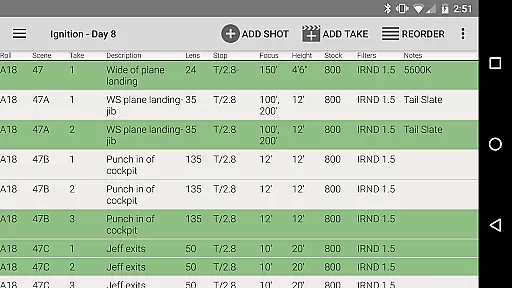
In addition to its robust suite of tools, Pocket AC offers a Camera Log feature that allows users to quickly log shots and email daily setups. The app supports real-time collaboration with other users, making it ideal for multi-cam productions. Whether you're working with Arri, Blackmagic, Canon, or Sony cameras, Pocket AC provides detailed specifications and lens catalogs to ensure optimal shooting conditions.
This app proves invaluable on set, providing quick access to critical information and tools that enhance productivity and precision in cinematography work.
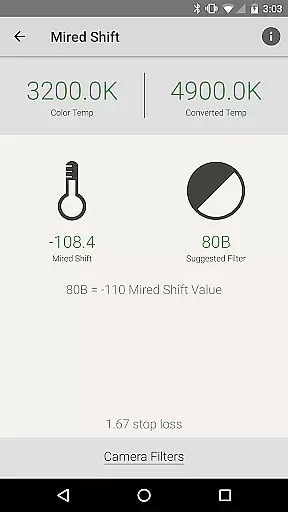
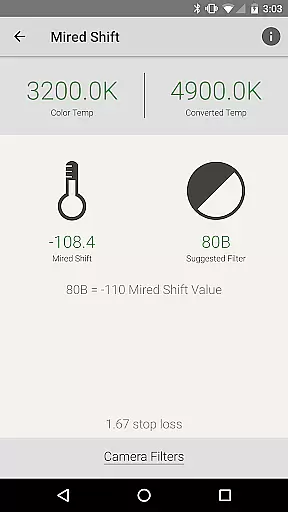
Pocket AC stands out with its extensive range of features designed specifically for film production professionals. The app includes over 15 specialized calculators such as Data Transfer, Digital Runtime, and Mired Shift, each crafted to address specific needs during production. These tools help users make precise calculations related to exposure, field of view, and more, ensuring technical accuracy in every shot.
Beyond its calculators, Pocket AC boasts comprehensive reference tables covering over 140 camera specifications and 2000 lenses. This wealth of information helps cinematographers choose the right equipment for their projects. Additionally, the Camera Log feature supports multiple viewing modes and export options, including PDF and CSV formats, facilitating seamless post-production workflows.
The app's ability to support real-time collaboration and provide detailed production statistics makes it an indispensable tool for modern cinematography teams looking to optimize their workflow and achieve professional-grade results.
Pocket AC offers a comprehensive suite of tools that enable real-time capture and preview for cinematographers and videographers. This functionality is crucial in ensuring that every shot meets the desired technical specifications before it's taken, saving both time and resources on set.
The app includes features such as Depth of Field calculators, Exposure settings, and Field of View previews with support for focal reducers. These tools allow users to accurately plan their shots by providing precise calculations and visual representations of what the camera will capture.
By utilizing Pocket AC's real-time functionalities, professionals can make informed decisions about their camera setups, leading to improved shot accuracy and creative control. The ability to preview shots with different lenses and settings ensures that the captured footage aligns perfectly with the envisioned outcome.
This real-time capture and preview feature ultimately empowers filmmakers to execute their creative vision with confidence, knowing that each frame will be captured exactly as planned, thus enhancing overall production quality.
While primarily focused on professional cinematography tools, Pocket AC also incorporates elements of AI beauty and enhancement that contribute to the naturalness of video captures. Although not a main highlight, these subtle enhancements play a significant role in elevating the visual appeal of footage without compromising its authenticity.
The app's sophisticated algorithms assist in optimizing image quality through features like Mired Shift and Filter Suggestions, which help achieve balanced lighting and color correction. These adjustments ensure that subjects appear true-to-life while maintaining their unique characteristics.
Users benefit from these enhancements during post-production, where they can fine-tune visuals with minimal effort. The natural-looking results preserve the integrity of the original footage while offering subtle improvements that enhance viewer engagement.
By integrating AI-driven enhancements that prioritize naturalness, Pocket AC provides videographers with an additional layer of quality assurance, resulting in visually stunning yet authentic content that resonates with audiences.
User-friendly interface
Comprehensive toolset
Real-time collaboration
Extensive camera database
Multi-format export options
Steep learning curve
Occasional bugs reported
Some features in beta
Requires frequent updates
Premium pricing model

AI portrait generator and polaroid AI selfie, fun AI generated AI photo creator!
 4.30
4.30
Add Watermark - Sign your pictures with a text or logo. Effective, quick, easy!
4.50
Shooting photos and records video easily and efficient with professional Camera
4.30
Create collages easily! Nice pic collage maker & background eraser for Instagram
4.50
Light-weight Media Gallery app for Android made with Jetpack Compose
4.60
AI photo enhancer with Sora 2! Enhance, descratch, and colorize your old photos.
4.50
Smart, light, and fast photo and video gallery
4.30
Turn photos into cartoons & avatars! - Photo Editor, Cartoon Face!
3.90
Catch sunlight, sunrise sunset times and sun phases with the AR sun tracker.
4.10
Easily view, share, delete photos with Gallery.
4.70
A must-have app for landscape photographers
4.60
Enhance, retouch & create your story - Share the moment with Photoshop Express.
4.60
PhotoSync Bundle Add-On License. Enables all features and services in PhotoSync.
4.60
Use AI Video Generator to turn your words to ai generated videos.
4.50
Trendy TikTok time warp scan funny filter app brings you unique photos & videos.
4.40
A reflected light meter with spot metering and incident light metering.
4.40
All-in-One Editor & AI Photo Enhancer, Collage, Cartoonify, Funny Stickers & BGS
4.10
live datamoshing
4.00
Raw Image Viewer. Gallery with support of raw images (.cr3, .cr2, .nef, .raf).
2.00


User Reviews