
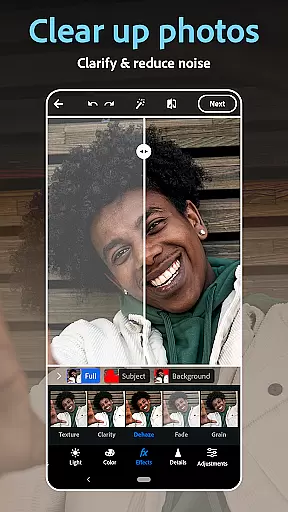
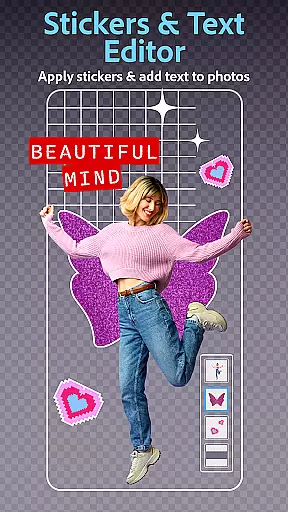
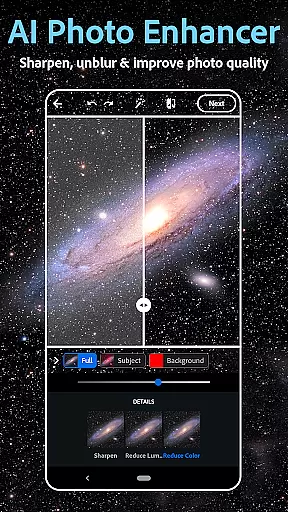
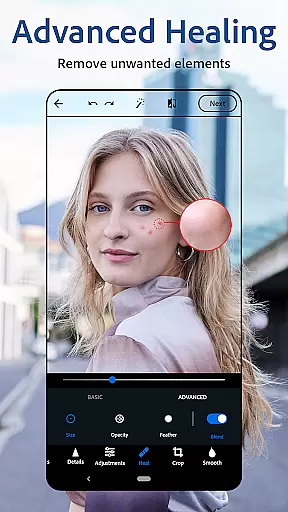
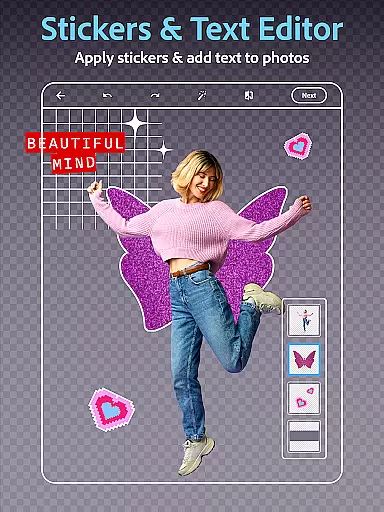
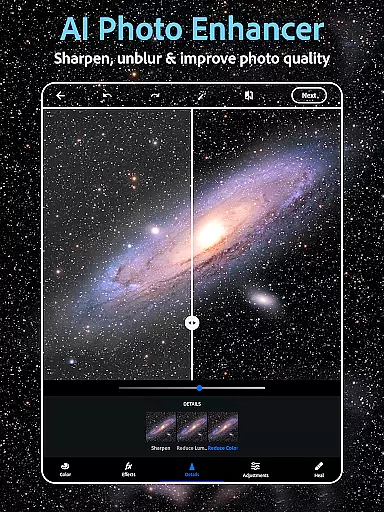
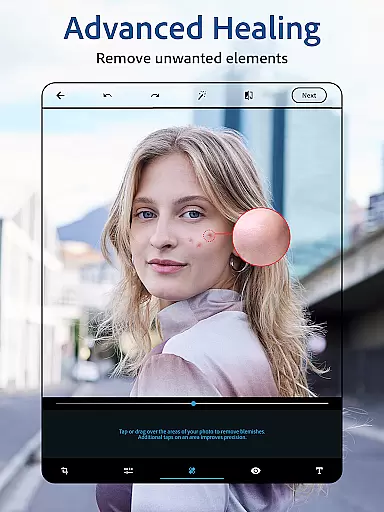
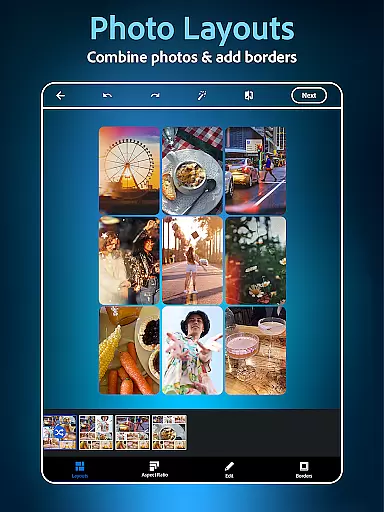
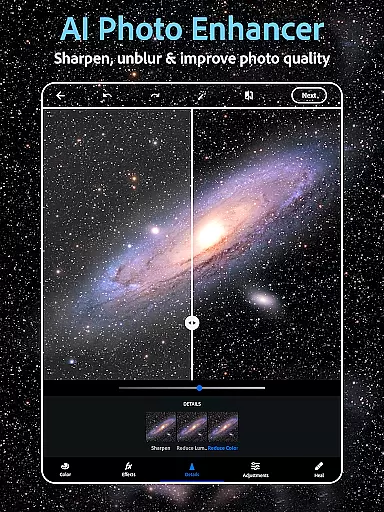
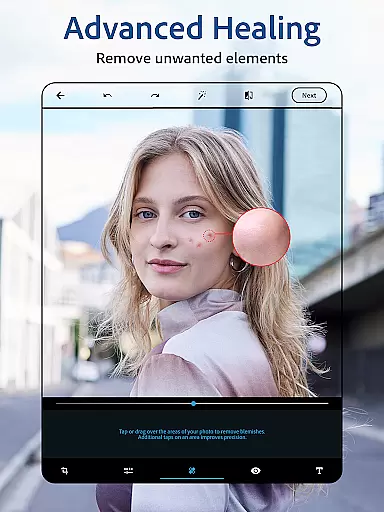
Photoshop Express is a versatile photo editing application that brings professional-level tools to your fingertips. This app allows users to effortlessly enhance their photos with features like AI-powered retouching, one-tap filters, and advanced airbrush tools. Whether you're looking to touch up a selfie or create stunning collages, Photoshop Express provides all the necessary tools in one place.
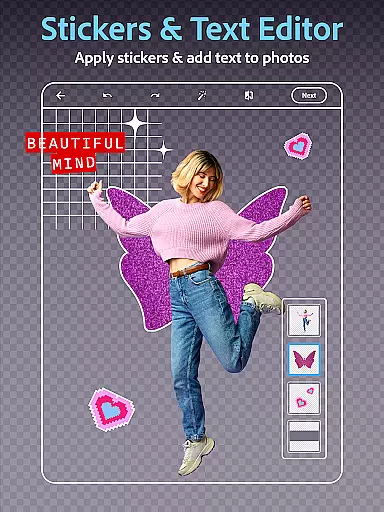
The app stands out with its unique combination of powerful editing capabilities and user-friendly interface. It includes an innovative AI image generator, face editor for detailed retouching, and hundreds of vintage camera filters. Users can also add text overlays, create memes, and design custom watermarks. These features make it suitable for both casual photographers and social media enthusiasts who want to elevate their content.
With support for multiple file formats and seamless social media integration, Photoshop Express is perfect for transforming everyday moments into creative masterpieces. The premium version offers even more precise controls and exclusive features, making it a complete solution for anyone seeking high-quality photo editing on mobile devices.
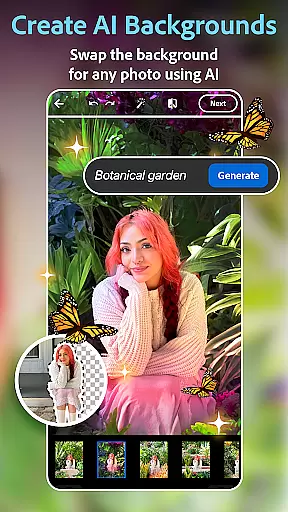
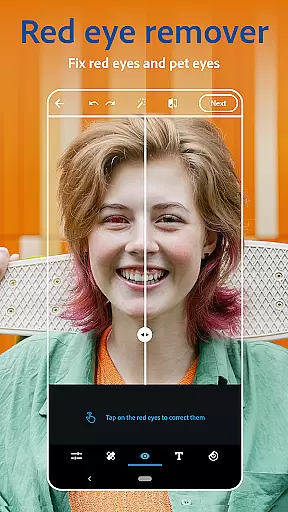
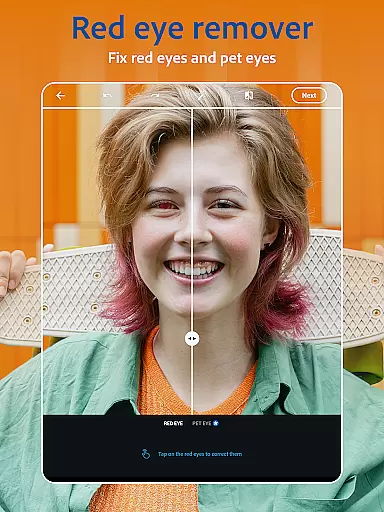
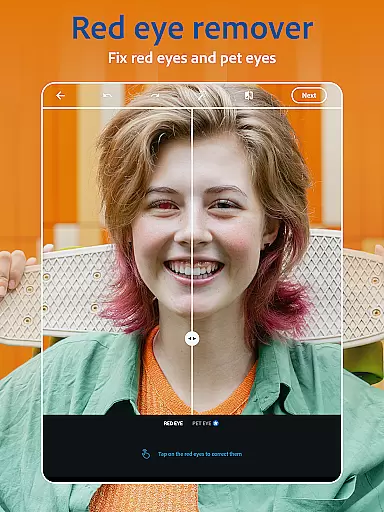
Photoshop Express offers an impressive array of features designed to enhance every aspect of photo editing. The app's AI-powered tools provide intelligent solutions for common photo issues, including red-eye correction, blemish removal, and background replacement. Its sophisticated face editor allows users to airbrush selfies with precision while maintaining natural-looking results.
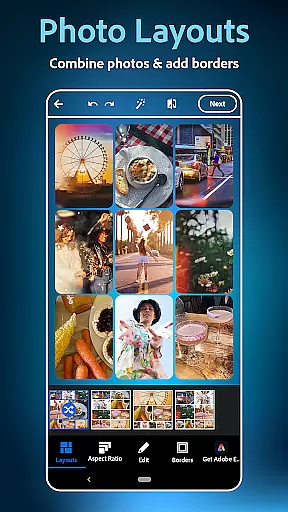
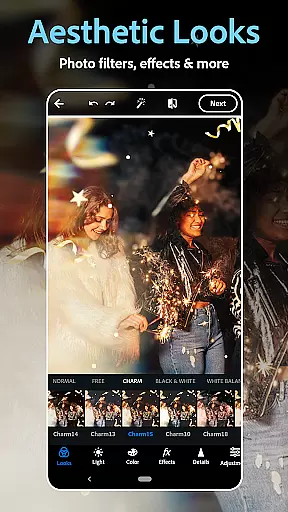
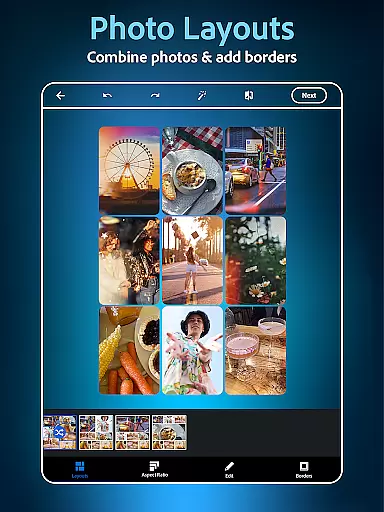
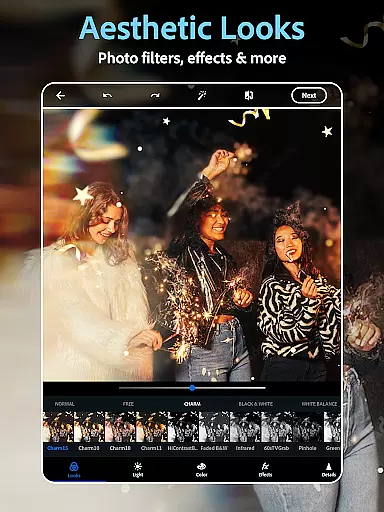
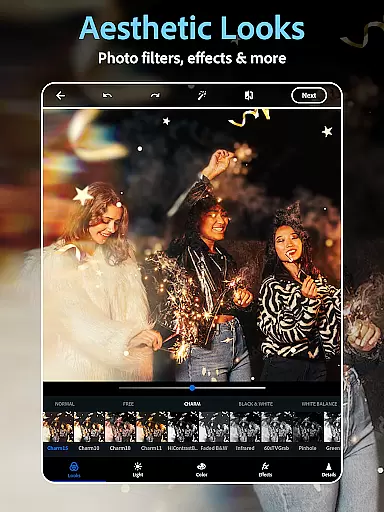
The application excels in creative possibilities with its extensive collection of vintage camera filters and film effects. Users can experiment with different aesthetic styles, from moody black-and-white to vibrant retro looks. The built-in collage maker enables combining multiple images into artistic compositions, while the text-to-image feature lets creators generate unique visual elements using simple text prompts.
Professional-grade tools extend to format compatibility and sharing options. The app supports various file types, including RAW and TIFF, ensuring maximum flexibility for serious photographers. Integrated social media sharing makes it easy to distribute edited photos across platforms like Instagram and Facebook. Additionally, the premium subscription unlocks advanced features such as object removal and enhanced makeup tools, providing even more creative control.
Real-time capture and preview functionality is essential for ensuring that every photo taken meets the user's expectations without delay. Photoshop Express Photo Editor excels in this area by providing instant feedback on images captured or uploaded.
The application supports various image formats including RAW, TIFF, and PNG, allowing users to upload and edit high-quality photos with ease. This versatility ensures that whether you're a professional photographer or an amateur, your images are displayed accurately as soon as they are imported.
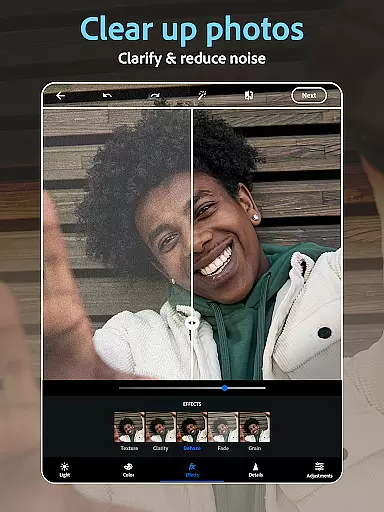
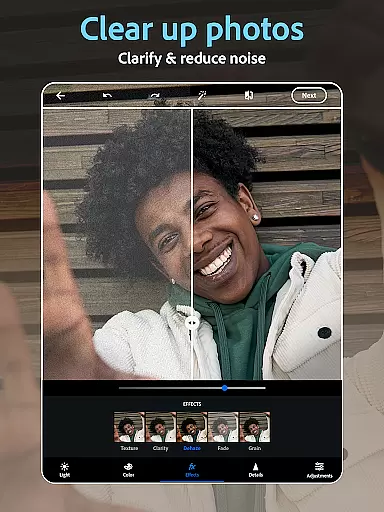
With its advanced AI capabilities, Photoshop Express can automatically enhance images during the preview stage. This means users can see improvements such as color correction, noise reduction, and detail enhancement immediately, making the editing process faster and more intuitive.
This real-time functionality not only saves time but also enhances creativity, enabling users to experiment with different effects and adjustments until they achieve their desired outcome. By offering a seamless and responsive capture and preview experience, Photoshop Express empowers users to focus on their creative vision.
AI beauty and enhancement features have become increasingly popular in photo editing applications, aiming to improve the natural look of photos without making them appear overly processed. Photoshop Express stands out with its sophisticated AI algorithms designed to enhance images while maintaining their authenticity.
The app includes tools like blemish removal, spot healing, and red-eye correction, which work together to create flawless yet realistic results. These features intelligently identify imperfections and correct them in a way that preserves the original texture and character of the skin.
Additionally, Photoshop Express offers a range of filters and effects that mimic the aesthetics of vintage cameras and film. Users can apply these filters to give their photos a timeless feel, enhancing the overall mood without compromising the natural essence of the image.
By focusing on natural enhancement, Photoshop Express ensures that edited photos retain their genuine appeal, striking a balance between polished perfection and authentic representation. This approach not only boosts user satisfaction but also encourages creative exploration within the realm of realistic photo editing.
User-friendly interface
Extensive filter collection
Powerful AI tools
Versatile editing options
Seamless social sharing
Premium features locked
Advanced tools complex
Occasional performance lag
Limited free content
Subscription cost high

Professional video recording application with manual controls for filmmakers!
 2.80
2.80
An interval timer to automate photo taking process for timelapse
2.90
A reflected light meter with spot metering and incident light metering.
4.40
Add a dreamy vibe to your selfies and videos with soft style filters
4.4
AI Photo Editor with 100+ Filters, Effects! Remove BG, Retouch & Photo Enhancer.
4.80
Professional quality photo edits with the new Snapseed.
4.00
Easily create custom gifts, cards, photo books & more on the Shutterfly app!
4.60
Fit multiple photos on one post. Create carousels & scroll layouts for Instagram
4.50
Your personal guide to the sun and moon. Plan ahead, visualize and predict!
4.70
Find time and duration of different sunlight phases at any location
4.90
Create funny photos and videos with the popular Time Warp Scan filter.
4.90
Perfect body tune & face app - photo retouch, makeup, slim body & beautify face.
4.80
A collection of tools and reference tables for DPs, ACs, DITs and Operators.
4.70
Android Native system HD camera app. Never been so simple and faster.
4.70
See your baby AI baby face generator AI baby maker Face generator babymaker fun!
4.70
The original Rarevision VHS look seen everywhere!
4.70
Create collages easily! Nice pic collage maker & background eraser for Instagram
4.50
All-in-One Editor & AI Photo Enhancer, Collage, Cartoonify, Funny Stickers & BGS
4.10
Remote control of the phone camera from your Wear OS smartwatch
3.70


User Reviews