
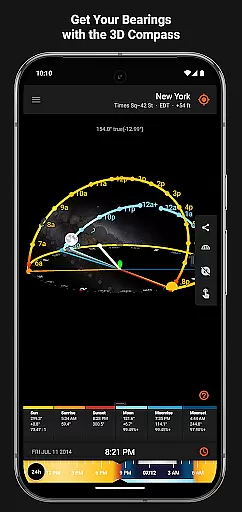
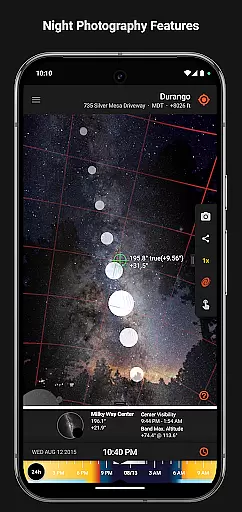

Sun Surveyor is an advanced photography planning tool that empowers users to predict and visualize the positions of the sun, moon, and Milky Way. Designed for photographers, filmmakers, and solar industry professionals, this app provides precise data on sunrise, sunset, moon phases, golden hour, and more. With its augmented reality projections, interactive map, and 3D compass, Sun Surveyor helps users scout locations, plan shoots, and optimize natural lighting conditions.
For architects, real estate agents, and gardeners, the app offers valuable insights into seasonal sunlight patterns and potential shading at specific sites. Whether you're capturing the perfect shot or analyzing solar exposure, Sun Surveyor ensures you have all the tools needed to make informed decisions.
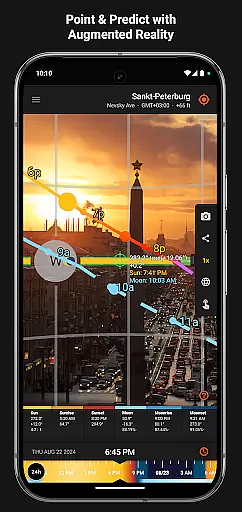
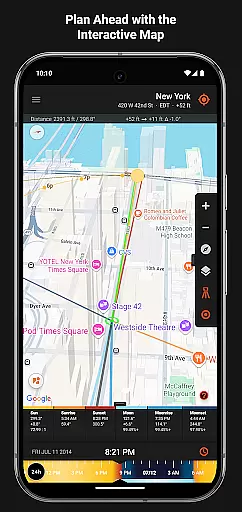
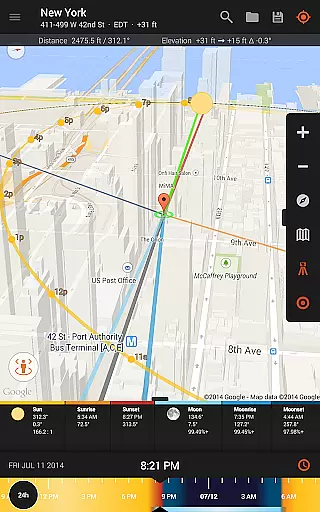
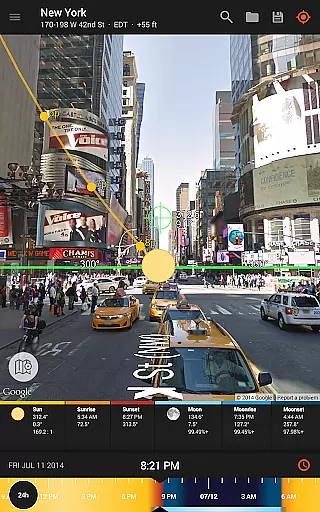
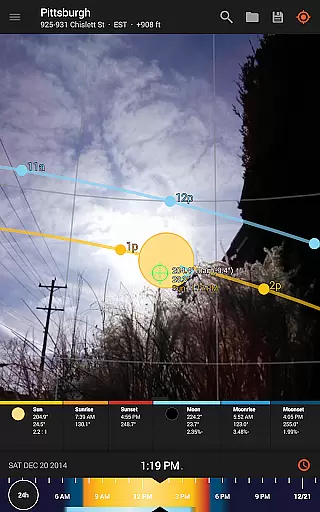
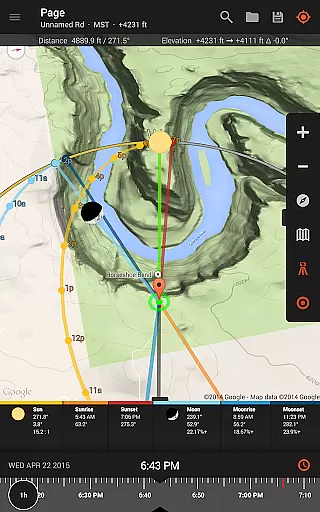
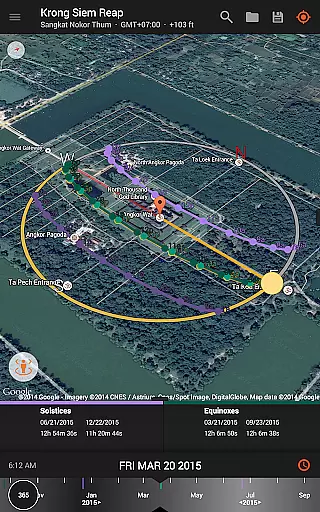
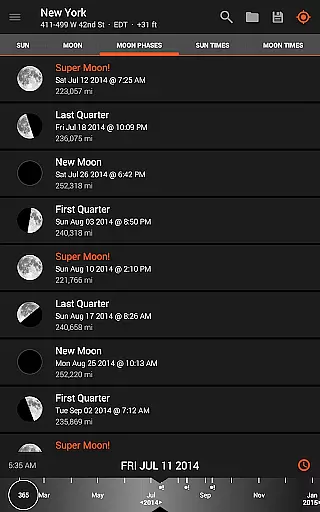
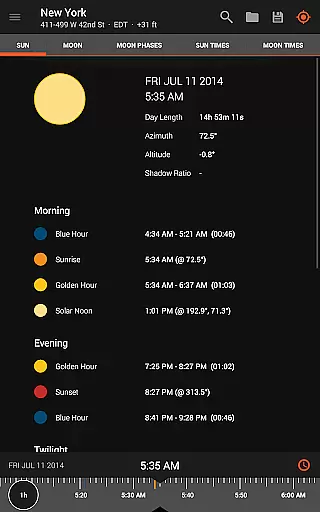
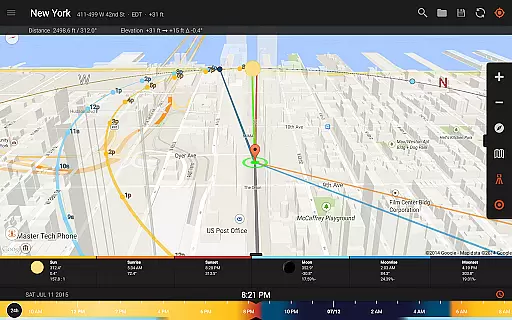
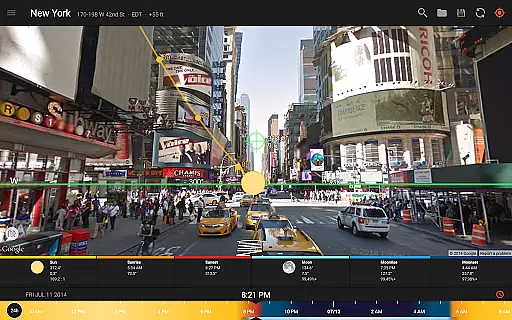
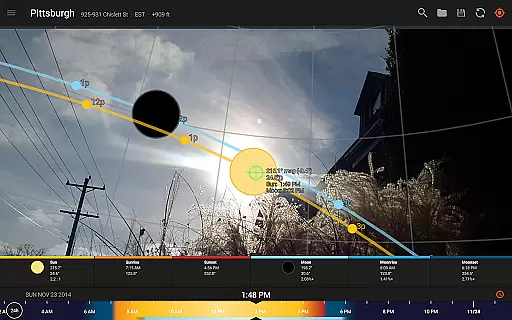
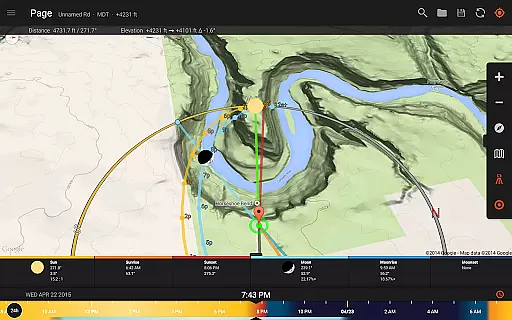
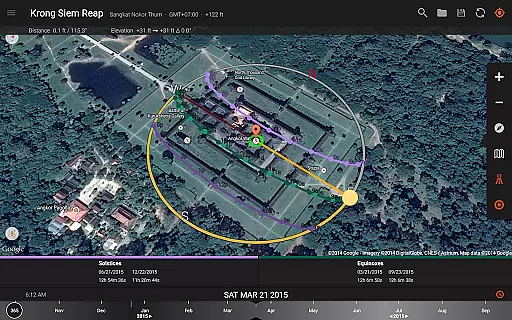
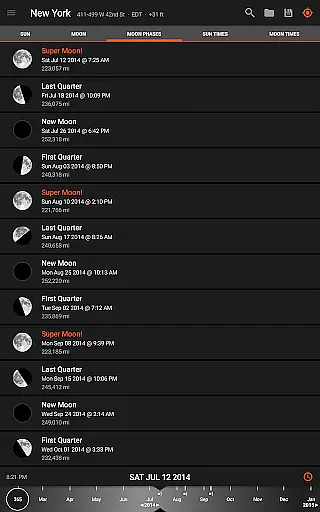
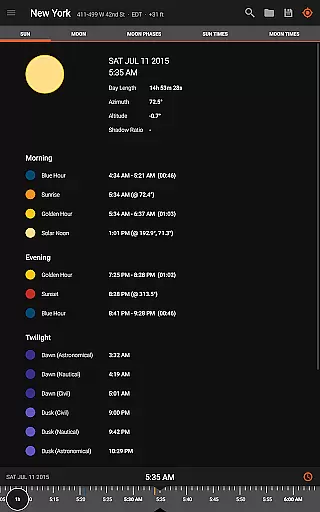
Sun Surveyor stands out with its comprehensive suite of features tailored for both creative and technical users. The Live Camera View and Interactive Map allow users to project the paths of the sun and moon in augmented reality, helping them pinpoint exact times and locations for optimal shots. The detailed Ephemeris provides critical information about solar and lunar movements, including golden hour, blue hour, and super moon predictions.
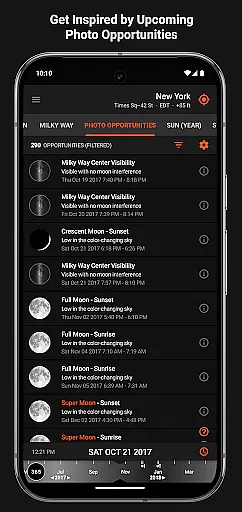
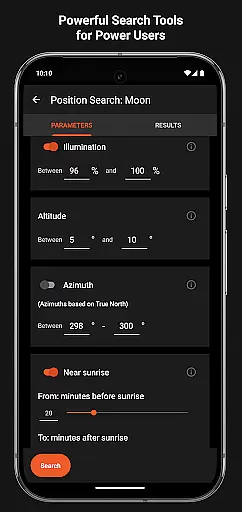
Additional functionalities include Photo Opportunities, which suggests ideal shooting times based on celestial events, and Position Search, a powerful tool for finding precise sun, moon, and Milky Way positions. The app also supports offline usage, magnetic declination compensation, and sharing capabilities, making it versatile for various professional needs. These innovative features ensure users can plan their projects with precision and confidence.
Real-time capture and preview functionality is essential for photographers and filmmakers who need to plan their shots with precision. Sun Surveyor excels in this area by offering a Live Camera View that provides augmented reality projections of the sun and moon paths.
This feature allows users to pinpoint the exact time the sun or moon will be at a specific location in the sky, which is crucial for capturing the perfect shot. By visualizing these paths, users can effectively plan for golden hour, blue hour, and every sunrise, sunset, moonrise, and moonset.
The ability to predict and prepare for these critical times ensures that users can optimize their shooting schedules. This not only enhances productivity but also significantly improves the quality of work, allowing photographers and filmmakers to focus on creativity rather than logistics.
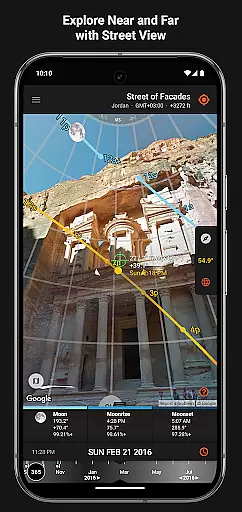
While Sun Surveyor does not specifically focus on AI beauty enhancements, it offers features that are invaluable for enhancing natural beauty in photography. The app provides detailed ephemeris and an interactive map with street view, giving users comprehensive information about natural light sources.
For solar industry professionals, architects, and real estate agents, understanding the quality and quantity of seasonal sunlight at a given location is vital. Sun Surveyor helps visualize potential shade and obstructions, ensuring optimal use of natural light.
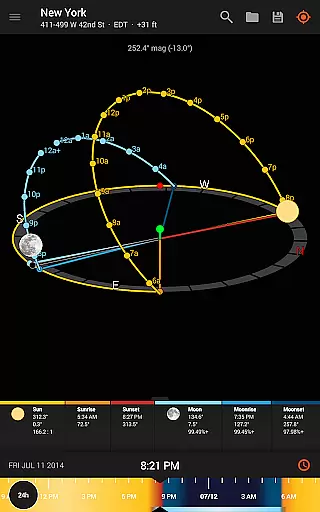
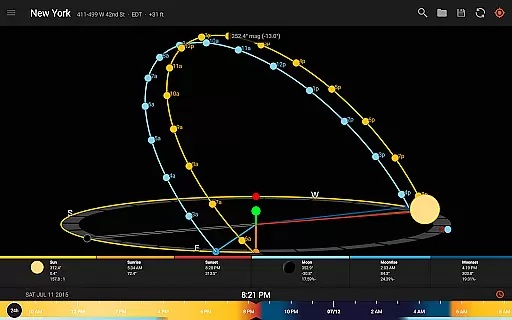
Additionally, the app's ability to create images of the summer and winter solstice and equinox paths for a site adds another layer of planning precision. These features collectively contribute to achieving naturally beautiful and technically accurate photographs without relying on artificial enhancements.
Accurate sun tracking
Augmented reality views
Detailed ephemeris data
Offline functionality
Interactive map tools
Compass dependency issues
Complex for beginners
Premium price tag
Limited free features
Device compatibility concerns

Long exposure camera with computational photography
 2.60
2.60
Search, tag and rate your way to an organized image gallery
4.40
An interval timer to automate photo taking process for timelapse
2.90
Photo prints, cards, & gifts at Walgreens. Easy ordering & fast local pickup !
4.80
Create collages easily! Nice pic collage maker & background eraser for Instagram
4.50
Cartoon and artistic effects for your photos and videos
4.70
Photo editor & gallery. Crop pictures & edit photos offline, no wifi!
4.50
Transform Photos: Edit, Beautify and Craft Memories & Make Collages!
4.10
A unique animation app. Powerful, easy to use, and lots of fun.
4.30
Amazing Photo Effects - The most fun you can have with your photos!
4.70
Viewfinder, Light meter, Reciprocity failure time, DOF & Bellows Extension
4.60
Light-weight Media Gallery app for Android made with Jetpack Compose
4.60
Discover & download millions of art for The Frame TV or Hisense CanvasTV
4.60
Trendy TikTok time warp scan funny filter app brings you unique photos & videos.
4.40
Future baby face generator: AI kids generator, kid face! What my baby look like?
4.40
Photo editor: face & body editor, beauty cam, filters and quality enhancer.
4.00
Astrophotography with your smartphone, photo live stacking and much more!
3.90
Professional video recording application with manual controls for filmmakers!
2.80
Photo Album Watch Face shows your favorite pictures as a Watchface.
1.90


User Reviews