

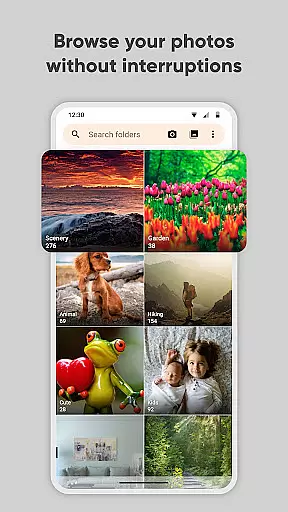
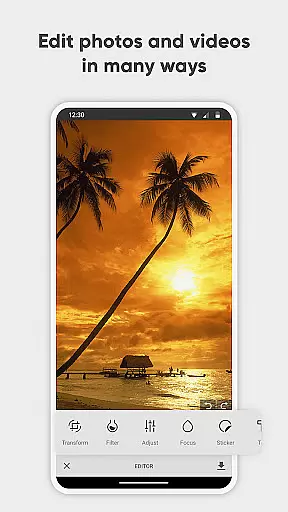
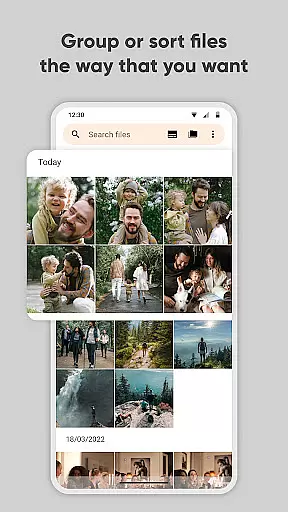
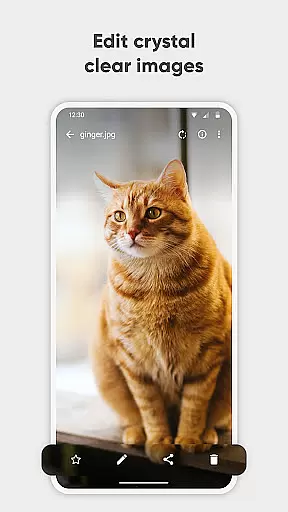
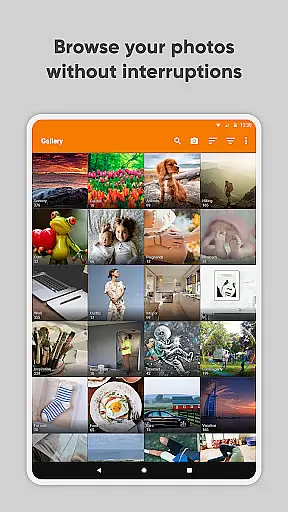
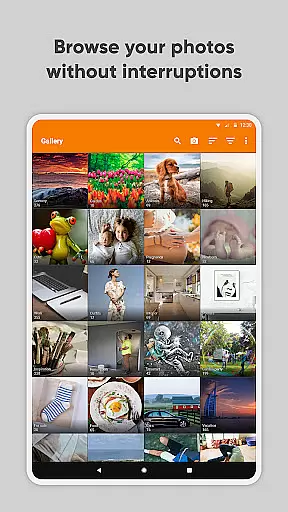
Simple Gallery Pro is a comprehensive photography app designed to enhance the way you manage and edit your media files on Android. This app combines an intuitive interface with powerful features, allowing users to browse, organize, and edit photos and videos efficiently. With support for a wide range of file formats including JPEG, PNG, MP4, and RAW, it ensures compatibility and flexibility for various user needs.
One of the standout features of Simple Gallery Pro is its advanced photo editing capabilities. Users can easily crop, rotate, flip, and resize images, as well as apply stylish filters to enhance their photos. The app also includes a recovery function for accidentally deleted files and the ability to create hidden galleries, ensuring that your most precious memories are safe and secure.
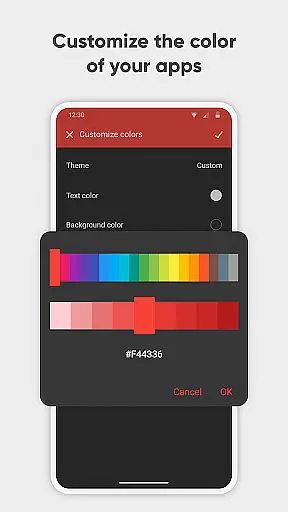
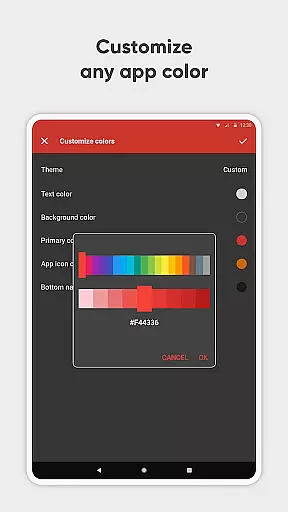
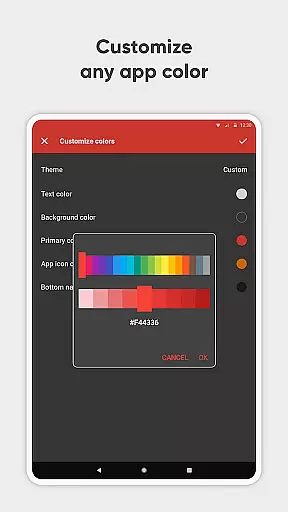
In addition to its robust functionality, Simple Gallery Pro offers a customizable user interface, providing a personalized experience tailored to individual preferences. Whether you're a casual user looking for a simple way to manage your photos or a professional needing advanced editing tools, this app delivers a seamless and enjoyable experience.
Simple Gallery Pro stands out with its extensive feature set tailored for both amateur and professional photographers. The app's advanced photo editor allows users to manipulate images with ease through intuitive gestures. You can crop, rotate, flip, and resize pictures effortlessly, while applying various filters to achieve the desired effect quickly.
Beyond editing, Simple Gallery Pro supports a multitude of file types such as JPEG, PNG, MP4, MKV, and even RAW and SVG formats. This versatility ensures that no matter what type of media you are working with, the app can handle it efficiently. Additionally, the app provides options for recovering accidentally deleted photos and videos, adding an extra layer of security for your valuable content.
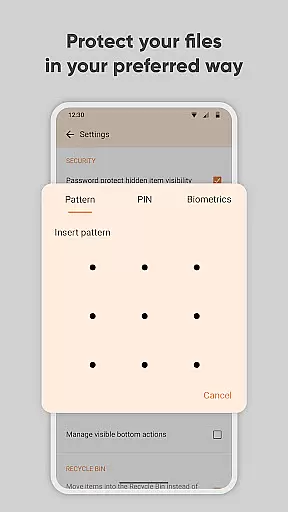
The app also emphasizes customization and security. Users can personalize the interface and toolbars to suit their workflow, making navigation and usage more intuitive. Security features include PIN, pattern, and fingerprint protection, safeguarding your private photos, videos, and files from unauthorized access. These features collectively make Simple Gallery Pro a top choice for managing and protecting your digital media library.
Real-time capture and preview functionality is essential for ensuring that users can accurately frame and capture their desired images without delay. Simple Gallery Pro excels in this area by providing a seamless experience where what you see is what you get.
The app supports a wide array of file types including JPEG, PNG, MP4, and RAW, which means that whether you're shooting photos or recording videos, the app delivers instant feedback on your media creation. This allows users to make real-time adjustments to their shots, ensuring optimal quality every time.
Additionally, Simple Gallery Pro offers intuitive gestures that make photo editing on-the-fly an effortless task. With features like cropping, flipping, rotating, and resizing available at your fingertips, users can instantly see the results of their edits, streamlining the creative process.
By integrating advanced photo editor capabilities with real-time previews, Simple Gallery Pro empowers photographers and videographers to produce high-quality work efficiently, enhancing both productivity and creativity.
AI beauty and enhancement features are becoming increasingly popular among photography apps, offering users the ability to refine and perfect their images with minimal effort. Simple Gallery Pro stands out by focusing on maintaining the natural look of photos while still delivering impressive enhancements.
With its superior AI algorithms, the app intelligently applies filters and effects that enhance the inherent qualities of a photo without making it appear overly processed or artificial. Users can expect their edited photos to retain authenticity, preserving skin textures and facial expressions in portraits, for example.
Furthermore, Simple Gallery Pro provides customizable options that allow users to adjust the intensity of enhancements according to their preferences. Whether it's subtle touch-ups or more pronounced changes, the app ensures that all alterations look genuine and pleasing to the eye.
By prioritizing natural-looking enhancements, Simple Gallery Pro caters to users who value realism in their photography, thus setting itself apart from other apps that may favor exaggerated effects over true-to-life representations.
User-friendly interface
Extensive file support
Advanced editing tools
Customizable UI
Secure privacy options
Limited cloud integration
No automatic backup
Paid version only
Fewer social sharing options
Requires manual updates

All-in-One Editor & AI Photo Enhancer, Beautify & Retouch, Collage, Cartoonify
 4.20
4.20
Trendy TikTok time warp scan funny filter app brings you unique photos & videos.
4.40
Natural Beauty, Selfie Retouch
4.30
Pet Camera
3.70
Take videos and pictures with the popular TikTok TIME WARP SCAN filter.
4.60
Smart, light, and fast photo and video gallery
4.30
Pro version: AR sun/moon tracker for any date. Tool for photographers & planners
4.90
PhotoSync Bundle Add-On License. Enables all features and services in PhotoSync.
4.60
Try an anime version, cartoon yourself, and generate AI hug or aging videos!
3.70
Perfect body tune & face app - photo retouch, makeup, slim body & beautify face.
4.80
See your baby AI baby face generator AI baby maker Face generator babymaker fun!
4.70
Light-weight Media Gallery app for Android made with Jetpack Compose
4.60
A must-have app for landscape photographers
4.60
Add Watermark - Sign your pictures with a text or logo. Effective, quick, easy!
4.50
Fit multiple photos on one post. Create carousels & scroll layouts for Instagram
4.50
Use AI Video Generator to turn your words to ai generated videos.
4.50
Photobooth mini FULL app will allow you to add more fun to your parties
4.00
Raw Image Viewer. Gallery with support of raw images (.cr3, .cr2, .nef, .raf).
2.00
Over 800 film simulation recipes for Fujifilm. Black Friday Offer!
4.5


User Reviews