
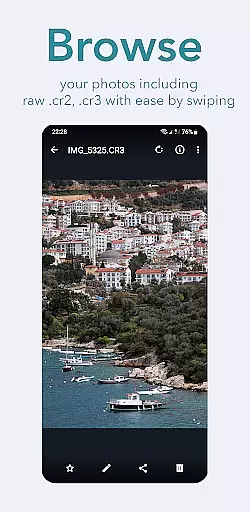
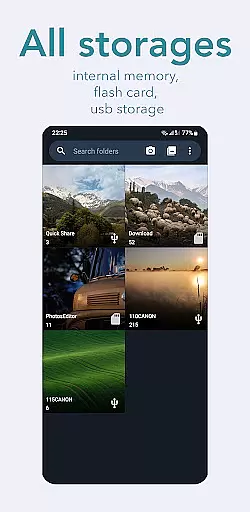
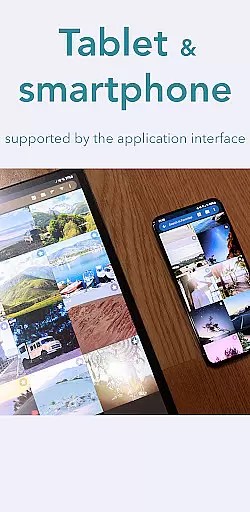
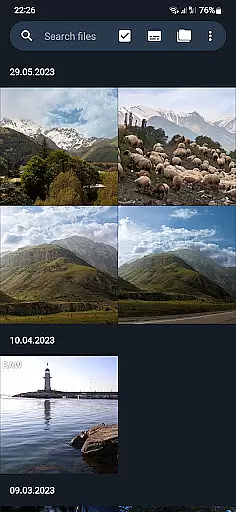
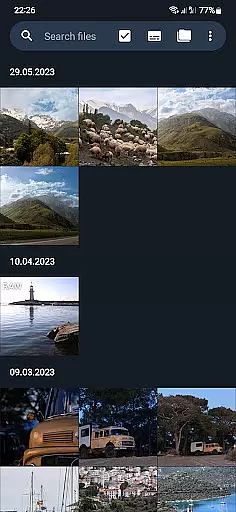
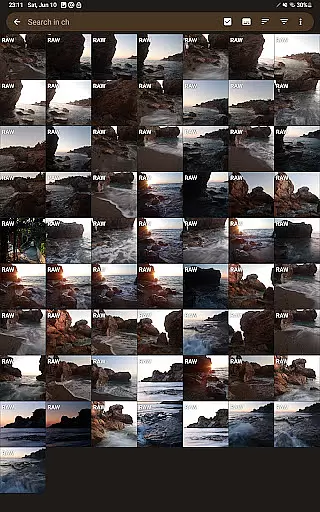
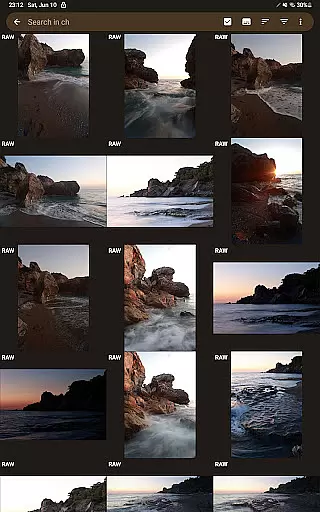
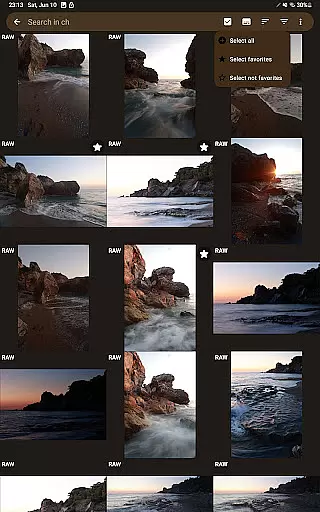
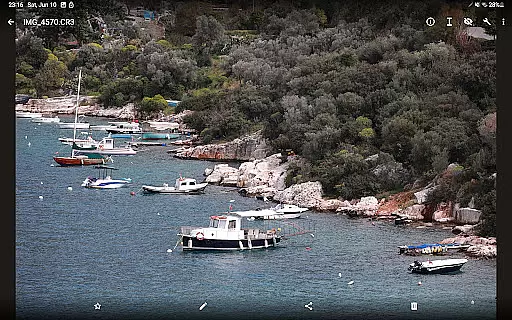
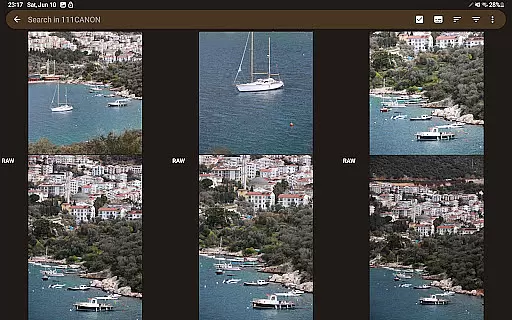
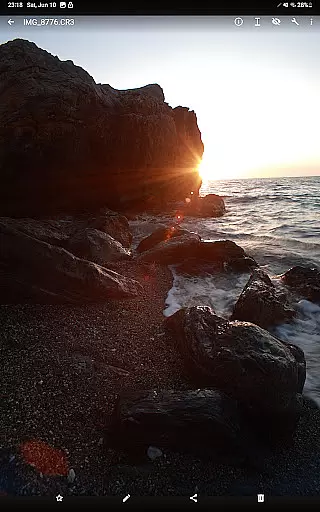
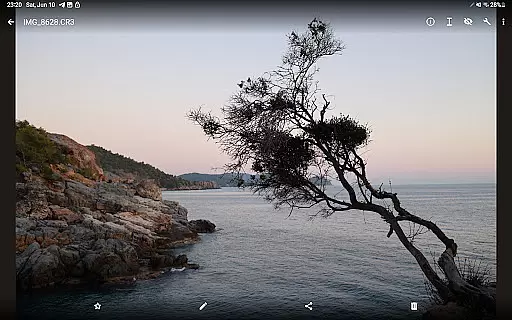

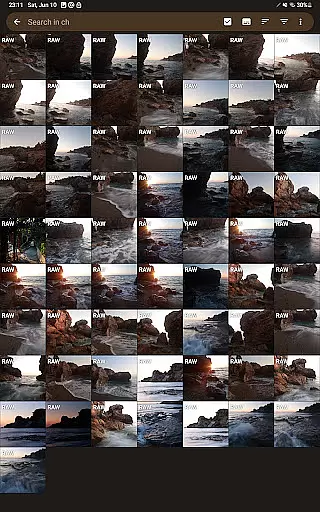
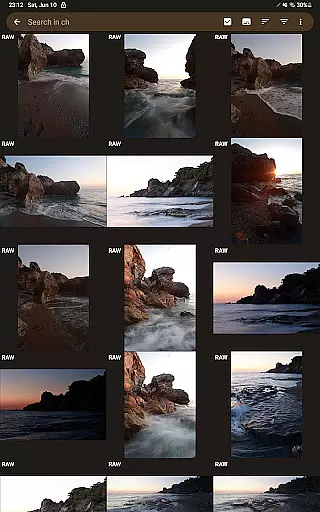
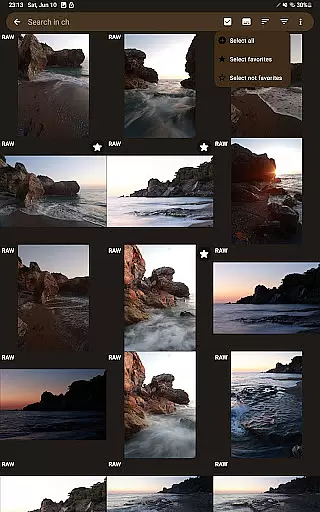
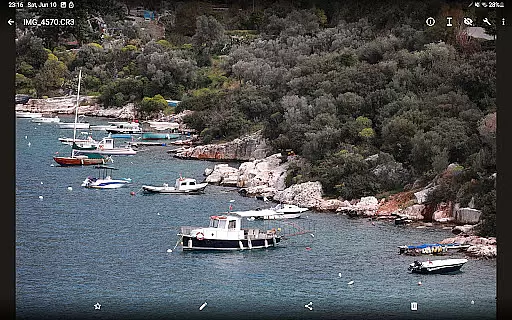
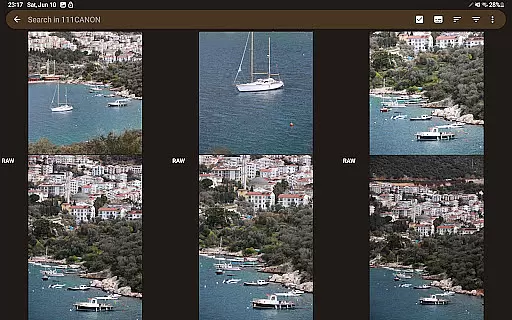
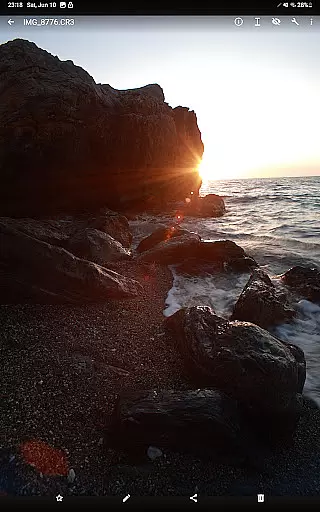
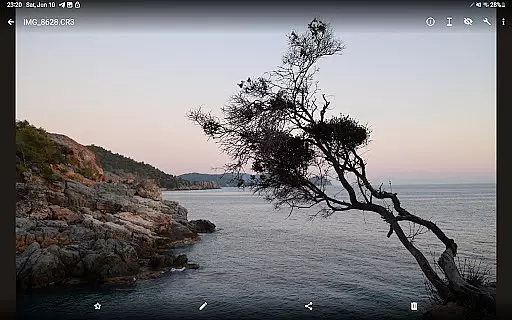

GalleryRAW is a specialized photography application designed for professional photographers and enthusiasts who need to manage and view raw image files on their Android devices. The app supports various raw formats including .cr2, .cr3, .nef, and .raf from leading camera brands like Canon, Nikon, Sony, and Fujifilm.
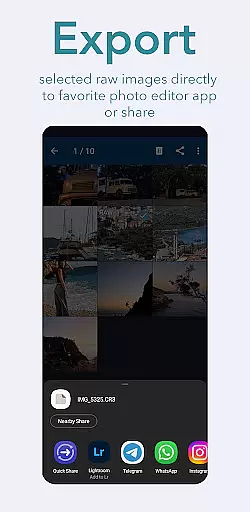
One of the standout features of GalleryRAW is its ability to function as a file manager for raw images. Users can easily import, view, and transfer raw files between USB storage devices such as HDD/SSD disks and camera flash drives connected via USB adapters. This makes it an invaluable tool for photographers who need to quickly review and select photos directly on their tablets or smartphones.
The app's full-screen swipe functionality allows users to efficiently browse through hundreds or even thousands of raw images stored in folders on external USB devices. After selecting the desired photos, users can copy them to the internal memory of their device and delete unwanted files to free up space for new shots. This streamlined workflow significantly enhances productivity and convenience for professional photographers working in the field.
GalleryRAW offers a comprehensive set of features tailored specifically for handling raw image files. Its primary capability lies in its robust support for multiple raw formats, including Canon's .cr2 and .cr3, Nikon's .nef, Sony's .arw, and Fujifilm's .raf files. This wide-ranging compatibility ensures that photographers using different camera systems can reliably view and manage their raw images without any conversion hassles.
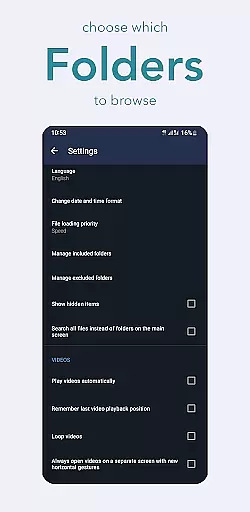
A key innovation of GalleryRAW is its integrated file management system. The app allows users to seamlessly connect external storage devices such as HDDs, SSDs, and camera flash drives through USB adapters. Photographers can then browse, view, and transfer raw files between these devices and their Android device's internal storage. This feature is particularly useful when working with large volumes of high-resolution images that require efficient organization and backup solutions.
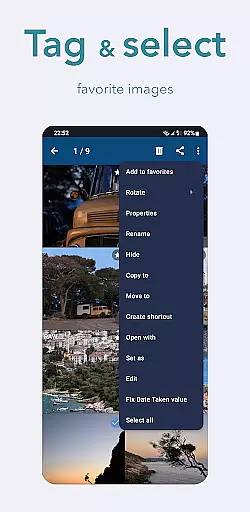
Another notable feature is the app's optimized viewing experience. GalleryRAW enables users to swipe through raw images in full-screen mode, making it easy to quickly review and select photos from camera flash cards containing thousands of images. The selection process is intuitive, allowing photographers to choose only the best shots and copy them to their device's internal memory while deleting unwanted files from the external storage. This functionality helps maintain an organized workflow and maximizes available storage space for future photo sessions.
GalleryRAW offers a unique real-time capture and preview experience for professional photographers and enthusiasts alike. This feature allows users to instantly view raw image files from Canon, Nikon, Sony, and Fujifilm cameras on their Android devices.
The application supports various raw formats including .cr2, .cr3, .nef, and .raf, ensuring comprehensive compatibility across different camera brands. Users can conveniently swipe through hundreds or even thousands of photos in full-screen mode, making photo selection efficient and intuitive.
This functionality is particularly valuable when working with large photo sets stored on external USB storage devices. Photographers can quickly identify and select the best shots, saving only those to their device's internal memory while deleting unwanted images to free up space.
While GalleryRAW focuses primarily on raw image viewing and management, it also incorporates basic AI-powered enhancement features that help optimize photo quality. These tools work to preserve the natural look of images while improving key aspects like color accuracy and sharpness.
The application's enhancement algorithms are designed to maintain the authenticity of professional photographs, avoiding excessive processing that could compromise image integrity. This approach ensures that the original details captured by high-end cameras remain intact.
For photographers who require precise control over their images, GalleryRAW's enhancement features provide gentle optimization without aggressive alterations. The result is improved image quality that remains true to the photographer's original vision and the camera's capabilities.
User-friendly interface
Wide raw format support
Efficient file management
Full-screen viewing mode
Direct USB connectivity
Limited editing capabilities
No cloud integration
Premium feature lock
Occasional performance lag
Device compatibility issues

Gallery show photo, video, slideshow, is perfect 3D effect private photo albums.
 4.80
4.80
[3DSteroid Pro] is a stereoscopic application for Android.
4.30
Easily stitch panoramas from multiple photos or video.
4.40
Cut and paste photo editor & eraser to customize photos easy and swap faces fun
4.50
Create & Edit with AI: AI Remove, Enhance, Retouch, Filter
4.10
Edit like a pro with Hypic. Apply filters, AI effects, & magic touch.
4.40
Use AI Video Generator to turn your words to ai generated videos.
4.50
Unlock the full potential of your DJI drone with Litchi
4.50
Try an anime version, cartoon yourself, and generate AI hug or aging videos!
3.70
Find time and duration of different sunlight phases at any location
4.90
The original Rarevision VHS look seen everywhere!
4.70
Transform photos into videos! Create realistic or anime-style images easily!
4.50
Movie camera, supports pro recording settings for filming. Try it and be amazed!
4.50
AI photo enhancer with Sora 2! Enhance, descratch, and colorize your old photos.
4.50
Search, tag and rate your way to an organized image gallery
4.40
Professional photography on your mobile phone
4.20
Catch sunlight, sunrise sunset times and sun phases with the AR sun tracker.
4.10
live datamoshing
4.00
USB Storage Access for Photos, Videos, Music and Documents
3.80


User Reviews