
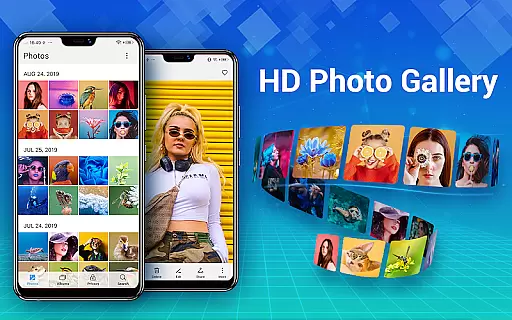
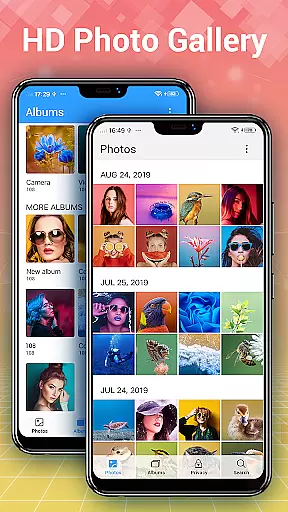
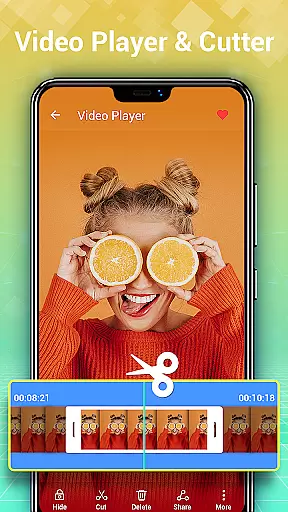
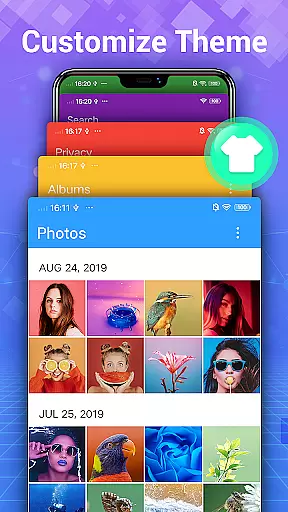
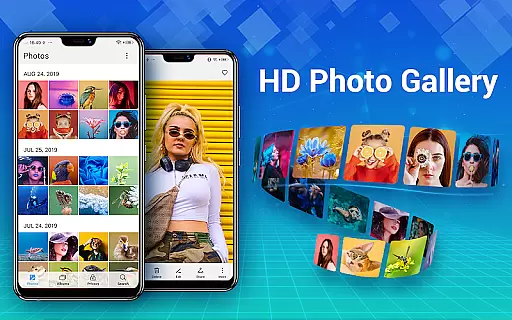
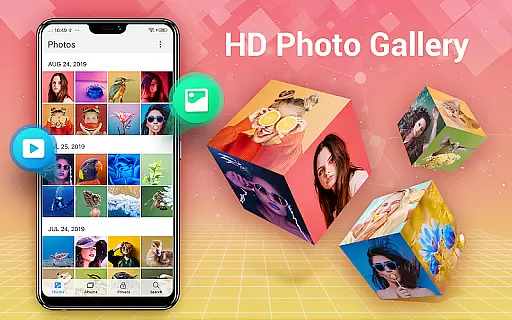
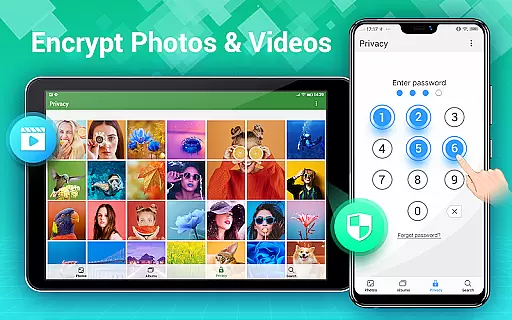
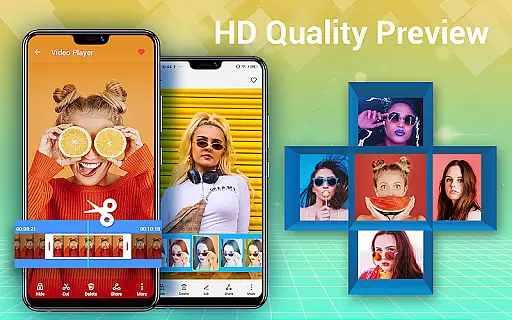
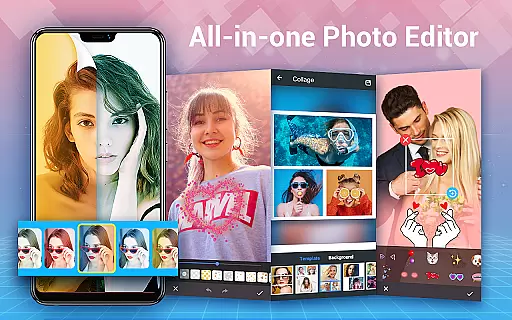
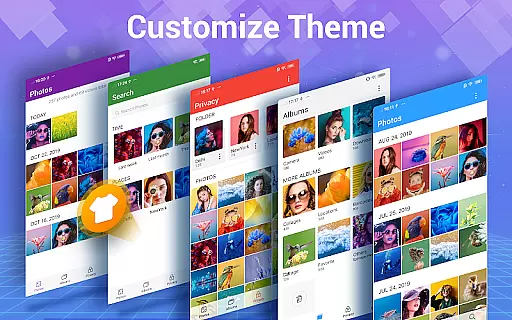
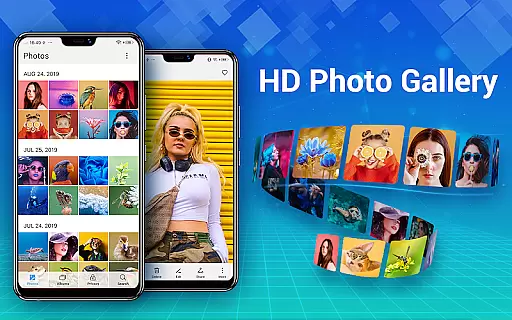
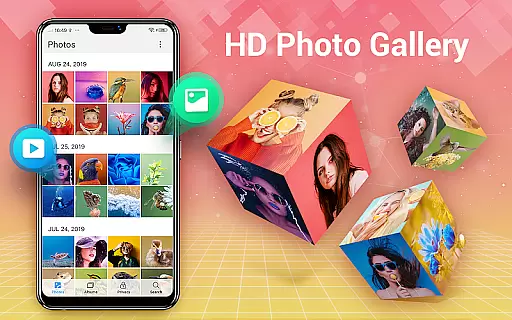
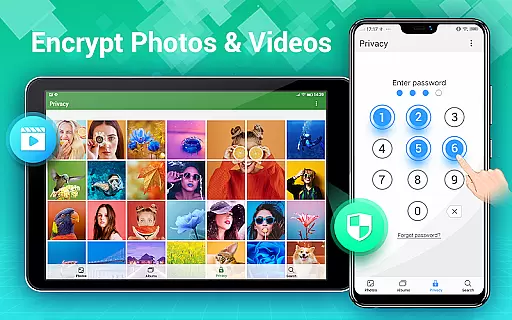
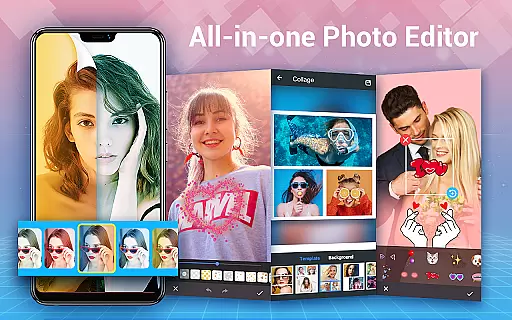
Photo Gallery is a comprehensive photography app designed to manage, organize, and enhance your photo and video collections. This all-in-one solution offers automatic organization of media files, private gallery features with encryption, and advanced editing tools. Users can create albums, apply filters, and even make stylish collages. The app supports folder management, SD card transfers, and slideshow viewing in HD quality.
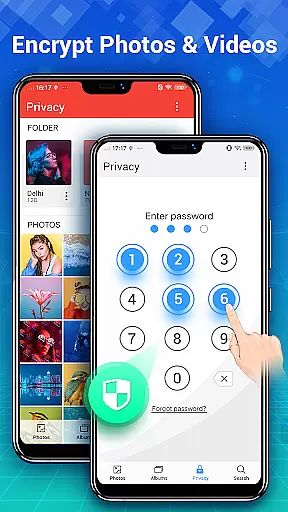
The application's standout feature is its secure vault functionality, allowing users to hide and password-protect sensitive media. Additionally, the built-in editor provides professional-grade tools for enhancing images with just one tap. Whether you're looking to organize thousands of photos or create stunning social media content, Photo Gallery delivers both utility and creativity in a lightweight package.
Ideal for Android users who need a reliable way to manage their growing media library while maintaining privacy, this app serves as an essential tool for both casual photographers and social media enthusiasts who want to keep their memories organized and secure.
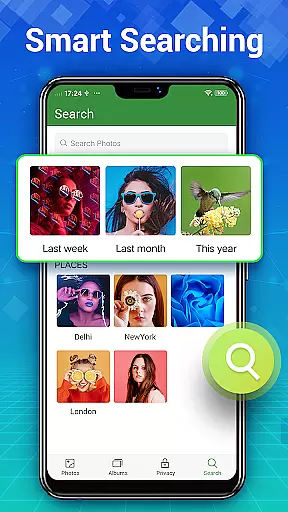
Photo Gallery distinguishes itself through its robust feature set tailored for modern mobile photographers. The automatic organization system uses smart algorithms to categorize photos by date, location, and content type, making it easy to find specific images among thousands. The gallery lock feature creates a secure vault where users can store private photos and videos, ensuring complete privacy with military-grade encryption.
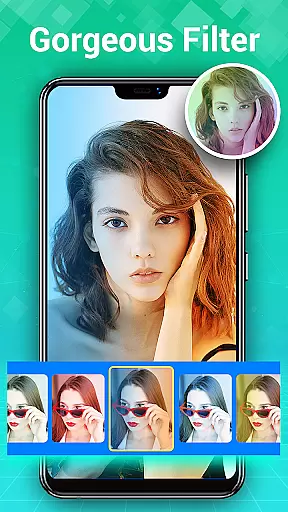
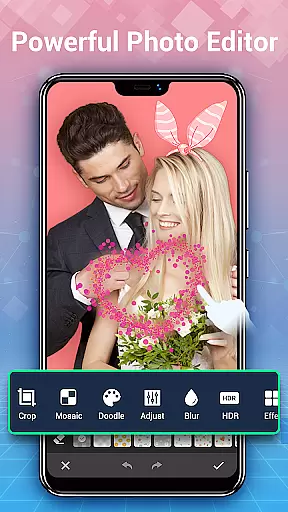
The integrated photo editor offers professional tools including filters, lighting adjustments, text overlays, and creative effects like mosaics and blurs. Users can create impressive photo collages using various templates and styles. Additional practical features include batch processing capabilities, trash management with customizable retention periods, and advanced search functions that help locate files based on multiple criteria.
What sets Photo Gallery apart from competitors is its seamless combination of security, editing power, and organizational efficiency. While other apps might excel in one area, this application provides a balanced suite of tools that cater to both casual users and photography enthusiasts who demand more from their gallery app.
Real-time capture and preview functionality is essential for photography apps as it allows users to see exactly what the camera is capturing before taking a shot. Photo Gallery - Album, Vault ensures that every photo or video taken is displayed in real-time with accurate color representation and sharpness.
This app provides an intuitive interface where users can adjust settings such as exposure, focus, and white balance while seeing the changes reflected instantly on the screen. This immediate feedback empowers photographers to make precise adjustments, ensuring they capture the perfect moment with confidence.
Moreover, the app supports various shooting modes including burst mode, timer, and HDR, all of which are previewed live. Users can switch between front and rear cameras seamlessly, maintaining a smooth preview experience without any lag.
The value of real-time capture and preview extends beyond just taking better photos; it enhances the overall user experience by making the process more interactive and engaging. With this feature, Photo Gallery - Album, Vault caters to both amateur and professional photographers who demand high-quality results from their mobile photography tools.
AI beauty and enhancement features have become increasingly popular in photography apps, offering users the ability to enhance their photos naturally. Photo Gallery - Album, Vault leverages advanced AI algorithms to provide enhancements that maintain the authenticity of the original image while improving its aesthetic appeal.
Users can apply AI-driven filters that intelligently adjust skin tones, smooth imperfections, and enhance facial features without creating an artificial look. The app's AI technology analyzes each photo individually, ensuring that enhancements are tailored to the specific characteristics of the image.
In addition to beautification, the app offers a range of enhancement options such as brightness adjustment, contrast optimization, and color correction. These tools work together to produce images that are vibrant and true-to-life, preserving the natural beauty of the subject matter.
By focusing on natural enhancement, Photo Gallery - Album, Vault stands out in the crowded photography app market. It delivers professional-grade editing capabilities that are accessible to everyday users, allowing them to create stunning photos that retain their genuine essence.
User-friendly interface
Advanced security features
Comprehensive editing tools
Automatic organization
Offline functionality
Storage permission required
Premium features locked
Occasional bugs reported
Ads in free version
Learning curve for tools

Effortlessly organize, view and share your photos & videos with Gallery app!
 4.40
4.40
AI portrait generator and polaroid AI selfie, fun AI generated AI photo creator!
4.30
Photo Album Watch Face shows your favorite pictures as a Watchface.
1.90
Search, tag and rate your way to an organized image gallery
4.40
Light-weight Media Gallery app for Android made with Jetpack Compose
4.60
Easily create custom gifts, cards, photo books & more on the Shutterfly app!
4.60
Turn photos into cartoons & avatars! - Photo Editor, Cartoon Face!
3.90
Remote control the phone camera shutter from your smartwatch and take a picture
1.60
Effortlessly make high-quality GIFs from images & videos without any watermarks.
4.70
Android Native system HD camera app. Never been so simple and faster.
4.70
Your personal guide to the sun and moon. Plan ahead, visualize and predict!
4.70
Viewfinder, Light meter, Reciprocity failure time, DOF & Bellows Extension
4.60
Add Watermark - Sign your pictures with a text or logo. Effective, quick, easy!
4.50
Create AI Photos, Improve and restore quality of blurry, old or damaged pics.
4.20
Professional photography on your mobile phone
4.20
What celebrity do you look like? Celebs will find your celebrity match!
4.10
The #1 app for B&W film developing featuring an advanced darkroom timer.
4.10
Be your best in every shot! Fix, edit and retouch your face in selfies & photos.
3.70
An interval timer to automate photo taking process for timelapse
2.90


User Reviews