
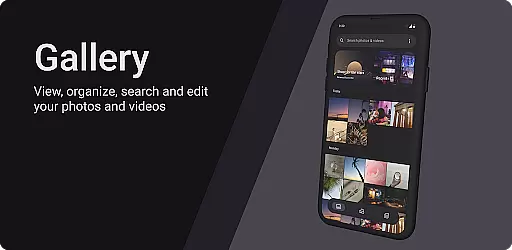
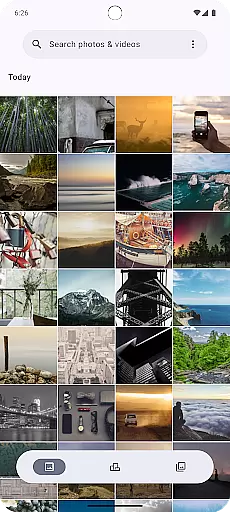
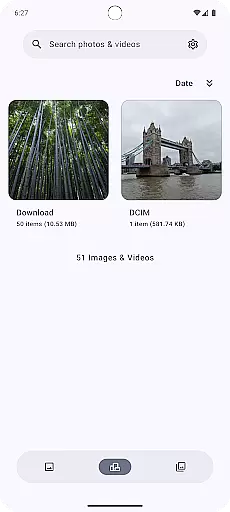
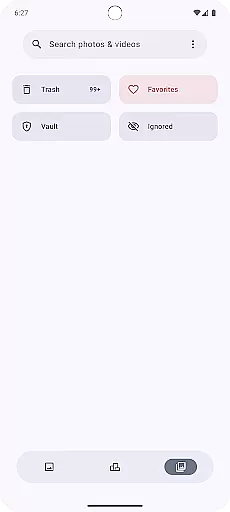
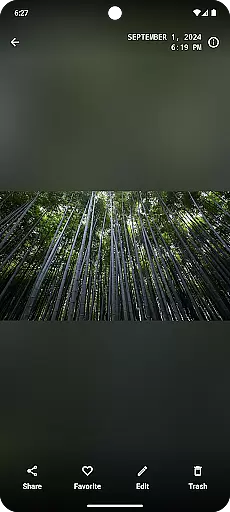
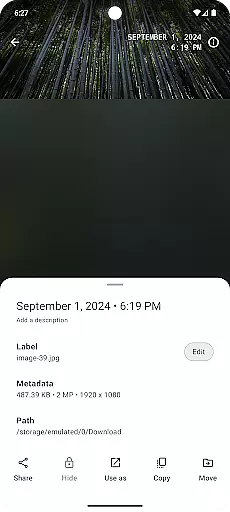
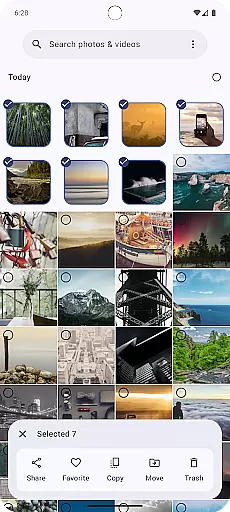
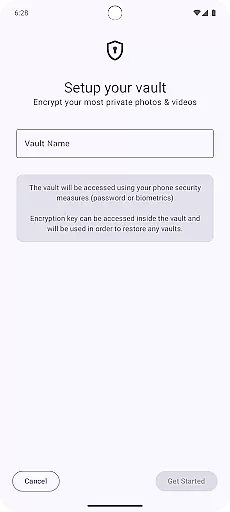
Gallery is a modern photography app designed for Android users who want an intuitive and efficient way to manage their photos. Built with Jetpack Compose, this app offers a sleek interface that makes photo organization simple and enjoyable. Users can easily browse through their image library, edit pictures, and share their favorite moments with friends.
The app stands out with its seamless integration of advanced photo editing tools and cloud storage options. Whether you're looking to enhance your photos with filters or automatically back up your images to the cloud, Gallery provides all the necessary features in one place. Its user-friendly design ensures that both casual users and photography enthusiasts can make the most of their digital collections.
Gallery boasts a comprehensive set of features tailored for photography enthusiasts. The app supports advanced photo editing capabilities, including cropping, color adjustments, and filter applications, allowing users to enhance their images with precision. Additionally, it integrates seamlessly with various cloud services, enabling automatic backups and easy access to your photos from multiple devices.
Another standout feature is the smart album organization powered by machine learning. This functionality automatically categorizes your photos based on content, location, and date, making it effortless to find specific images. With its focus on performance and usability, Gallery ensures fast loading times and smooth navigation, providing a superior user experience for managing your digital memories.
Real-time capture and preview functionality is essential for any photography app as it allows users to see exactly what the camera sees before taking a shot. This ensures that users can make necessary adjustments to framing, lighting, and focus, resulting in higher-quality photos.
Gallery, built with Jetpack Compose, offers an intuitive real-time capture experience by leveraging advanced camera APIs. The app provides a responsive interface that minimizes lag between the camera's view and the preview shown on the screen, ensuring that what you see is what you get.
Users benefit from this feature through improved photo quality and reduced chances of capturing unintended shots. With precise control over the camera settings, photographers can fine-tune their images according to their preferences, enhancing the overall photography experience.
AI beauty and enhancement features have become increasingly popular in photography apps, allowing users to improve their photos with just a few taps. However, maintaining naturalness while applying these enhancements is crucial to avoid artificial-looking results.
Gallery incorporates sophisticated AI algorithms that intelligently enhance facial features, skin tones, and overall image quality without compromising the photo's authenticity. By analyzing each photo individually, the app applies enhancements that complement the original image rather than overshadowing it.
This approach not only boosts user satisfaction but also encourages creativity by enabling users to experiment with different styles and effects confidently. Whether capturing everyday moments or professional portraits, Gallery ensures that every photo looks its best while retaining its genuine essence.
User-friendly interface
Advanced editing tools
Cloud integration
Smart album organization
Fast performance
Limited social sharing
Few customization options
No RAW support
Occasional bugs
Ads in free version

Photo Album Watch Face shows your favorite pictures as a Watchface.
 1.90
1.90
[3DSteroid Pro] is a stereoscopic application for Android.
4.30
Perfect photos with body shaping, BG changer and object remover.
3.70
Android Native system HD camera app. Never been so simple and faster.
4.70
Create collages easily! Nice pic collage maker & background eraser for Instagram
4.50
Hair color changer, AI haircut app, fun hair editor and buzz cut filter for all!
3.80
Turn photos into cartoons & avatars! - Photo Editor, Cartoon Face!
3.90
A light meter for true photographers.
4.20
Discover & download millions of art for The Frame TV or Hisense CanvasTV
4.60
AI Photo Editor with 100+ Filters, Effects! Remove BG, Retouch & Photo Enhancer.
4.80
Edit like a pro with Hypic. Apply filters, AI effects, & magic touch.
4.40
Future baby face generator: AI kids generator, kid face! What my baby look like?
4.40
Turn your phone into a professional camera - full DSLR manual photography
4.30
Smart, light, and fast photo and video gallery
4.30
Professional photography on your mobile phone
4.20
AI-powered video creator by MiniMax - Where ideas meet cinema
4.20
Remote control the phone camera shutter from your smartwatch and take a picture
1.60
Over 800 film simulation recipes for Fujifilm. Black Friday Offer!
4.0
Snap photos remotely using your Garmin watch as the camera trigger
4.2


User Reviews