
ShotCam is a comprehensive photo editing app designed to enhance your photography experience. This all-in-one solution offers powerful tools for body shaping, background editing, and creating stunning collages. The app's intuitive interface allows users to effortlessly transform their photos into professional-grade images.
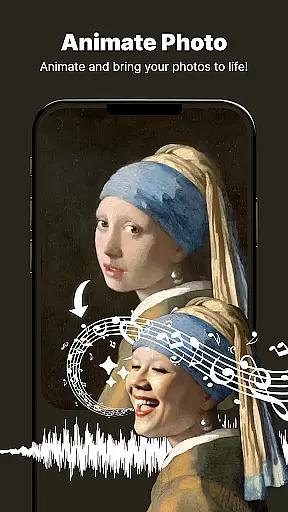
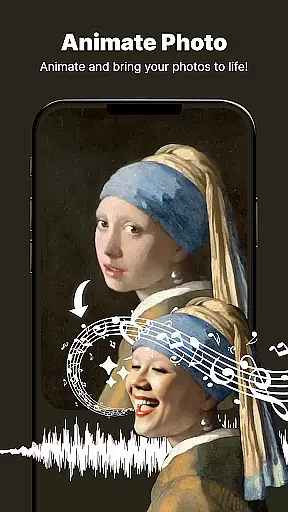
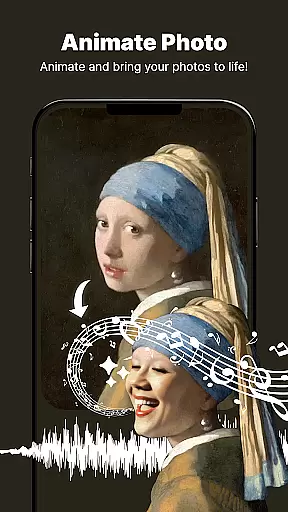
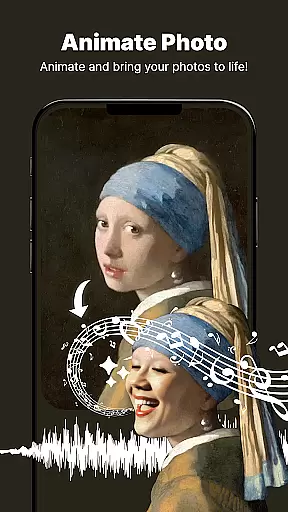
One of ShotCam's standout features is its Animate Photo tool, which brings static images to life through dynamic animations. Whether you're looking to create captivating social media content or simply want to add a creative touch to your personal photos, this feature provides endless possibilities for photo enhancement.
The app caters to various editing needs, from minor touch-ups to complete photo transformations. Its Body Shaper tool helps users achieve their desired look with precision, while the Background Changer and Blur features enable professional-looking portrait effects. These capabilities make ShotCam an ideal choice for both casual photographers and social media enthusiasts seeking to elevate their visual content.
ShotCam distinguishes itself through its diverse range of advanced editing tools. The Body Shaper feature offers precise control over figure adjustments, allowing users to sculpt and refine their appearance with natural-looking results. This tool is particularly valuable for creating flattering social media portraits or enhancing personal photos.
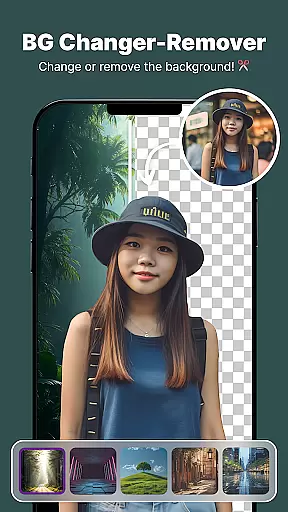
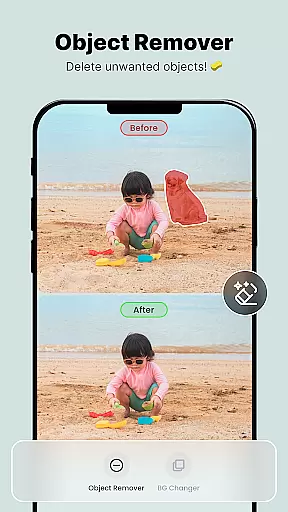
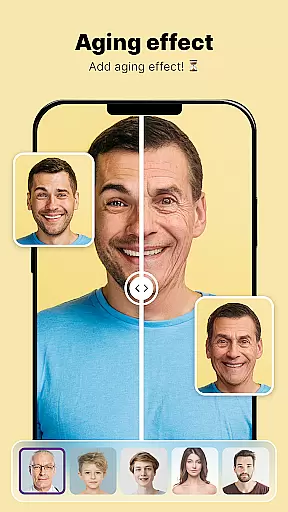
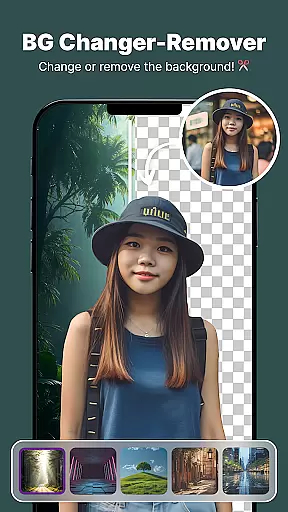
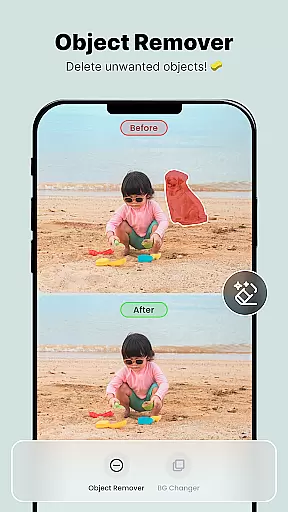
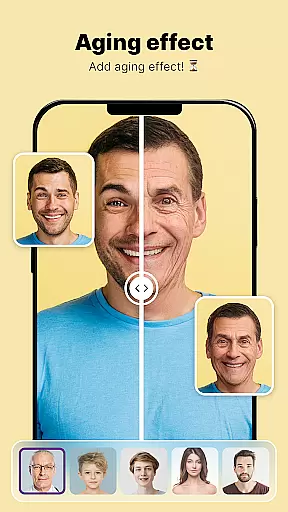
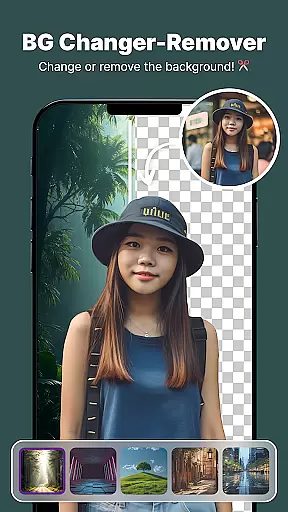
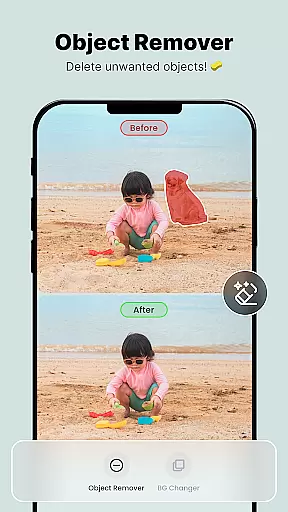
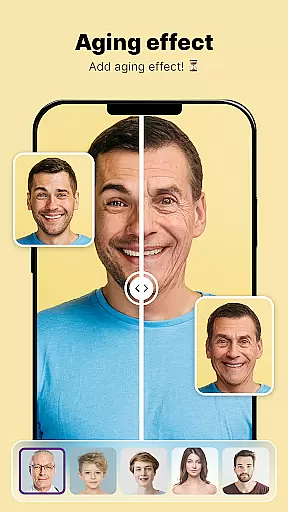
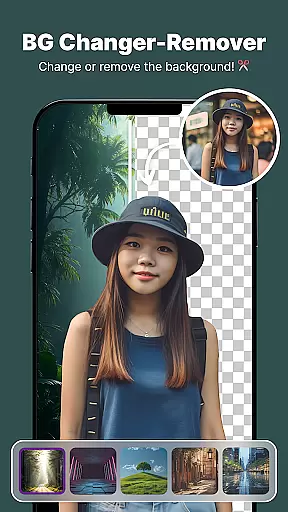
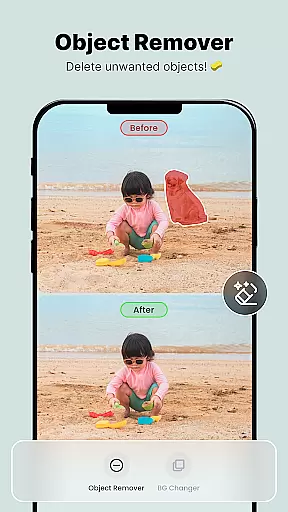
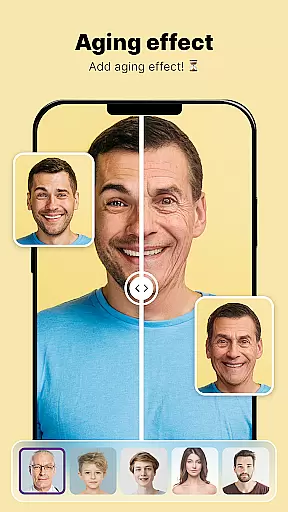
The app's Background Editing suite includes three powerful tools: Background Changer, Object Remover, and Background Blur. These features work seamlessly together to help users create professional-quality images. The Aging Effects tool adds a unique dimension to the editing process, enabling users to visualize future appearances or create entertaining content for friends and family.
Additional notable features include the Collage Maker for combining multiple images into artistic arrangements, and the Animate Photo tool for adding motion to still images. Each feature is designed with user-friendly interfaces that maintain professional-grade results, making sophisticated photo editing accessible to users of all skill levels.
Real-time capture and preview functionality is essential for ensuring that every photo taken meets the user's expectations without delay. The Photo Editor, Enhanceruff0dShotCam app excels in this area by providing users with instant feedback on their shots before they even take them.
This application leverages advanced processing capabilities to offer a seamless experience when capturing images. Users can see adjustments such as filters, lighting changes, or body shaping effects applied live through the camera viewfinder. This immediate visualization allows for quick corrections and creative experimentation.
With real-time previews, photographers are empowered to make informed decisions about composition, exposure, and other critical aspects of photography. As a result, users can achieve professional-quality photos directly from their mobile devices, saving time in post-processing and enhancing overall satisfaction with their photographic work.
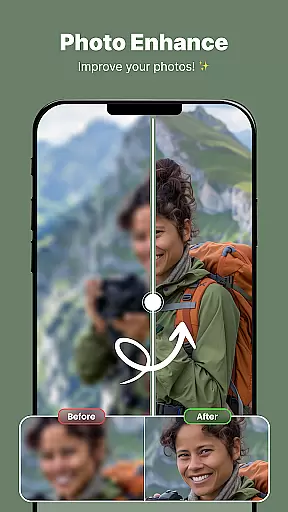
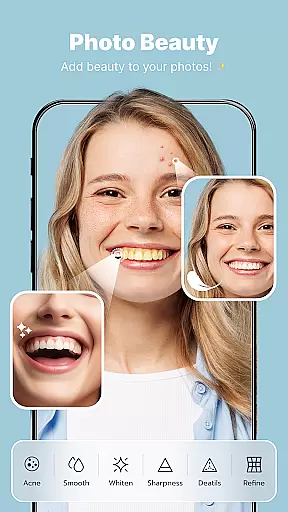
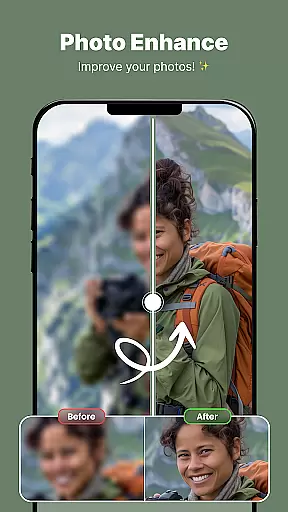
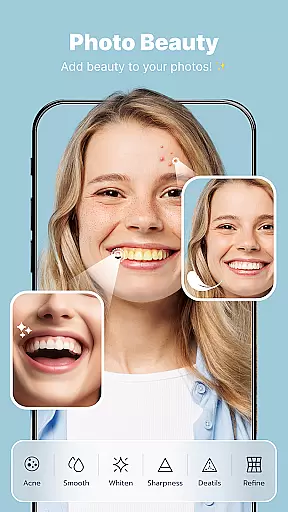
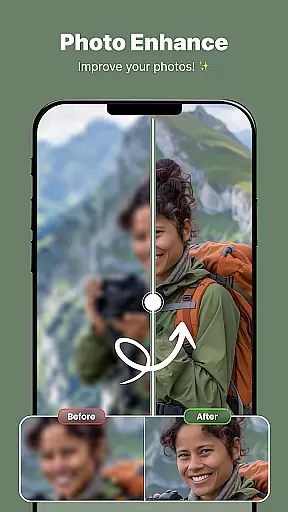
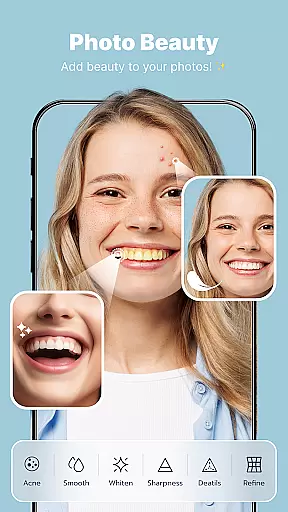
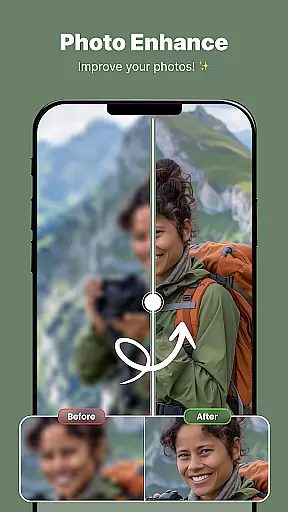
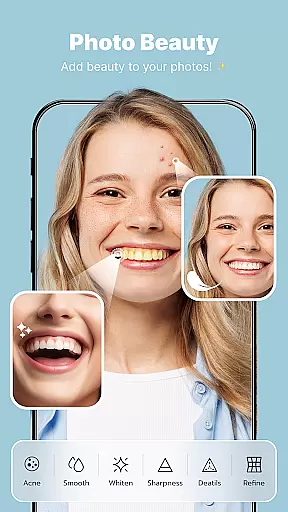
The AI Beauty & Enhancement feature within the Photo Editor, Enhanceruff0dShotCam app focuses on delivering natural-looking enhancements to portraits. By utilizing sophisticated algorithms, the app intelligently applies edits that preserve the authenticity of human features while subtly improving aesthetics.
Users have access to tools like skin smoothing, blemish removal, and facial reshaping, all designed to enhance without overdoing it. These AI-driven enhancements adapt to each unique face, ensuring that modifications look organic rather than artificial. Such precision helps maintain the individuality of subjects in photographs.
Ultimately, this commitment to natural enhancement results in more appealing yet believable images. Whether editing selfies or professional portraits, users benefit from an intuitive interface that delivers polished but genuine outcomes, elevating personal and client-based projects alike.
User-friendly interface
Comprehensive editing tools
High-quality results
Regular updates
Creative features
Premium features locked
Advertisements present
Steep learning curve
Occasional bugs
Subscription required

All-in-One Editor & AI Photo Enhancer, Beautify & Retouch, Collage, Cartoonify
 4.20
4.20
Professional video recording application with manual controls for filmmakers!
2.80
Photobooth mini FULL app will allow you to add more fun to your parties
4.00
Edit like a pro with Hypic. Apply filters, AI effects, & magic touch.
4.40
Android Native system HD camera app. Never been so simple and faster.
4.70
Over 800 film simulation recipes for Fujifilm. Black Friday Offer!
4.1
AI-powered video creator by MiniMax - Where ideas meet cinema
4.20
Hair color changer, AI haircut app, fun hair editor and buzz cut filter for all!
3.80
Astrophotography with your smartphone, photo live stacking and much more!
3.90
Collage your moments in one tap: 1000+ layouts, filters, stickers, and texts.
4.90
Photo prints, cards, & gifts at Walgreens. Easy ordering & fast local pickup !
4.80
AI Photo Editor with 100+ Filters, Effects! Remove BG, Retouch & Photo Enhancer.
4.80
A collection of tools and reference tables for DPs, ACs, DITs and Operators.
4.70
Amazing Photo Effects - The most fun you can have with your photos!
4.70
Easily view, share, delete photos with Gallery.
4.70
The original Rarevision VHS look seen everywhere!
4.70
Natural Beauty, Selfie Retouch
4.30
Catch sunlight, sunrise sunset times and sun phases with the AR sun tracker.
4.10
Superimpose one photo on top of another using the original Superimpose app!
3.20


User Reviews