
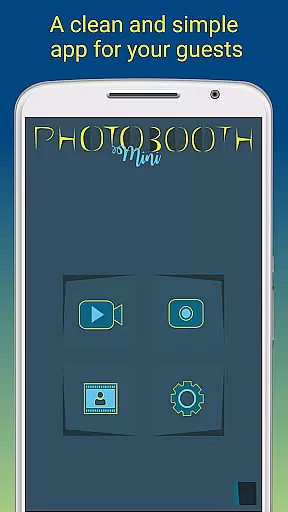
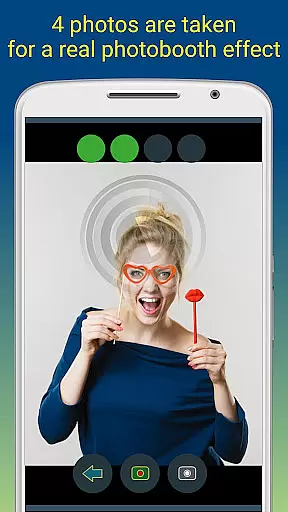
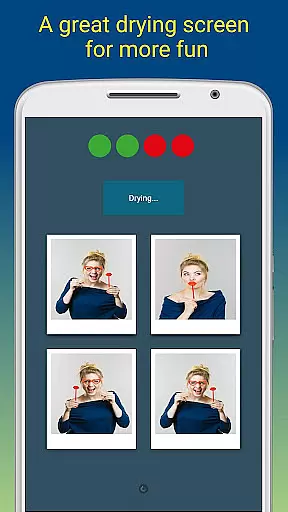
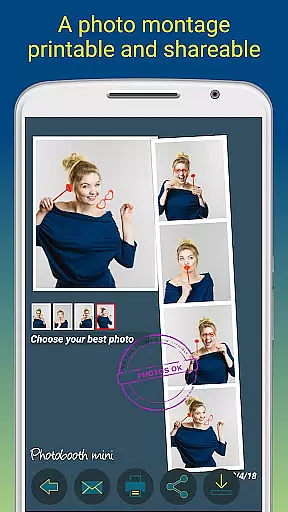
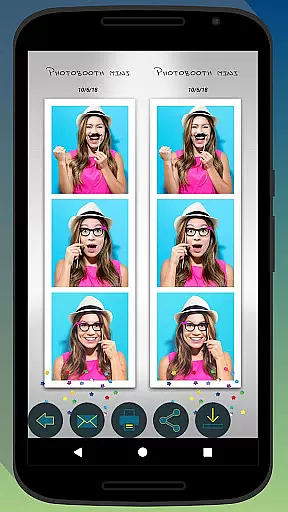
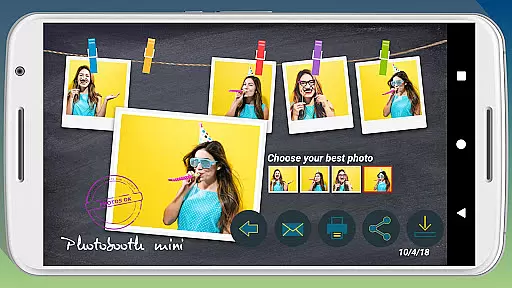
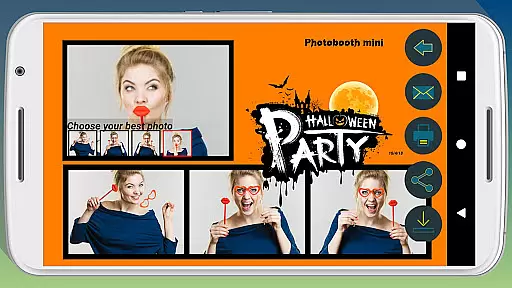
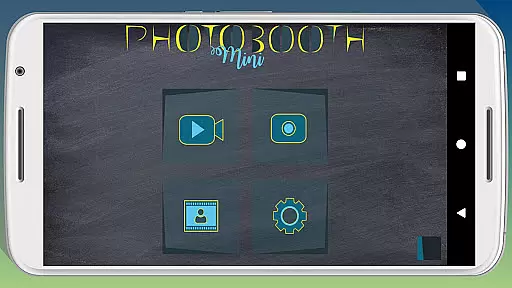
Photobooth mini FULL is a feature-rich photography app designed to capture fun moments at parties and events. The app offers a full-screen preview that adapts to the user's distance, mimicking a real photo booth experience. With functionalities like a timer, multiple picture capture, and video messaging, it ensures an engaging experience. Users can take 4-5 photos per session, enjoy a realistic drying effect with sound, and customize their experience extensively.
The application shines in social settings, allowing continuous use over days without performance issues. It supports direct printing, sharing, and emailing of photos, making it ideal for gatherings. Additionally, users can personalize photos with text and dates, adjust settings, and replace background images to match their event themes. Its ability to queue email requests when offline further enhances its practicality for event use.
Photobooth mini FULL stands out with its specialized features tailored for event photography. The full-screen preview adjusts based on the user's distance, providing an authentic photo booth feel. The app includes a timer function and allows capturing 4-5 images per session, adding an element of surprise and fun. A unique drying feature with blowing sound effects enhances the overall experience.
Customization options are abundant, enabling users to tailor the app to their specific needs. From replacing background images to configuring the timer, every aspect can be personalized. The app also facilitates easy sharing and printing, ensuring guests can immediately access their photos. Moreover, its capability to store email requests and send them once online makes it reliable for venues with unstable internet connections.
Photobooth mini FULL offers a real-time capture and preview feature that ensures users can take high-quality, funny pictures with ease. This functionality is crucial for capturing moments accurately as they happen.
The app provides a full-screen preview that adapts to the distance of the face, mimicking a real photo booth experience. Users can zoom in or out using the volume buttons, and the chosen distance is maintained, ensuring consistent quality and framing.
With additional features like a timer and the ability to take 4 to 5 pictures in one session, users can enjoy a seamless photography experience. The application's design allows it to remain active during parties, making it accessible for everyone to use effortlessly over extended periods.
This real-time capture and preview capability not only enhances user engagement but also guarantees that all captured images are ready for immediate printing and sharing, providing a fun and interactive experience for users and their friends.
Photobooth mini FULL incorporates AI beauty and enhancement features that ensure natural-looking edits to photos. This aspect is essential for users who want to enhance their pictures without compromising on authenticity.
The app uses advanced algorithms to apply enhancements that maintain the original essence of the photo. Whether it's smoothing skin tones or brightening smiles, the modifications appear genuine and unforced.
Users can customize the level of enhancement according to their preferences, thanks to the appu2019s highly configurable settings. From replacing background images to adjusting timers, every feature is designed to adapt to individual needs while preserving the photo's natural look.
By focusing on natural enhancement, Photobooth mini FULL ensures that every edited photo retains its original charm, offering users a delightful blend of fun and realism in their picture-taking experience.
User-friendly interface
Highly customizable settings
Offline email queuing
Realistic photo booth simulation
Social media integration
Requires manual updates
Limited free features
No live customer support
Occasional bugs reported
Premium version cost

Edit like a pro with Hypic. Apply filters, AI effects, & magic touch.
 4.40
4.40
A reflected light meter with spot metering and incident light metering.
4.40
Add a dreamy vibe to your selfies and videos with soft style filters
4.2
Professional photography on your mobile phone
4.20
GCamera allows all GCam features on all phone models! Better photos with GCamera
3.30
Turn photos into cartoons & avatars! - Photo Editor, Cartoon Face!
3.90
Welcome to ProShot, the most powerful camera app on Android.
4.20
Solocator stamps photos you take with GPS location, Compass Direction, Date/Time
3.80
Discover How to Plan any Sun, Moon and Milky Way Photo You Imagine in Seconds
4.70
Find time and duration of different sunlight phases at any location
4.90
Android Native system HD camera app. Never been so simple and faster.
4.70
Enhance, upscale, and transform your images — on your device, without limits
4.70
A must-have app for landscape photographers
4.60
Turn your phone into a professional camera - full DSLR manual photography
4.30
Virtual makeup, hair filters & body tuner—edit from face to full body!
4.20
Transform Photos: Edit, Beautify and Craft Memories & Make Collages!
4.10
How would you look like with a differently shaped nose, chin or lips?
3.90
Long exposure camera with computational photography
2.60
Photo Album Watch Face shows your favorite pictures as a Watchface.
1.90


User Reviews