
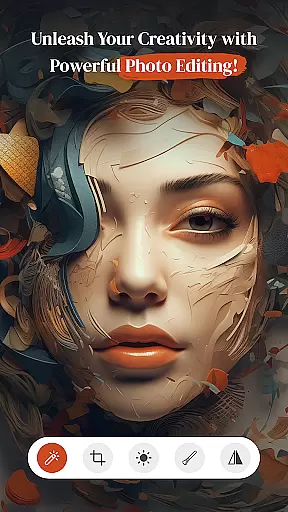
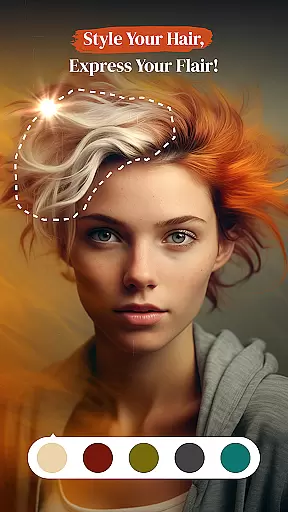
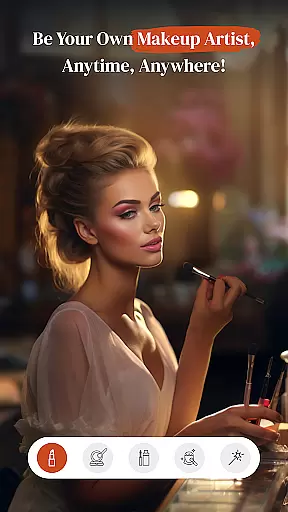
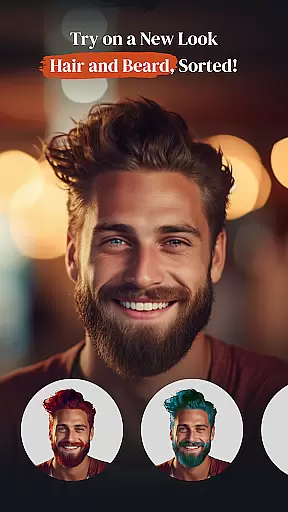
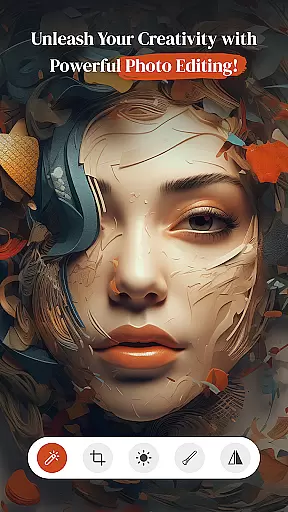
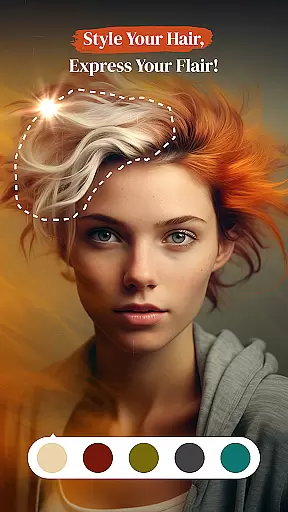
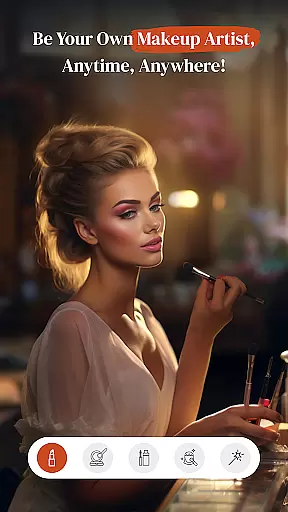
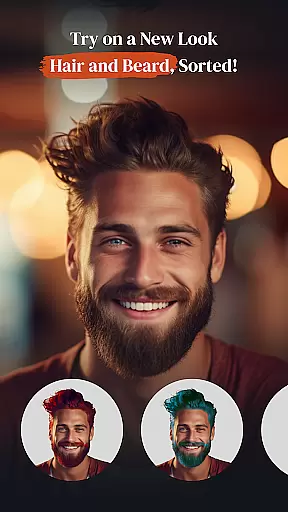
PerfectPic-Photo Edit・Collage is a feature-rich photography app designed to elevate your photo editing experience. This app serves as an all-in-one solution, offering advanced tools like AI-powered object remover, background eraser, and a beauty cam with makeup features. Whether you're looking to create stunning collages or experiment with hair and beard styles, PerfectPic provides endless creative possibilities.
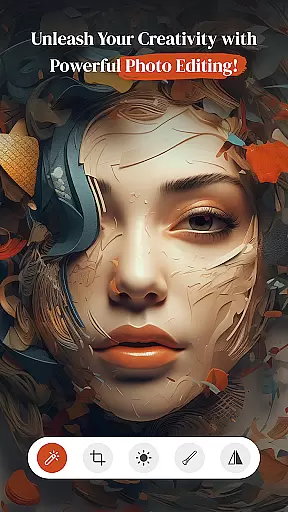
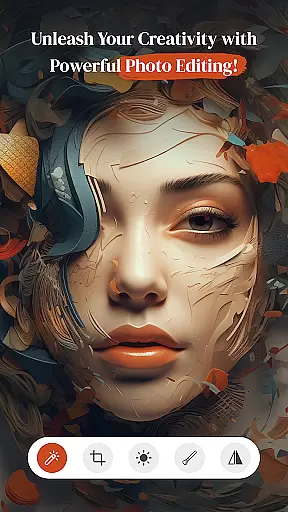
The app stands out with its user-friendly interface and powerful editing capabilities. From adjusting contrast and applying artistic filters to removing unwanted objects and changing backgrounds, it ensures professional-quality edits with minimal effort. PerfectPic is ideal for both amateur photographers who want quick enhancements and professionals seeking detailed control over their edits.
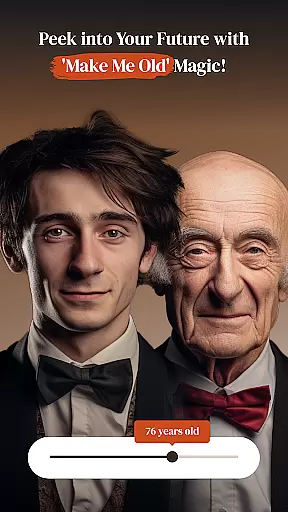
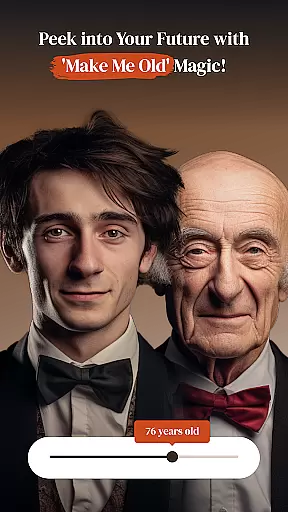
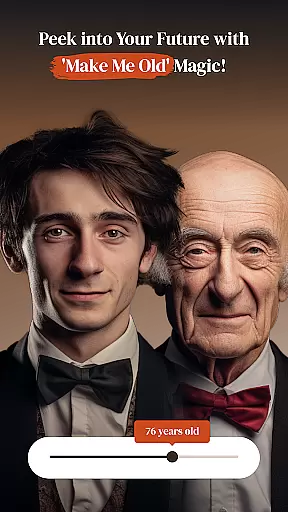
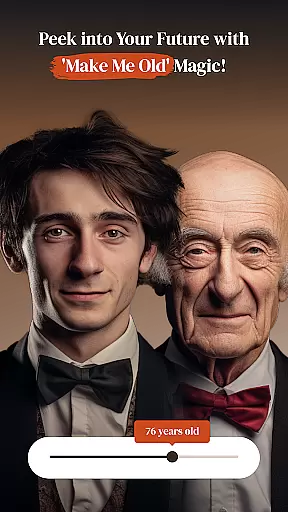
With PerfectPic, users can transform ordinary photos into extraordinary works of art. Its innovative features, such as the 'Make Me Old' time-travel effect and versatile collage maker, make it a must-have tool for anyone passionate about photography. The app's ability to seamlessly blend functionality with creativity offers significant value to users looking to bring their imaginative ideas to life.
PerfectPic boasts an impressive array of features tailored to meet diverse photo editing needs. One standout tool is the AI-powered Object Remover, which allows users to erase unwanted elements from photos effortlessly. Whether it's removing photobombers or cleaning up cluttered backgrounds, this feature ensures flawless, distraction-free images every time.
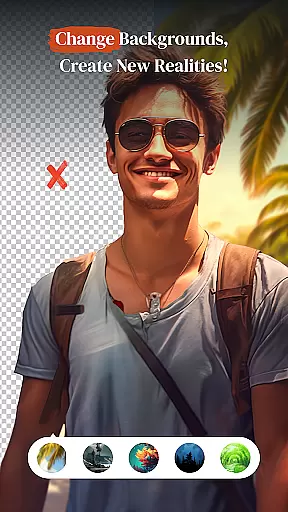
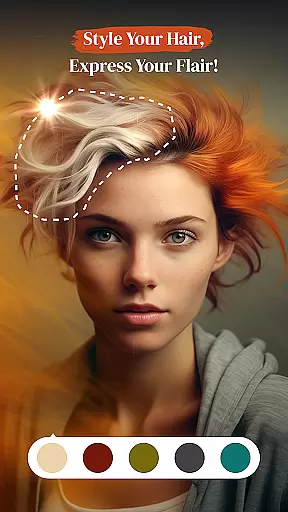
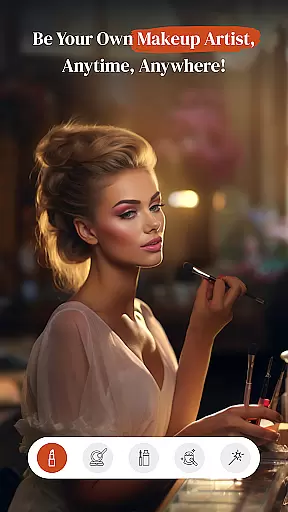
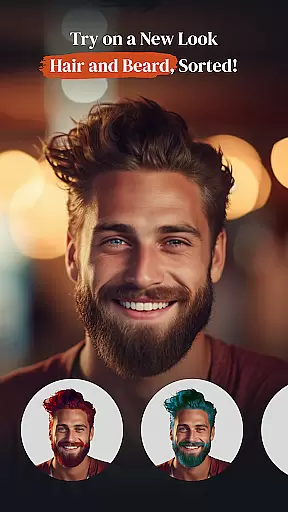
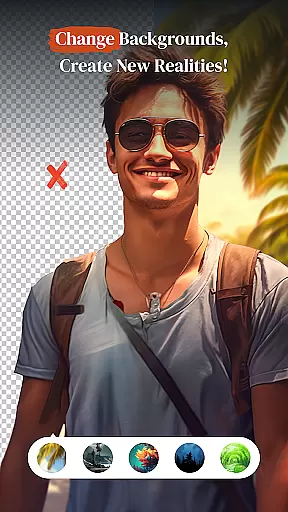
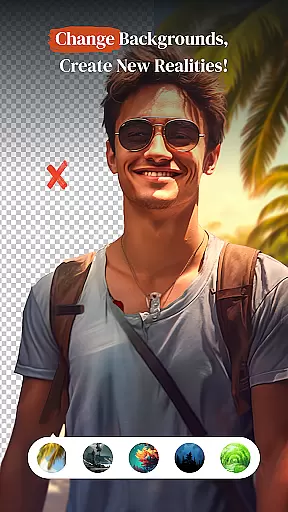
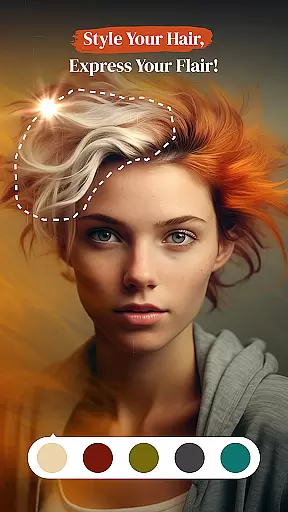
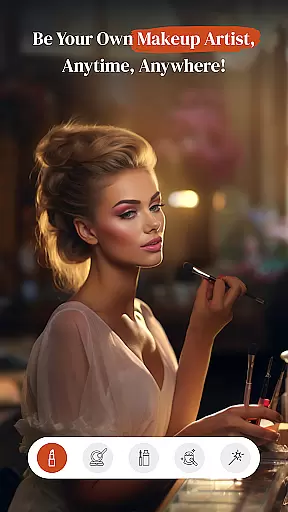
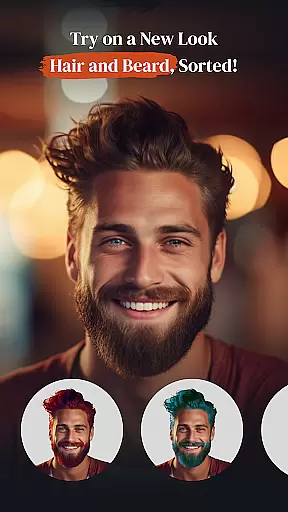
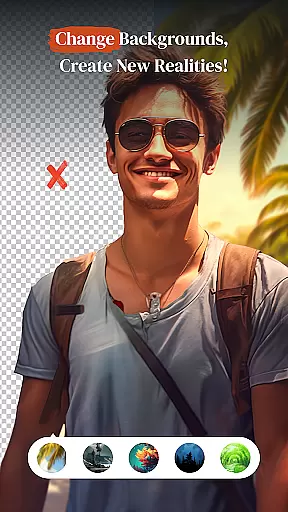
The Background Changer (BG Changer) is another highlight, enabling users to replace mundane backgrounds with vibrant, imaginative ones. With just a tap, you can transport your subject to a tropical beach or a bustling cityscape. Additionally, the app includes specialized tools like Hair & Beard Changer and Beauty Cam, which let users experiment with different looks and enhance portraits with virtual makeup.
PerfectPic also offers unique creative effects, such as the 'Make Me Old' filter that simulates aging, and a robust Collage Maker for combining multiple images into cohesive designs. These features not only expand creative possibilities but also ensure that users can achieve their desired results without needing professional design skills. Each tool is crafted to provide both ease of use and high-quality output, making PerfectPic a leader in mobile photo editing.
Real-time capture and preview functionality is essential for ensuring that every photo taken meets the user's expectations without delay. PerfectPicuff0dPhoto Editu30fbCollage offers a seamless experience where users can instantly see the results of their shots before committing to them.
This app leverages advanced processing capabilities to provide immediate feedback on images captured through its interface. Users can apply filters, adjust settings, and see changes in real time, which significantly enhances the creative process by allowing instant experimentation with different effects.
The advantage of this feature lies in its ability to save time and improve the quality of photographs. By previewing edits live, users can make informed decisions about their photo adjustments, leading to more satisfying outcomes and reducing the need for post-processing corrections.
Overall, the real-time capture and preview feature empowers photographers to take full control of their creative vision, making it an indispensable tool for both amateur enthusiasts and professional photographers seeking precision and efficiency in their work.
AI beauty and enhancement features are designed to elevate the aesthetic appeal of photos while maintaining a natural look. In PerfectPicuff0dPhoto Editu30fbCollage, these tools utilize sophisticated algorithms to enhance facial features, skin tones, and overall image quality without appearing artificial or over-processed.
The AI-driven enhancements intelligently detect facial landmarks and apply subtle modifications that highlight natural beauty. This includes smoothing skin textures, brightening eyes, and enhancing smilesu2014all tailored to preserve authenticity and individuality in each portrait.
Users benefit from this technology as it allows them to achieve polished results effortlessly. The enhancements are carefully balanced to avoid the pitfalls of excessive digital manipulation, ensuring that edited photos retain their genuine charm and character.
Ultimately, the AI beauty and enhancement features in PerfectPic empower users to create stunning yet believable portraits, offering a competitive edge in social media presence and personal photography projects. This capability sets the app apart as a leader in delivering high-quality, natural-looking photo edits.
User-friendly interface
Advanced AI tools
Versatile editing options
High-quality results
Creative effects
Some features may require premium access
Occasional ads in free version
Learning curve for beginners
Limited offline functionality
Large file size

Gallery show photo, video, slideshow, is perfect 3D effect private photo albums.
 4.80
4.80
How would you look like with a differently shaped nose, chin or lips?
3.90
All-in-One Editor & AI Photo Enhancer, Beautify & Retouch, Collage, Cartoonify
4.20
Be your best in every shot! Fix, edit and retouch your face in selfies & photos.
3.70
Gallery Slideshow is slideshow maker app for slideshow from your gallery photos.
3.90
Use AI Video Generator to turn your words to ai generated videos.
4.50
Turn photos into cartoons & avatars! - Photo Editor, Cartoon Face!
3.90
Your personal guide to the sun and moon. Plan ahead, visualize and predict!
4.70
Your Family Calendar + Photos. Manage your Skylight Calendar and Skylight Frame.
4.40
Perfect body tune & face app - photo retouch, makeup, slim body & beautify face.
4.80
Easily create custom gifts, cards, photo books & more on the Shutterfly app!
4.60
Unblur, enhance & restore photos with powerful AI photo enhancer tools.
4.60
RAW video capture with advanced controls
4.40
Virtual makeup, hair filters & body tuner—edit from face to full body!
4.20
Create AI Photos, Improve and restore quality of blurry, old or damaged pics.
4.20
AI-powered video creator by MiniMax - Where ideas meet cinema
4.20
How old age camera Gender Swap App Face Shape Hairstyle App Hair Styler App fun!
4.00
Astrophotography with your smartphone, photo live stacking and much more!
3.90
Pet Camera
3.70


User Reviews