
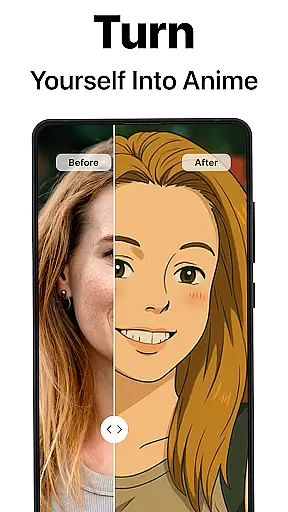
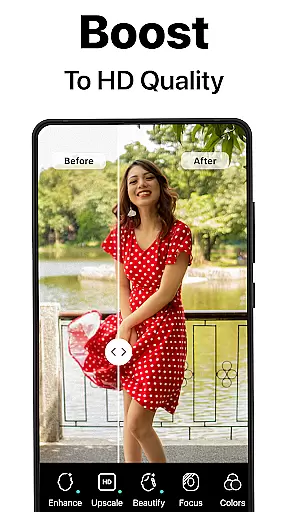
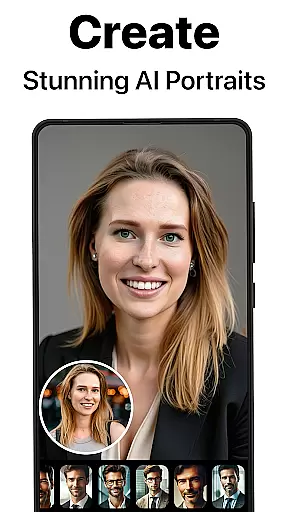
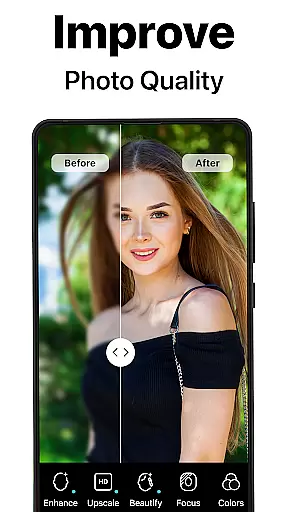
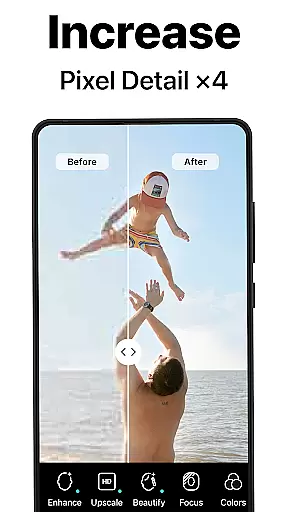
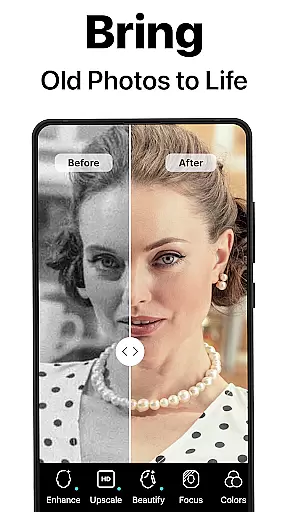
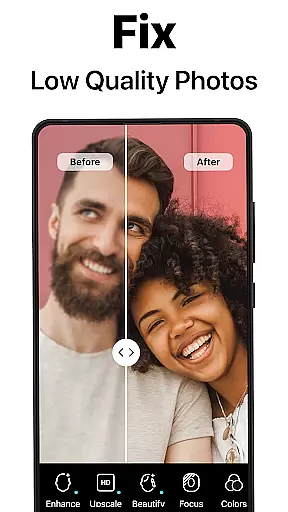
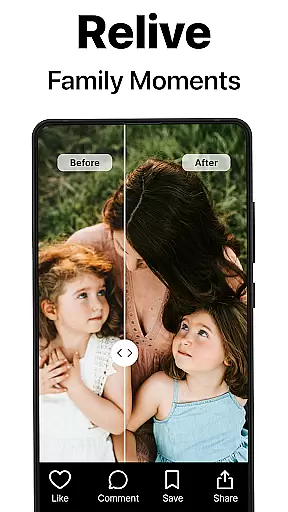
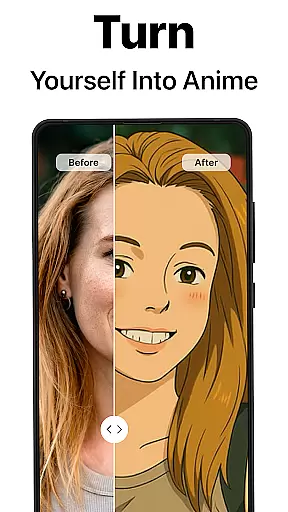
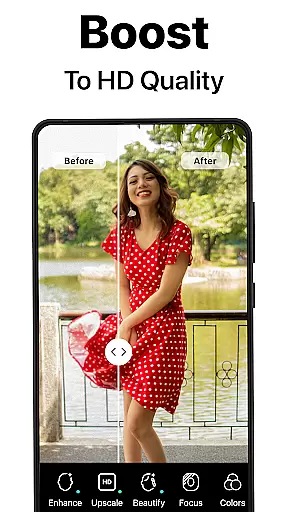
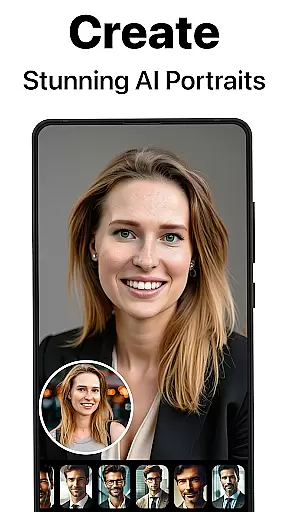
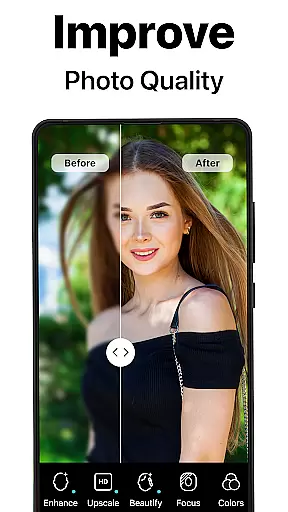
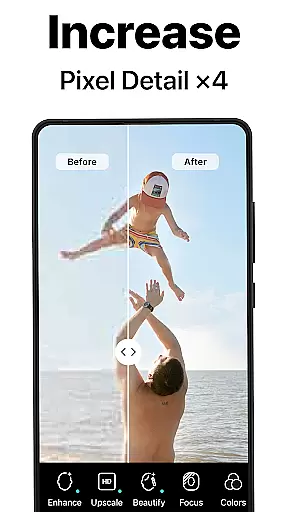
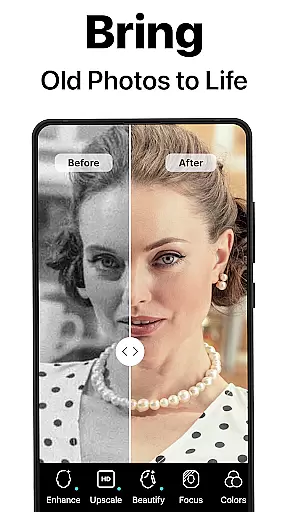
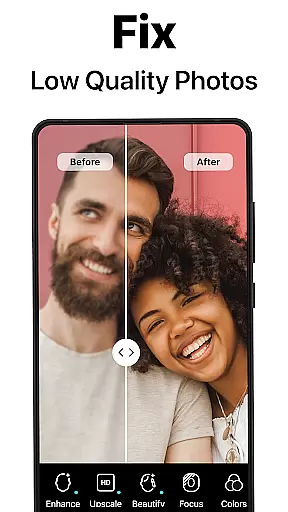
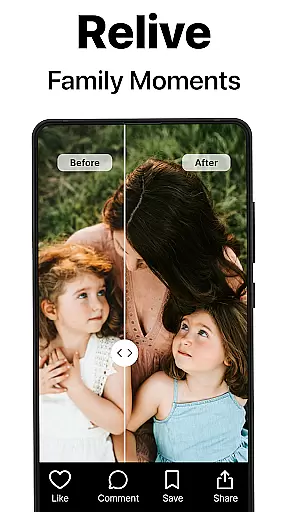
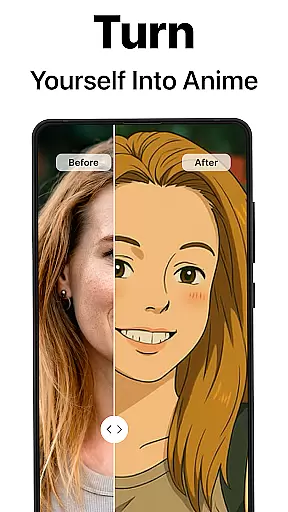
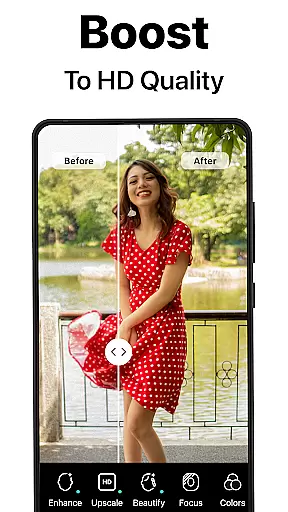
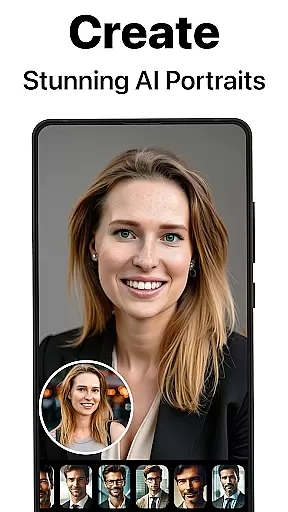
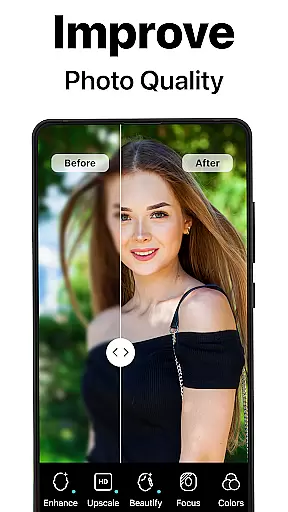
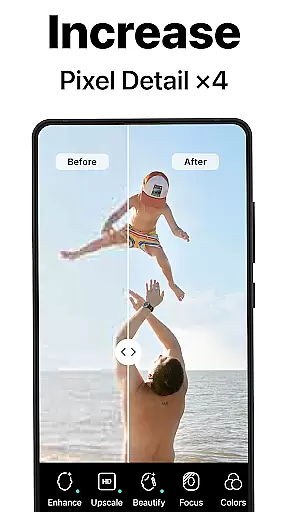
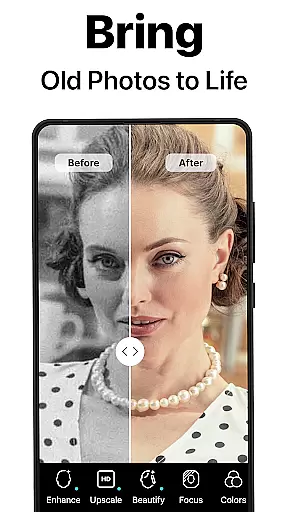
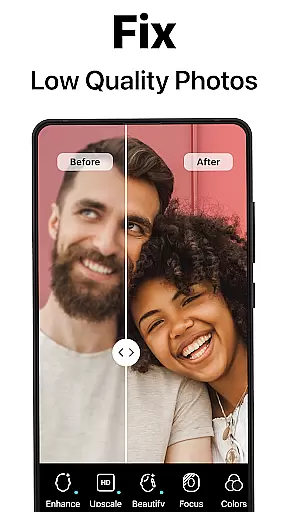
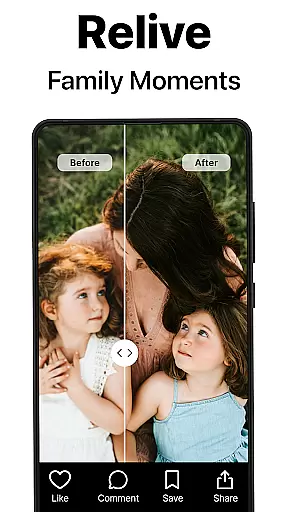
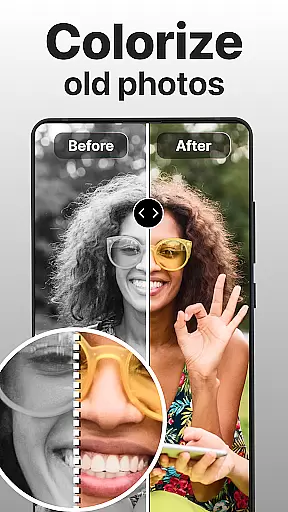
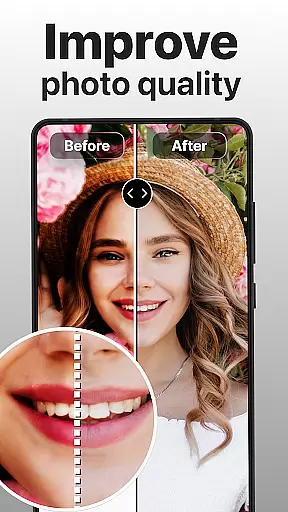
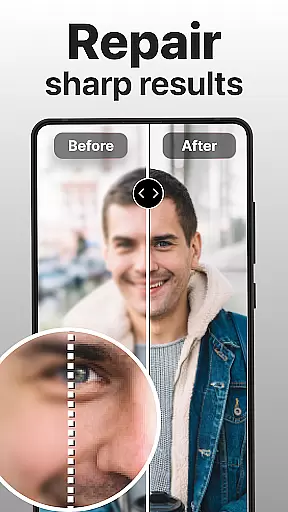
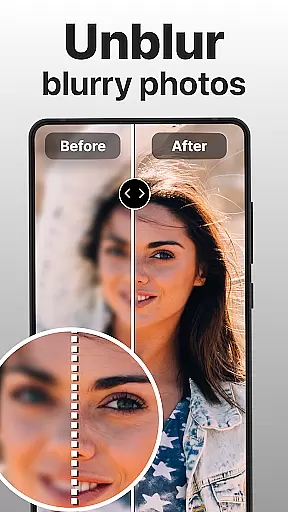
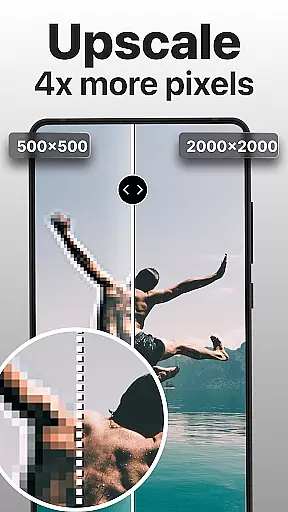
PhotoBoost is a powerful photography app designed to enhance, restore, and transform your photos using cutting-edge AI technology. Whether you're looking to sharpen blurry images, revive pixelated memories, or create stunning AI-generated avatars, PhotoBoost delivers professional-quality results in seconds. The app's standout feature is its AI Avatars functionality, which offers the largest selection of styles and themes on the market, allowing users to turn selfies into creative masterpieces inspired by art, fantasy, and pop culture.
In addition to AI Avatars, PhotoBoost provides tools for photo restoration, colorization, and upscaling. Users can repair old, damaged photos, add vibrant colors to black-and-white images, and enlarge pictures without losing quality. With its versatility and speed, PhotoBoost caters to both personal and professional needs, making it an ideal choice for enhancing social media posts, digitizing family albums, or creating polished headshots.
PhotoBoost stands out with its comprehensive suite of features powered by advanced AI technology. One of its core functionalities is instant photo sharpening, which transforms low-resolution or blurry images into sharp, high-definition visuals. This feature is particularly useful for improving social media content or restoring cherished family photos. Additionally, the app offers a robust photo restoration tool that repairs scratches, removes damage, and revives faded images, while also providing colorization options for black-and-white photos.
The AI Avatars feature is another highlight, offering unmatched variety and creativity. Users can choose from hundreds of themes, including festive holiday styles, fantasy-inspired designs, and artistic renditions reminiscent of famous painters. Each avatar is generated in under three seconds, ensuring both speed and quality. Other notable features include advanced AI upscaling for enlarging images without quality loss and a comparison tool that showcases before-and-after transformations. These capabilities make PhotoBoost a versatile solution for anyone seeking to elevate their photography projects.
Real-time capture and preview functionality is essential for ensuring that every photo taken meets the user's expectations. PhotoBoost excels in this area by providing instantaneous feedback on images as they are captured, allowing users to make necessary adjustments before finalizing their shots.
The app leverages advanced AI technology to enhance the clarity and quality of photos during the capture process. This ensures that even in challenging lighting conditions or with fast-moving subjects, the resulting images maintain a high standard of detail and sharpness.
For users, this feature translates into greater confidence when taking photos, knowing that they can rely on PhotoBoost to deliver clear and vibrant images consistently. Whether capturing fleeting moments or setting up the perfect shot, real-time enhancements ensure professional-quality results without the need for post-processing.
Ultimately, PhotoBoost's real-time capture and preview capabilities empower users to focus on their creativity and storytelling, rather than worrying about technical limitations, making it an invaluable tool for photography enthusiasts and professionals alike.
AI beauty and enhancement features have become a staple in modern photography apps, but the key differentiator lies in how natural the enhancements appear. PhotoBoost stands out by offering AI-driven enhancements that preserve the authenticity of the original image while elevating its aesthetic appeal.
Using state-of-the-art AI algorithms, PhotoBoost intelligently identifies facial features, skin tones, and textures to apply enhancements that look genuine and unaltered. This approach avoids the pitfalls of over-processing, which can result in unnatural or artificial-looking images.
Users benefit from this feature by achieving polished yet realistic photos that highlight their best features without compromising their unique identity. Whether it's smoothing skin imperfections, enhancing eye clarity, or adjusting facial symmetry, PhotoBoost ensures that each modification enhances the subject's natural beauty.
This commitment to natural enhancement not only boosts user confidence in sharing their photos but also sets PhotoBoost apart as a leader in delivering authentic and appealing visual content, making it ideal for social media posts, professional portfolios, or personal keepsakes.
Advanced AI technology
Largest avatar library
Fast processing speed
Versatile editing tools
High-quality results
Paid subscription required
Free trial limitations
Privacy concerns
Complex interface
Resource-intensive

How would you look like with a differently shaped nose, chin or lips?
 3.90
3.90
[3DSteroid Pro] is a stereoscopic application for Android.
4.30
What celebrity do you look like? Celebs will find your celebrity match!
4.10
Pet Camera
3.70
Photo Exif Editor allows to view, add and modify EXIF data of multiple photos
4.50
Easily create custom gifts, cards, photo books & more on the Shutterfly app!
4.60
Fit multiple photos on one post. Create carousels & scroll layouts for Instagram
4.50
PhotoSync Bundle Add-On License. Enables all features and services in PhotoSync.
4.60
Try an anime version, cartoon yourself, and generate AI hug or aging videos!
3.70
Collage your moments in one tap: 1000+ layouts, filters, stickers, and texts.
4.90
Gallery show photo, video, slideshow, is perfect 3D effect private photo albums.
4.80
A collection of tools and reference tables for DPs, ACs, DITs and Operators.
4.70
Your personal guide to the sun and moon. Plan ahead, visualize and predict!
4.70
Add Watermark - Sign your pictures with a text or logo. Effective, quick, easy!
4.50
AI photo editor with hair editor, retouch tools, hair color changer & filters!
4.50
A reflected light meter with spot metering and incident light metering.
4.40
Natural Beauty, Selfie Retouch
4.30
Turn your phone into a professional camera - full DSLR manual photography
4.30
Photo editor: face & body editor, beauty cam, filters and quality enhancer.
4.00


User Reviews