
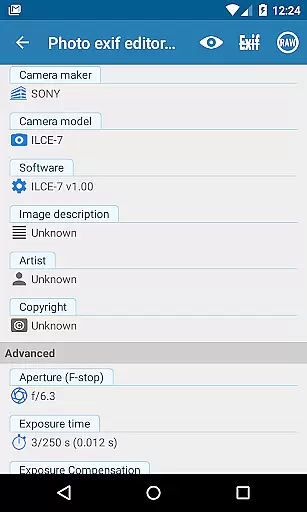
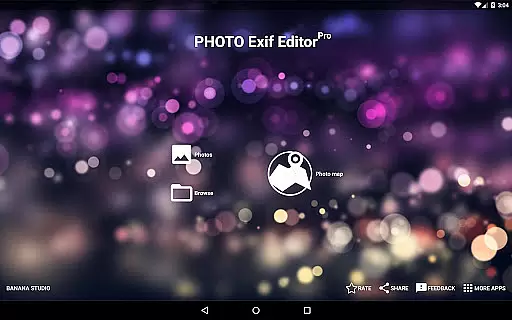
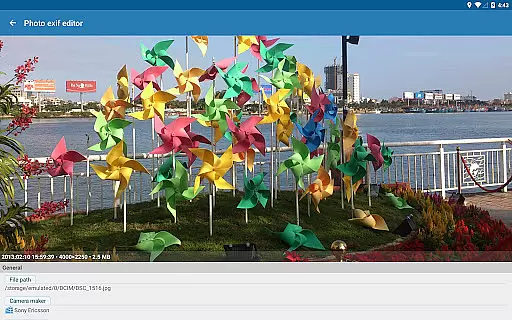
Photo Exif Editor Pro is a comprehensive tool designed for photographers and enthusiasts who need to manage the metadata of their images. This application allows users to view, edit, and modify Exif data embedded in photos, providing essential details about camera settings and shooting conditions.
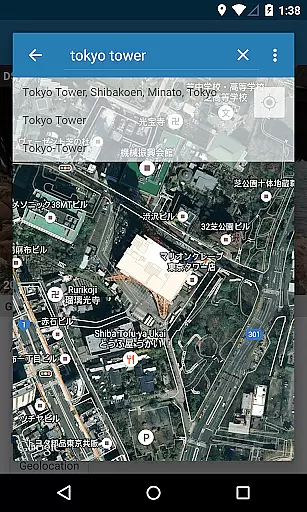
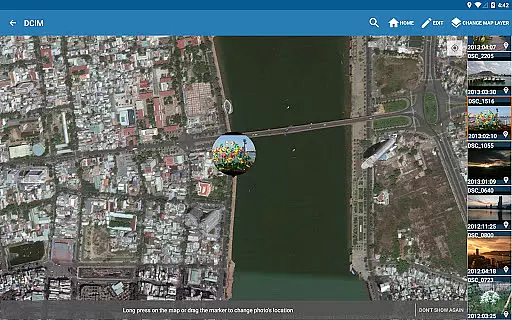
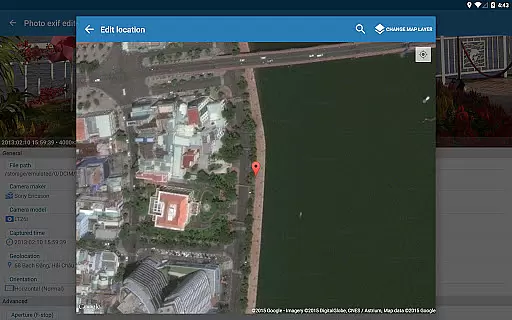
The app features an intuitive interface that makes it easy to correct missing information or update existing data. With capabilities such as batch editing, GPS tagging through Google Maps, and full raw data display, Photo Exif Editor Pro offers professional-grade functionality without compromising usability. Whether you're organizing your photo library or preparing images for publication, this app ensures your files contain accurate and complete metadata.
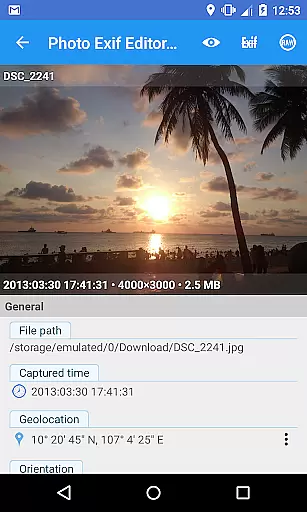
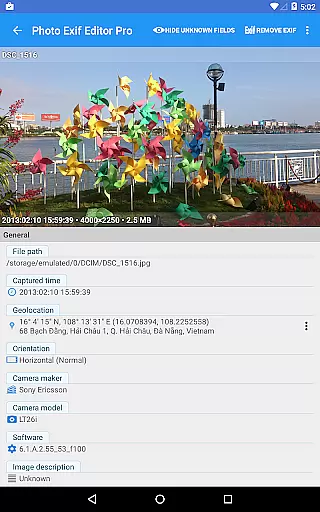
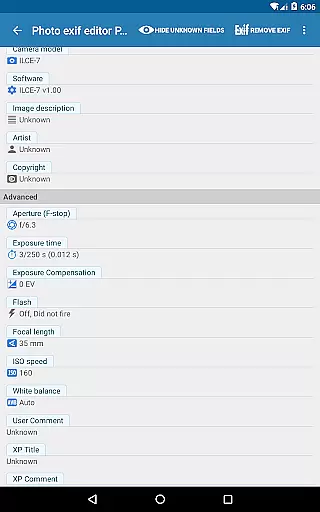
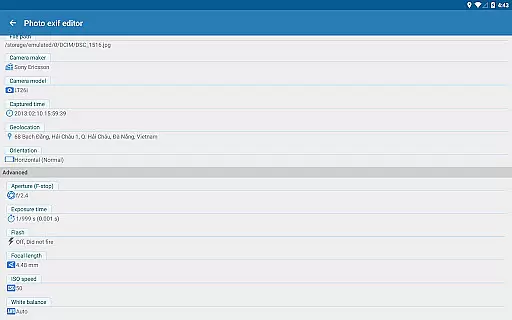
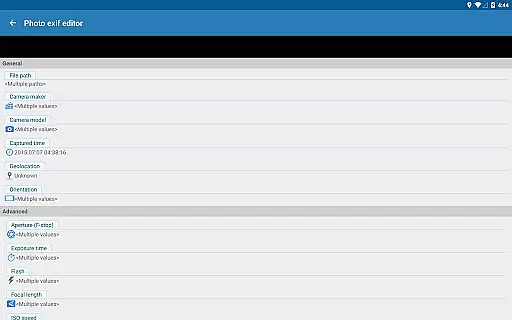
Photo Exif Editor Pro stands out with its robust feature set tailored for detailed image management. The app supports viewing and modifying a wide range of Exif tags, including camera model, aperture, shutter speed, focal length, ISO speed, and white balance. This level of detail empowers users to fine-tune their image metadata according to specific requirements.
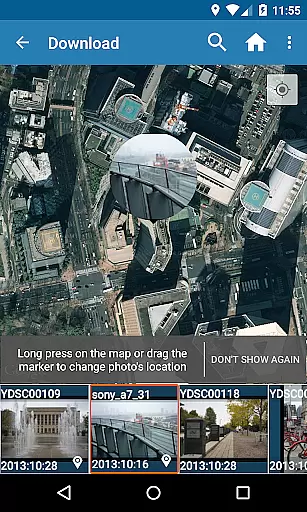
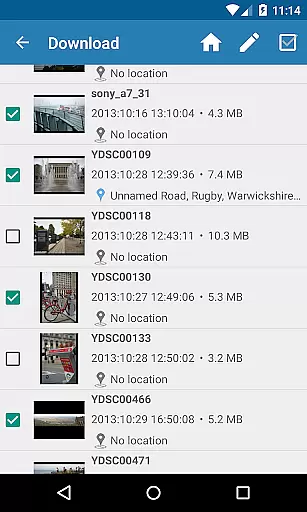
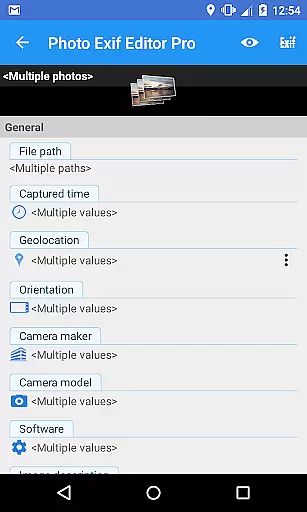
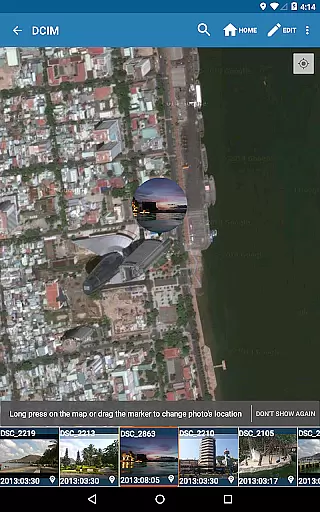
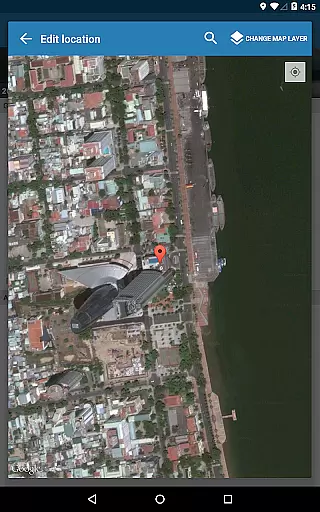
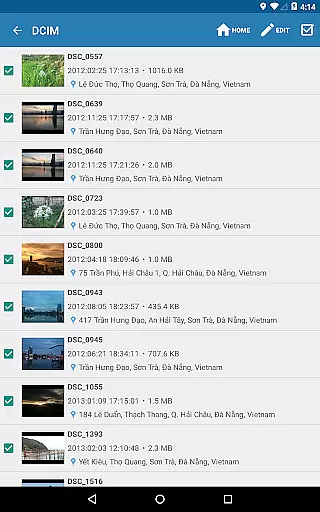
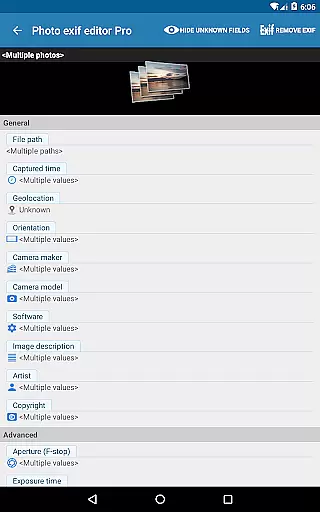
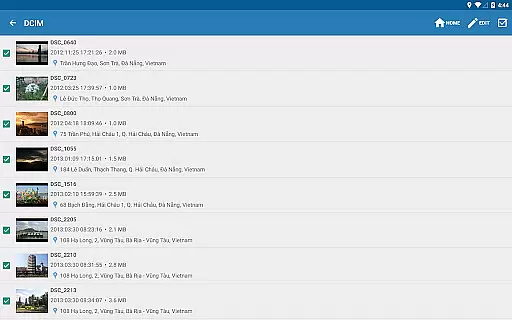
One of the key highlights is the ability to perform batch edits on multiple photos simultaneously, saving significant time for users managing large photo collections. Additionally, the integration with Google Maps enables precise geotagging, allowing users to add or correct location data effortlessly. The pro version also boasts an ad-free experience and provides access to the complete raw data of images, making it indispensable for professionals who demand accuracy and efficiency in their workflow.
Real-time capture and preview functionality is essential for photography applications as it allows users to see exactly what the camera sees before taking a shot. This ensures that the framing, lighting, and composition are all correct before capturing an image.
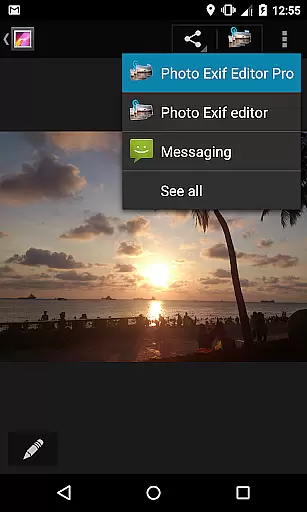
Photo Exif Editor Pro offers this feature by integrating with Android's native camera system. Users can open the camera directly from the app by long-pressing the Gallery button, providing seamless access to real-time previews. This integration helps photographers make informed decisions about their shots.
The benefit of real-time capture and preview is significant. It enables users to adjust settings such as orientation, aperture, and shutter speed while seeing the changes reflected immediately in the preview. This leads to higher quality photos and reduces the need for post-processing corrections.
For professional and amateur photographers alike, having real-time feedback on camera settings like ISO speed, focal length, and white balance ensures that every photo taken meets their exact specifications. This feature enhances the overall user experience by making photography more intuitive and precise.
AI beauty and enhancement features have become increasingly popular in photography apps, allowing users to improve the visual appeal of their photos through automated adjustments. The naturalness of these enhancements is crucial to maintaining the authenticity of the original image.
Photo Exif Editor Pro incorporates advanced AI algorithms to enhance images without compromising their natural look. By leveraging machine learning techniques, the app intelligently adjusts elements such as brightness, contrast, and color balance to create aesthetically pleasing yet realistic results.
Users benefit greatly from this feature as it saves time and effort in manual editing. Whether correcting minor imperfections or applying more dramatic effects, the AI ensures that enhancements remain subtle and true to life. This makes the app suitable for both casual snapshots and professional projects.
Ultimately, the AI beauty and enhancement capabilities of Photo Exif Editor Pro empower users to produce high-quality images effortlessly. With options to modify EXIF tags like camera model, maker, and captured time, users can maintain complete control over their photo metadata while enjoying enhanced visuals.
User-friendly interface
Batch editing support
Google Maps integration
Full raw data access
No ads included
Limited to Android 4.4+
External SD card write issues
Premium version cost
Occasional bugs reported
Requires network connection

Photo editor: face & body editor, beauty cam, filters and quality enhancer.
 4.00
4.00
Gallery show photo, video, slideshow, is perfect 3D effect private photo albums.
4.80
Find time and duration of different sunlight phases at any location
4.90
Android Native system HD camera app. Never been so simple and faster.
4.70
Gallery Slideshow is slideshow maker app for slideshow from your gallery photos.
3.90
Future baby face generator: AI kids generator, kid face! What my baby look like?
4.40
Easily create custom gifts, cards, photo books & more on the Shutterfly app!
4.60
Unblur, enhance & restore photos with powerful AI photo enhancer tools.
4.60
Enhance, upscale, and transform your images — on your device, without limits
4.70
Perfect body tune & face app - photo retouch, makeup, slim body & beautify face.
4.80
Photo prints, cards, & gifts at Walgreens. Easy ordering & fast local pickup !
4.80
Your personal guide to the sun and moon. Plan ahead, visualize and predict!
4.70
Take videos and pictures with the popular TikTok TIME WARP SCAN filter.
4.60
A must-have app for landscape photographers
4.60
Cut and paste photo editor & eraser to customize photos easy and swap faces fun
4.50
Search, tag and rate your way to an organized image gallery
4.40
RAW video capture with advanced controls
4.40
Professional photography on your mobile phone
4.20
Remote control of the phone camera from your Wear OS smartwatch
3.70


User Reviews