
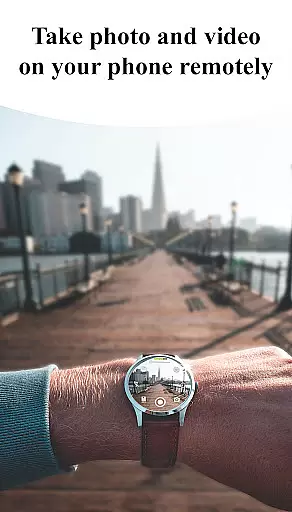
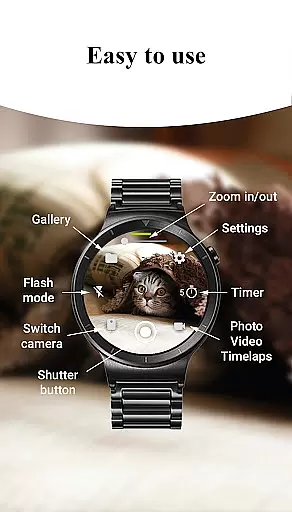
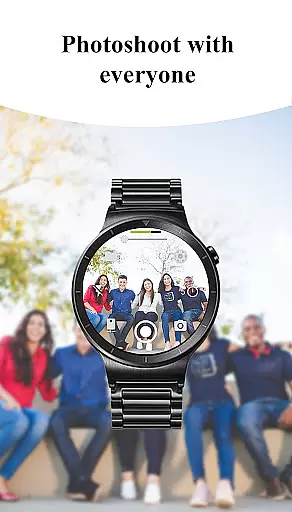
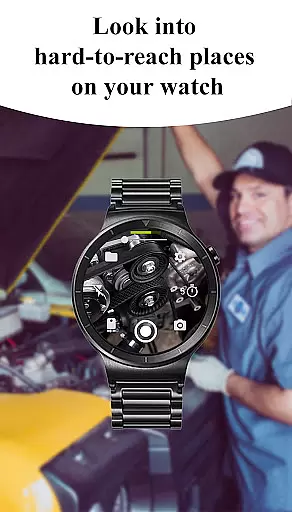
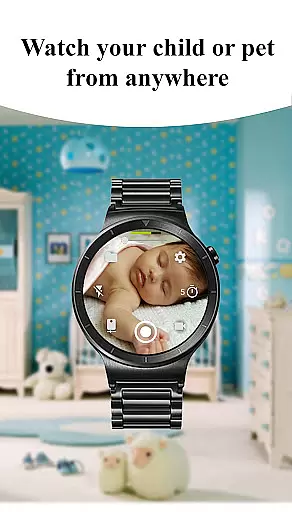
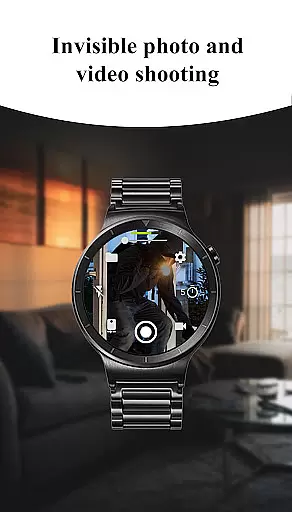
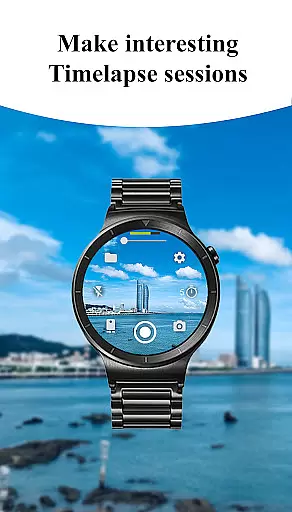
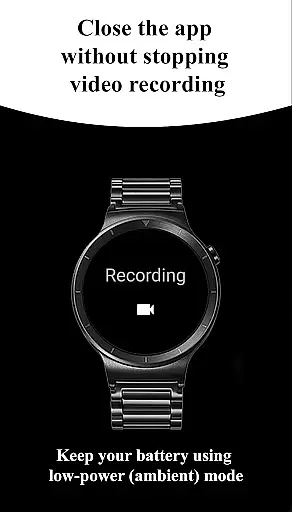
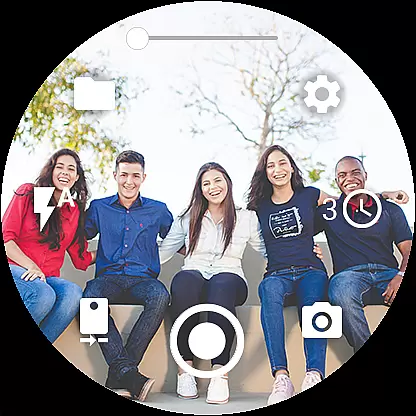
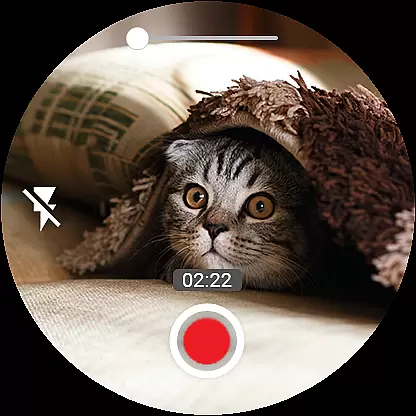

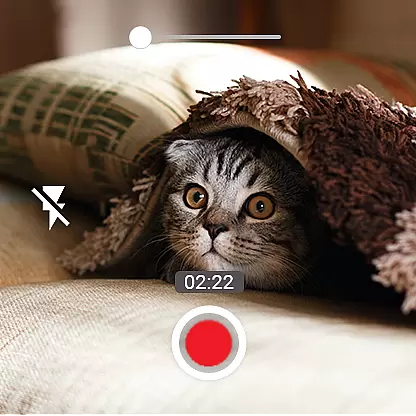
Camera Control for Wear OS is a powerful photography app that allows users to control their phone's camera directly from a Wear OS smartwatch. The app supports multiple shooting modes including photo capture, video recording, and timelapse creation, making it versatile for various photography needs.
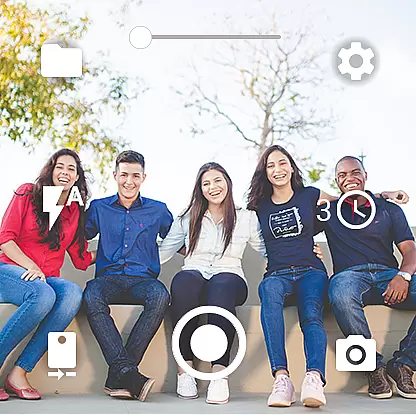
With advanced features like Bokeh, HDR, Night, and Auto modes, users can enhance image quality based on different lighting conditions. Additional functionalities such as timer setup, flash control, quick camera switching, and zoom control provide comprehensive camera management right from the wrist. This app is perfect for photographers who need quick and convenient access to their camera settings while on the go.
The app offers an impressive range of features designed to maximize the photography experience on a Wear OS device. Users can choose from three shooting modes - photo, video, and timelapse - each providing unique ways to capture moments. Advanced camera modes such as Bokeh, HDR, Night, and Auto ensure optimal image quality in any scenario.
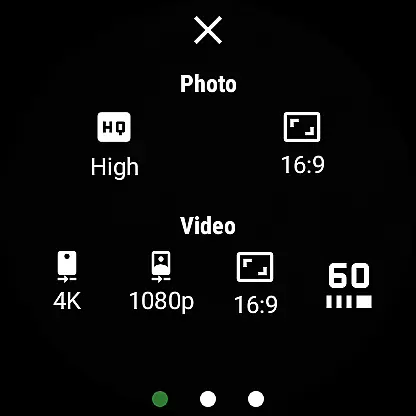
Practical tools include timer setup for delayed shots, flashlight activation for better illumination, and seamless switching between front and rear cameras. Quality settings allow adjustments to photo and video resolutions directly from the watch. Moreover, the zoom control feature lets users get closer to the action without needing to touch their phone. These capabilities make Camera Control for Wear OS an indispensable tool for smartwatch photographers.
Real-time capture and preview functionality is essential for ensuring that users can effectively frame and capture their desired shots without delay. The Camera Control for Wear OS app excels in this area by providing users with the ability to control their phone's camera directly from their smartwatch, offering a seamless and responsive experience.
This application supports multiple shooting modes including photo, video, and timelapse, all accessible right from the wrist. With features like timer setup, flash control, and quick camera switching, users can customize their shooting experience on-the-go. This ensures that whether capturing a spontaneous moment or setting up a planned shot, the real-time feedback on the smartwatch allows for precise adjustments.
Additionally, advanced settings such as zoom control, aspect ratio options, and quality settings enable users to fine-tune their captures according to their preferences. These controls are crucial for achieving professional-grade results, allowing users to adjust parameters like wide-angle support and high-framerate video recording directly from their Wear OS device.
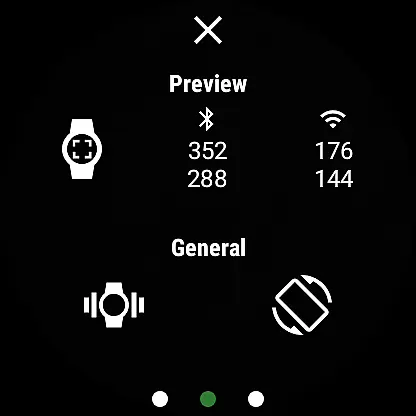
The real-time preview feature also includes automatic image rotation and gesture controls, enhancing usability and convenience. By integrating these sophisticated functionalities, Camera Control for Wear OS not only simplifies the photography process but also empowers users to explore creative possibilities while maintaining complete control over their camera operations.
AI beauty and enhancement features have become increasingly popular in photography apps, aiming to improve image quality while maintaining a natural look. The Camera Control for Wear OS app incorporates several AI-driven enhancements that ensure photos and videos retain their authenticity while benefiting from improved clarity and aesthetic appeal.
Among its key features, the app offers advanced camera modes such as Bokeh, HDR, Night, and Auto modes, which leverage AI algorithms to optimize image quality based on the shooting environment. These modes help in reducing noise, enhancing details, and balancing exposure, resulting in visually pleasing yet natural-looking images.
Furthermore, the app provides users with control over flash and flashlight settings, allowing them to illuminate scenes appropriately without overexposure. This level of control is vital for achieving the desired effect, whether itu2019s softening skin tones or highlighting specific elements within a frame. Such precision ensures that enhancements complement the subject rather than overshadowing it.
By focusing on naturalness, Camera Control for Wear OS delivers an enhanced photography experience that respects the original context and intent of each shot. Users can confidently capture moments knowing that AI enhancements will subtly elevate their photos and videos, preserving the essence of the scene while adding a touch of refinement.
User-friendly interface
Comprehensive camera controls
Advanced shooting modes
Convenient wearable access
Wide device compatibility
Limited to Wear OS
Dependent on phone’s camera
Some features device-specific
Requires Bluetooth/Wi-Fi
Complex for beginners

1M influencer's special filter
 4.60
4.60
Create funny photos and videos with the popular Time Warp Scan filter.
4.90
Natural Beauty, Selfie Retouch
4.30
Create collages easily! Nice pic collage maker & background eraser for Instagram
4.50
Photo editor: AI filters, photo enhancer, pic collage maker, AI art generator.
4.80
Photo Exif Editor allows to view, add and modify EXIF data of multiple photos
4.50
Gallery Slideshow is slideshow maker app for slideshow from your gallery photos.
3.90
Create AI photos & videos with Enhancer; restore, fix, beautify, enhance photos
4.50
Remote control the phone camera shutter from your smartwatch and take a picture
1.60
AI Photo Editor with 100+ Filters, Effects! Remove BG, Retouch & Photo Enhancer.
4.80
Light-weight Media Gallery app for Android made with Jetpack Compose
4.60
Easily create custom gifts, cards, photo books & more on the Shutterfly app!
4.60
Professional photography on your mobile phone
4.20
AI-powered video creator by MiniMax - Where ideas meet cinema
4.20
The #1 app for B&W film developing featuring an advanced darkroom timer.
4.10
Hair color changer, AI haircut app, fun hair editor and buzz cut filter for all!
3.80
Be your best in every shot! Fix, edit and retouch your face in selfies & photos.
3.70
Long exposure camera with computational photography
2.60
HD Photo gallery and photo manager to edit, hide private photos, videos & albums
4.2


User Reviews