
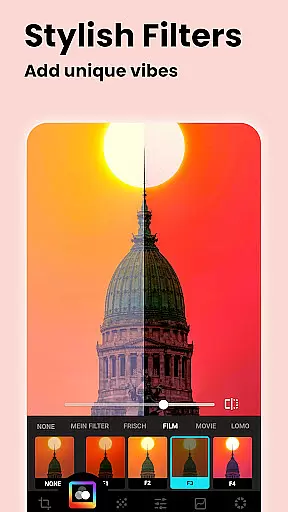
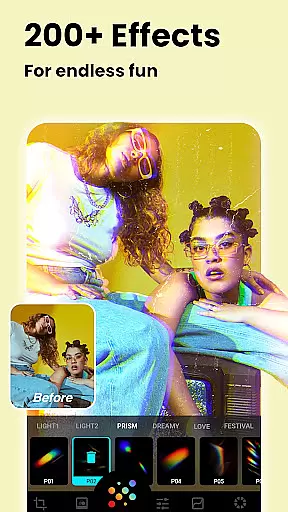
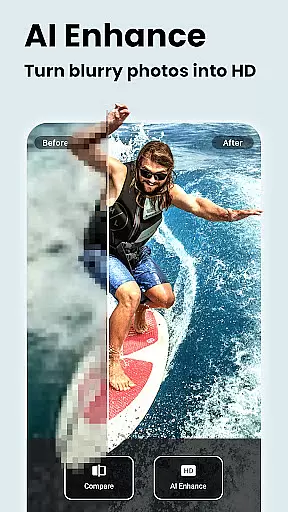
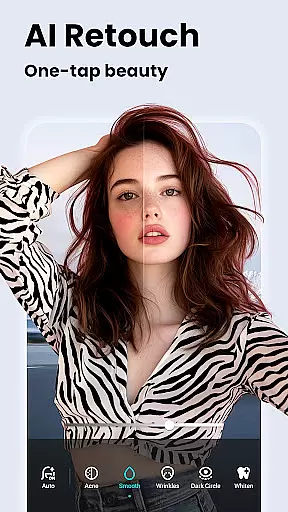
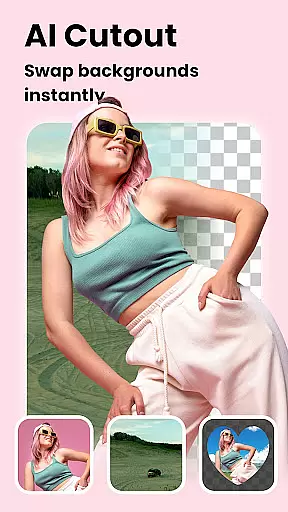

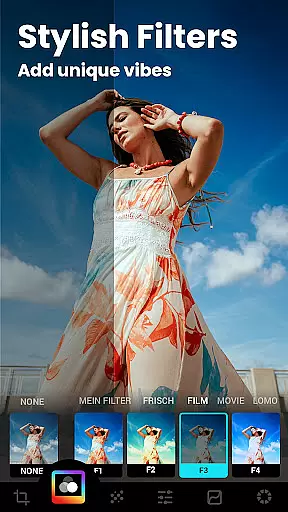
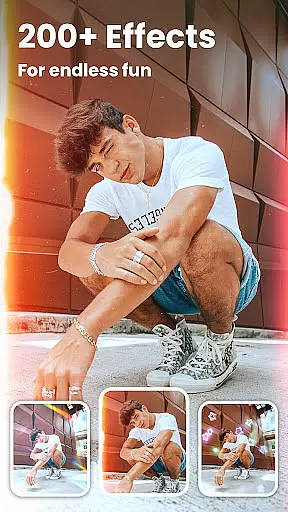
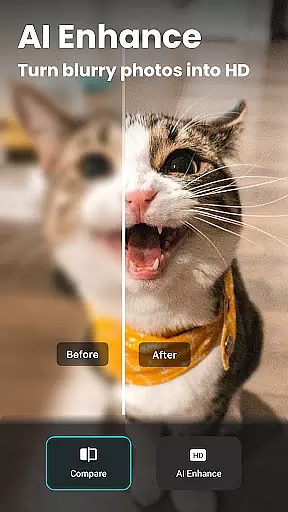
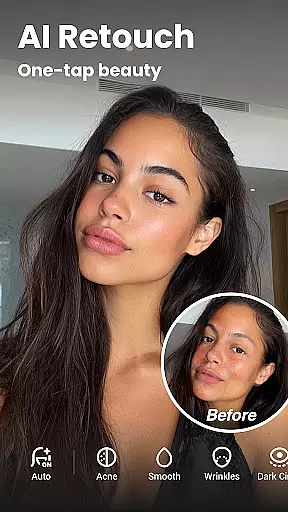

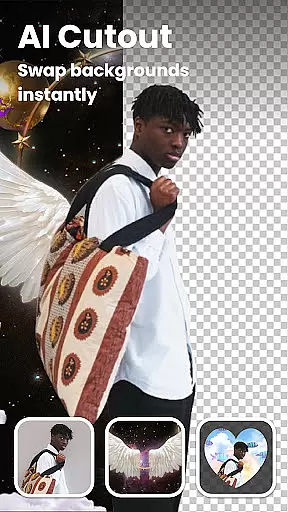
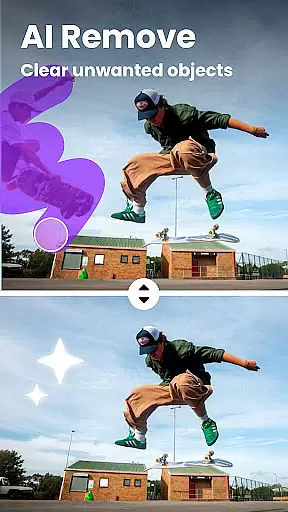

Lumii is a powerful AI Photo Editor that combines professional tools with smart AI editing features. Easily enhance photo quality, remove backgrounds, retouch selfies, and apply 100+ trendy photo filters and effects to edit photos.
Create artistic, high-quality photos effortlessly — no professional skills required. As one of the best photo maker and presets photography apps, Lumii makes photo editing simple, fast, and fun. No ads while editing.
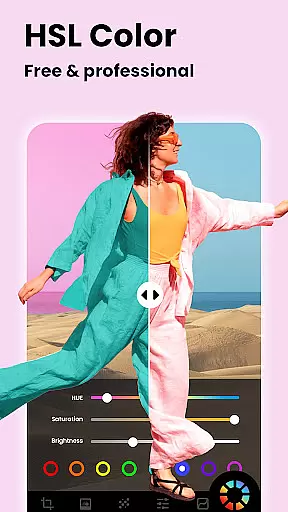
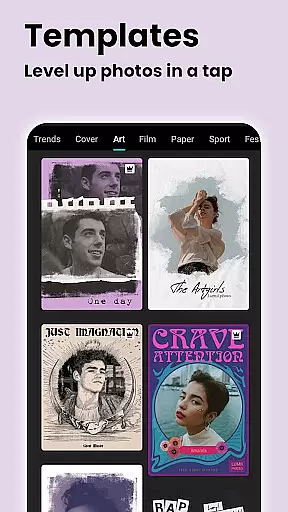
Lumii offers a wide range of features including customizable photo filters, 100+ photo effects, auto background eraser, useful and fun AI edits, BG blur, bokeh & mosaic, free HSL color, curves for photos, adding text to photos, double exposure, basic photo editing tools, glitch photo editor, trendy templates, and photo editing history & draft.
With these features, Lumii helps users become experts in photo editing, enhancing their photos with various filters and effects, and discovering endless fun during the process.
Real-time capture and preview functionality is essential for any photography app as it allows users to see exactly what the camera is capturing before taking a shot. This ensures that the framing, lighting, and composition are all perfect before the shutter is pressed.
Lumii offers an intuitive real-time capture experience with its advanced AI capabilities. The app provides live filters and effects previews, enabling users to visualize the final output while composing their shots. This feature empowers photographers to make instant adjustments to achieve their desired aesthetic without post-processing hassles.
With Lumii's real-time editing tools, users can enhance photo quality on-the-fly by adjusting brightness, contrast, and other settings directly within the viewfinder. This immediate feedback loop not only saves time but also elevates the creative process, allowing users to focus more on capturing moments rather than worrying about post-edit tweaks.
AI beauty and enhancement features have become a staple in modern photo editing applications, offering users the ability to refine and beautify images with minimal effort. The key to these features is maintaining naturalness so that edited photos still retain authenticity.
Lumii stands out with its suite of AI-powered tools designed to enhance portraits naturally. From skin smoothing to teeth whitening, each tool applies enhancements that respect the original features of the subject, ensuring results look realistic rather than over-processed or artificial.
The app's AI algorithms intelligently detect facial features and apply enhancements that complement the user's natural appearance. Whether removing blemishes or adding a touch of glamour, Lumii delivers professional-grade retouching that enhances beauty subtly and tastefully, preserving the genuine essence of every photograph.
User-friendly interface
Wide range of editing tools
AI-powered enhancements
No ads during editing
Regular updates with new features
Some features may require in-app purchases
Advanced tools may be overwhelming for beginners
Occasional bugs reported by users
Limited customer support options
Interface design could be more modern

An interval timer to automate photo taking process for timelapse
 2.90
2.90
How old age camera Gender Swap App Face Shape Hairstyle App Hair Styler App fun!
4.00
Over 800 film simulation recipes for Fujifilm. Black Friday Offer!
4.5
Cartoon and artistic effects for your photos and videos
4.70
Automatically backup your photos and videos to computer, NAS and Cloud services
4.60
Create AI photos & videos with Enhancer; restore, fix, beautify, enhance photos
4.50
AI photo enhancer with Sora 2! Enhance, descratch, and colorize your old photos.
4.50
A light meter for true photographers.
4.20
Professional camera app that brings DSLR manual photography controls to Android.
4.20
Android Native system HD camera app. Never been so simple and faster.
4.70
Light-weight Media Gallery app for Android made with Jetpack Compose
4.60
Safe & smart flight with Go Fly drone controller for 40+ drone camera, zone map
4.50
Movie camera, supports pro recording settings for filming. Try it and be amazed!
4.50
All-in-One Editor & AI Photo Enhancer, Collage, Cartoonify, Funny Stickers & BGS
4.10
Create & Edit with AI: AI Remove, Enhance, Retouch, Filter
4.10
How would you look like with a differently shaped nose, chin or lips?
3.90
Turn photos into cartoons & avatars! - Photo Editor, Cartoon Face!
3.90
Application for remote controlling DSLR
3.00
Photo Album Watch Face shows your favorite pictures as a Watchface.
1.90


User Reviews