
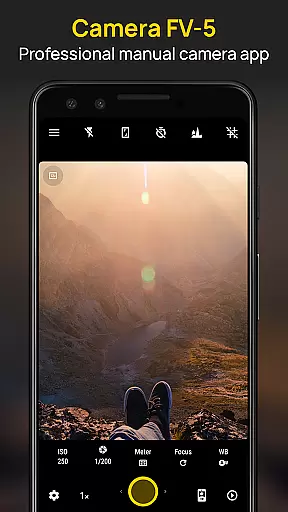
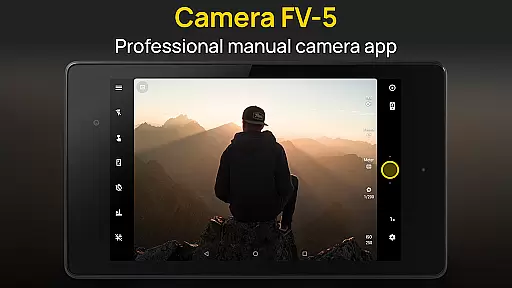
Camera FV-5 stands as a premier photography tool designed specifically for mobile devices, catering to both amateur enthusiasts and professional photographers. This application replicates the sophisticated manual controls found in DSLR cameras, allowing users to fine-tune every aspect of their photographic process directly from their smartphones. With its comprehensive set of features, Camera FV-5 empowers users to capture RAW images that can be extensively post-processed, ensuring maximum creative freedom and exceptional image quality.
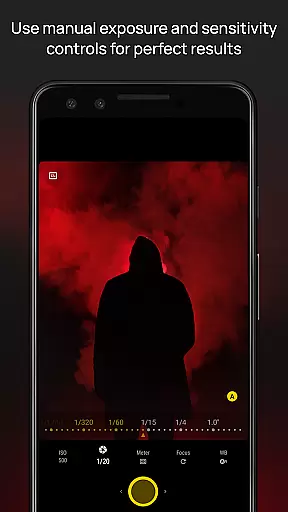
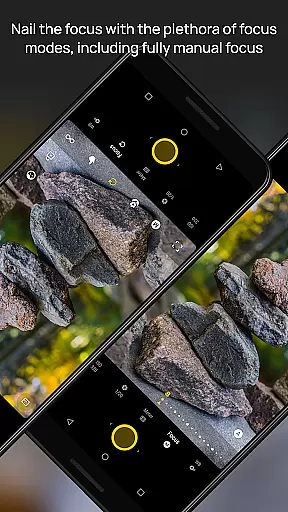
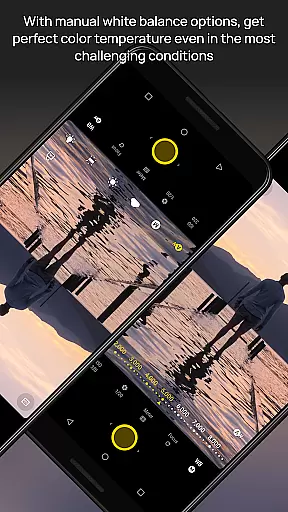
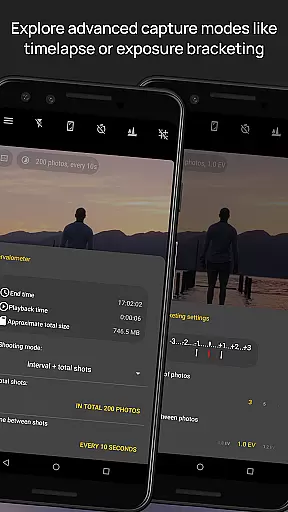
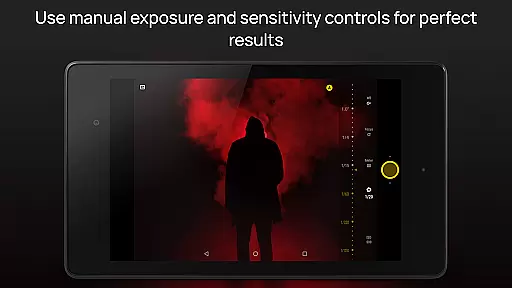
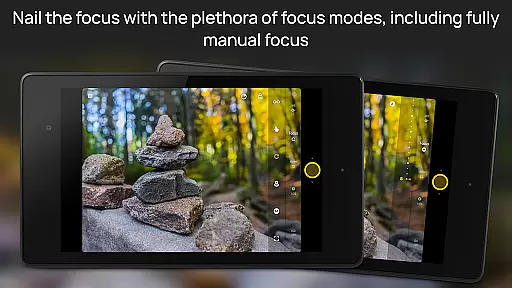
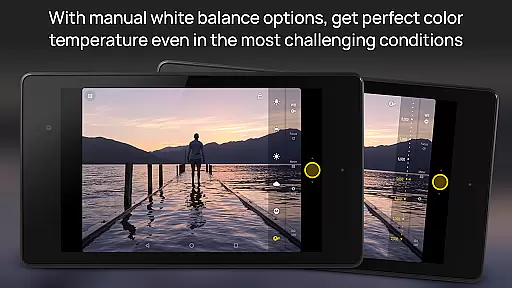
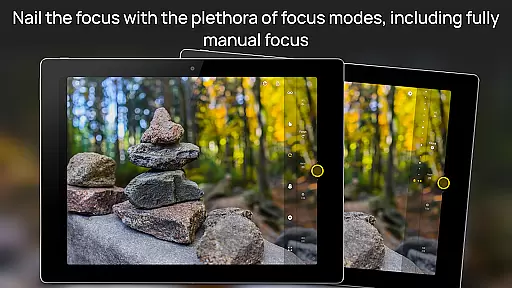
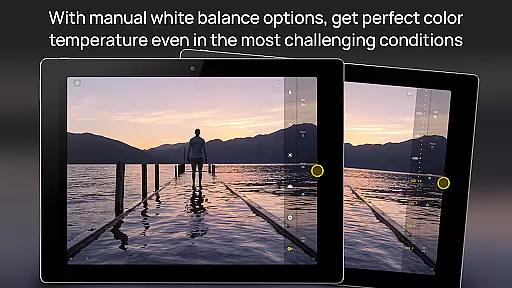
The app supports an extensive range of customizable settings including exposure compensation, ISO sensitivity, light metering modes, focus options, white balance adjustments, and program modes. Its innovative design includes a DSLR-like viewfinder that displays real-time exposure data, making it easier than ever to achieve perfect shots. Additionally, advanced functionalities such as exposure bracketing, interval shooting for time-lapses, and long exposure capabilities further enhance the versatility of this powerful mobile camera app.
Whether you're aiming to produce stunning visual narratives or simply looking to elevate your mobile photography game, Camera FV-5 provides the tools necessary to unleash your creativity. Compatible across various Android devices, this app bridges the gap between smartphone convenience and professional-grade photography equipment, enabling users to seize photographic opportunities with precision and artistry.
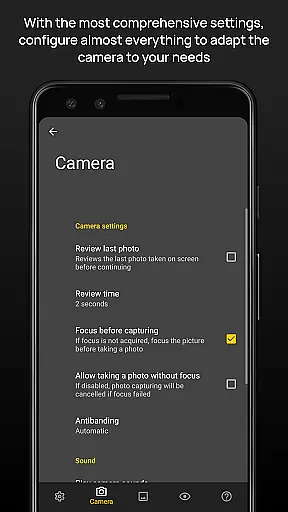
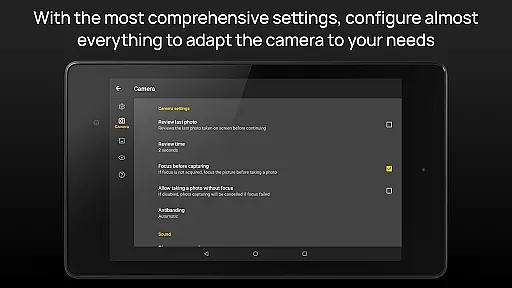
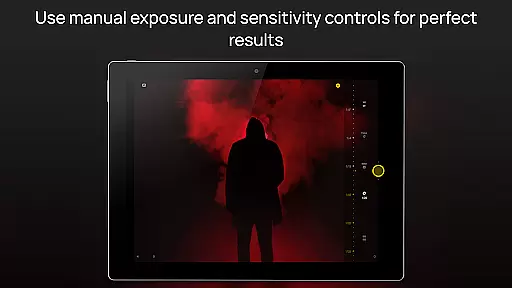
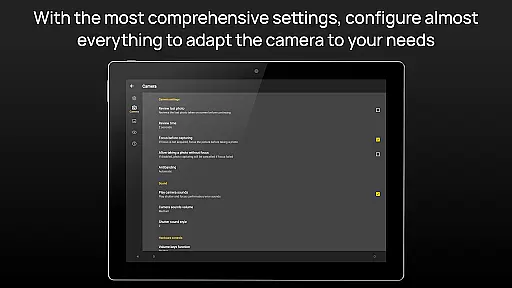
Camera FV-5 distinguishes itself through an array of sophisticated features tailored for discerning photographers. At its core, the app offers unparalleled control over every photographic parameter, akin to operating a professional DSLR camera. Users can manually adjust settings such as exposure compensation, ISO levels, light metering modes, focus types, white balance, and even program modes, providing complete mastery over the imaging process.
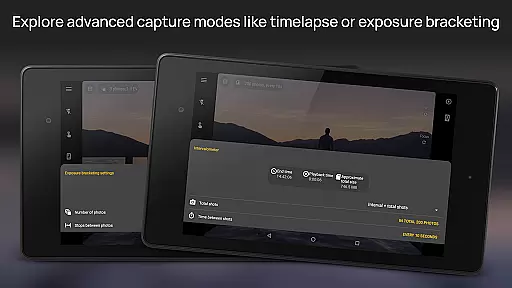
A standout feature is the app's DSLR-like viewfinder, which presents critical exposure information in real-time, including aperture values, shutter speeds, and EV settings. This functionality not only aids in achieving optimal exposure but also facilitates complex techniques like bracketing and HDR imaging. Furthermore, Camera FV-5 incorporates a robust intervalometer for creating breathtaking time-lapse sequences, alongside support for extended exposure times reaching up to 30 seconds, ideal for capturing nightscapes and light trails.
In addition to these technical capabilities, the app embraces modern conveniences by integrating digital zoom via multitouch gestures, displaying equivalent focal lengths, and offering an advanced electronic viewfinder equipped with live RGB histograms and composition aids. These elements combine to deliver a seamless user experience that marries traditional photographic principles with contemporary mobile technology, empowering creators to push the boundaries of what's possible with smartphone photography.
Real-time capture and preview functionality is essential for photographers who need precise control over their shots. Camera FV-5 excels in this area by providing a DSLR-like viewfinder display. This feature allows users to see critical photographic parameters such as exposure time, aperture, and stops with EV and bracketing settings in real-time.
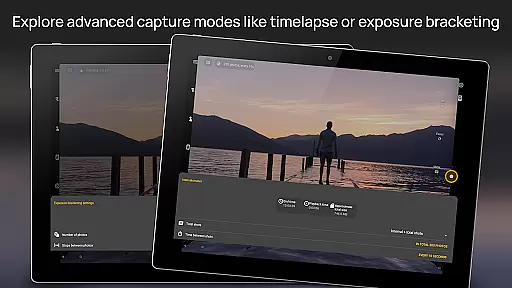
The application supports full-fledged exposure bracketing, ranging from 3 to 7 frames with unlimited stop spacing and custom EV shifting. This ensures that photographers can experiment with different exposures and choose the best one for their needs. Additionally, the built-in intervalometer enables the creation of stunning timelapses, including bracketed or HDR timelapses, offering creative freedom.
For night photography enthusiasts, Camera FV-5 offers long exposure support of up to 30 seconds, allowing users to capture beautiful nightscapes and light trails. The manual shutter speed ranges from 1/80000 to 2 seconds, depending on the device's capabilities, giving users extensive control over their photography. These features collectively enhance the real-time capture experience, making it possible to achieve professional-quality results directly from a mobile device.
While Camera FV-5 focuses primarily on professional-grade manual controls, it also incorporates AI beauty and enhancement features that maintain naturalness in photos. The application avoids heavy-handed filters and effects, instead emphasizing authentic post-processing options. This approach ensures that enhancements complement the original image without appearing artificial or over-processed.
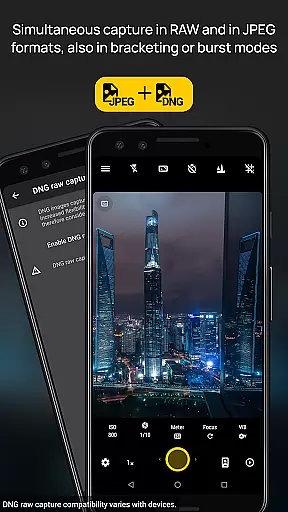
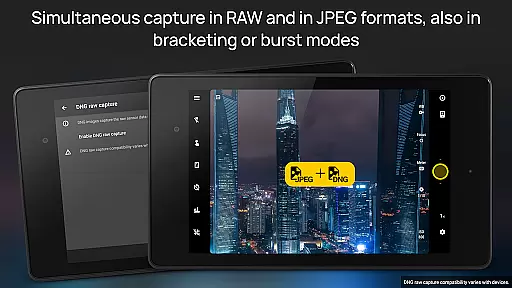
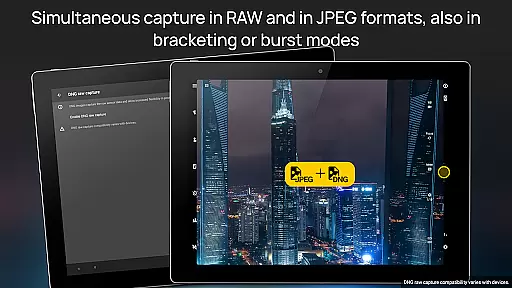
One notable feature is the ability to capture images in true 16-bit RAW DNG format, which provides unparalleled flexibility for post-processing. Photographers can adjust various parameters such as white balance, exposure, and color temperature with precision, ensuring that any enhancements remain subtle and true to life. The inclusion of lossless PNG photo capturing further supports high-quality image editing.
Additionally, Camera FV-5 includes advanced electronic viewfinder functionalities like live RGB histograms and composition grid overlays. These tools assist users in framing and capturing well-balanced shots, reducing the need for excessive post-processing. By focusing on genuine photographic techniques and offering robust manual controls, Camera FV-5 ensures that AI-driven enhancements serve to elevate the natural beauty of each photograph rather than overshadow it.
DSLR-like controls
RAW photo capture
Advanced viewfinder
Customizable settings
Time-lapse support
Complex for beginners
High battery usage
Limited device support
No automatic mode
Premium price tag

Search, tag and rate your way to an organized image gallery
 4.40
4.40
1M influencer's special filter
4.60
Professional video recording application with manual controls for filmmakers!
2.80
Create & Edit with AI: AI Remove, Enhance, Retouch, Filter
4.10
See your baby AI baby face generator AI baby maker Face generator babymaker fun!
4.70
Luminar: Photo Editor - easy picture editing with AI
4.20
Easily create custom gifts, cards, photo books & more on the Shutterfly app!
4.60
Use AI Video Generator to turn your words to ai generated videos.
4.50
Turn photos into cartoons & avatars! - Photo Editor, Cartoon Face!
3.90
Discover & download millions of art for The Frame TV or Hisense CanvasTV
4.60
Safe & smart flight with Go Fly drone controller for 40+ drone camera, zone map
4.50
Transform photos into videos! Create realistic or anime-style images easily!
4.50
Movie camera, supports pro recording settings for filming. Try it and be amazed!
4.50
Smart, light, and fast photo and video gallery
4.30
Virtual makeup, hair filters & body tuner—edit from face to full body!
4.20
Photo editor: face & body editor, beauty cam, filters and quality enhancer.
4.00
GCamera allows all GCam features on all phone models! Better photos with GCamera
3.30
Superimpose one photo on top of another using the original Superimpose app!
3.20
Photo Album Watch Face shows your favorite pictures as a Watchface.
1.90


User Reviews