
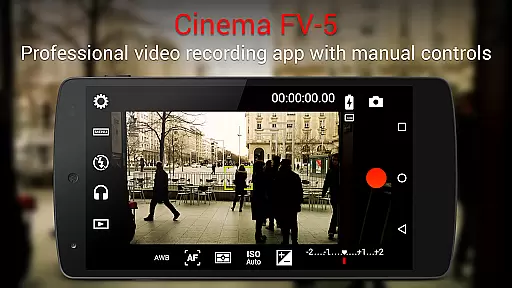
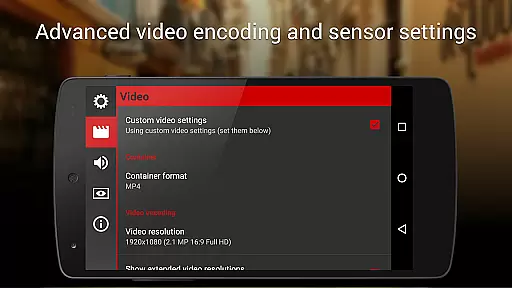
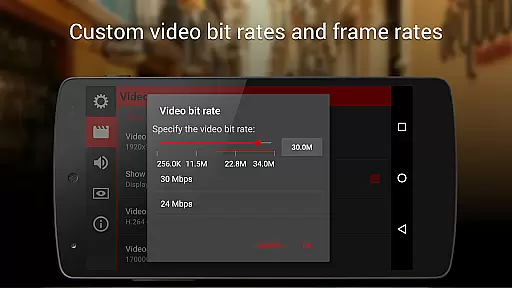
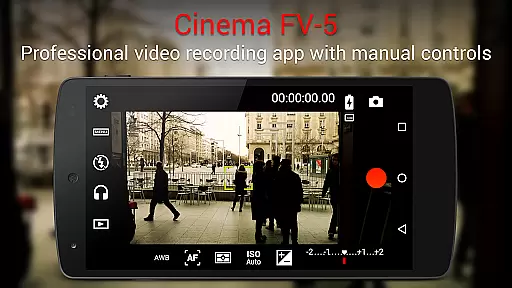
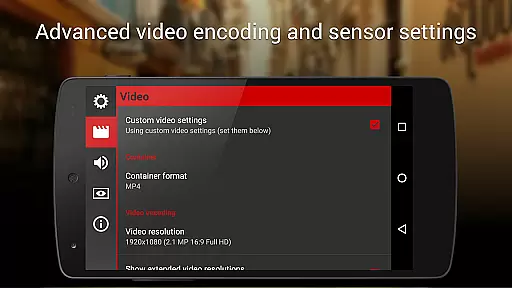
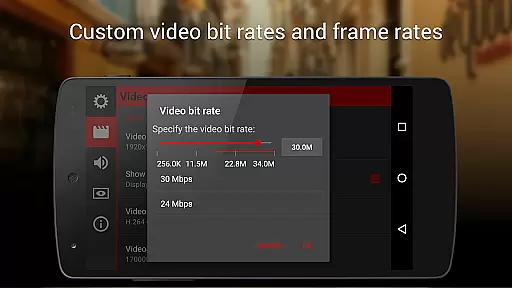
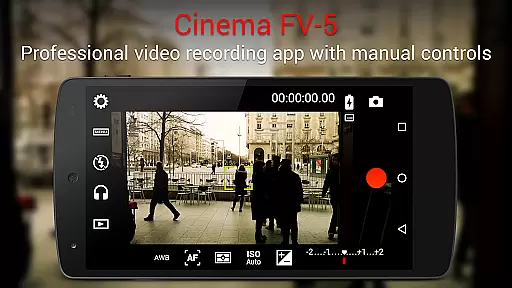
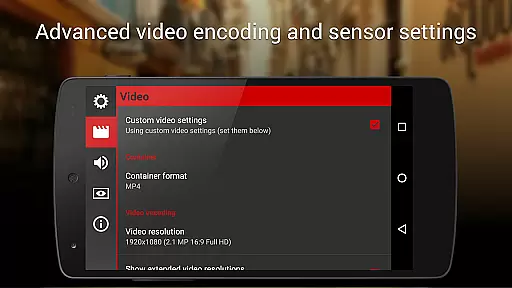
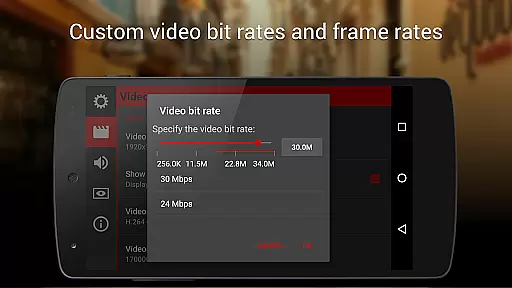
Cinema FV-5 stands as a professional-grade video camera application tailored for mobile devices, offering users unparalleled manual controls right at their fingertips. Designed with both enthusiast and professional videographers in mind, this app enables the capture of high-quality footage through top-tier control options ideal for postproduction perfection. With the ability to adjust critical image sensor parameters such as exposure compensation, ISO, light metering modes, focus, and white balance, users can fine-tune their recording experience.
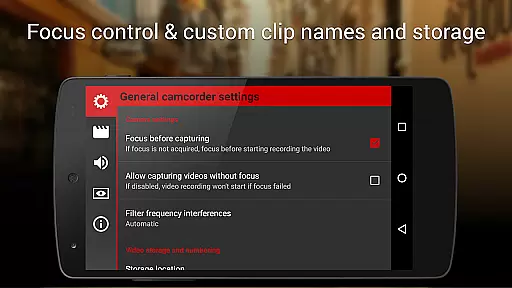
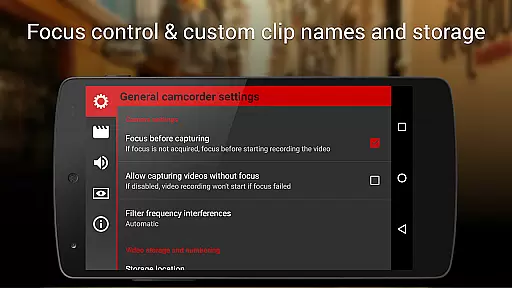
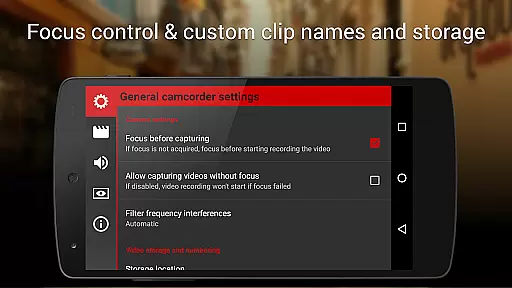
Going beyond basic functionalities, Cinema FV-5 supports real-time adjustments during recording, including focus and sensor parameters like ISO and white balance. The app boasts an advanced electronic viewfinder featuring live RGB and luminance histograms, professional sound metering, and compatibility with various audio input sources. Supporting 4K UHD video recording on eligible devices, it also offers extensive video clip organization and customization options, making it an indispensable tool for short to medium-sized productions.
Cinema FV-5 shines with its comprehensive suite of features designed to meet the needs of professional videographers. One standout feature is the ability to adjust all essential image sensor parameters, including exposure compensation, ISO, and white balance, even during active recording sessions. This flexibility ensures that videographers can adapt swiftly to changing lighting conditions without interrupting their creative flow.
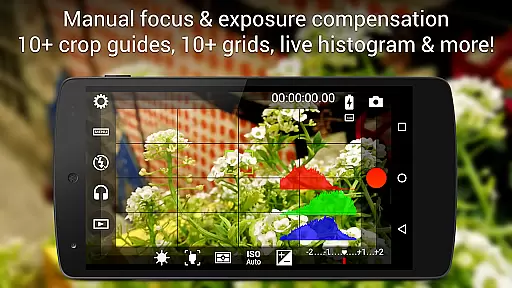
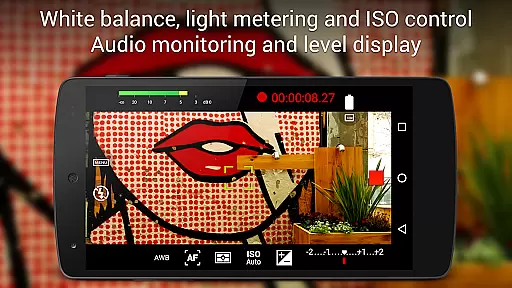
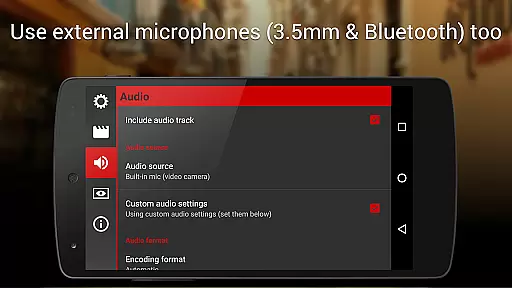
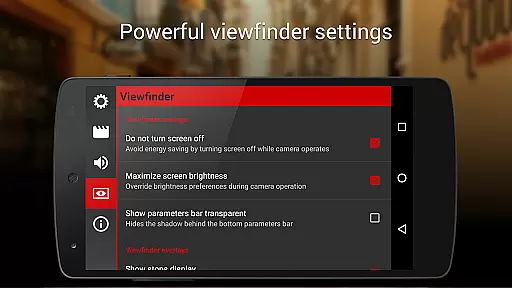
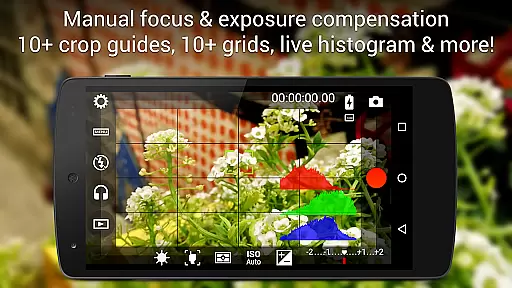
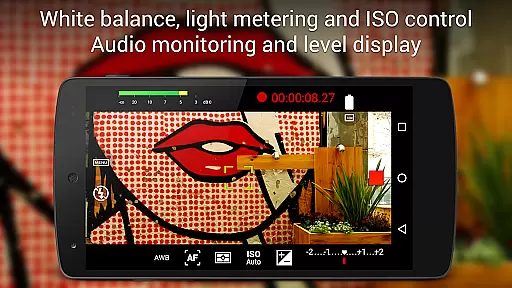
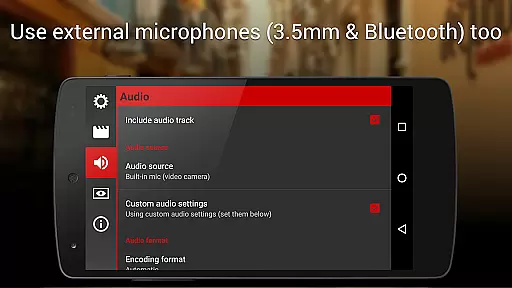
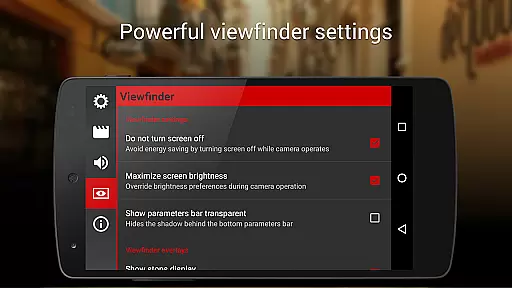
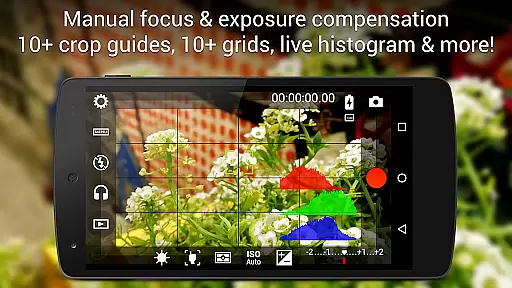
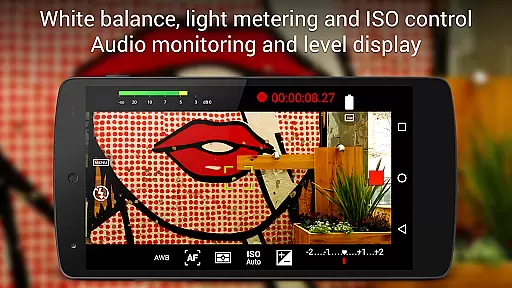
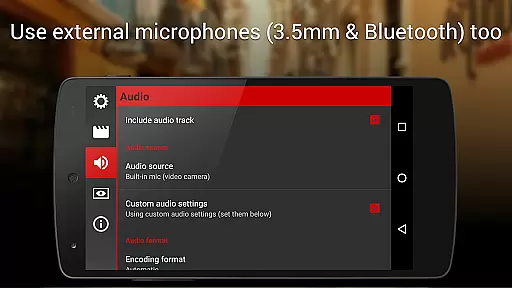
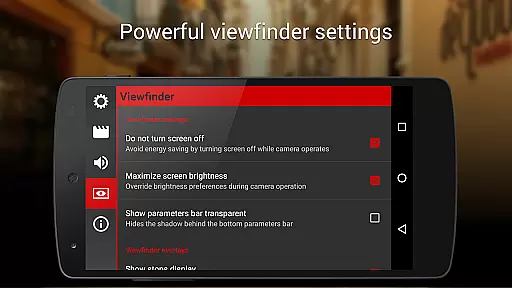
The app's professional viewfinder includes over 10 compositing grids and crop guides, alongside advanced functionalities like live RGB and luminance histograms, which are accessible during recording. Additionally, Cinema FV-5 provides robust audio controls, allowing users to monitor audio peaks and avoid sound clipping. Compatibility with external microphones and support for various video and audio codecs further enhance its utility, ensuring that users can achieve studio-quality results directly from their mobile devices.
Cinema FV-5 excels in providing real-time capture and preview capabilities, ensuring videographers can see exactly what they are filming as they film it. This feature is crucial for adjusting settings on the fly to achieve the desired footage quality.
The application offers live adjustments of sensor parameters such as ISO, exposure compensation, and white balance during recording. This means users can tweak these settings in response to changing lighting conditions or creative needs without stopping the recording.
With professional viewfinder options including compositing grids, crop guides, and safe area displays, users can compose their shots with precision. The inclusion of live RGB and luminance histograms further aids in achieving perfect exposure and color balance.
This real-time functionality empowers filmmakers to capture high-quality video with confidence, knowing that the final output will match their creative vision without any unwelcome surprises in post-production.
While Cinema FV-5 does not focus on AI beauty enhancements typical in photography apps, it emphasizes natural and authentic video capture. This approach caters to professionals who prioritize genuine imagery over artificial enhancements.
The app provides manual controls for focus, exposure, and white balance, allowing videographers to ensure their subjects are captured in the most realistic light possible. These features support a natural look that respects the original scene's integrity.
Sound metering options and the ability to use various audio input sources contribute to the overall naturalness of the captured content. Clear sound complements the visual fidelity, enhancing the viewer's immersion without artificial embellishments.
By focusing on true-to-life capture rather than AI-driven enhancements, Cinema FV-5 ensures that the resultant footage remains faithful to the creatoru2019s intent and the subject's authenticity, which is essential for professional filmmaking.
Professional manual controls
Real-time parameter adjustments
Advanced electronic viewfinder
Supports 4K UHD video
Comprehensive audio options
Complex for beginners
Requires high-end device
No built-in editing
Premium price point
Limited free features

Effortlessly organize, view and share your photos & videos with Gallery app!
 4.40
4.40
Photo editor: AI filters, photo enhancer, pic collage maker, AI art generator.
4.80
Take videos and pictures with the popular TikTok TIME WARP SCAN filter.
4.60
Photo Exif Editor allows to view, add and modify EXIF data of multiple photos
4.50
Collage your moments in one tap: 1000+ layouts, filters, stickers, and texts.
4.90
The original Rarevision VHS look seen everywhere!
4.70
Enhance, upscale, and transform your images — on your device, without limits
4.70
A unique animation app. Powerful, easy to use, and lots of fun.
4.30
Solocator stamps photos you take with GPS location, Compass Direction, Date/Time
3.80
Gallery show photo, video, slideshow, is perfect 3D effect private photo albums.
4.80
Cartoon and artistic effects for your photos and videos
4.70
Automatically backup your photos and videos to computer, NAS and Cloud services
4.60
Discover & download millions of art for The Frame TV or Hisense CanvasTV
4.60
Create Business Headshots, Polaroid Filter, Retake Photos,Profile Pics,AI Photos
4.50
Easily stitch panoramas from multiple photos or video.
4.40
Natural Beauty, Selfie Retouch
4.30
Luminar: Photo Editor - easy picture editing with AI
4.20
A light meter for true photographers.
4.20
Raw Image Viewer. Gallery with support of raw images (.cr3, .cr2, .nef, .raf).
2.00


User Reviews