

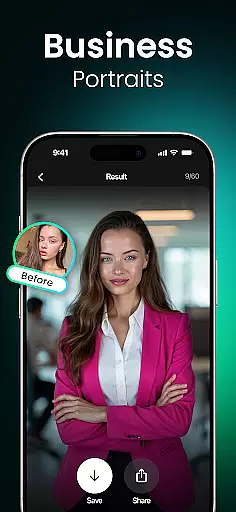
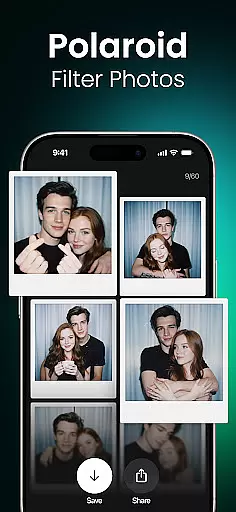
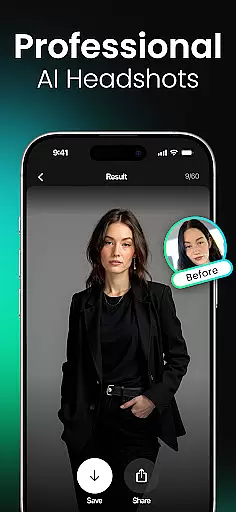
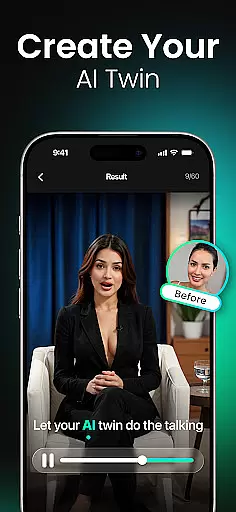
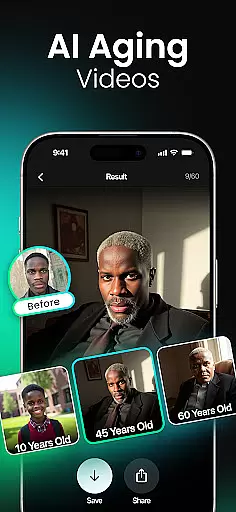
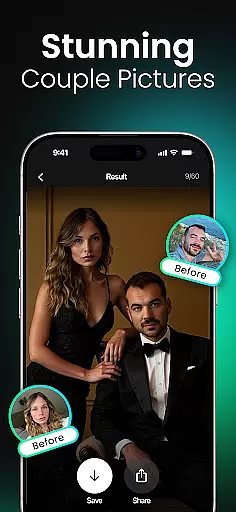
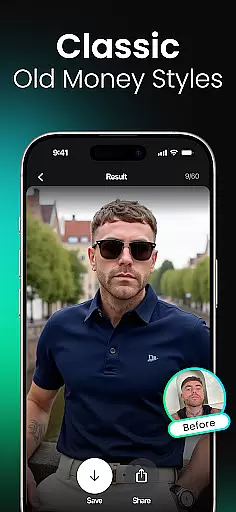

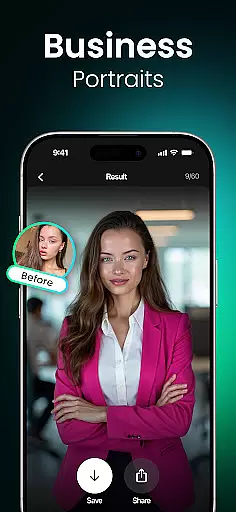
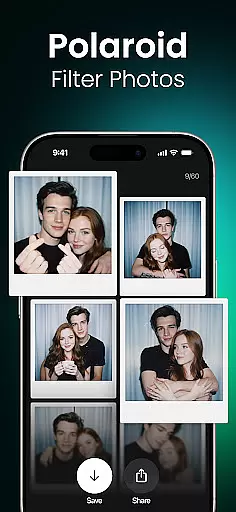
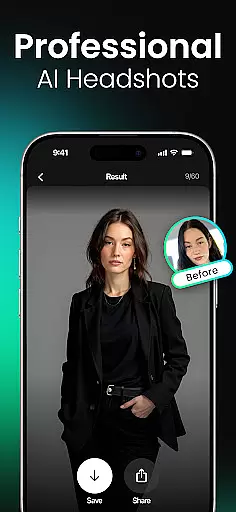
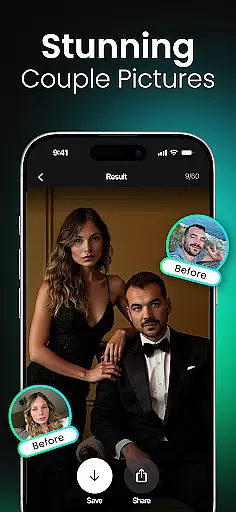
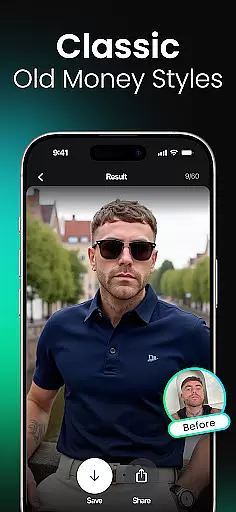

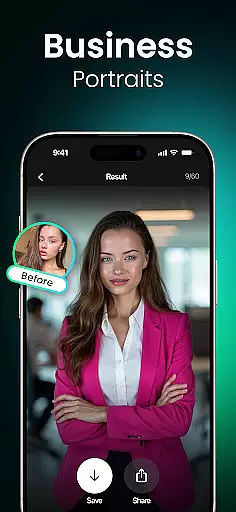
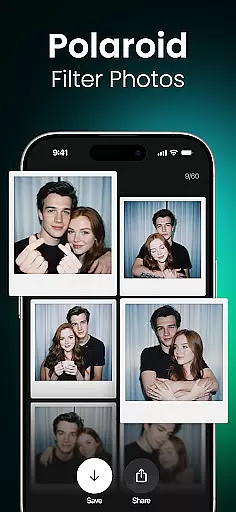
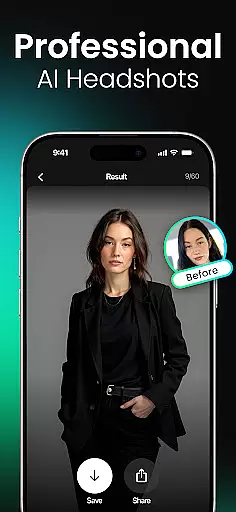
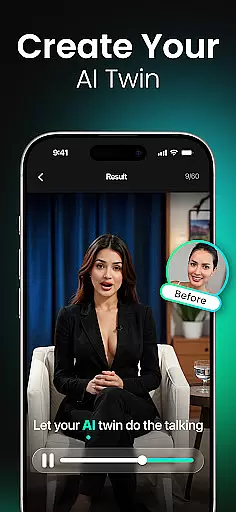
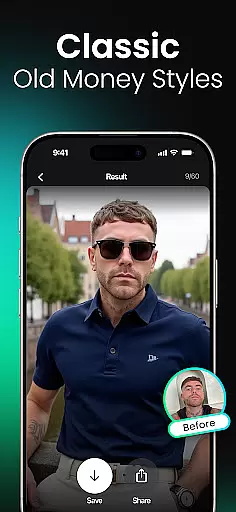
Momo is an innovative AI Photo Generator app that leverages advanced artificial intelligence to transform your digital presence. Whether you're seeking professional headshots for job applications, artistic portraits for social media, or trendy profile pictures for dating apps, Momo delivers exceptional results. The app's core functionality lies in its ability to create photorealistic AI-generated images tailored to your unique identity.
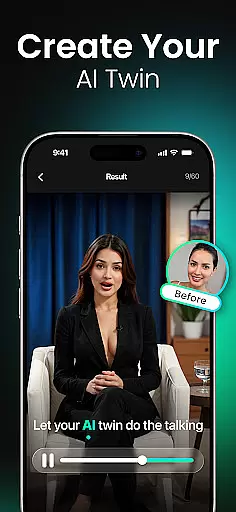
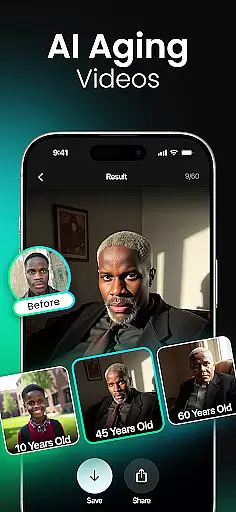
With diverse styles and filters ranging from fantasy themes to high-fashion aesthetics, Momo caters to a wide audience. From generating AI twins and aging simulations to crafting cinematic portraits and K-Pop-inspired photoshoots, the app offers tools for reinventing your online persona. Its standout feature allows users to virtually travel the world, creating stunning visuals against iconic backdrops like the Eiffel Tower or Santorini. This versatility makes Momo ideal for social media creators, professionals, gamers, and anyone looking to enhance their digital image.
Momo stands out with its rich array of features designed to personalize and elevate your photo experience. One of its key highlights is the ability to create a customized AI profile, which serves as the foundation for generating highly personalized images. Users can explore photorealistic AI headshots that turn ordinary selfies into striking portraits, complete with intricate details that reflect individual characteristics.
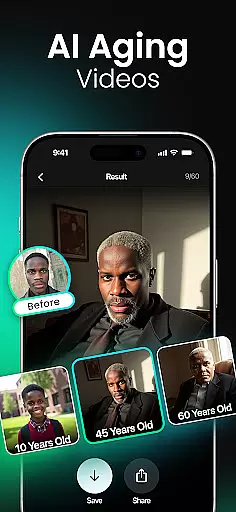
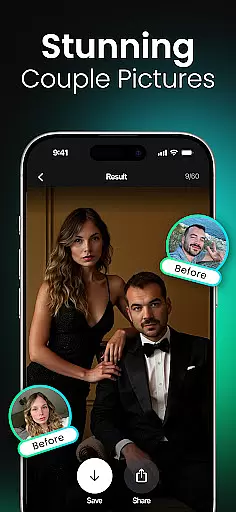
Beyond standard photography, Momo introduces creative modes such as AI Aging Photo-Videos, where users can visualize age progression or regression, and Fantasy Portraits that let you embody characters like space warriors or royal knights. The app also supports dynamic content creation through Trend Videos, perfect for staying ahead on social media. Additionally, specialized modes like Couple Photos, Hairstyle Makeovers, and Wedding Fashion provide endless opportunities for experimentation. Each feature not only showcases technical innovation but also empowers users to express their personality creatively.
Real-time capture and preview functionality is essential for photography apps like Momo, allowing users to see exactly what the camera sees before taking a shot. This feature ensures that every photo taken meets the user's expectations in terms of framing, lighting, and overall composition.
Momo leverages advanced AI technology to enhance real-time previews with intelligent suggestions and automatic adjustments. The app can analyze the scene instantly, offering recommendations on optimal angles, filters, and even facial expressions to ensure the best possible outcome.
Users benefit from this feature by having greater control over their photography process. With real-time feedback, they can make immediate adjustments, saving time and effort in post-processing. This capability not only improves the quality of photos but also enhances the overall user experience by making professional-level photography accessible to everyone.
The value of real-time capture and preview in Momo lies in its ability to democratize high-quality photography. By providing instant feedback and intelligent enhancements, the app empowers users to create stunning images that truly reflect their personal style and vision.
AI beauty and enhancement features are crucial for modern photography apps, aiming to improve image quality while maintaining a natural look. In Momo, these tools utilize sophisticated algorithms to enhance facial features, skin texture, and overall appearance without creating an artificial or overly edited effect.
The app offers a range of AI-powered enhancements, including skin smoothing, wrinkle reduction, and eye enlargement, all adjustable to suit individual preferences. These features work together to produce images that look polished yet authentic, preserving the unique characteristics of each subject.
For users, the advantage of AI beauty and enhancement lies in achieving professional-grade results effortlessly. Whether preparing for a job interview or updating social media profiles, individuals can present their best selves with confidence, knowing that their photos remain true to life.
Momo's commitment to natural enhancement sets it apart from other photography apps. By focusing on subtlety and realism, the app ensures that every edited photo retains the genuine essence of the original, empowering users to express their true selves through beautifully enhanced images.
User-friendly interface
High-resolution outputs
Versatile style options
Unique AI twin generator
Regular filter updates
Premium features locked
Subscription costs
Occasional glitches
Limited free trials
Privacy concerns

1M influencer's special filter
 4.60
4.60
Photobooth mini FULL app will allow you to add more fun to your parties
4.00
Pet Camera
3.70
Perfect body tune & face app - photo retouch, makeup, slim body & beautify face.
4.80
A must-have app for landscape photographers
4.60
GCamera allows all GCam features on all phone models! Better photos with GCamera
3.30
Transform Photos: Edit, Beautify and Craft Memories & Make Collages!
4.10
Remote control the phone camera shutter from your smartwatch and take a picture
1.60
Discover How to Plan any Sun, Moon and Milky Way Photo You Imagine in Seconds
4.70
Find time and duration of different sunlight phases at any location
4.90
Pro version: AR sun/moon tracker for any date. Tool for photographers & planners
4.90
Photo prints, cards, & gifts at Walgreens. Easy ordering & fast local pickup !
4.80
AI Photo Editor with 100+ Filters, Effects! Remove BG, Retouch & Photo Enhancer.
4.80
Enhance, upscale, and transform your images — on your device, without limits
4.70
Easily stitch panoramas from multiple photos or video.
4.40
Luminar: Photo Editor - easy picture editing with AI
4.20
A light meter for true photographers.
4.20
Gallery Slideshow is slideshow maker app for slideshow from your gallery photos.
3.90
Superimpose one photo on top of another using the original Superimpose app!
3.20


User Reviews