
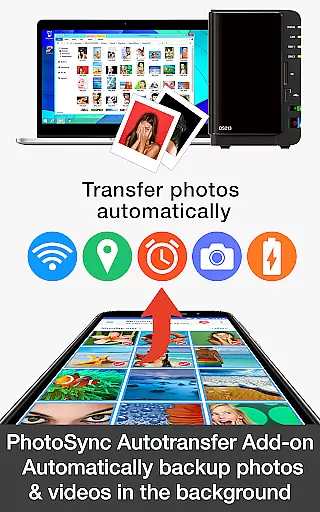
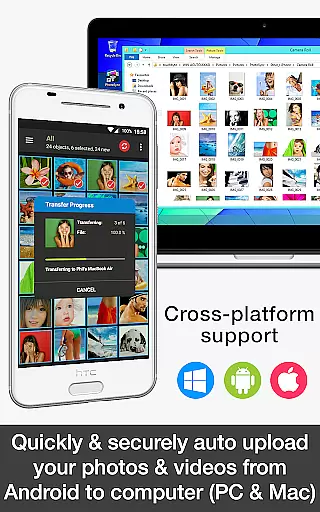

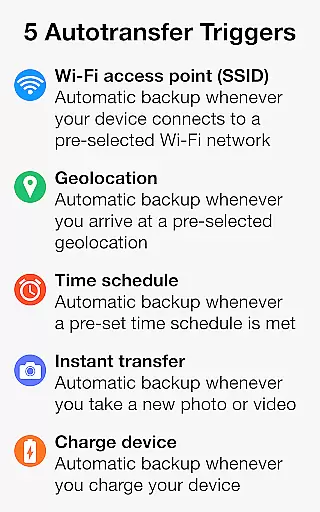
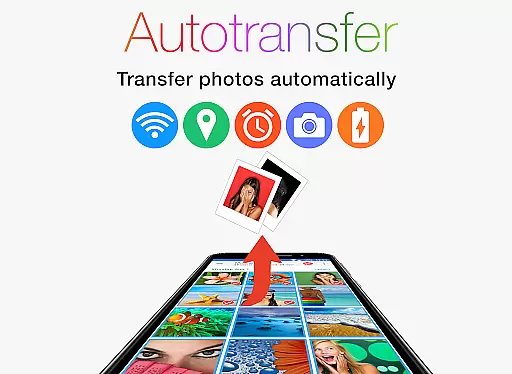
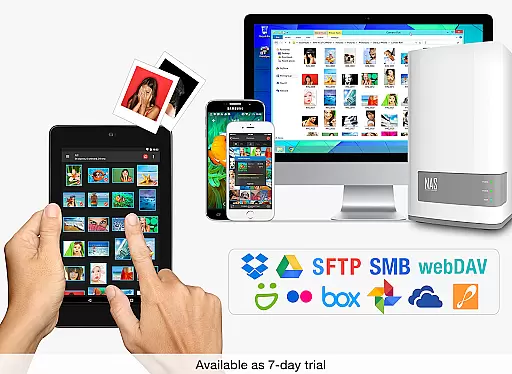
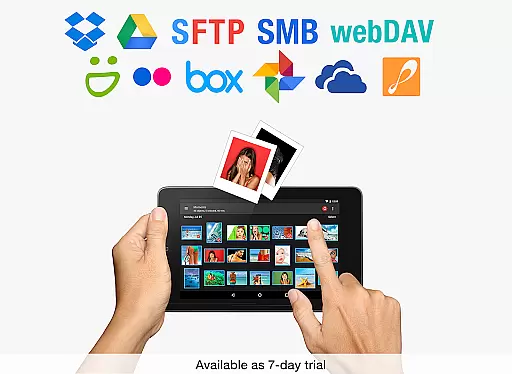
PhotoSync Autotransfer Add-On is an advanced photography tool designed to streamline photo and video management. This application allows users to automatically and wirelessly back up their media files in the background to various destinations including computers, private clouds, NAS, and supported cloud services. With five configurable Autotransfer triggers such as Wi-Fi access point (SSID), geolocation, time schedule, taking a photo, and charging the device, it ensures that your precious memories are always safely stored.
The app stands out with its cross-platform compatibility, offering native apps for Android, iOS, Windows, and Mac. It provides a reliable and secure solution that has been continuously updated over the last ten years. Users benefit from total control over their transfers with fully customizable options. Whether you're a professional photographer or simply someone who values convenience and security, PhotoSync Autotransfer Add-On offers a seamless experience for managing your digital assets.
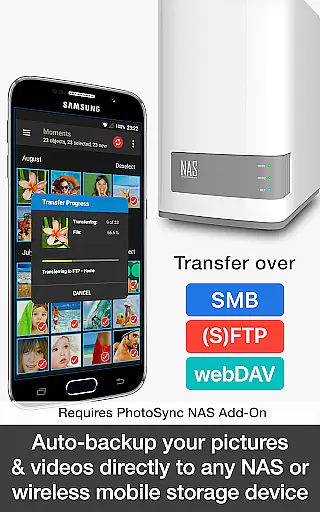
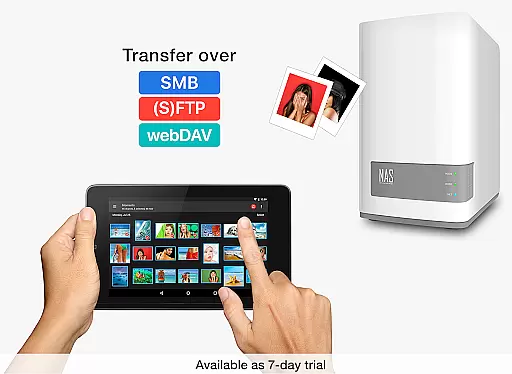
PhotoSync Autotransfer Add-On boasts a range of powerful features tailored for photographers and everyday users alike. One of its standout capabilities is the automatic backup of photos and videos directly from Android devices to computers over WiFi or Portable WiFi Hotspot, ensuring your files are always safe. Additionally, it supports uploading to any NAS, wireless mobile storage device, or remote server over SMB, (S)FTP, or WebDav, provided the necessary add-ons are installed.
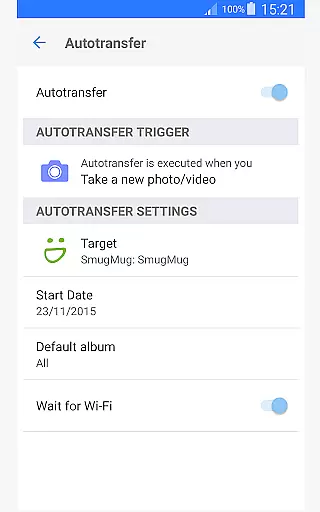
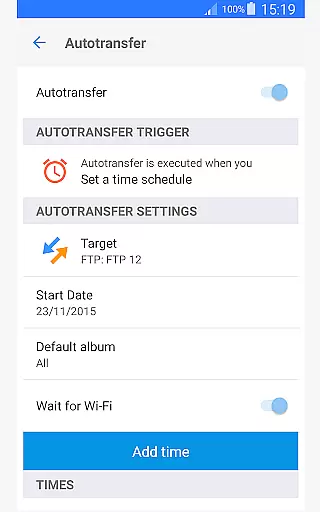
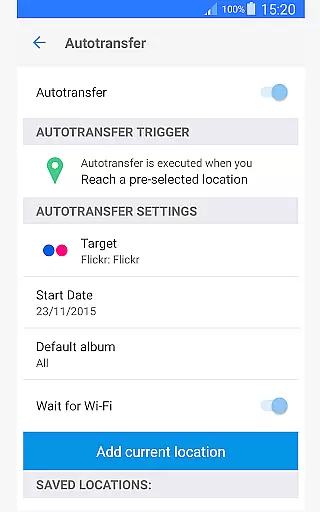
Another remarkable feature is the five Autotransfer options which include instant transfer upon capturing a new picture or video, WiFi access point-based (SSID) transfer, location-based transfer, trigger transfer when the device is charged, and time-scheduled transfers. These options provide flexibility and peace of mind knowing that your media is backed up according to your preferences. Furthermore, the app removes ads, providing an uninterrupted user experience while maintaining high standards of security and reliability.
Real-time capture and preview functionality is essential for ensuring that every photo or video taken meets the user's expectations without delay. PhotoSync Autotransfer Add-On excels in this area by providing instant feedback on the photos and videos being captured.
This application allows users to wirelessly and automatically back up their media files in the background, ensuring that no moment is missed due to technical delays. The real-time aspect of this app ensures that as soon as a photo or video is taken, it is queued for transfer.
Users benefit from having immediate access to their captured content on multiple devices, which enhances their photography workflow. This seamless integration between devices means that photographers can focus more on capturing moments and less on the transfer process.
The value of real-time capture and preview extends beyond convenience; it provides peace of mind knowing that your precious memories are safely stored across multiple platforms almost instantly after being captured.
While PhotoSync Autotransfer Add-On does not specifically market itself with AI beauty and enhancement features, its core functionalities indirectly support the natural enhancement of photos through high-quality transfers. Ensuring that photos retain their original quality during the transfer process preserves the natural beauty of the images.
The application focuses on secure and reliable automatic backups of photos and videos directly from Android devices to computers, NAS, and cloud services. By maintaining the integrity of the original files, it inherently supports the natural enhancement of images without artificial alterations.
For users, this means that the authenticity of their photos is preserved, allowing them to make any desired enhancements post-transfer using their preferred editing tools. This approach respects the photographeru2019s intent and the natural state of the captured image.
Ultimately, while not an AI-driven beauty tool, PhotoSync Autotransfer Add-On ensures that all transferred media remains true to its original form, supporting a natural enhancement workflow that begins with pristine file preservation.
User-friendly interface
Secure data transfer
Customizable settings
Cross-platform support
Reliable performance
Requires additional add-ons
Premium cost involved
Limited free version
Complex setup process
Occasional sync issues

How would you look like with a differently shaped nose, chin or lips?
 3.90
3.90
Find time and duration of different sunlight phases at any location
4.90
Pet Camera
3.70
A must-have app for landscape photographers
4.60
Raw Image Viewer. Gallery with support of raw images (.cr3, .cr2, .nef, .raf).
2.00
AI Photo Editor with 100+ Filters, Effects! Remove BG, Retouch & Photo Enhancer.
4.80
live datamoshing
4.00
RAW video capture with advanced controls
4.40
Snap photos remotely using your Garmin watch as the camera trigger
4.0
Perfect body tune & face app - photo retouch, makeup, slim body & beautify face.
4.80
Add Watermark - Sign your pictures with a text or logo. Effective, quick, easy!
4.50
Create collages easily! Nice pic collage maker & background eraser for Instagram
4.50
Transform photos into videos! Create realistic or anime-style images easily!
4.50
Photo editor & gallery. Crop pictures & edit photos offline, no wifi!
4.50
AI portrait generator and polaroid AI selfie, fun AI generated AI photo creator!
4.30
How old age camera Gender Swap App Face Shape Hairstyle App Hair Styler App fun!
4.00
Photo Album Watch Face shows your favorite pictures as a Watchface.
1.90
Remote control the phone camera shutter from your smartwatch and take a picture
1.60
Over 800 film simulation recipes for Fujifilm. Black Friday Offer!
4.4


User Reviews