
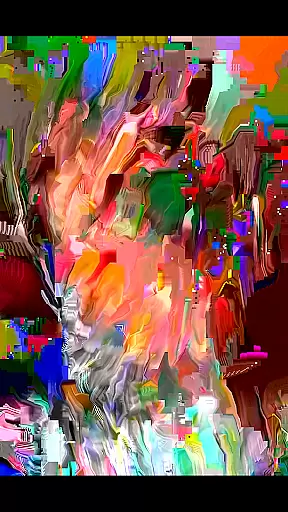
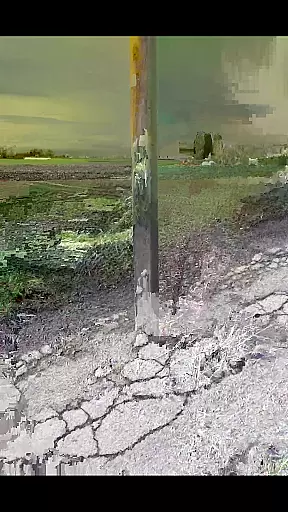
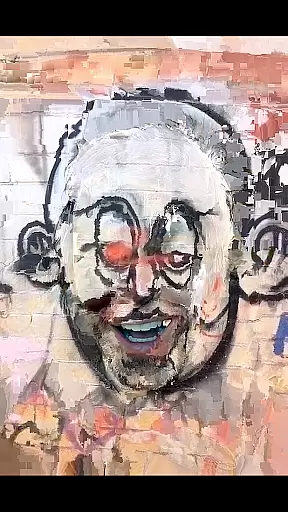
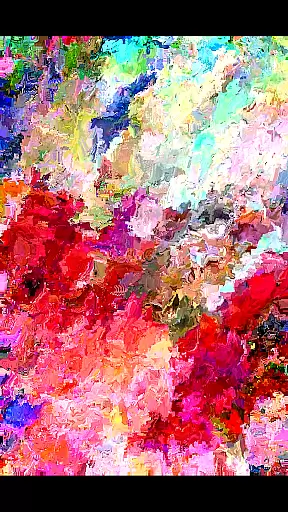
MoshUp is a creative photography app that allows users to perform live datamoshing on their mobile devices. This innovative tool lets you film one scene, then another, and uses the motion data from the second recording to transform the first. The result is unique visual effects that map the motion of one video onto the other, creating stunning and unexpected visuals.
With additional features like frame repetition by holding the screen and the ability to import videos from your gallery, MoshUp offers a versatile platform for experimenting with video art. While still in development, this app is perfect for artists and creatives looking to explore new forms of visual expression through their smartphones.
The standout feature of MoshUp is its live datamoshing capability, which enables users to create dynamic video effects by combining two separate recordings. This process transforms the original footage based on the motion captured in the second video, resulting in visually striking content.
Besides live datamoshing, MoshUp includes practical functionalities such as frame repetition, allowing users to hold a specific frame by simply pressing the screen. The latest update also supports importing videos directly from the device's gallery, expanding creative possibilities. These features make MoshUp an essential tool for anyone interested in experimental video editing.
Real-time capture and preview functionality is essential for photography apps like MoshUp. This feature allows users to see the effects of their actions immediately as they film, providing instant feedback on the transformations being applied.
MoshUp enables live datamoshing by using motion from a second recording to transform the first, creating unique visual effects. The ability to repeat the last frame by holding the screen adds another layer of creative control, making each piece distinct.
With this real-time functionality, users can experiment freely, adjusting their filming technique based on the live preview. This immediate visualization helps in refining techniques and achieving desired artistic outcomes without any delay.
The value of real-time capture and preview lies in enhancing user creativity and control, allowing for instantaneous adjustments and fostering a more engaging and interactive experience while creating visually stunning content.
While MoshUp focuses on creative datamoshing effects rather than traditional beauty enhancements, the principle of naturalness in modifications remains crucial. Users expect any alterations to preserve the authenticity of their original footage.
Although MoshUp does not employ AI for beautification, its innovative approach to transforming videos through motion data results in effects that maintain the integrity of the initial recording. This method ensures that the final output feels organic and true to the creator's vision.
The appu2019s capability to import videos from the gallery expands creative possibilities while keeping the enhancements natural. By using actual motion data from another video, it avoids artificial-looking adjustments common in conventional filters.
This commitment to preserving the natural essence of recordings while applying transformative effects distinguishes MoshUp in the photography category, offering creators a tool that respects the authenticity of their work while enabling unique artistic expressions.
User-friendly interface
Unique datamoshing effect
Supports video import
Creative frame repetition
Innovative visual tool
Limited device compatibility
Still in development
Performance issues
Few customization options
Requires technical understanding

How would you look like with a differently shaped nose, chin or lips?
 3.90
3.90
Find time and duration of different sunlight phases at any location
4.90
An interval timer to automate photo taking process for timelapse
2.90
Android Native system HD camera app. Never been so simple and faster.
4.70
AI photo editor with hair editor, retouch tools, hair color changer & filters!
4.50
Create AI photos & videos with Enhancer; restore, fix, beautify, enhance photos
4.50
Professional camera app that brings DSLR manual photography controls to Android.
4.20
Enhance, upscale, and transform your images — on your device, without limits
4.70
Try an anime version, cartoon yourself, and generate AI hug or aging videos!
3.70
Perfect body tune & face app - photo retouch, makeup, slim body & beautify face.
4.80
AI Photo Editor with 100+ Filters, Effects! Remove BG, Retouch & Photo Enhancer.
4.80
Easily create custom gifts, cards, photo books & more on the Shutterfly app!
4.60
Safe & smart flight with Go Fly drone controller for 40+ drone camera, zone map
4.50
Use AI Video Generator to turn your words to ai generated videos.
4.50
Create AI Photos, Improve and restore quality of blurry, old or damaged pics.
4.20
Transform Photos: Edit, Beautify and Craft Memories & Make Collages!
4.10
Professional quality photo edits with the new Snapseed.
4.00
USB Storage Access for Photos, Videos, Music and Documents
3.80
GCamera allows all GCam features on all phone models! Better photos with GCamera
3.30


User Reviews