
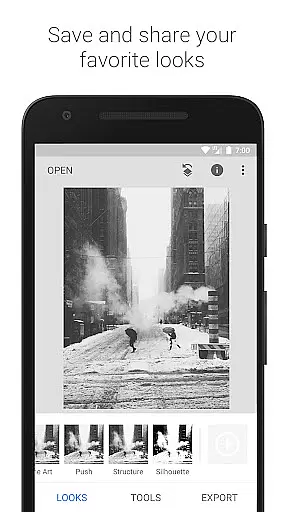
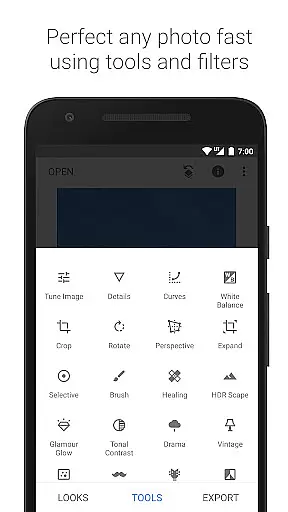
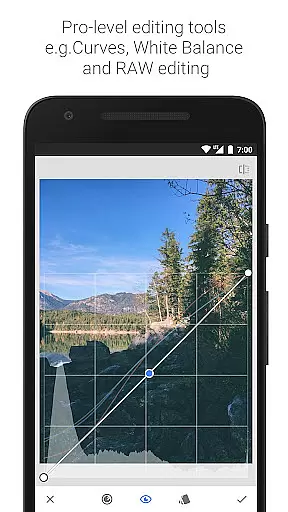
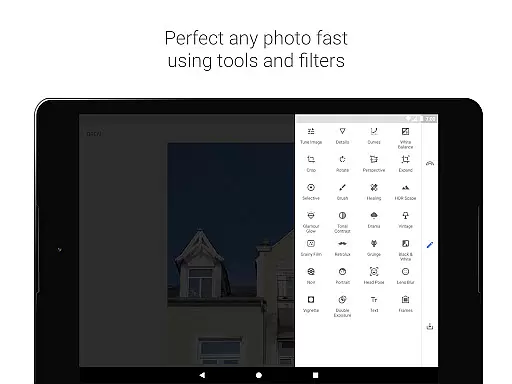
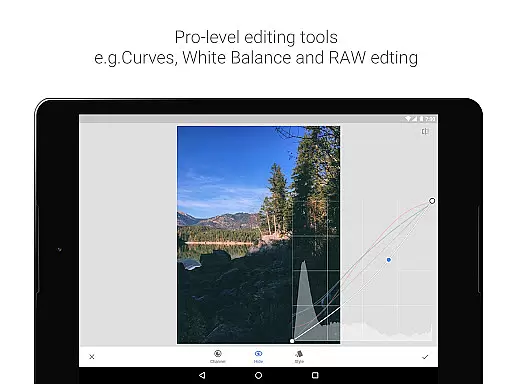
Snapseed is a comprehensive photo editing application developed by Google, offering professional-grade tools for both amateur and expert photographers. The app provides 29 powerful tools and filters, including Healing, Brush, Structure, HDR, and Perspective correction, enabling users to enhance their images with precision.
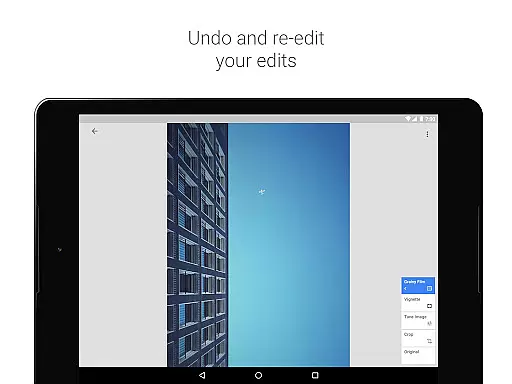
One of Snapseed's standout features is its ability to open and edit RAW files, allowing photographers to work with uncompressed images for higher quality edits. Users can save personalized editing styles and apply them to future projects, streamlining the editing process. Whether you're adjusting exposure, tweaking colors, or adding creative effects, Snapseed delivers complete control over every aspect of photo editing.
This application is particularly useful for mobile photographers who need a portable yet robust editing solution. With its intuitive interface and advanced editing capabilities, Snapseed empowers users to transform ordinary photos into professional-quality images directly from their mobile devices.
Snapseed stands out in the photography category due to its extensive range of sophisticated editing tools. The app includes essential features like cropping, rotating, and white balance adjustments, as well as advanced options such as selective filter brushes and perspective correction. These tools ensure that users can correct geometric distortions and achieve balanced, natural-looking colors.
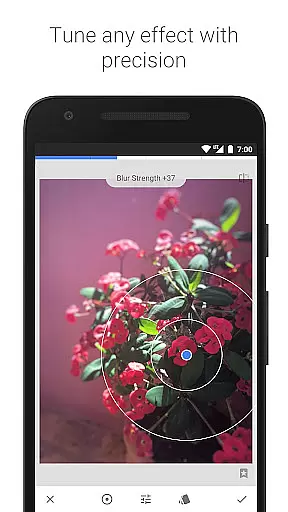
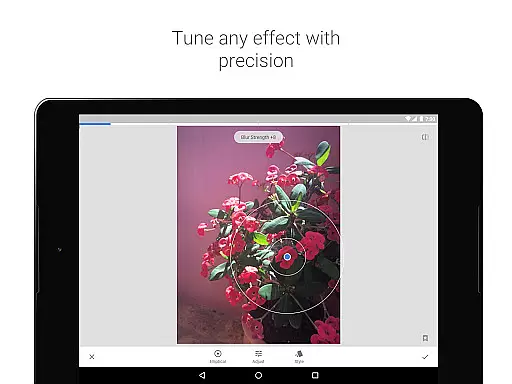
A key innovation is the Selective tool, which uses Control Point technology to allow precise enhancements without affecting the entire image. This feature lets users place up to 8 points on an image and assign specific adjustments, with the algorithm intelligently applying the changes. Additionally, Snapseed offers creative filters like Lens Blur, Glamour Glow, and HDR Scape, enabling users to produce artistic effects that mimic professional photography techniques.
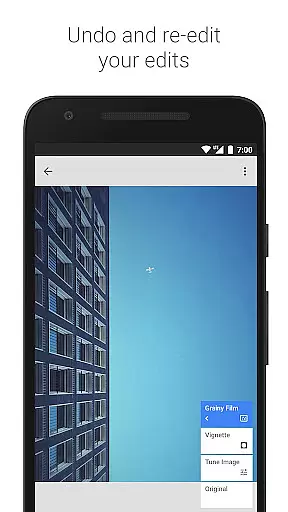
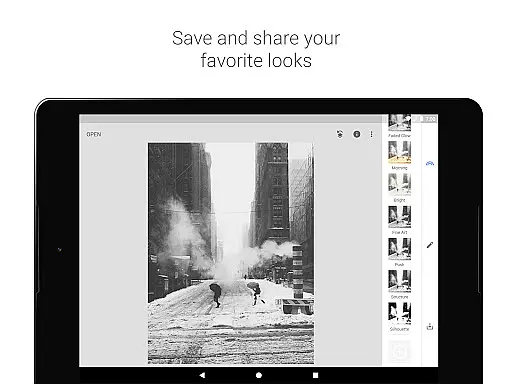
The app's ability to save and reuse custom looks sets it apart from competitors. This functionality not only saves time but also helps maintain consistency across multiple images. With its combination of technical precision and creative flexibility, Snapseed provides photographers with a complete mobile editing studio that rivals desktop software.
Snapseed offers a powerful real-time capture and preview feature that allows photographers to see adjustments as they are made. This immediate feedback is crucial for making precise edits without guesswork.
The application supports both JPG and RAW file formats, providing flexibility in capturing images with different levels of quality and detail. Users can open and tweak RAW DNG files, ensuring non-destructive editing while maintaining the highest image quality.
With selective filter brushes and control points, Snapseed enables users to apply enhancements exactly where needed. This level of precision ensures that every part of the image can be perfected according to the photographer's vision.
Overall, the real-time capture and preview capabilities empower users to make informed decisions during the editing process, resulting in professional-grade photos that truly reflect their creative intent.
Snapseed incorporates advanced AI beauty and enhancement features that elevate photo editing to new heights. These tools intelligently enhance images while preserving natural aesthetics, avoiding the over-processed look.
One standout feature is the Glamour Glow tool, which adds a fine glow to images, perfect for fashion or portrait photography. This effect enhances skin tones naturally, giving subjects a polished yet authentic appearance.
The Face Enhance tool focuses on specific facial features such as eyes and skin texture. It allows for subtle improvements like adding focus to the eyes or smoothing skin without losing the unique characteristics that define a person's face.
By leveraging AI technology, Snapseed delivers enhancements that are both effective and natural-looking, ensuring that edited photos retain their original charm and authenticity.
Professional-grade tools
Intuitive user interface
Extensive filter options
RAW file support
Customizable editing styles
Steep learning curve
Advanced features overwhelming
Occasional processing delays
Limited social sharing
No cloud integration

Virtual makeup, hair filters & body tuner—edit from face to full body!
 4.20
4.20
Perfect body tune & face app - photo retouch, makeup, slim body & beautify face.
4.80
Photo prints, cards, & gifts at Walgreens. Easy ordering & fast local pickup !
4.80
Take videos and pictures with the popular TikTok TIME WARP SCAN filter.
4.60
Create Business Headshots, Polaroid Filter, Retake Photos,Profile Pics,AI Photos
4.50
Transform photos into videos! Create realistic or anime-style images easily!
4.50
Add a dreamy vibe to your selfies and videos with soft style filters
4.1
Luminar: Photo Editor - easy picture editing with AI
4.20
Transform Photos: Edit, Beautify and Craft Memories & Make Collages!
4.10
Viewfinder, Light meter, Reciprocity failure time, DOF & Bellows Extension
4.60
Enhance, retouch & create your story - Share the moment with Photoshop Express.
4.60
AI portrait generator and polaroid AI selfie, fun AI generated AI photo creator!
4.30
[3DSteroid Pro] is a stereoscopic application for Android.
4.30
Shooting photos and records video easily and efficient with professional Camera
4.30
Natural Beauty, Selfie Retouch
4.30
Photo editor: face & body editor, beauty cam, filters and quality enhancer.
4.00
Astrophotography with your smartphone, photo live stacking and much more!
3.90
Hair color changer, AI haircut app, fun hair editor and buzz cut filter for all!
3.80
Superimpose one photo on top of another using the original Superimpose app!
3.20


User Reviews