
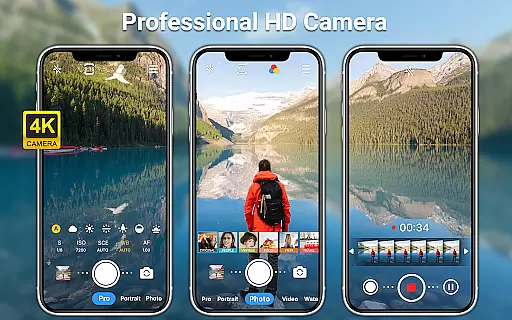
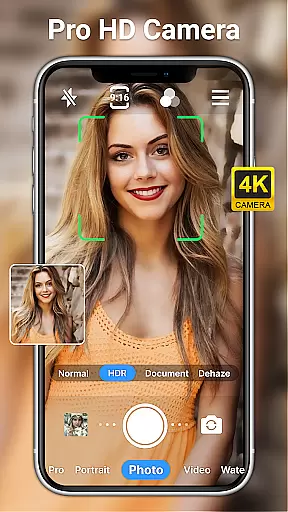
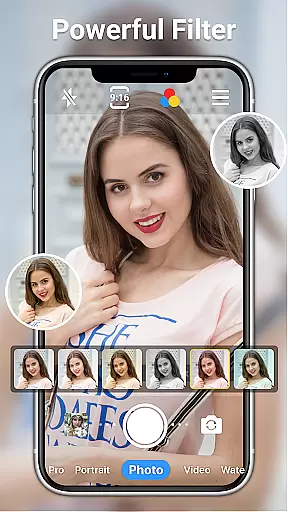
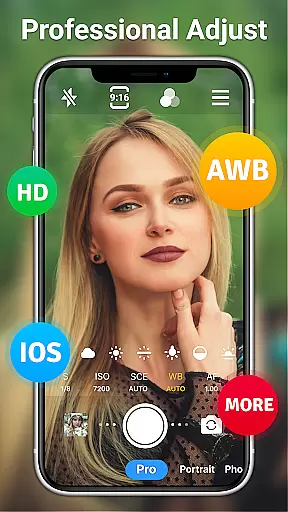
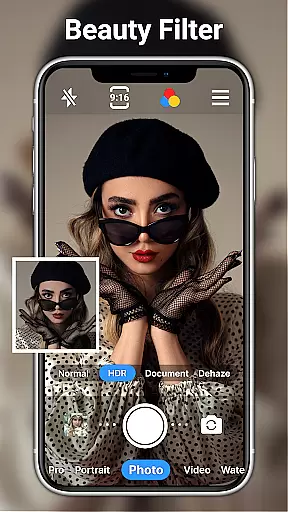
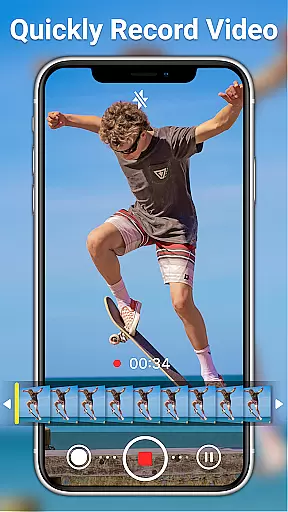
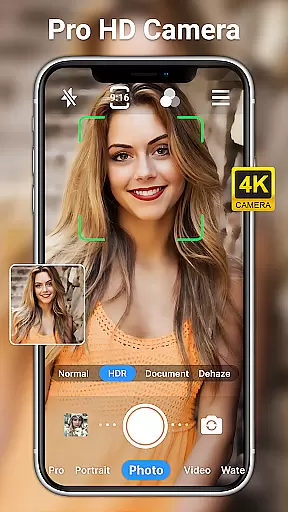
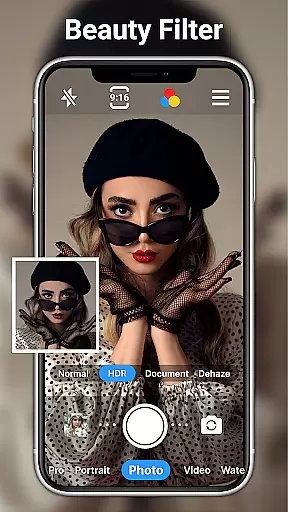
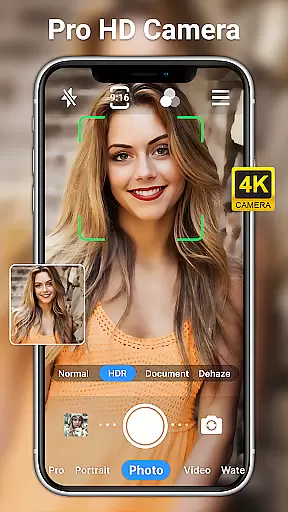
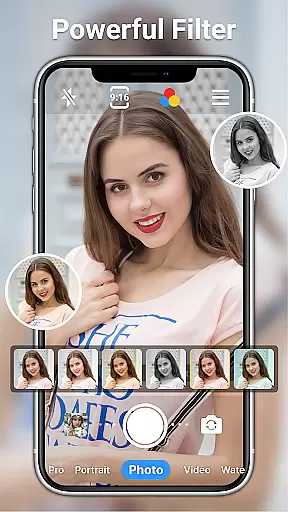
HD Camera for Android is a professional-grade photography application that empowers users to capture high-definition photos and videos with ease. The app offers an extensive suite of features including 1080p full HD shooting, real-time filters, and advanced camera controls.
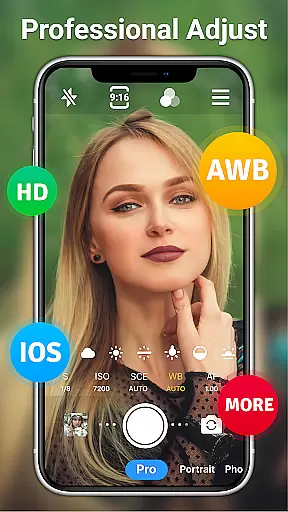
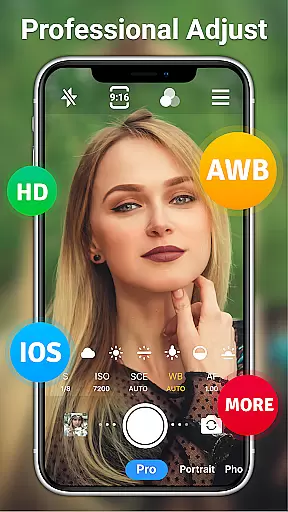
Designed for both amateur and professional photographers, this app provides complete manual control over ISO, shutter speed, white balance, and focus settings. Its intuitive interface allows seamless switching between front and rear cameras, steady shooting modes, and optical/digital zoom capabilities.
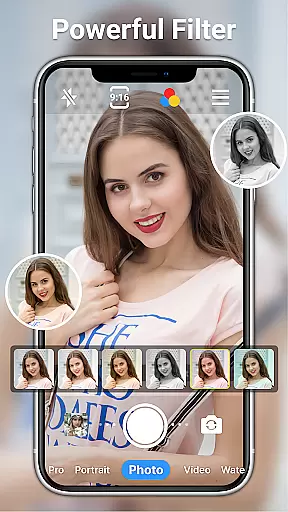
Whether you're capturing daytime landscapes or low-light night scenes, HD Camera ensures exceptional image quality across various lighting conditions. The built-in photo editor with AI-powered tools and 20+ filters makes it an all-in-one solution for mobile photography enthusiasts.
HD Camera distinguishes itself through its comprehensive feature set tailored for professional-quality mobile photography. The app's 1080p HD recording capability captures stunning details while offering users creative freedom through 10+ real-time filters and customizable shooting modes.
Advanced photography features include scene mode selection (sports, night, HDR), precise manual controls for ISO and white balance, and sophisticated focusing options like tap-to-focus and focus halo display. The app also supports time-lapse photography, timer functions, and grid overlays for perfect composition.
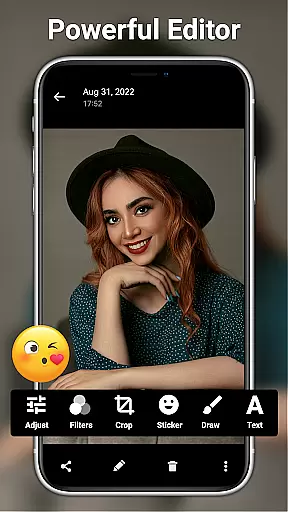
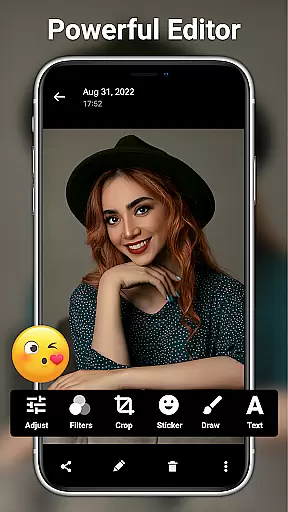
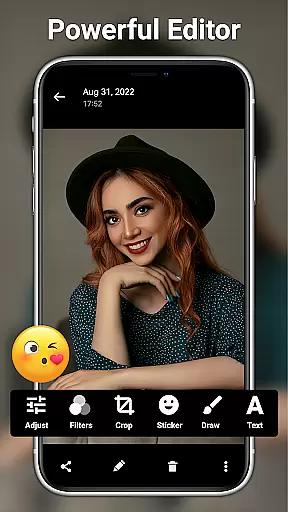
Unique to this application is its powerful photo editing suite, featuring AI restoration tools, facial retouching, and professional-grade adjustment options for brightness, contrast, and exposure. These capabilities, combined with watermarking options and resolution settings, make it a versatile tool for both casual and serious photographers.
Real-time capture and preview functionality is essential for ensuring that every photo or video taken meets the user's expectations immediately. HD Camera for Android excels in this area by offering a 1080p full HD mode, enabling users to capture images with stunning clarity and vibrant colors.
The app provides an intuitive interface where users can toggle between front and rear cameras, apply real-time filters, and adjust settings such as ISO, shutter speed, and white balance. This ensures that whether shooting in daylight or under artificial lighting, the results are consistently high-quality.
With features like steady shooting, pinch-to-zoom, and optical/digital zoom, users can fine-tune their shots with precision. The tap-to-focus function and focus halo display further enhance the ability to capture sharp and well-composed images, making it easier than ever to take professional-grade photos.
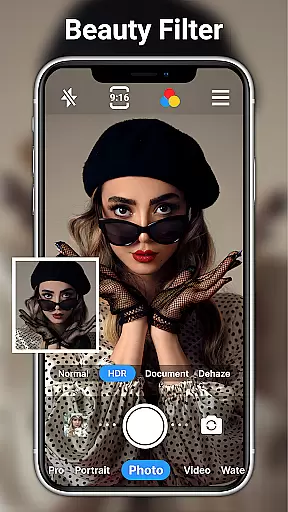
AI beauty and enhancement features have become a staple in modern photography apps, allowing users to refine and perfect their images effortlessly. HD Camera for Android incorporates advanced AI technology to offer natural-looking enhancements that preserve the authenticity of the original photo.
Users can leverage powerful editing tools to adjust brightness, contrast, saturation, and exposure, ensuring that each image reflects their unique style. With over 20 photo filters available, there's a wide array of options to suit any preference, from subtle adjustments to bold artistic statements.
In addition to basic editing, the app includes AI restore and AI palettes, which intelligently enhance colors and details without over-processing. One-click facial retouching simplifies the process of achieving flawless skin tones while maintaining a natural appearance, empowering users to create stunning visuals with minimal effort.
User-friendly interface
Professional-grade controls
Extensive filter options
AI-powered editing tools
Comprehensive manual settings
May drain battery quickly
Interface can feel complex
Occasional crashes reported
Ads in free version
Steep learning curve

Photo editor: face & body editor, beauty cam, filters and quality enhancer.
 4.00
4.00
How would you look like with a differently shaped nose, chin or lips?
3.90
Professional video recording application with manual controls for filmmakers!
2.80
Pet Camera
3.70
Perfect body tune & face app - photo retouch, makeup, slim body & beautify face.
4.80
AI photo editor with hair editor, retouch tools, hair color changer & filters!
4.50
Smart, light, and fast photo and video gallery
4.30
Turn photos into cartoons & avatars! - Photo Editor, Cartoon Face!
3.90
PhotoSync Bundle Add-On License. Enables all features and services in PhotoSync.
4.60
Find time and duration of different sunlight phases at any location
4.90
Create funny photos and videos with the popular Time Warp Scan filter.
4.90
The original Rarevision VHS look seen everywhere!
4.70
Enhance, retouch & create your story - Share the moment with Photoshop Express.
4.60
Trendy TikTok time warp scan funny filter app brings you unique photos & videos.
4.40
Turn your phone into a professional camera - full DSLR manual photography
4.30
AI-powered video creator by MiniMax - Where ideas meet cinema
4.20
All-in-One Editor & AI Photo Enhancer, Collage, Cartoonify, Funny Stickers & BGS
4.10
Catch sunlight, sunrise sunset times and sun phases with the AR sun tracker.
4.10
Photobooth mini FULL app will allow you to add more fun to your parties
4.00


User Reviews