
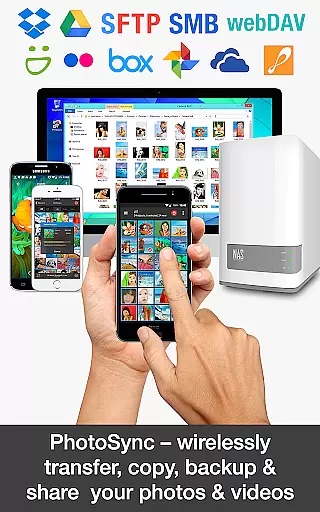
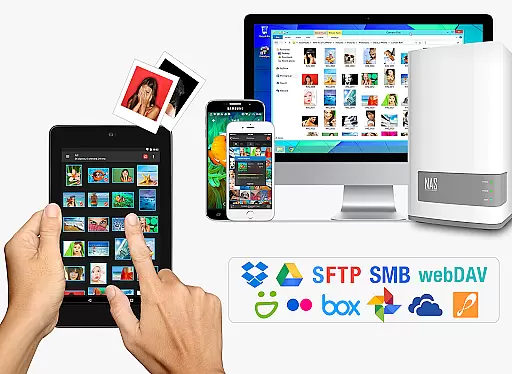
PhotoSync Bundle Add-On is an advanced activation license that enhances the free version of PhotoSync, a leading cross-platform solution for wireless photo and video management. This add-on enables users to unlock all Autotransfer, NAS, and Cloud capabilities, allowing seamless transfer, backup, and sharing across Android, iOS, Windows, Mac, NAS devices, and cloud services.
With over 10,000 positive reviews and millions of successful transfers, PhotoSync stands out as a reliable and secure tool in the market. The bundle saves users 20% compared to purchasing individual add-ons and removes ads, making it a cost-effective choice for both amateur and professional photographers.
Whether you need automatic backups to your computer or NAS, instant sharing to cloud services, or location-based transfers, this product ensures total user control with customizable options tailored to individual needs.
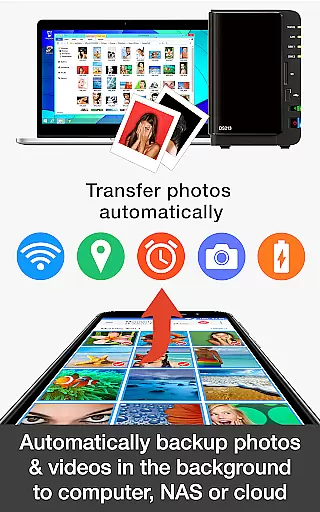
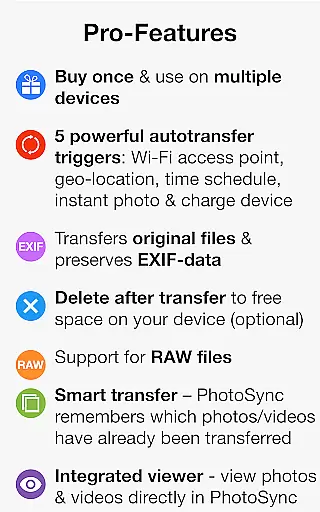
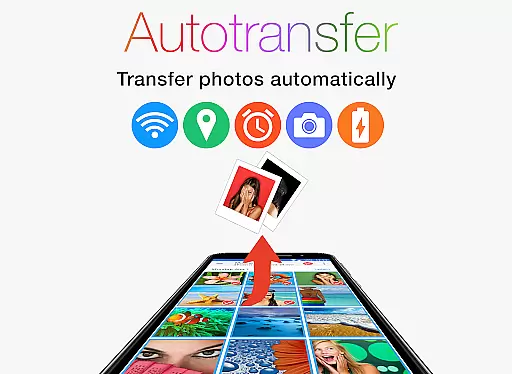
The PhotoSync Bundle Add-On brings powerful features designed to streamline photo and video management. It includes three major add-ons: Autotransfer, NAS, and Cloud. The Autotransfer feature allows instant wireless transfers based on triggers like Wi-Fi connection, geolocation, or device charging.
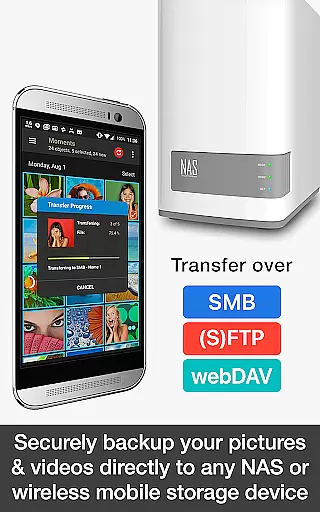
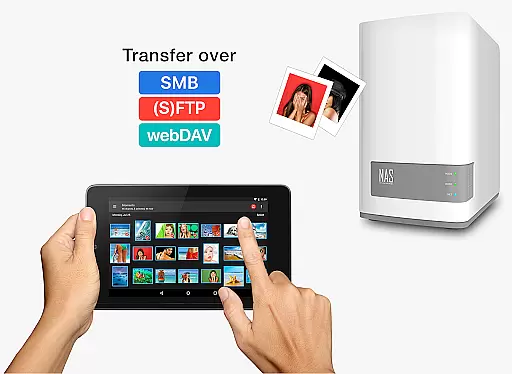
The NAS Add-On supports secure backups to network-attached storage devices from brands like Synology, QNAP, and Western Digital. It also lets users download and view files stored on SMB, (S)FTP, and WebDAV servers, ensuring compatibility with most personal clouds and remote servers.
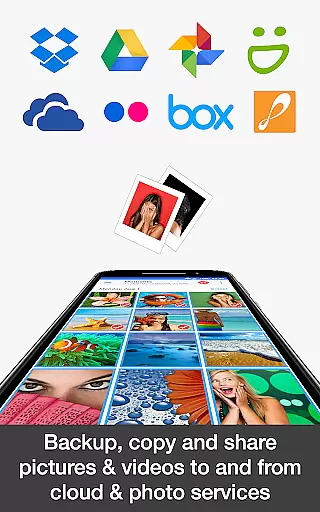
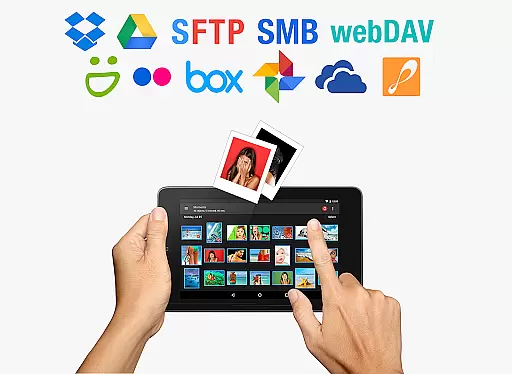
Finally, the Cloud Add-On integrates popular services such as Google Drive, Dropbox, and OneDrive, enabling uploads, downloads, and sharing over WiFi or mobile data. These features collectively provide a comprehensive solution for managing media files across multiple platforms while maintaining security and ease of use.
Real-time capture and preview functionality is essential for photography apps as it allows users to see exactly what the camera is capturing before taking a shot. PhotoSync Bundle Add-On ensures that every photo or video taken is immediately available for review, providing instant feedback on framing, lighting, and composition.
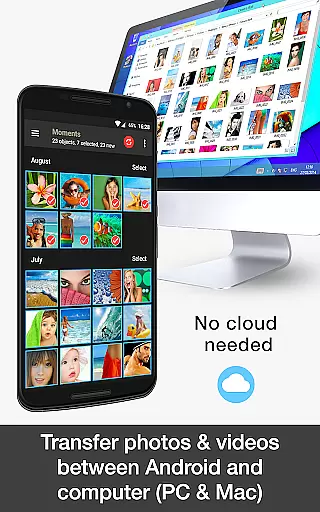
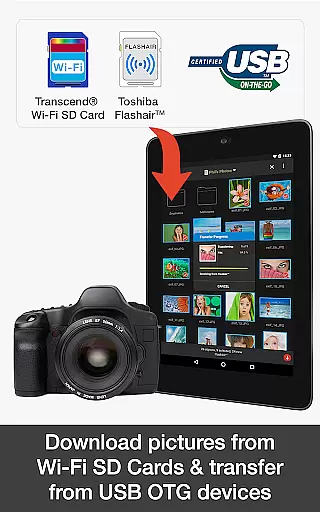
This application supports real-time transfer of photos and videos from Android devices to computers, NAS systems, and cloud services over WiFi. This means that as soon as you capture an image or video, it can be automatically uploaded to your preferred storage location without any manual intervention.
The benefit to users is significant; they can trust that their media is being accurately captured and backed up in real time. Whether you're a professional photographer needing immediate access to your shots or a casual user wanting to ensure your memories are safely stored, PhotoSync's real-time capabilities provide peace of mind and efficiency.
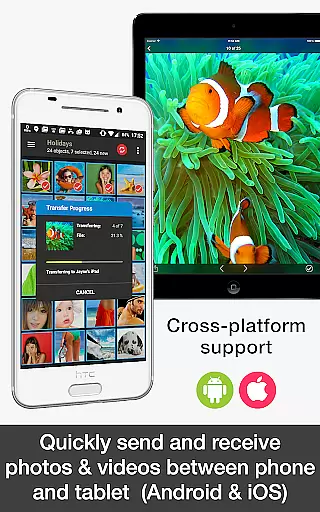
With its compatibility across multiple platforms including Android, iOS, Windows, and Mac, PhotoSync ensures that no matter where you are or what device you're using, your captures will be instantly accessible and securely stored.
AI beauty and enhancement features have become increasingly popular in photography applications, allowing users to improve their photos with natural-looking results. PhotoSync Bundle Add-On leverages advanced AI algorithms to enhance images while maintaining the authenticity of the original content.
Upon capturing a photo, the app can automatically apply enhancements such as color correction, exposure adjustment, and skin smoothing. These adjustments are designed to look natural, ensuring that edited photos retain their genuine feel while appearing more polished and professional.
Users benefit from this feature by having their photos instantly improved without requiring extensive knowledge of photo editing techniques. The AI-driven enhancements save time and effort, making it easy for anyone to produce high-quality images suitable for sharing or printing.
By integrating seamlessly with various cloud services and supporting multiple platforms, PhotoSync ensures that enhanced photos are readily available wherever needed. This combination of convenience, quality, and natural enhancement makes PhotoSync a valuable tool for photographers seeking efficient workflows and stunning results.
Cost-effective bundle
Wide platform support
Automatic transfers
Secure cloud integration
Customizable settings
Requires free app
No standalone use
Premium price
Limited offline help
Complex setup

All-in-One Editor & AI Photo Enhancer, Beautify & Retouch, Collage, Cartoonify
 4.20
4.20
Create funny photos and videos with the popular Time Warp Scan filter.
4.90
Professional video recording application with manual controls for filmmakers!
2.80
What celebrity do you look like? Celebs will find your celebrity match!
4.10
How old age camera Gender Swap App Face Shape Hairstyle App Hair Styler App fun!
4.00
All-in-One Editor & AI Photo Enhancer, Collage, Cartoonify, Funny Stickers & BGS
4.10
Pet Camera
3.70
Your personal guide to the sun and moon. Plan ahead, visualize and predict!
4.70
Discover & download millions of art for The Frame TV or Hisense CanvasTV
4.60
Easily view, share, delete photos with Gallery.
4.70
Light-weight Media Gallery app for Android made with Jetpack Compose
4.60
Automatically backup your photos and videos to computer, NAS and Cloud services
4.60
Unblur, enhance & restore photos with powerful AI photo enhancer tools.
4.60
AI photo editor with hair editor, retouch tools, hair color changer & filters!
4.50
Transform photos into videos! Create realistic or anime-style images easily!
4.50
Trendy TikTok time warp scan funny filter app brings you unique photos & videos.
4.40
A reflected light meter with spot metering and incident light metering.
4.40
Photobooth mini FULL app will allow you to add more fun to your parties
4.00
Turn photos into cartoons & avatars! - Photo Editor, Cartoon Face!
3.90


User Reviews