
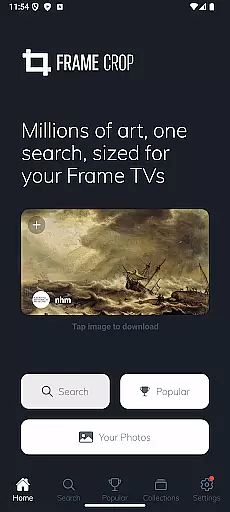
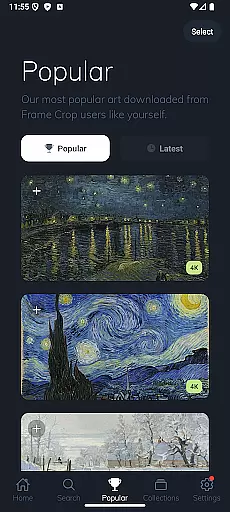
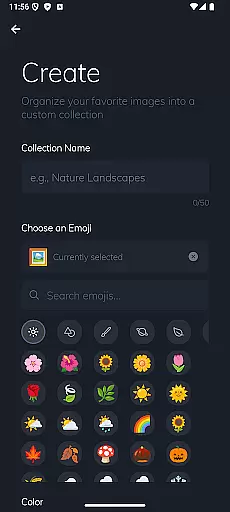
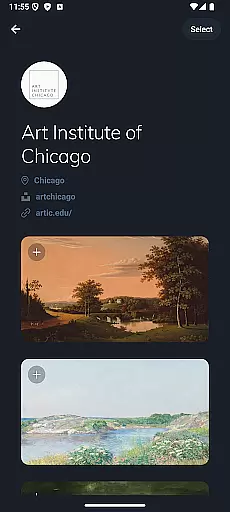
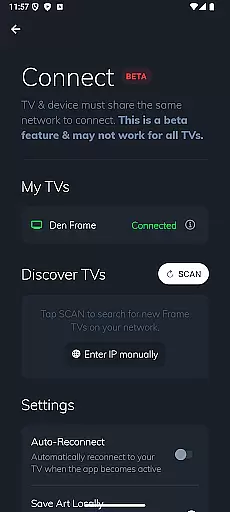
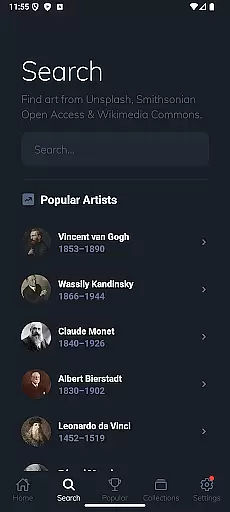
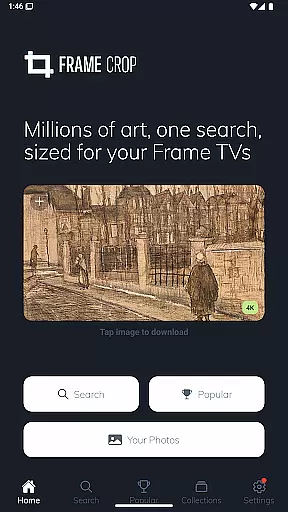
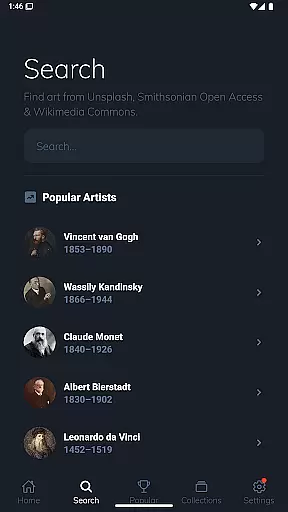
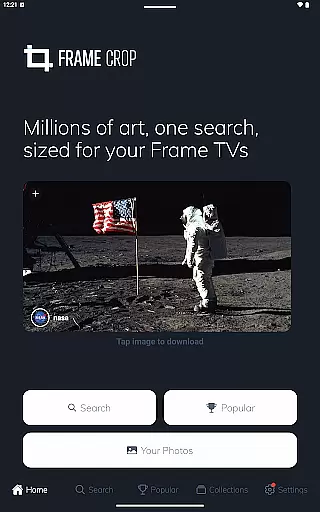
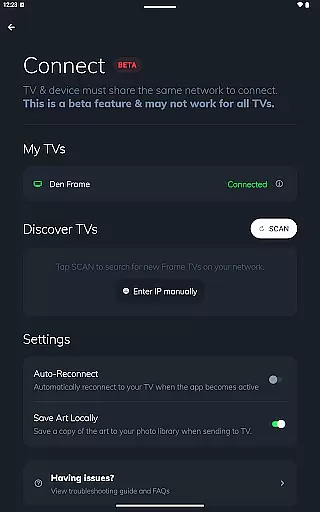
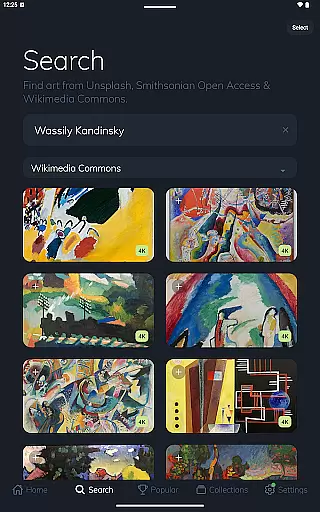
Frame Crop is a specialized application designed for Samsung Frame TV and Hisense CanvasTV owners who wish to enhance their viewing experience with personalized artwork. This app allows users to browse, crop, and download high-quality images from renowned libraries such as Smithsonian and Unsplash. With its intuitive cropping tools, users can effortlessly adjust photos to fit the unique borderless display of their TVs.
The app's core function lies in its powerful yet user-friendly interface that supports both landscape and portrait orientations, catering to various display preferences. Whether showcasing cherished memories or professional artwork, Frame Crop ensures every image is perfectly optimized for the TV screen. Additionally, users can switch art using the SmartThings app, matching their mood or home decor seamlessly.
Ideal for art enthusiasts and travelers alike, Frame Crop transforms any living space into a dynamic gallery. By providing access to thousands of stunning images, it offers an unparalleled opportunity to personalize your environment while enjoying beautiful visuals tailored specifically for Samsung Frame TVs and Hisense CanvasTVs.
Frame Crop stands out with its comprehensive set of features tailored for art customization on Samsung Frame TVs and Hisense CanvasTVs. The app provides intuitive photo cropping tools that allow precise adjustments, ensuring images fit perfectly within the TV's borderless display. This feature is particularly beneficial for users who mount their Frame TVs in portrait orientation, offering versatility in art presentation.
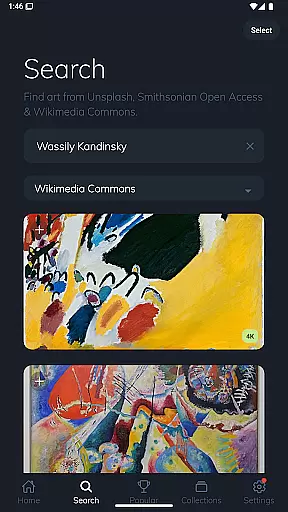
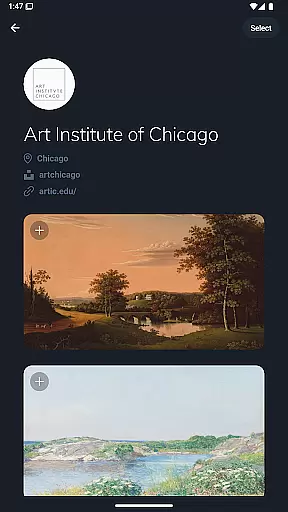
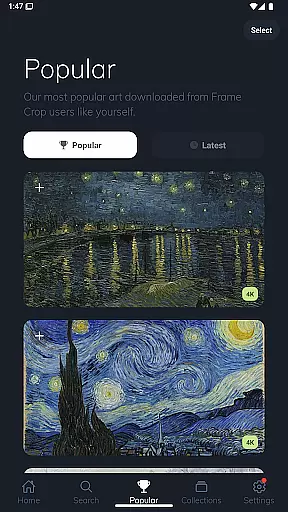
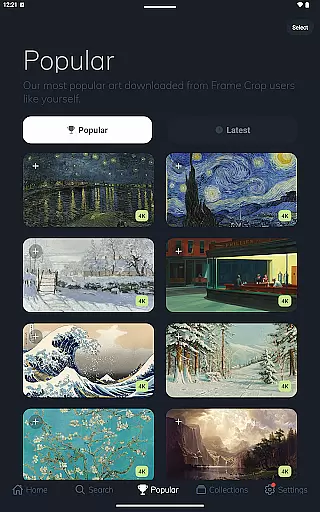
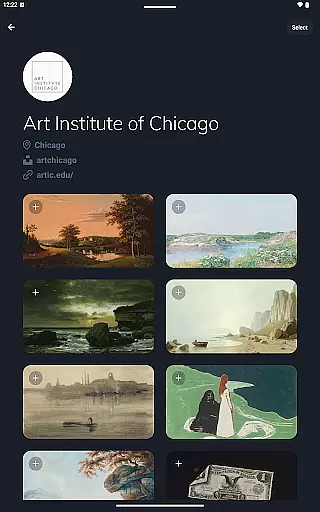
In addition to its robust cropping capabilities, Frame Crop grants access to an extensive library of artwork sourced from prestigious platforms like Smithsonian Open Access, Unsplash, and Wikimedia Commons. Users can explore thousands of high-resolution images spanning various categories including landscapes, animals, and professional paintings. This diverse selection enables users to find the perfect piece that complements their mood or interior design.
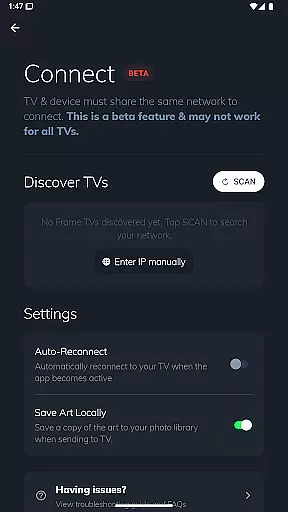
Another notable feature is the seamless integration with the SmartThings app, allowing users to switch art effortlessly. This functionality enhances the overall user experience by providing a customized viewing journey. With these innovative tools, Frame Crop empowers users to transform their living spaces into personalized galleries with ease and precision.
Real-time capture and preview functionality is essential for ensuring that the images displayed on your Samsung Frame TV or Hisense CanvasTV are perfectly aligned with your expectations. This feature allows users to see exactly how their selected artwork, photos, or paintings will look on their TV screens before finalizing the display.
Frame Crop excels in this area by providing intuitive cropping tools that enable users to adjust images precisely to fit the unique borderless display of their TVs. The app supports both landscape and portrait orientations, catering to various mounting options and artistic preferences.
Users benefit from the ability to instantly preview changes, ensuring that every piece of art matches their mood or home decor seamlessly. With access to high-resolution images from integrated libraries like Smithsonian Open Access and Unsplash, the quality of the previewed content remains top-notch.
This real-time functionality not only enhances user satisfaction but also saves time by eliminating guesswork. Whether showcasing travel landscapes or professional artwork, Frame Crop ensures that each display is optimized for a stunning visual experience.
AI beauty and enhancement features play a crucial role in elevating the visual appeal of images without compromising their natural essence. For Frame Crop users, this means transforming ordinary photos into extraordinary displays that retain authenticity while enhancing key elements.
The application leverages advanced AI algorithms to optimize images for the Samsung Frame TV or Hisense CanvasTV. These enhancements include color correction, contrast adjustment, and detail sharpening, all designed to make artwork and photos stand out on the borderless display.
What sets Frame Crop apart is its commitment to maintaining the original integrity of images. While enhancing visual elements, the app ensures that modifications remain subtle and true to the source material. This approach appeals to users who value both aesthetics and authenticity in their displayed content.
By integrating these sophisticated AI capabilities, Frame Crop empowers users to create customized art displays that are both visually striking and naturally presented, offering an unparalleled viewing experience that complements any living space.
User-friendly interface
Extensive art library
Precise cropping tools
Portrait mode support
SmartThings integration
Limited to specific TVs
No offline functionality
Requires internet connection
Premium content costs
Occasional bugs reported

Light-weight Media Gallery app for Android made with Jetpack Compose
 4.60
4.60
Automatically backup your photos and videos to computer, NAS and Cloud services
4.60
AI Photo Editor with 100+ Filters, Effects! Remove BG, Retouch & Photo Enhancer.
4.80
AI photo enhancer with Sora 2! Enhance, descratch, and colorize your old photos.
4.50
Fit multiple photos on one post. Create carousels & scroll layouts for Instagram
4.50
Unblur, enhance & restore photos with powerful AI photo enhancer tools.
4.60
Your personal guide to the sun and moon. Plan ahead, visualize and predict!
4.70
Welcome to ProShot, the most powerful camera app on Android.
4.20
Your Family Calendar + Photos. Manage your Skylight Calendar and Skylight Frame.
4.40
Create collages easily! Nice pic collage maker & background eraser for Instagram
4.50
Effortlessly organize, view and share your photos & videos with Gallery app!
4.40
Trendy TikTok time warp scan funny filter app brings you unique photos & videos.
4.40
[3DSteroid Pro] is a stereoscopic application for Android.
4.30
Virtual makeup, hair filters & body tuner—edit from face to full body!
4.20
Transform Photos: Edit, Beautify and Craft Memories & Make Collages!
4.10
USB Storage Access for Photos, Videos, Music and Documents
3.80
Perfect photos with body shaping, BG changer and object remover.
3.70
HD Photo gallery and photo manager to edit, hide private photos, videos & albums
4.2
Snap photos remotely using your Garmin watch as the camera trigger
4.5


User Reviews