
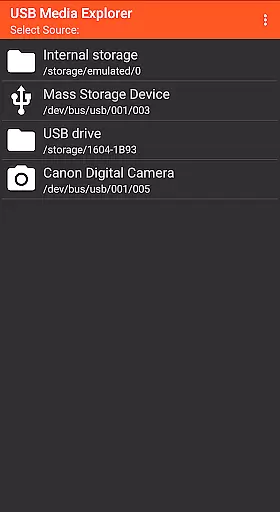
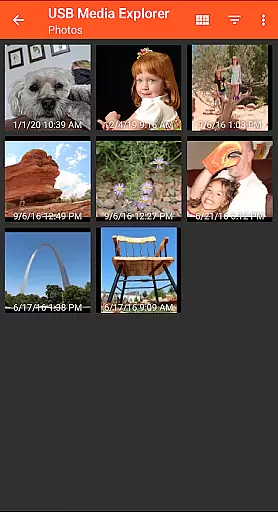
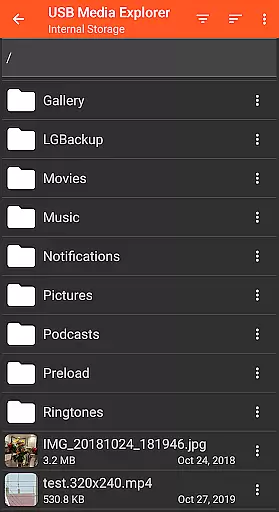
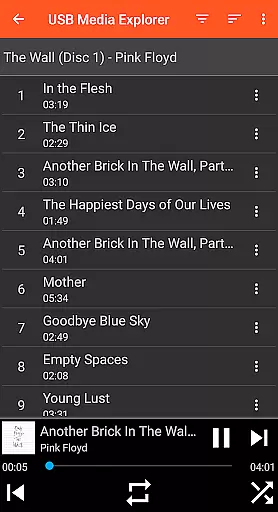
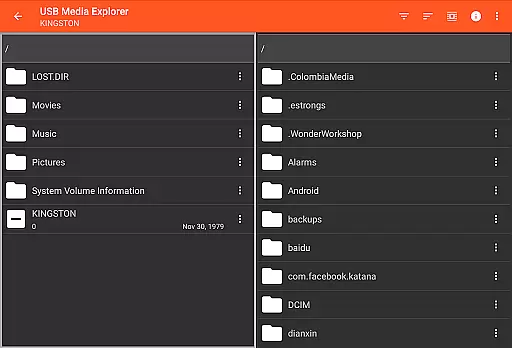
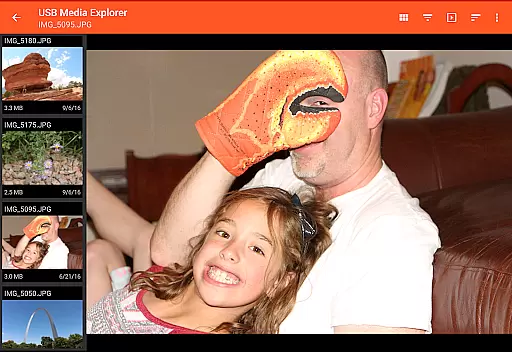
USB Media Explorer (UME) is a versatile photography app that allows users to view photos, stream videos, listen to music, and manage documents from various USB storage devices. The app supports multiple file formats including Jpeg, Raw, AVI, and Dolby, making it an ideal tool for photographers and multimedia enthusiasts. With specialized viewing modes for different media types, UME provides an optimized experience for each content category.
The application's standout feature is its ability to handle full-size media files directly from USB devices without the need for importing. This capability, combined with support for various storage devices like flash drives, card readers, and external hard drives, makes it particularly valuable for professionals who need immediate access to their work while on location or during client meetings.
USB Media Explorer distinguishes itself through several key features that enhance user experience. The app offers dedicated interfaces for different media types - photos, videos, music, and documents - each optimized for its specific content category. Its direct file management system allows users to copy files to and from USB devices seamlessly, maintaining original quality and metadata.
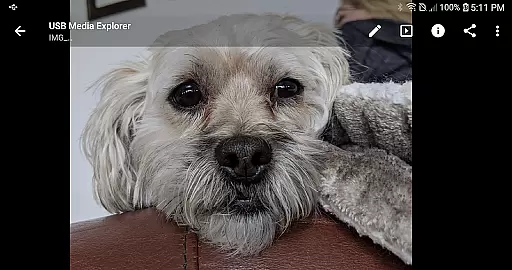
A notable innovation is the app's ability to display full-size photos and videos without importing, preserving the integrity of RAW files and high-resolution media. The application also supports various connection methods including microUSB OTG cables and USB C adapters, ensuring compatibility with modern Android devices. These features collectively provide photographers and media professionals with a powerful mobile workspace solution.
USB Media Explorer offers a unique real-time capture and preview feature that allows users to view photos and stream videos directly from USB storage devices without the need for importing. This functionality is crucial for photographers and videographers who require immediate access to their media files.
The application supports both JPEG and Raw photo formats, ensuring that professionals can work with high-quality images directly from their cameras or storage devices. The ability to view full-size photos and videos on the go enhances workflow efficiency and enables quick decision-making during shoots.
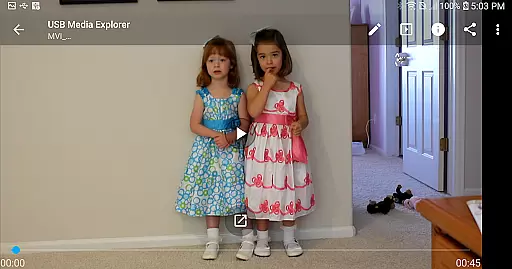
For video content, although Android does not natively support all formats, USB Media Explorer facilitates streaming of various types including AVI, WMV, and others when paired with third-party players like VLC. This ensures broad compatibility and flexibility in handling diverse media files.
Users benefit significantly from this feature as it eliminates the cumbersome process of transferring files to a computer before viewing, thus saving time and allowing for instant sharing or editing of captured media.
While USB Media Explorer primarily focuses on media management and playback, its AI beauty and enhancement features provide an added layer of value by allowing users to apply natural-looking enhancements to their photos and videos. This feature is particularly beneficial for content creators looking to refine their work while maintaining authenticity.
The specialized screens within the app cater to different media types, offering tailored enhancement options for photos, videos, and music. These enhancements are designed to be subtle yet effective, preserving the original quality while adding professional touches such as color correction and noise reduction.
Although advanced editing might require additional software, the built-in tools offer sufficient capabilities for most users seeking quick improvements. The emphasis on naturalness ensures that edits remain unobtrusive and true to the source material.
This combination of robust media handling and intelligent enhancement makes USB Media Explorer a versatile tool for anyone involved in digital content creation, providing both convenience and creative control over multimedia projects.
User-friendly interface
Wide device compatibility
Direct file access
Multiple format support
Efficient file management
Limited proprietary support
External power may be needed
Third-party players required
No live image support
Commercial DVD restrictions

Effortlessly organize, view and share your photos & videos with Gallery app!
 4.40
4.40
Safe & smart flight with Go Fly drone controller for 40+ drone camera, zone map
4.50
Android Native system HD camera app. Never been so simple and faster.
4.70
Create Business Headshots, Polaroid Filter, Retake Photos,Profile Pics,AI Photos
4.50
The #1 app for B&W film developing featuring an advanced darkroom timer.
4.10
Professional photography on your mobile phone
4.20
Luminar: Photo Editor - easy picture editing with AI
4.20
Hair color changer, AI haircut app, fun hair editor and buzz cut filter for all!
3.80
PhotoSync Bundle Add-On License. Enables all features and services in PhotoSync.
4.60
A collection of tools and reference tables for DPs, ACs, DITs and Operators.
4.70
AI photo editor with hair editor, retouch tools, hair color changer & filters!
4.50
Create AI photos & videos with Enhancer; restore, fix, beautify, enhance photos
4.50
Search, tag and rate your way to an organized image gallery
4.40
Shooting photos and records video easily and efficient with professional Camera
4.30
live datamoshing
4.00
Astrophotography with your smartphone, photo live stacking and much more!
3.90
Remote control of the phone camera from your Wear OS smartwatch
3.70
Be your best in every shot! Fix, edit and retouch your face in selfies & photos.
3.70
Snap photos remotely using your Garmin watch as the camera trigger
4.3


User Reviews