
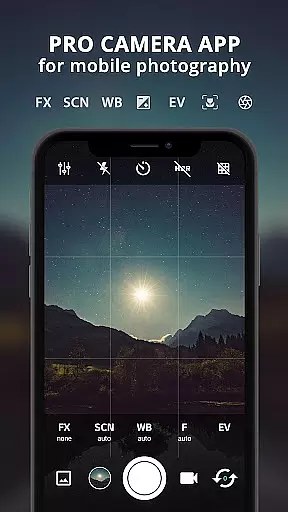
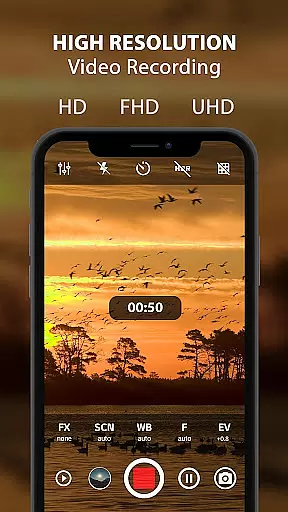
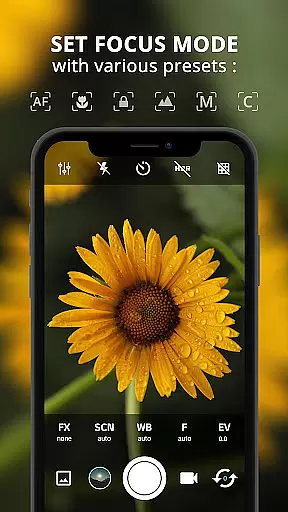
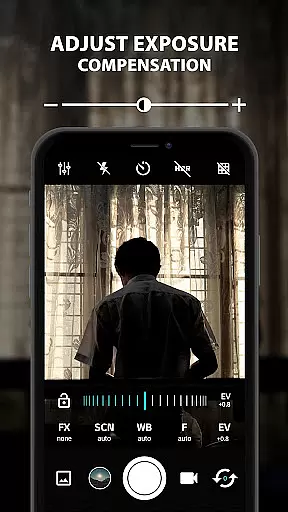
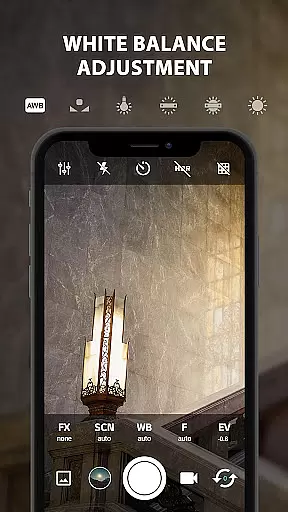
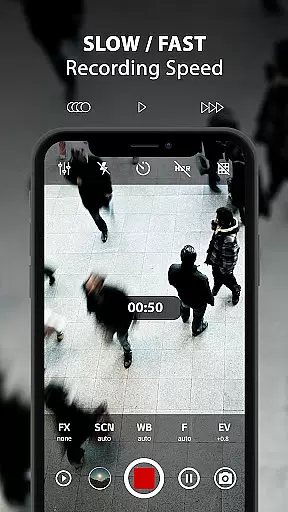
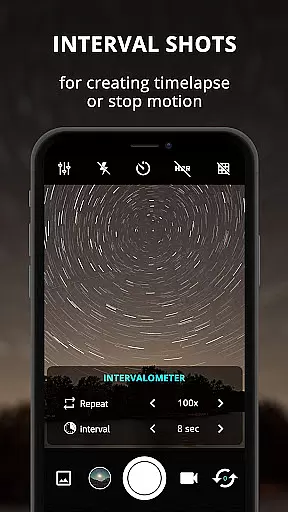
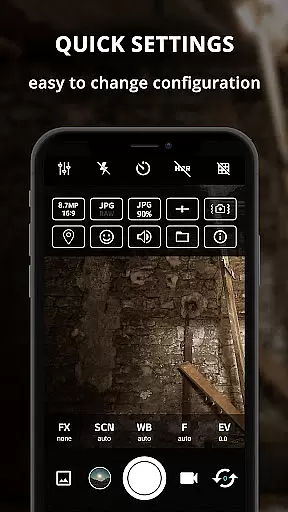
ProCam X is a feature-rich photography app that transforms your smartphone into a professional-grade camera. With advanced controls for exposure, focus, white balance, ISO, and shutter speed, it offers unparalleled flexibility for mobile photographers. The app supports high-resolution photo capture and 4K video recording, making it ideal for both amateur enthusiasts and professional photographers.
The application stands out with its comprehensive suite of professional tools including burst mode, intervalometer, real-time filters, and geotagging capabilities. Its intuitive interface allows users to easily adjust settings and access features like anti-shake stabilization and golden ratio grids. Whether you're capturing fast-action shots or creating time-lapse videos, ProCam X provides the necessary tools to elevate your mobile photography experience.
Particularly useful for content creators and photography professionals, this app enables precise control over every aspect of image capture. The ability to lock exposure settings, manually adjust ISO values, and utilize DSLR-like manual focusing makes it an indispensable tool for achieving perfect shots in various lighting conditions.
ProCam X distinguishes itself through its extensive collection of professional-grade features designed for serious mobile photographers. The app's most notable capability is its complete manual control system, allowing users to independently adjust ISO, shutter speed, focus, and white balance - features typically found only in dedicated DSLR cameras.
A key innovation is the implementation of Camera2 API functionalities, enabling advanced features such as RAW (DNG) file capture and precise exposure locking. The burst mode photography feature lets users capture multiple images at customizable intervals, perfect for creating stop-motion or time-lapse sequences. Additionally, the app supports 4K video recording with optional audio and customizable bit rates.
Other distinguishing features include facial recognition technology, real-time photo filters, and comprehensive geotagging options with GPS location tagging. The app also offers practical tools like volume key customization, silent camera operation, and orientation-independent GUI navigation. These features collectively provide users with unprecedented control over their mobile photography workflow while maintaining excellent performance and stability.
Real-time capture and preview functionality is essential for ensuring that every photo or video taken with ProCam X meets professional standards. This feature allows users to see exactly what the camera sees, in real time, before capturing the moment.
ProCam X offers a live viewfinder experience that mirrors the real-world scene with high accuracy. Users can adjust settings such as exposure, ISO, and white balance while observing the immediate effects on the preview. This ensures that the final image or video reflects precisely what the user intends.
The application supports advanced features like manual focus and shutter speed adjustments directly from the preview screen. These capabilities provide photographers with the control they need to create stunning visuals, whether shooting in automatic or manual mode.
By delivering an intuitive and responsive real-time capture interface, ProCam X empowers users to take full advantage of their device's camera hardware. The ability to fine-tune settings on-the-fly enhances the overall photography experience, making it possible to achieve DSLR-like results from a smartphone.
AI beauty and enhancement features are increasingly important in mobile photography, allowing users to refine and perfect their images effortlessly. ProCam X incorporates sophisticated AI algorithms to enhance photos naturally without compromising authenticity.
The app provides a suite of AI-powered tools designed to improve various aspects of a photograph. From smoothing skin tones to enhancing eye clarity, these enhancements are applied subtly to maintain the subject's natural appearance. Users can customize the intensity of each effect, ensuring that the final result aligns with their creative vision.
One standout feature is the real-time filter application, which uses AI to analyze and adjust the image dynamically. Whether applying color corrections or artistic effects, the processing remains swift and seamless, providing instant feedback within the preview window.
With ProCam X, users benefit from cutting-edge AI technology that elevates their photography while preserving the genuineness of the original shot. This harmonious blend of enhancement and naturalness makes the app a powerful tool for both amateur and professional photographers seeking polished yet authentic results.
Advanced manual controls
4K video recording
Professional-grade features
Intuitive user interface
Comprehensive toolset
Requires newer Android
Complex for beginners
Device compatibility
Premium feature cost
Steep learning curve

Long exposure camera with computational photography
 2.60
2.60
Application for remote controlling DSLR
3.00
Transform photos into videos! Create realistic or anime-style images easily!
4.50
Future baby face generator: AI kids generator, kid face! What my baby look like?
4.40
Collage your moments in one tap: 1000+ layouts, filters, stickers, and texts.
4.90
Easily view, share, delete photos with Gallery.
4.70
Remote control the phone camera shutter from your smartwatch and take a picture
1.60
Welcome to ProShot, the most powerful camera app on Android.
4.20
Photo & Video Gallery app to manage albums and save WA Status easily.
4.70
AI Photo Editor with 100+ Filters, Effects! Remove BG, Retouch & Photo Enhancer.
4.80
Cartoon and artistic effects for your photos and videos
4.70
The original Rarevision VHS look seen everywhere!
4.70
Unblur, enhance & restore photos with powerful AI photo enhancer tools.
4.60
The #1 app for B&W film developing featuring an advanced darkroom timer.
4.10
Catch sunlight, sunrise sunset times and sun phases with the AR sun tracker.
4.10
How old age camera Gender Swap App Face Shape Hairstyle App Hair Styler App fun!
4.00
Turn photos into cartoons & avatars! - Photo Editor, Cartoon Face!
3.90
Astrophotography with your smartphone, photo live stacking and much more!
3.90
Add a dreamy vibe to your selfies and videos with soft style filters
4.0


User Reviews