
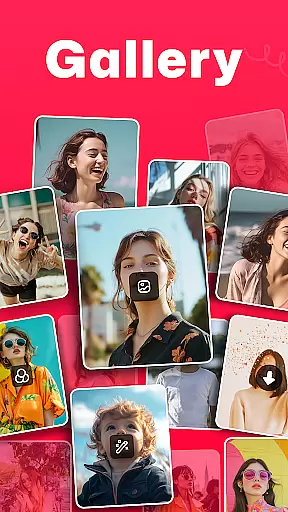
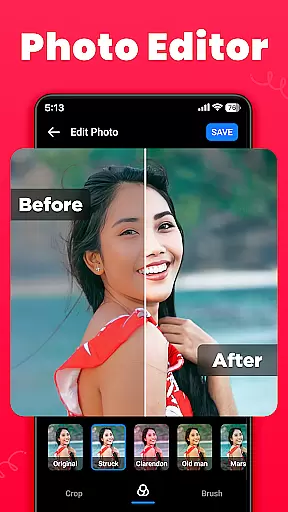
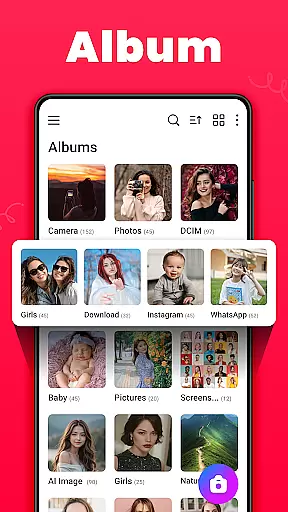
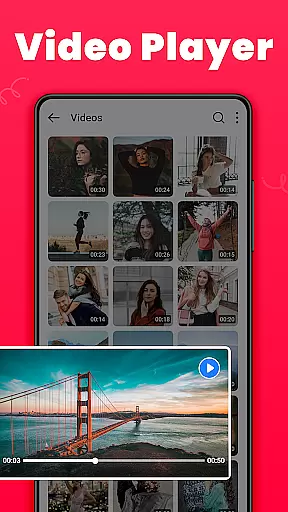
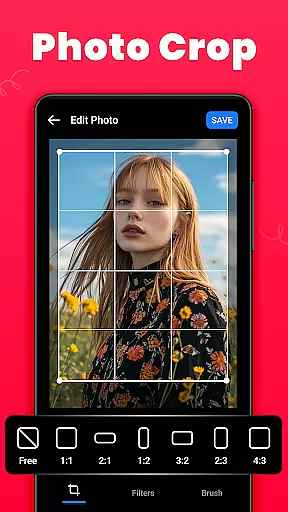
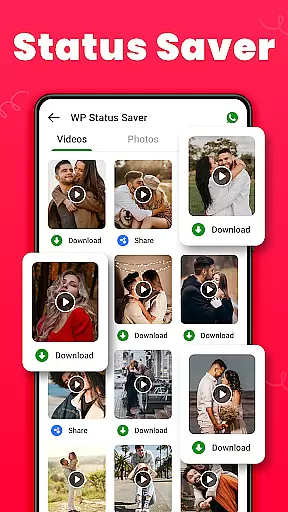
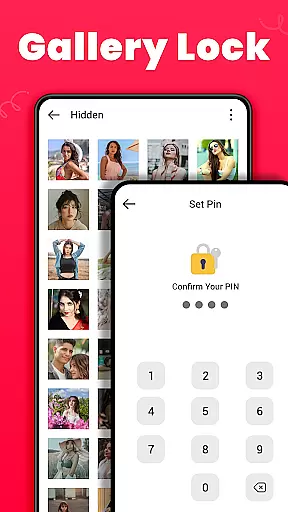
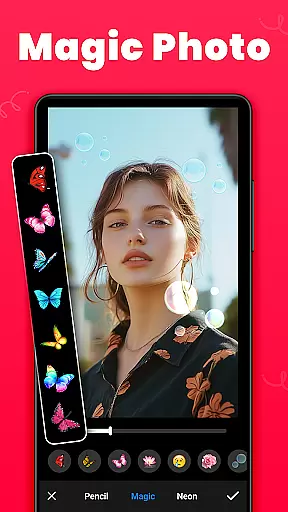
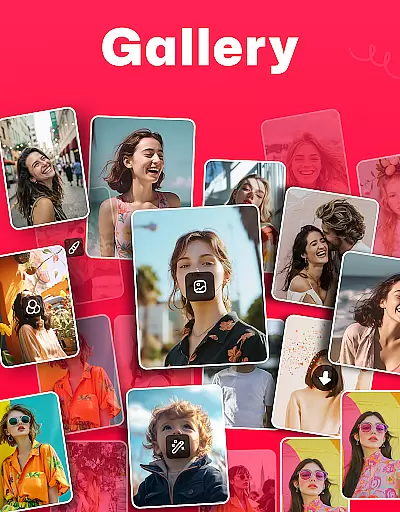
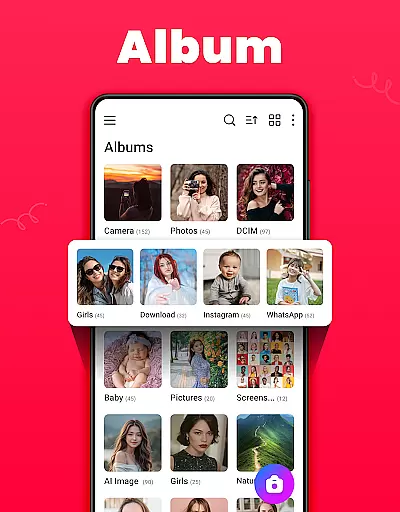
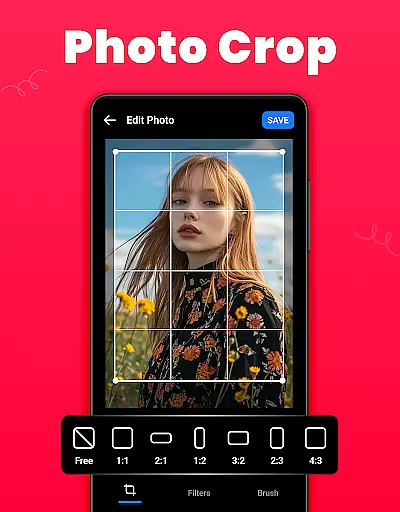
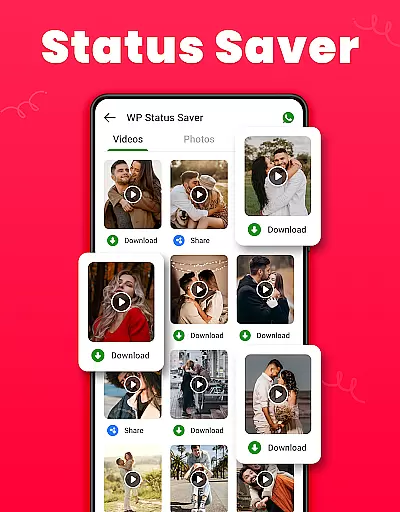
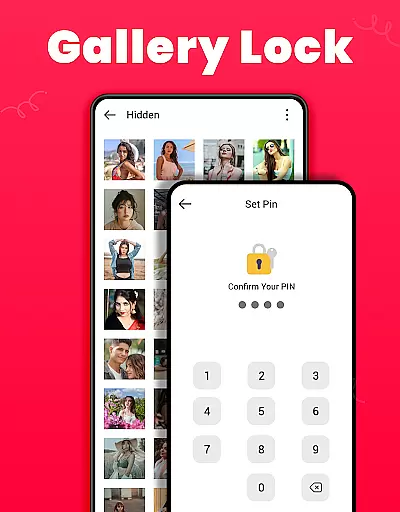
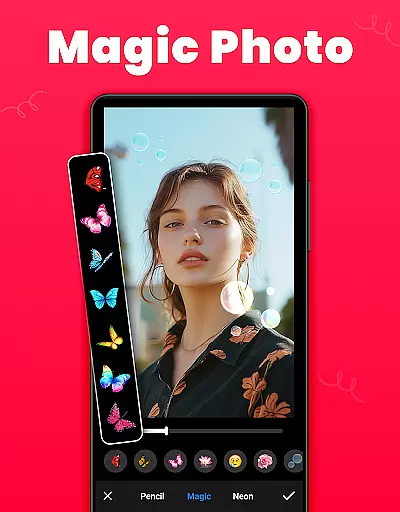
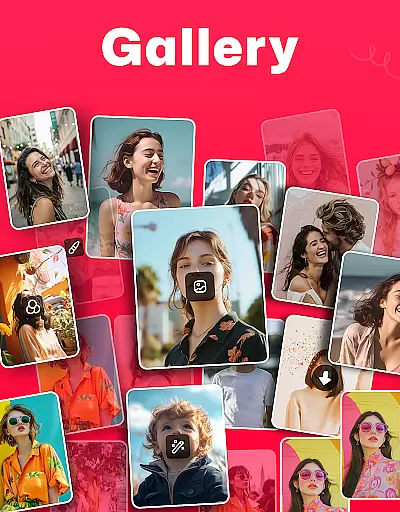
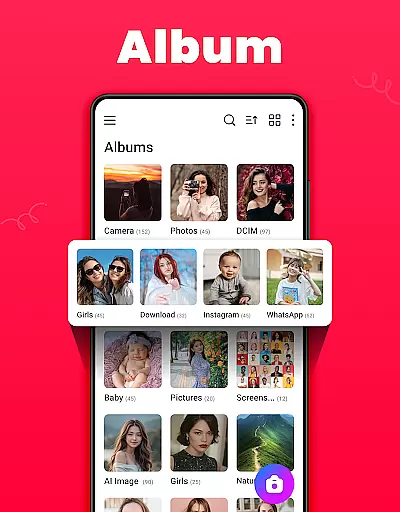
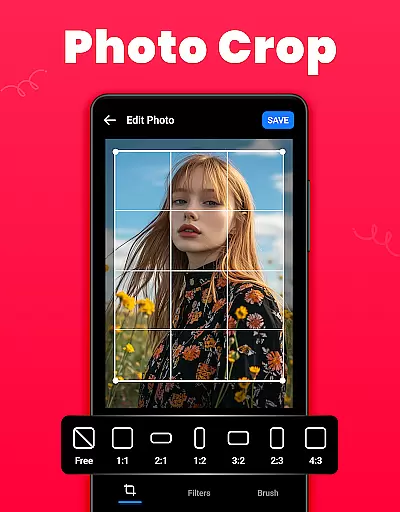
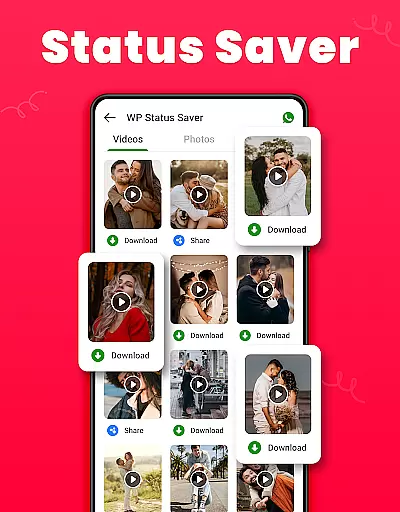
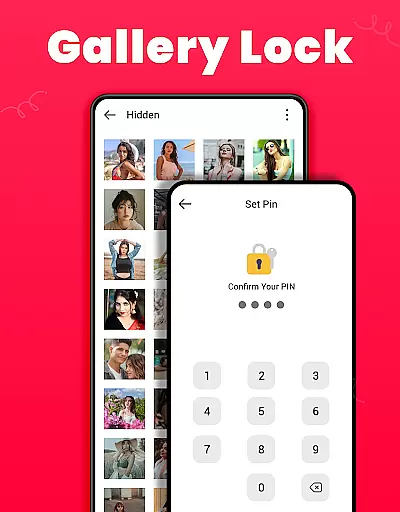
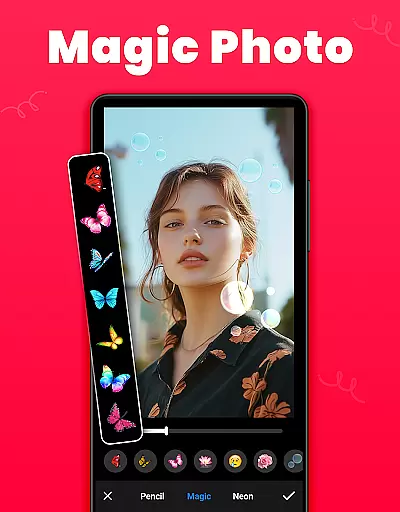
Gallery is a versatile offline photo and video management app designed for Android users. This application allows you to organize, edit, and share your media files effortlessly. The app automatically sorts photos and videos according to their paths, making it easy to locate specific files. Additionally, Gallery offers a secure way to protect sensitive content through its Gallery Lock feature, which requires a PIN or password to access hidden media.
One of the standout features of Gallery is its ability to restore deleted photos and videos from a Recycle Bin, ensuring that accidental deletions don't result in permanent loss. It also supports saving WhatsApp statuses, adding an extra layer of convenience for social media enthusiasts. With its user-friendly interface and comprehensive functionality, Gallery serves as an all-in-one solution for managing your digital memories securely and efficiently.
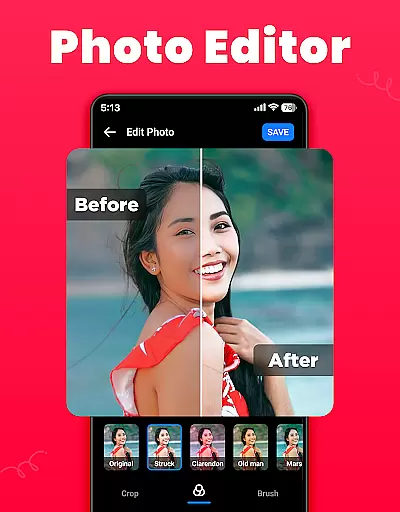
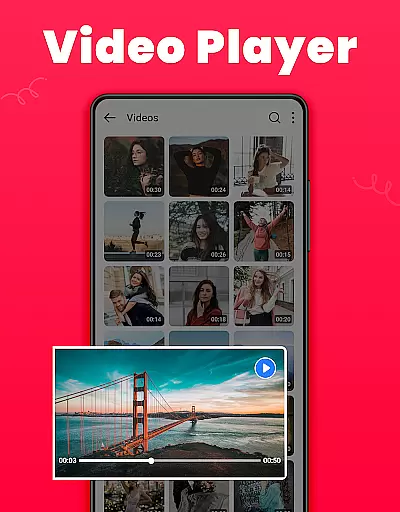
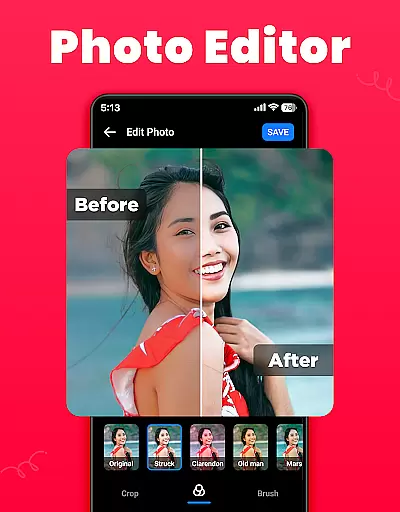
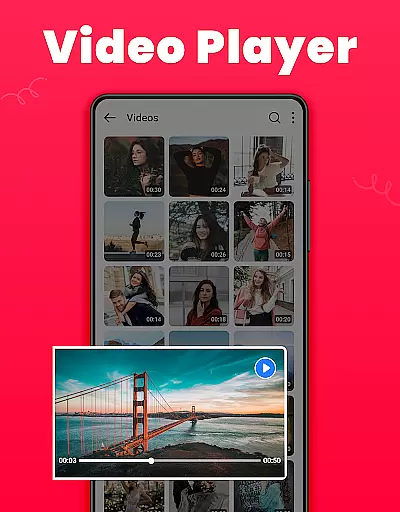
Gallery boasts a wide array of features tailored to enhance your media management experience. The app provides powerful editing tools such as crop, filter, and brush options, allowing you to customize your images with ease. You can set your favorite pictures as wallpapers, create personalized albums, and even sort them by name, date, or path. Its smart gallery function enables quick and easy access to your photos and videos, while the HD video player ensures high-quality playback.
Another remarkable aspect of Gallery is its ability to operate offline, making it accessible anytime, anywhere without needing an internet connection. The app's lightweight design ensures smooth performance without consuming too much storage space. Furthermore, Gallery supports both light and dark modes, catering to user preferences and enhancing visual comfort. These features collectively make Gallery a robust tool for anyone looking to manage their media files effectively and creatively.
Real-time capture and preview functionality is essential for any photography app, ensuring that users can instantly see the results of their shots before taking them. This feature allows photographers to adjust settings such as exposure, focus, and composition on the fly, which is crucial for capturing high-quality images.
The Gallery app offers a seamless real-time capture experience by providing intuitive controls and instant feedback on the device's screen. Users can easily switch between photo and video modes, apply filters, and even set timers without missing a moment. The immediacy of this feature ensures that users can make necessary adjustments quickly, enhancing their overall photography experience.
With real-time preview, users gain confidence in their photography skills as they can experiment with different angles and lighting conditions. This immediate visual feedback helps in learning and improving one's technique over time. Additionally, the ability to review shots instantly means fewer missed opportunities and better chances of getting that perfect shot every time.
AI beauty and enhancement features have become increasingly popular in photography apps, offering users the ability to enhance their photos with natural-looking effects. These tools leverage advanced algorithms to automatically detect faces and apply enhancements that improve skin tone, remove blemishes, and brighten eyes, all while maintaining a realistic appearance.
In the Gallery app, AI beauty enhancements are designed to be subtle yet effective, ensuring that edited photos retain their authenticity. Users can choose from a variety of presets or manually adjust specific parameters like smoothing, whitening, and eye enlargement. This flexibility allows for personalized edits that cater to individual preferences without compromising the natural look of the image.
The naturalness of AI enhancements not only boosts user satisfaction but also encourages creativity. By providing tools that mimic professional editing techniques, the app empowers users to create stunning images that reflect their unique style. Whether it's for social media posts or personal keepsakes, these enhancements ensure that every photo looks its best while preserving the genuine essence of the moment captured.
User-friendly interface
Secure Gallery Lock
Offline functionality
HD video playback
Comprehensive editing tools
Limited cloud integration
No facial recognition
Basic sharing options
Occasional bugs reported
Ads in free version

Natural Beauty, Selfie Retouch
 4.30
4.30
Photo prints, cards, & gifts at Walgreens. Easy ordering & fast local pickup !
4.80
Photo editor: AI filters, photo enhancer, pic collage maker, AI art generator.
4.80
Turn your phone into a professional camera - full DSLR manual photography
4.30
Amazing Photo Effects - The most fun you can have with your photos!
4.70
Movie camera, supports pro recording settings for filming. Try it and be amazed!
4.50
Professional quality photo edits with the new Snapseed.
4.00
Easily create custom gifts, cards, photo books & more on the Shutterfly app!
4.60
Try an anime version, cartoon yourself, and generate AI hug or aging videos!
3.70
Collage your moments in one tap: 1000+ layouts, filters, stickers, and texts.
4.90
Automatically backup your photos and videos to computer, NAS and Cloud services
4.60
Easily stitch panoramas from multiple photos or video.
4.40
Professional photography on your mobile phone
4.20
Professional camera app that brings DSLR manual photography controls to Android.
4.20
Create & Edit with AI: AI Remove, Enhance, Retouch, Filter
4.10
How old age camera Gender Swap App Face Shape Hairstyle App Hair Styler App fun!
4.00
Be your best in every shot! Fix, edit and retouch your face in selfies & photos.
3.70
HD Photo gallery and photo manager to edit, hide private photos, videos & albums
4.2
Snap photos remotely using your Garmin watch as the camera trigger
4.0


User Reviews