
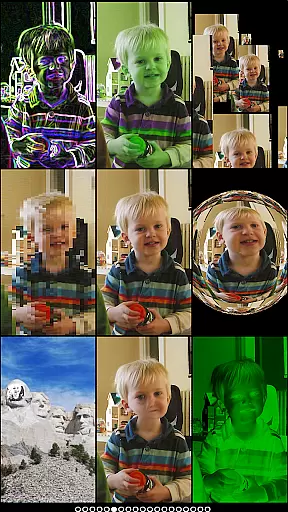
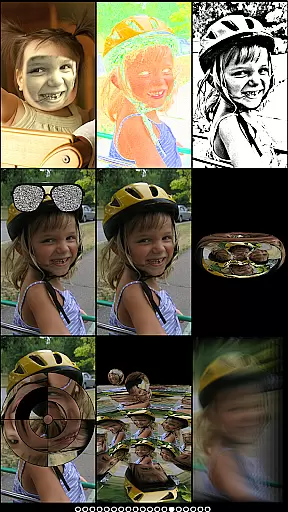
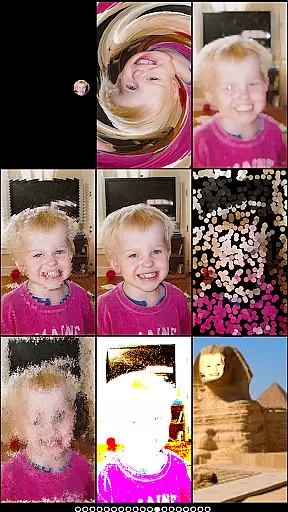
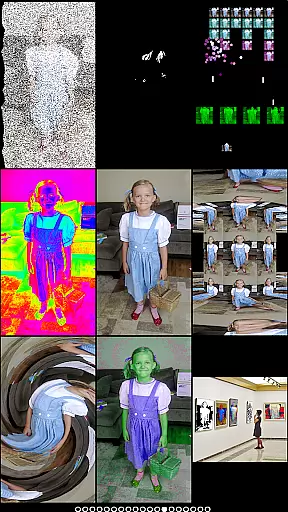
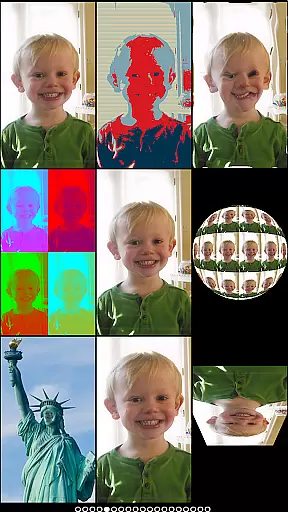
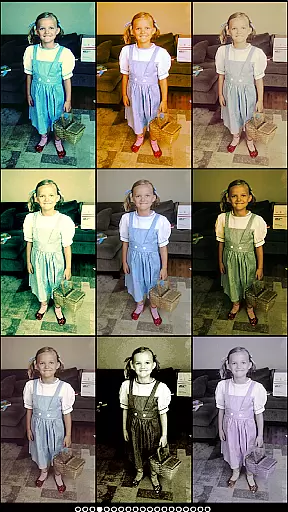
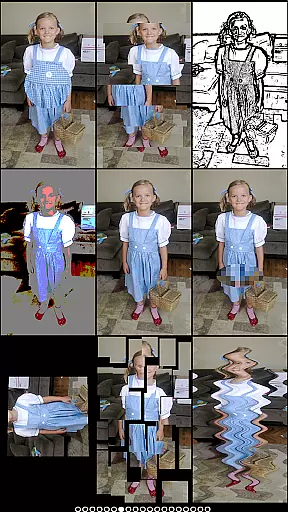
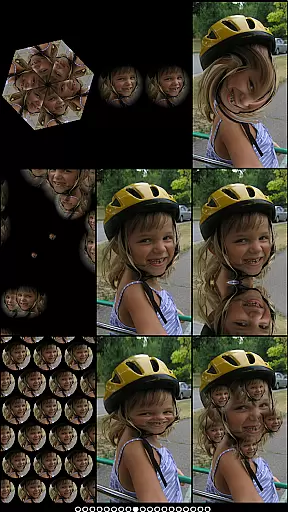
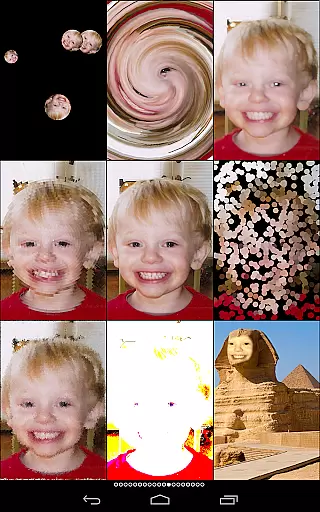
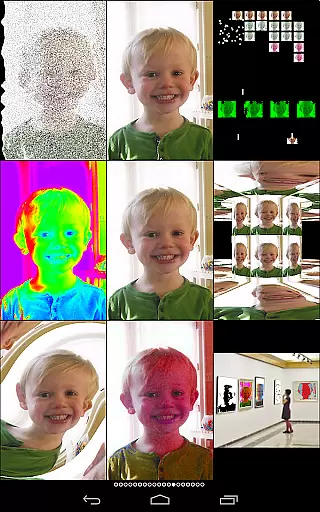
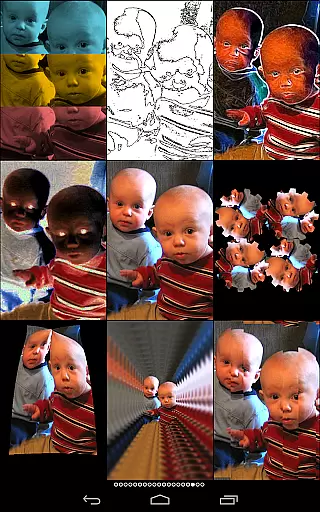
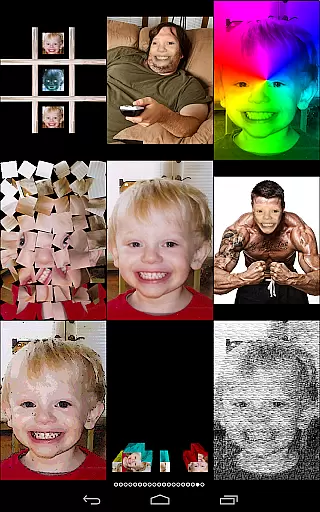
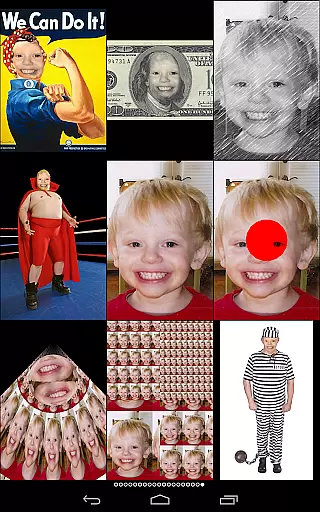
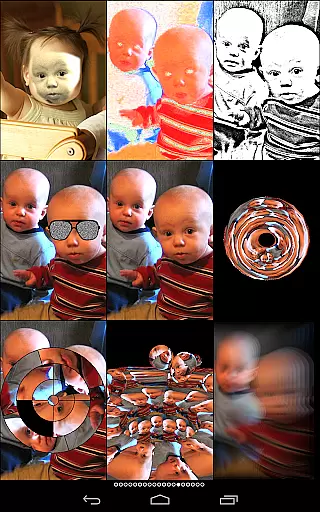
Mega Photo Pro is a feature-rich photography app that transforms your photos and videos into interactive masterpieces. With over 200 real-time effects, the app allows users to warp, morph, and twist their images into unique designs. The app also includes engaging games like brick breaker, ninja slicer, and tile puzzles, making photo editing an immersive experience.
One of the standout features is its ability to switch between front and rear cameras seamlessly, offering flexibility in capturing images. Users can personalize their photos with interactive effects such as waving flags, mosaics, and vintage camera filters. Whether you're looking to add a retro feel or create a futuristic design, Mega Photo Pro caters to all creative needs.
Ideal for photography enthusiasts who want more than just basic filters, this app brings fun and innovation to photo editing. Its real-time rendering capabilities ensure smooth performance while providing endless possibilities for creativity.
Mega Photo Pro stands out with its extensive range of features designed to enhance user interaction. The app offers over 200 real-time effects, including morphing, warping, and vintage filters, allowing users to customize their photos instantly. Interactive elements like tap-and-drag, zoom, and rotation provide hands-on control over the final output.
In addition to photo effects, the app includes six different games, adding an element of entertainment to photo editing. These games include brick breaker, ninja slicer, and tile puzzles, which can be played using live camera feeds or selected images. The app supports both front and rear cameras, giving users the freedom to capture images from any angle.
Another notable feature is the ability to preview effects in real-time, ensuring that users can see changes instantly without delays. This makes the editing process seamless and enjoyable, encouraging creativity without limitations.
Real-time capture and preview functionality is essential for photography apps as it allows users to see effects applied instantly. Mega Photo Pro excels in this area by offering over 200 real-time effects that transform your photos in unique ways.
The app provides an interactive experience where users can twist, morph, pinch, and warp their photos into outrageous designs. This instant feedback loop enhances creativity and lets photographers experiment without any delays.
With the ability to switch between front and rear cameras seamlessly, users can apply these effects to both selfies and regular shots. The live camera feed ensures that every adjustment is visible immediately, making photo sessions more engaging.
AI-powered beauty and enhancement features are becoming standard in modern photography apps. Mega Photo Pro offers 40 vintage camera effects that provide a retro feel while maintaining natural-looking results.
The app's AI algorithms ensure that enhancements like engraving, mosaic, and emboss effects look authentic without appearing over-processed. This balance between artistic expression and natural appearance is crucial for user satisfaction.
Users can personalize their images with interactive elements before taking a picture. These features not only enhance visual appeal but also preserve the original character of the photo, ensuring that edited images remain true to life.
User-friendly interface
Over 200 real-time effects
Interactive photo editing tools
Engaging built-in games
Vintage camera filters
May drain battery quickly
Some features require learning
Interface can feel cluttered
Occasional lag with heavy use
Premium price tag

[3DSteroid Pro] is a stereoscopic application for Android.
 4.30
4.30
Light-weight Media Gallery app for Android made with Jetpack Compose
4.60
Add a dreamy vibe to your selfies and videos with soft style filters
4.1
Professional quality photo edits with the new Snapseed.
4.00
Smart, light, and fast photo and video gallery
4.30
Transform Photos: Edit, Beautify and Craft Memories & Make Collages!
4.10
A light meter for true photographers.
4.20
Effortlessly make high-quality GIFs from images & videos without any watermarks.
4.70
Photo & Video Gallery app to manage albums and save WA Status easily.
4.70
Gallery show photo, video, slideshow, is perfect 3D effect private photo albums.
4.80
Perfect body tune & face app - photo retouch, makeup, slim body & beautify face.
4.80
1M influencer's special filter
4.60
Viewfinder, Light meter, Reciprocity failure time, DOF & Bellows Extension
4.60
A must-have app for landscape photographers
4.60
Enhance, retouch & create your story - Share the moment with Photoshop Express.
4.60
Remote control of the phone camera from your Wear OS smartwatch
3.70
Be your best in every shot! Fix, edit and retouch your face in selfies & photos.
3.70
Create amazing frames with up to five photos. Rounded corners, effects and more!
3.60
Over 800 film simulation recipes for Fujifilm. Black Friday Offer!
4.3


User Reviews