
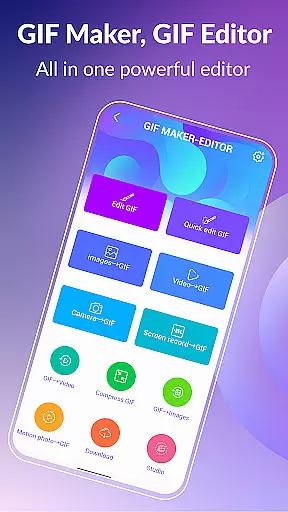
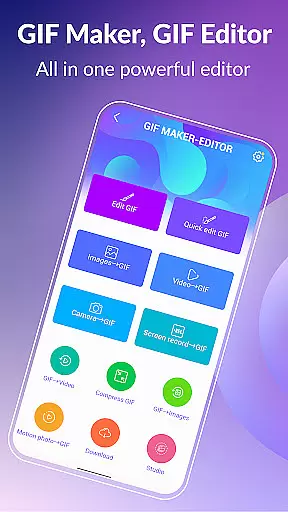
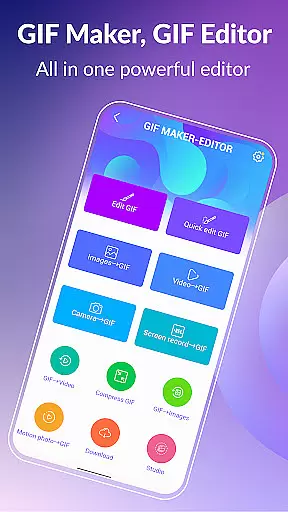

GIF Maker, GIF Editor Pro is a comprehensive tool for creating and editing high-quality animated GIFs without watermarks. It supports up to 600 frames and HD resolution of 720x1280 pixels, making it ideal for users who demand quality.
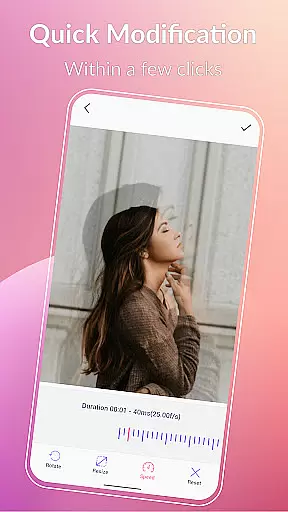
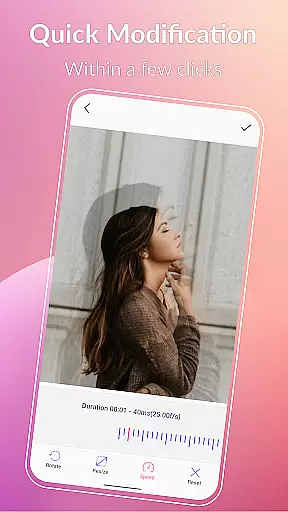
This app allows you to transform images, videos, screen recordings, and existing GIFs into stunning animations. With support for various formats like PNG, JPEG, MP4, and more, it offers extensive customization options including crop, resize, speed adjustment, filters, and text labels.
Whether you're looking to create memes, compress GIFs for easier sharing, or convert GIFs to videos, this app provides the tools you need. Its user-friendly interface and support for 22 languages make it accessible to a global audience, unleashing creativity in your hands.
GIF Maker, GIF Editor Pro stands out with its versatile features that cater to all your GIF creation and editing needs. The app supports a wide range of video and image formats, allowing you to easily convert media into high-quality GIFs.
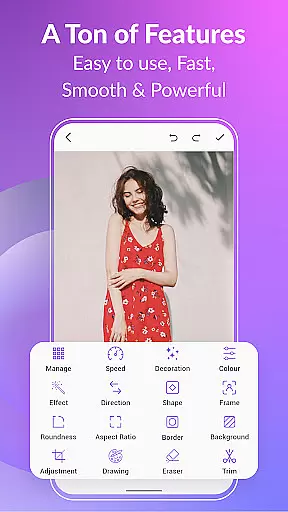
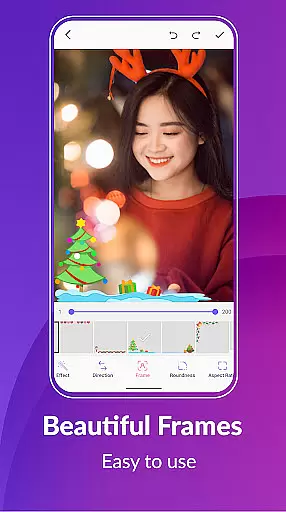
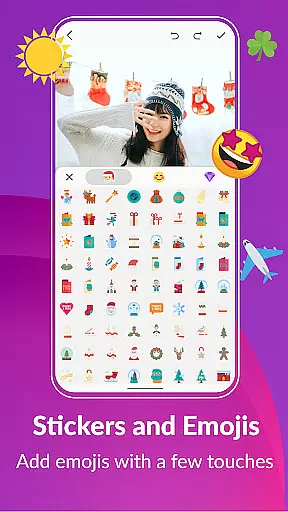
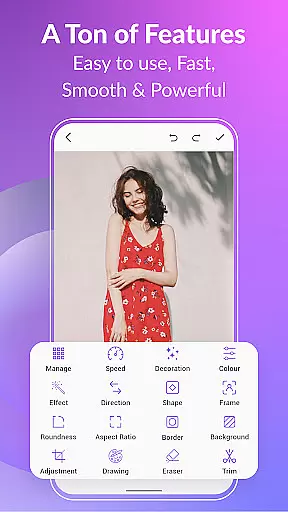
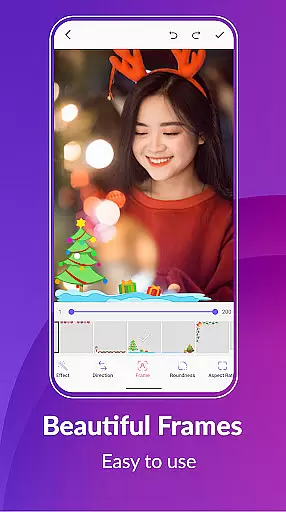
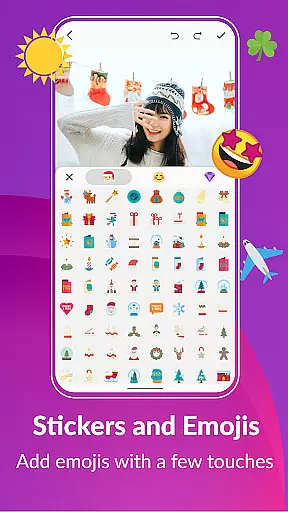
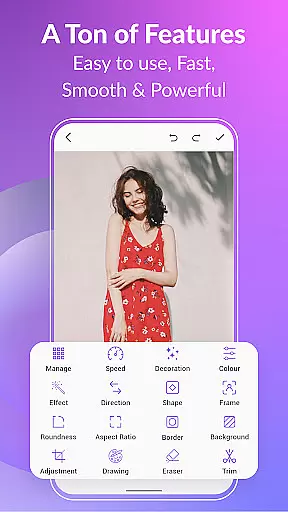
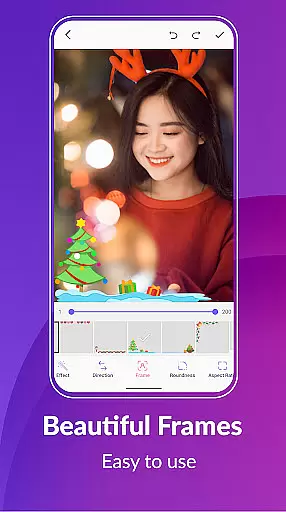
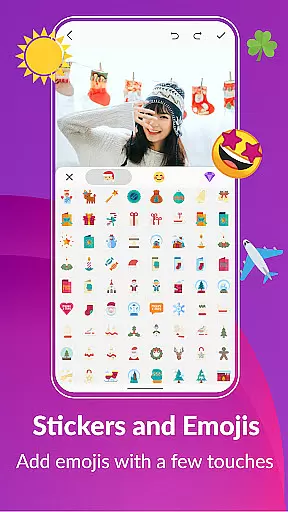
With advanced editing tools such as crop, resize, speed adjustment, filters, text labels, stickers, and emojis, you can customize your GIFs to match your unique style. The app also offers background options, color filters, and picture frames to enhance your creations further.
Additional functionalities include compressing GIFs, converting GIFs to videos, managing your GIF collection, exporting frames, and sharing your work on popular platforms like WhatsApp, Facebook, and Twitter. These features ensure that your GIFs are not only creative but also optimized for sharing and viewing.
Real-time capture and preview functionality is essential for any photography app, allowing users to see exactly what their final GIF will look like as they create it.
GIF Maker, GIF Editor Pro offers a seamless experience where users can convert videos, images, and even screen recordings into high-quality GIFs with live previews at every step. This ensures that the output matches the creator's vision without any discrepancies.
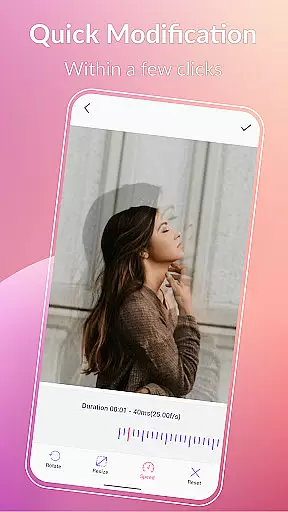
The application supports up to 600 frames and HD resolution of 720x1280 pixels, providing crisp and clear previews. Users can apply various effects, crop, resize, and adjust speed while seeing real-time changes, which significantly enhances the creative process.
This instant feedback loop empowers users to make precise adjustments, ensuring their final GIFs are polished and professional-looking before sharing them on popular platforms like WhatsApp, Facebook, or Twitter.
AI beauty and enhancement features in photography apps aim to improve image quality while maintaining a natural look. GIF Maker, GIF Editor Pro incorporates advanced AI algorithms to enhance GIFs without making them appear overly processed or artificial.
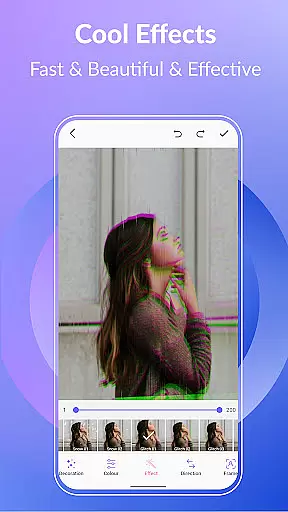
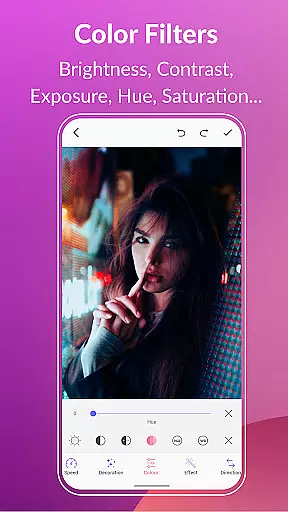
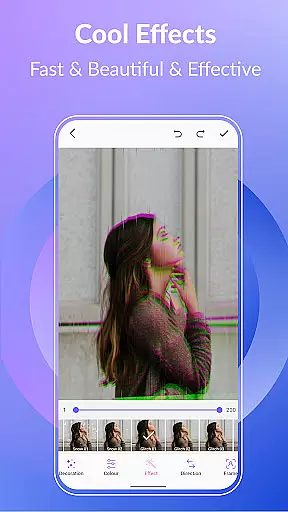
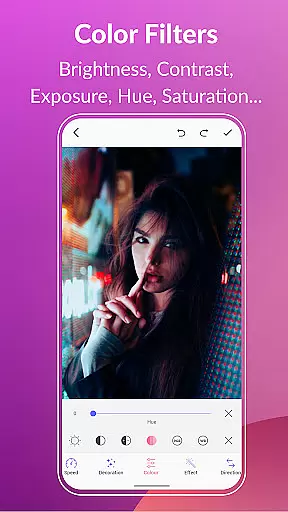
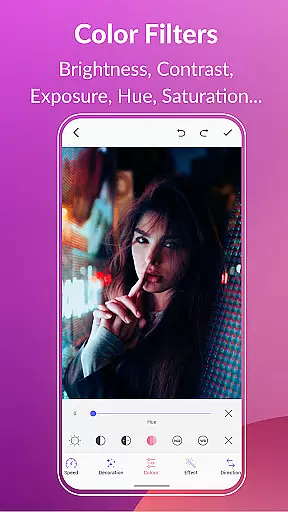
With options to adjust brightness, contrast, exposure, hue, saturation, and white balance, users can fine-tune their GIFs to perfection. The app also provides filters such as 1977, Amaro, Brannan, and more, which add stylistic touches that remain true to the original content.
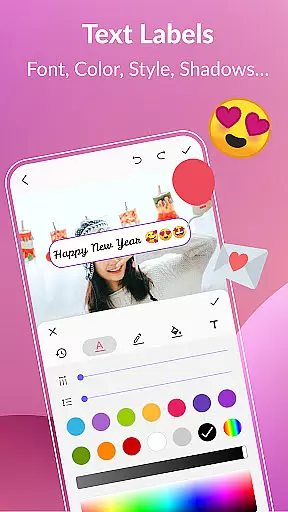
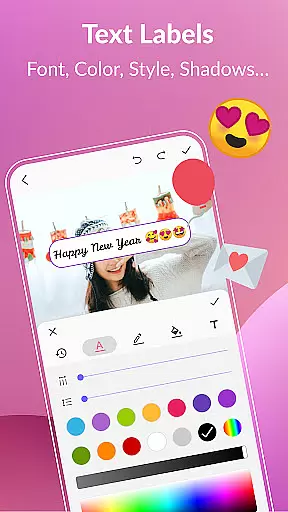
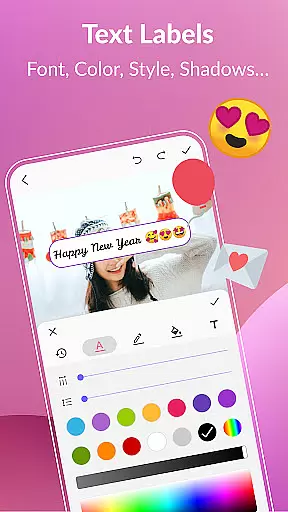
Additionally, the app includes tools for adding text labels, stickers, and emojis, all of which can be adjusted in timing and appearance to blend naturally with the GIF. These elements ensure that enhancements complement the animation rather than overshadowing it.
By focusing on natural enhancement, GIF Maker, GIF Editor Pro allows creators to produce visually appealing GIFs that retain authenticity, making them more engaging and relatable for viewers across different social media platforms.
User-friendly interface
High-quality output
Extensive format support
Versatile editing tools
Multi-language support
Paid version only
Advanced features may overwhelm beginners
Limited free options
Requires significant storage space
Some features need improvement

Safe & smart flight with Go Fly drone controller for 40+ drone camera, zone map
 4.50
4.50
1M influencer's special filter
4.60
Photobooth mini FULL app will allow you to add more fun to your parties
4.00
What celebrity do you look like? Celebs will find your celebrity match!
4.10
Edit like a pro with Hypic. Apply filters, AI effects, & magic touch.
4.40
Enhance, retouch & create your story - Share the moment with Photoshop Express.
4.60
Easily view, share, delete photos with Gallery.
4.70
PhotoSync Bundle Add-On License. Enables all features and services in PhotoSync.
4.60
Try an anime version, cartoon yourself, and generate AI hug or aging videos!
3.70
Movie camera, supports pro recording settings for filming. Try it and be amazed!
4.50
Create Business Headshots, Polaroid Filter, Retake Photos,Profile Pics,AI Photos
4.50
Use AI Video Generator to turn your words to ai generated videos.
4.50
Effortlessly organize, view and share your photos & videos with Gallery app!
4.40
Trendy TikTok time warp scan funny filter app brings you unique photos & videos.
4.40
Create & Edit with AI: AI Remove, Enhance, Retouch, Filter
4.10
Gallery Slideshow is slideshow maker app for slideshow from your gallery photos.
3.90
USB Storage Access for Photos, Videos, Music and Documents
3.80
Superimpose one photo on top of another using the original Superimpose app!
3.20
Remote control the phone camera shutter from your smartwatch and take a picture
1.60


User Reviews