
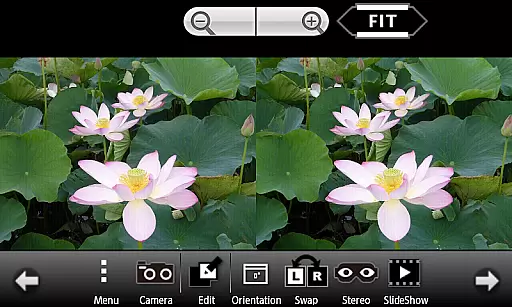
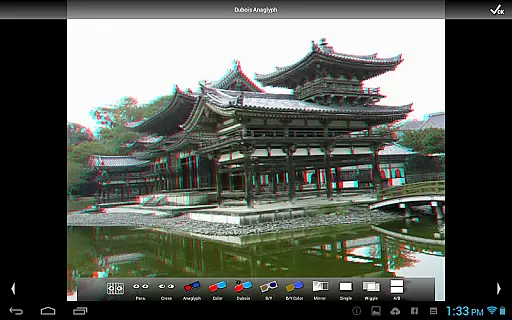
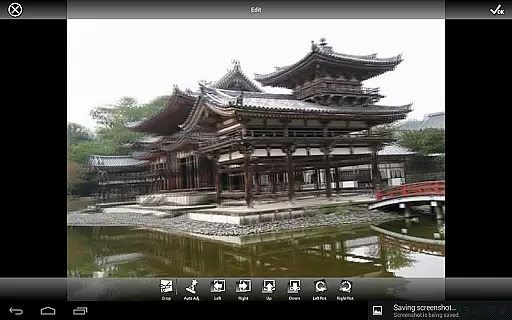
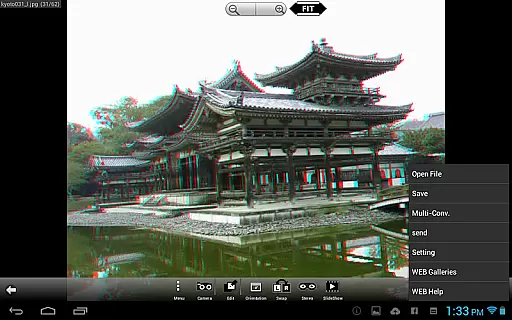
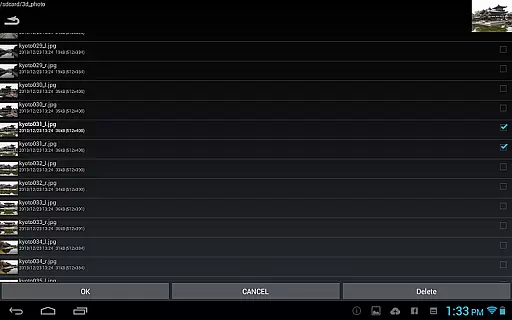
3DSteroid Pro is a premium stereoscopic application designed for Android devices, offering advanced 3D image editing and viewing capabilities. The app specializes in processing various 3D image formats including MPO, SBS (side-by-side), and L/R independent files. With the ability to automatically align left/right images and adjust positions, rotation, and size errors, it ensures precise 3D image creation. Despite compatibility changes with Android 11 and later, such as restricted file loading and deletion, the app remains a powerful tool for 3D photography enthusiasts. Its comprehensive features make it ideal for both professional and casual users seeking high-quality stereoscopic content creation.
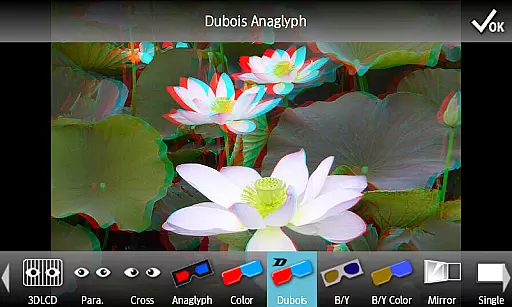
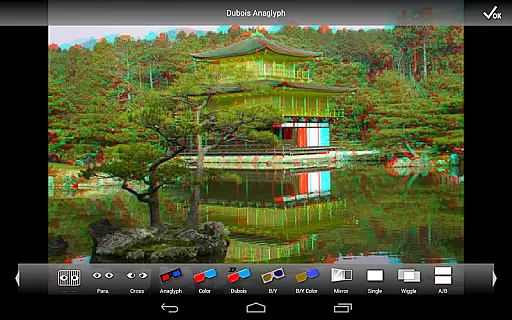
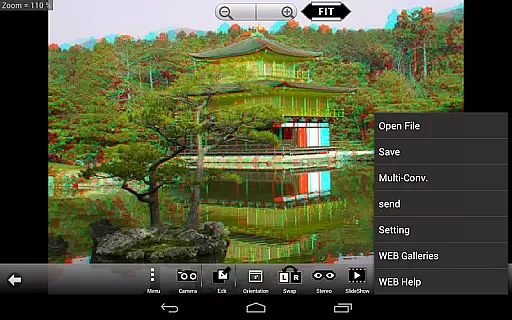
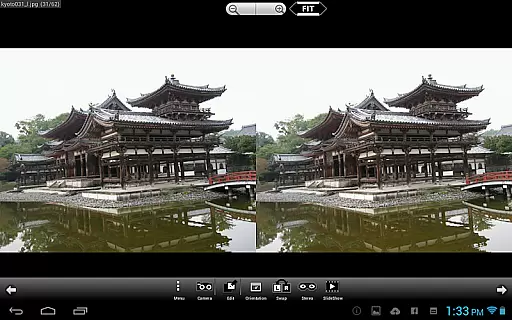
The application supports multiple display methods, including 3D LCD, SBS, Mirror, Wiggle, 2D, and Anaglyph modes, providing versatile viewing options. Additionally, its integration with a web gallery of over 1000 images allows users to explore and utilize extensive stereoscopic resources. With functionalities like batch conversion, slideshow, and internal camera support for capturing L/R images, 3DSteroid Pro delivers an all-in-one solution for stereoscopic photography. Whether you're editing existing files or creating new 3D content, this app offers significant value for photographers and hobbyists alike.
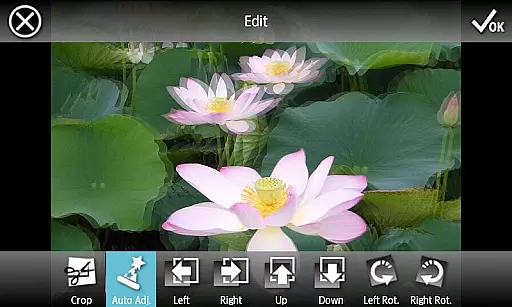
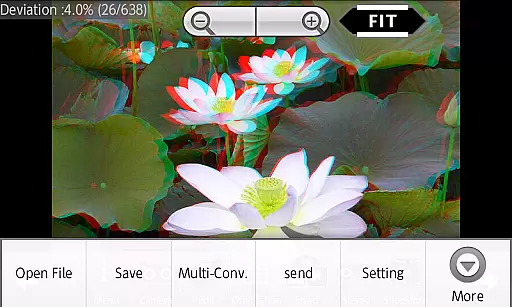
3DSteroid Pro stands out with its robust set of features tailored for stereoscopic photography. One of its key highlights is the automatic alignment of left/right images, which simplifies the editing process by correcting position, rotation, and size discrepancies. This feature ensures that even novice users can achieve professional-grade results. Additionally, the app supports saving edited images and performing batch conversions, making it efficient for handling large volumes of 3D content. These functions are exclusive to the Pro version, distinguishing it from the standard edition.
The app's compatibility with various input formats, including MPO, SBS, and L/R independent files, enhances its versatility. Users can also access an extensive web gallery containing over 1000 stereoscopic images, providing inspiration and resources for their projects. Display options such as 3D LCD, Mirror, Wiggle, and Anaglyph cater to different viewing preferences, while the built-in slideshow feature adds a dynamic presentation capability. Furthermore, the internal camera functionality enables direct capture of L/R images, streamlining the content creation process. These features collectively establish 3DSteroid Pro as a comprehensive tool for 3D photography.
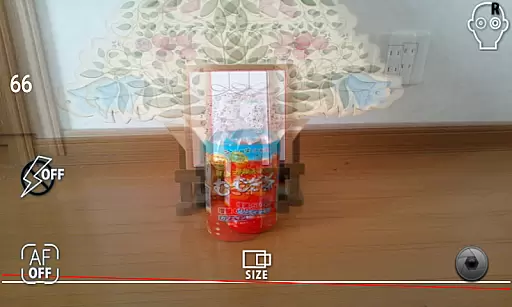
3DSteroid Pro offers a real-time capture feature that allows users to take stereoscopic L/R pictures using the internal camera of their Android device. This functionality is crucial for creating 3D images, as it captures two slightly different perspectives, mimicking human vision.
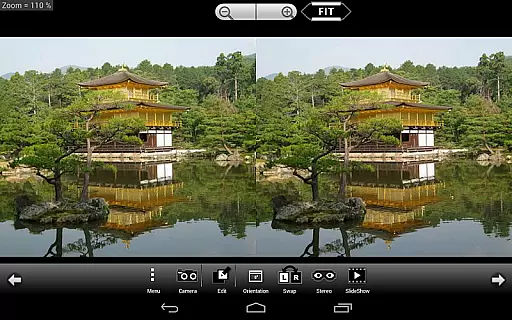
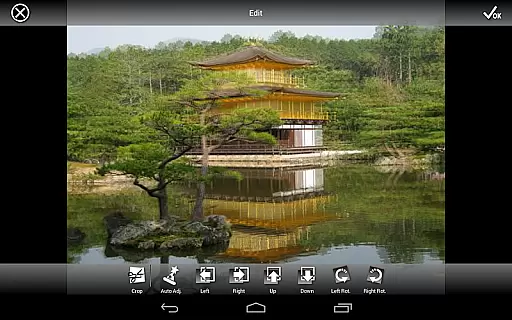
The application provides an intuitive interface for adjusting L/R image positions, correcting rotation and size errors. These adjustments ensure that the final 3D output is perfectly aligned, offering a true-to-life three-dimensional effect when viewed on compatible devices or with 3D glasses.
Users benefit from the ability to preview their captured images instantly within the app. This immediate feedback loop enables photographers to fine-tune their shots on the spot, ensuring optimal 3D depth and alignment before saving or sharing their creations.
The real-time preview feature not only enhances the photography experience but also saves time by allowing users to make necessary corrections during the shooting process itself, rather than in post-production.
While 3DSteroid Pro doesn't specifically market itself as having AI beauty features, its advanced image processing capabilities contribute significantly to enhancement naturalness in stereoscopic photography. The application's auto-alignment function for L/R images works similarly to AI-powered enhancements, ensuring that both halves of the stereoscopic pair are perfectly matched.
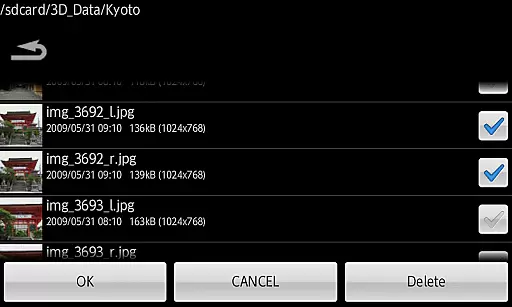
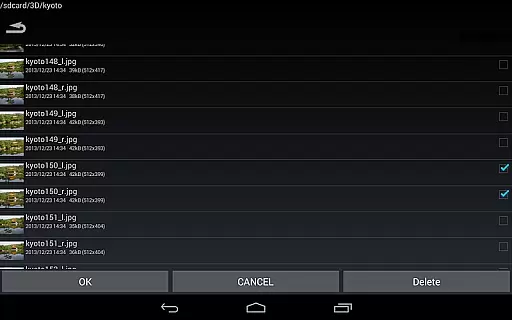
The software supports various input formats including L/R independent files, side-by-side (SBS), and MPO files. This versatility in handling different 3D image types demonstrates sophisticated enhancement algorithms that maintain the natural qualities of original photographs while preparing them for 3D viewing.
Professional users will appreciate the ability to save edited images and perform batch conversions u2013 features exclusive to the Pro version. These tools help maintain consistent quality across multiple images while preserving the authentic look of each photograph.
Additionally, the app's support for over 1000 images in its WEB Gallery access ensures that users can work with large collections without compromising on either speed or image quality, maintaining natural enhancement even at scale.
Advanced 3D editing
Batch conversion
Auto-alignment
Multiple display modes
Extensive web gallery
No MPO support on Android 11+
Limited file deletion
Old device incompatibility
Paid Pro features
Complex for beginners

Create funny photos and videos with the popular Time Warp Scan filter.
 4.90
4.90
Android Native system HD camera app. Never been so simple and faster.
4.70
Create AI Photos, Improve and restore quality of blurry, old or damaged pics.
4.20
Create Business Headshots, Polaroid Filter, Retake Photos,Profile Pics,AI Photos
4.50
Light-weight Media Gallery app for Android made with Jetpack Compose
4.60
The #1 app for B&W film developing featuring an advanced darkroom timer.
4.10
HD Camera Pro with HD Video shooting, Panorama, Photo editor , Beauty Camera.
4.50
Smart, light, and fast photo and video gallery
4.30
Pro version: AR sun/moon tracker for any date. Tool for photographers & planners
4.90
Use AI Video Generator to turn your words to ai generated videos.
4.50
Search, tag and rate your way to an organized image gallery
4.40
A light meter for true photographers.
4.20
Professional camera app that brings DSLR manual photography controls to Android.
4.20
All-in-One Editor & AI Photo Enhancer, Collage, Cartoonify, Funny Stickers & BGS
4.10
Photo editor: face & body editor, beauty cam, filters and quality enhancer.
4.00
How old age camera Gender Swap App Face Shape Hairstyle App Hair Styler App fun!
4.00
Astrophotography with your smartphone, photo live stacking and much more!
3.90
Superimpose one photo on top of another using the original Superimpose app!
3.20
HD Photo gallery and photo manager to edit, hide private photos, videos & albums
4.1


User Reviews