
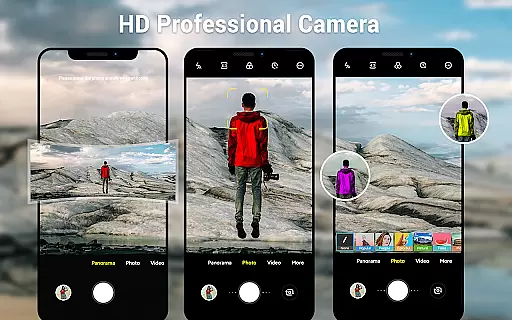
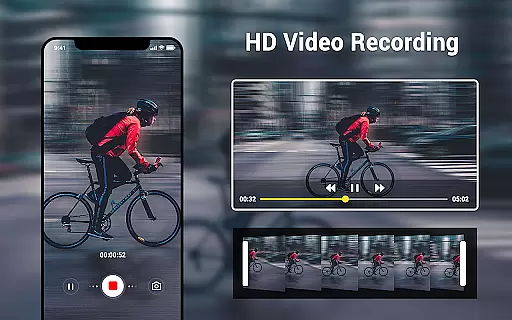
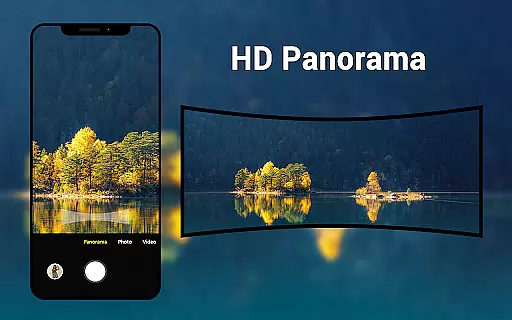
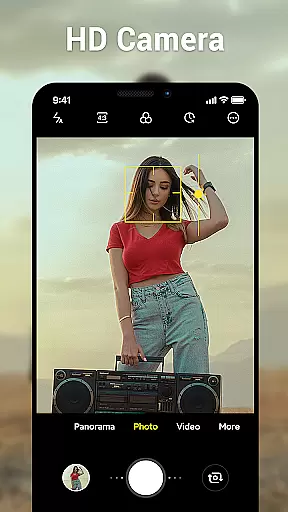
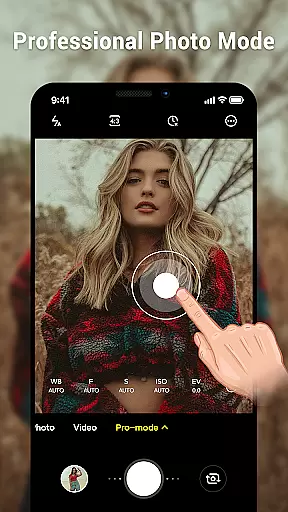
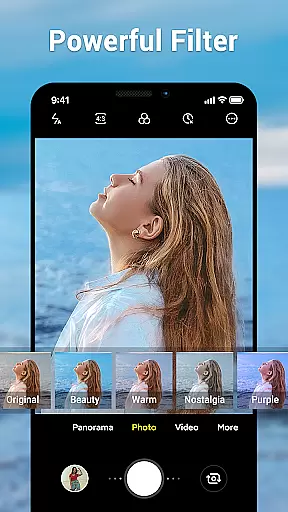
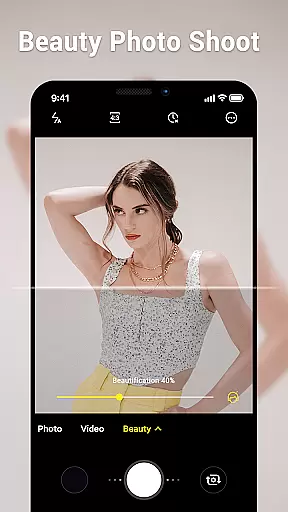
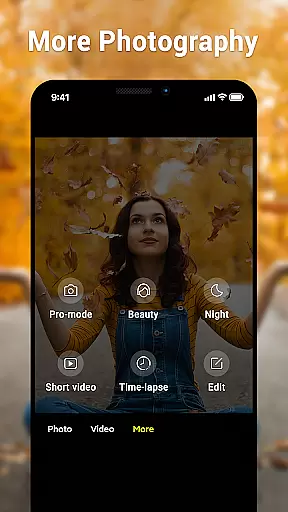
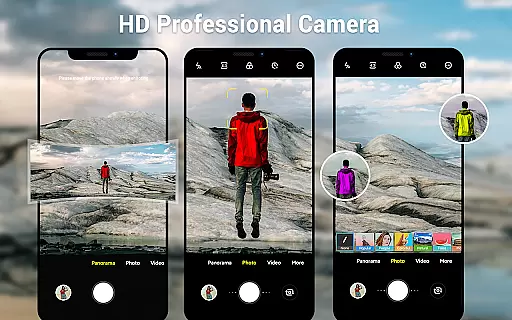
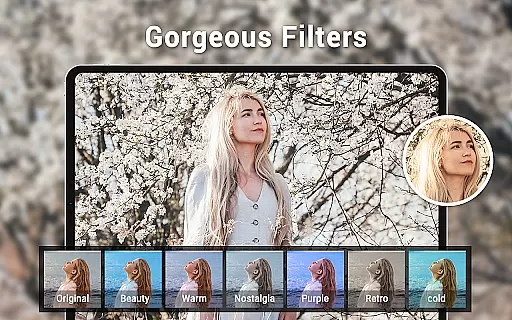
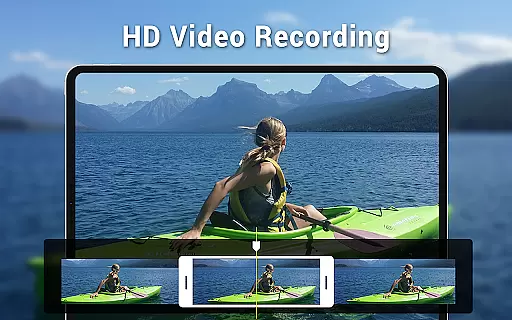
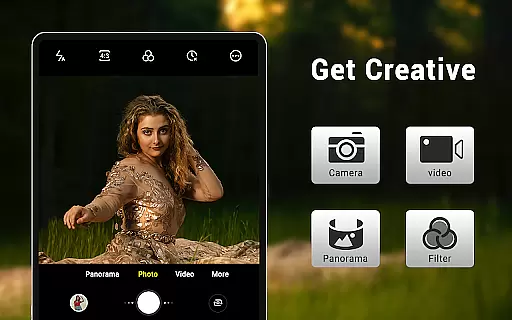
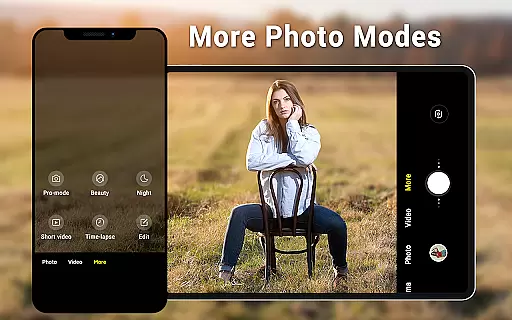
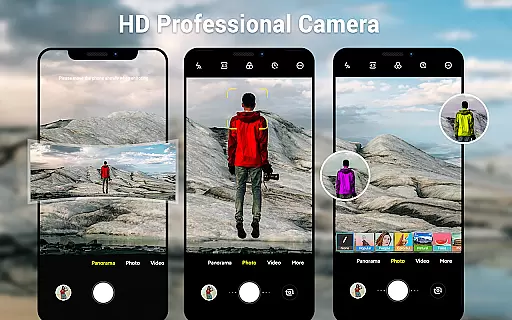
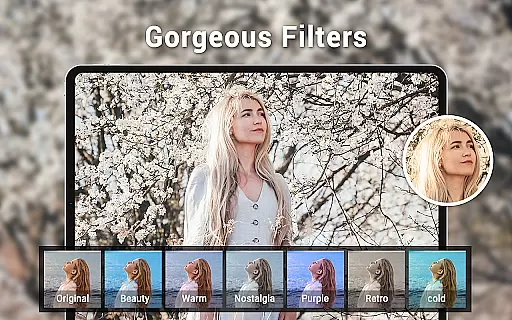
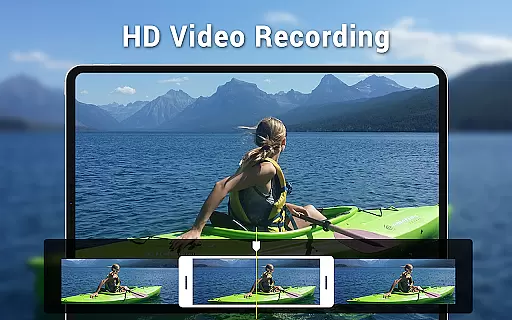
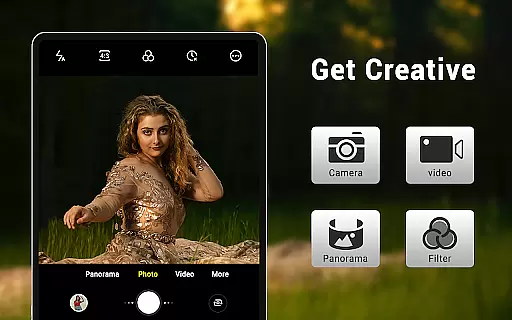
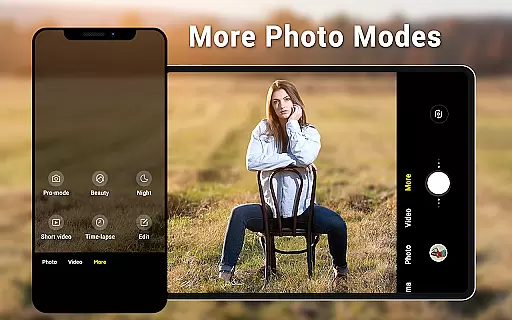
Camera for Android is a native HD camera application designed to provide users with a simple and efficient way to capture high-quality photos and videos. The app supports multiple shooting modes including standard photo capture, video recording, and smart panorama features. With its intuitive interface optimized for both phones and tablets, users can easily access advanced settings such as white balance, exposure control, and screen mode adjustments.
This photography app stands out by offering professional-grade features like pinch-to-zoom functionality, countdown timer, and location targeting while maintaining excellent picture quality. The application automatically adapts to different lighting conditions through various white balance presets and screen modes. Whether you're capturing action shots or low-light scenes, this app provides the necessary tools to create stunning visuals across different scenarios.
The true value of Camera for Android lies in its ability to harness the full potential of your device's camera hardware while providing users with extensive customization options. From casual photographers to more advanced users, this app offers an accessible yet powerful solution for mobile photography needs.
Camera for Android distinguishes itself through a comprehensive set of features that cater to diverse photography requirements. The app offers three primary modes - standard camera, video recorder, and panorama - each equipped with high-definition capabilities. Users can utilize advanced functions such as pinch-to-zoom for precise framing and smart panorama shooting for expansive landscape captures.
The application provides extensive control over image quality through various adjustable parameters. Photographers can fine-tune their shots using white balance settings (Incandescent, Fluorescent, Auto, Daylight, Cloudy), screen mode configurations (Action, Night, Sunset, Play), and exposure adjustments. Additional practical features include a countdown timer for self-portraits and support for configurable volume keys.
What sets this photography app apart is its dynamic user interface that seamlessly adapts to both phone and tablet form factors. The wide-screen picture capability ensures optimal use of modern device displays. Furthermore, the inclusion of location targeting adds valuable context to captured images. These features collectively contribute to an enhanced mobile photography experience that maintains professional standards while remaining user-friendly.
Real-time capture and preview functionality is essential for ensuring that users can accurately frame and capture their desired shots without delay. The Camera for Android app excels in this area by providing a seamless experience that leverages the full capabilities of your device's hardware.
This application offers an intuitive interface that dynamically adjusts to your deviceu2019s orientation and screen size, whether you're using a phone or tablet. With features like pinch-to-zoom and exposure settings, users can fine-tune their shots in real time, ensuring every photo or video meets their expectations.
Additionally, the countdown timer and various shooting modes such as panorama and HD video recording enhance the capturing process. These features allow users to prepare and execute their shots with precision, making it easier to capture high-quality images and videos effortlessly.
AI beauty and enhancement features are becoming increasingly popular in photography apps, allowing users to improve their photos with natural-looking effects. Camera for Android incorporates these functionalities while maintaining authenticity in image processing.
The app provides several advanced settings, including white balance adjustments (Incandescent, Fluorescent, Auto, Daylight, Cloudy) and screen mode options (Action, Night, Sunset, Play). These settings ensure that enhancements adapt to different lighting conditions and environments, preserving the original ambiance of the scene.
Moreover, configurable volume keys and location targeting add layers of convenience and personalization. By focusing on delivering genuine enhancements rather than over-processed results, Camera for Android ensures that each photo retains its natural essence while benefiting from subtle improvements that elevate its overall quality.
User-friendly interface
High-definition imaging
Advanced customization
Smart panorama mode
Optimized performance
Limited creative filters
No manual mode
Basic editing tools
Occasional crashes
Ads in free version

Gallery show photo, video, slideshow, is perfect 3D effect private photo albums.
 4.80
4.80
Perfect photos with body shaping, BG changer and object remover.
3.70
Safe & smart flight with Go Fly drone controller for 40+ drone camera, zone map
4.50
See your baby AI baby face generator AI baby maker Face generator babymaker fun!
4.70
Easily create custom gifts, cards, photo books & more on the Shutterfly app!
4.60
AI-powered video creator by MiniMax - Where ideas meet cinema
4.20
Turn photos into cartoons & avatars! - Photo Editor, Cartoon Face!
3.90
Catch sunlight, sunrise sunset times and sun phases with the AR sun tracker.
4.10
Edit photos with the picture generator: PS2 & AI Clay filters, cartoon effects.
4.50
A must-have app for landscape photographers
4.60
Viewfinder, Light meter, Reciprocity failure time, DOF & Bellows Extension
4.60
Cut and paste photo editor & eraser to customize photos easy and swap faces fun
4.50
Transform photos into videos! Create realistic or anime-style images easily!
4.50
AI photo enhancer with Sora 2! Enhance, descratch, and colorize your old photos.
4.50
Effortlessly organize, view and share your photos & videos with Gallery app!
4.40
Create & Edit with AI: AI Remove, Enhance, Retouch, Filter
4.10
Gallery Slideshow is slideshow maker app for slideshow from your gallery photos.
3.90
Hair color changer, AI haircut app, fun hair editor and buzz cut filter for all!
3.80
Application for remote controlling DSLR
3.00


User Reviews