

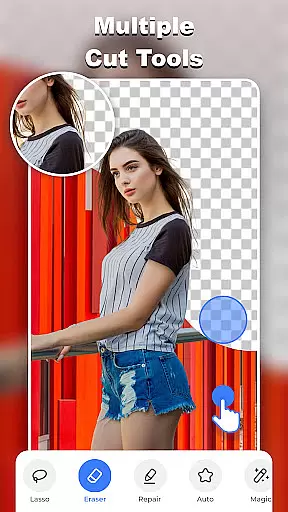
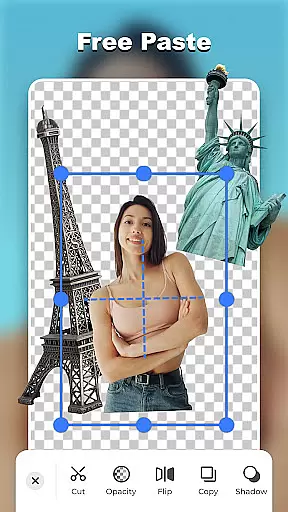
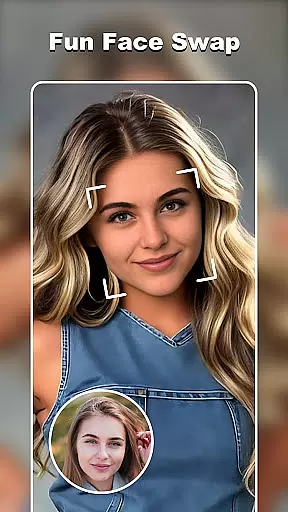

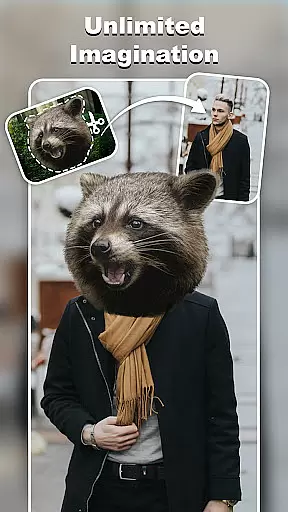
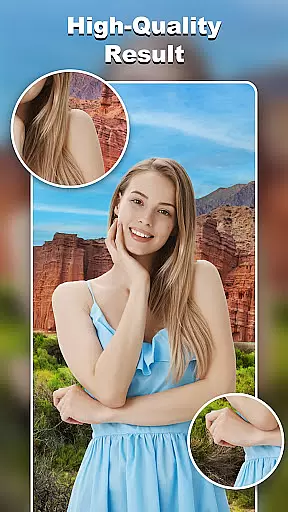
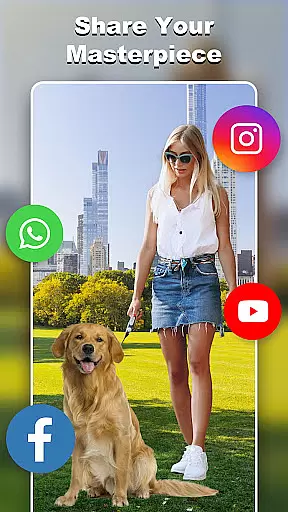
Cut and Paste Photo Editor is an innovative photography app that simplifies the process of cutting and pasting objects in photos. Powered by AI, this tool allows users to effortlessly create high-quality cutouts, swap faces, remove backgrounds, and more with just a few taps. Whether you're looking to enhance personal photos or prepare professional product images for e-commerce platforms like Amazon and Etsy, this app provides all the necessary tools.
The app's standout features include its magic cutting capabilities, smooth pasting options, and an extensive online background library. Users can also explore creative templates, add stylish stickers, and insert text captions using over 20 unique fonts. With functionalities such as pixel-level editing and fast background erasure, Cut and Paste Photo Editor unleashes limitless creativity while ensuring high-quality results.
Cut and Paste Photo Editor offers a comprehensive suite of photo editing features designed to cater to both casual users and professionals. The magic cutting tool includes multiple options such as lasso, smooth, repair, auto-cut, and a precise eraser, enabling users to cut out any object with pixel-level accuracy. This feature is complemented by smooth pasting capabilities that allow seamless merging of various elements into new compositions.
Beyond basic editing, the app provides an extensive online background library and ready-made templates suitable for different themes and occasions. Users can further enhance their creations with colorful decorations and text captions available in numerous fonts and colors. Additionally, the app supports e-commerce needs by offering professional-grade background removal ideal for product listings on platforms like eBay and Shopify.
Real-time capture and preview functionality is essential for any photography app, allowing users to see exactly what their final image will look like before taking the shot. Cut and Paste Photo Editor excels in this area by providing a seamless experience where users can instantly visualize their edits.
The app's advanced AI technology ensures that every cut, paste, and background removal is displayed accurately in real time. This means you can watch as your dog is placed in the sky or your face is swapped with a celebrity's, all within the live preview window.
Users benefit from this feature through enhanced creative control and precision. The ability to preview changes as you make them eliminates guesswork and allows for immediate adjustments, ensuring that the final image matches your vision perfectly.
This real-time functionality not only saves time but also enhances the overall user experience by making photo editing more intuitive and enjoyable. With Cut and Paste Photo Editor, capturing and previewing your imaginative creations has never been easier or more accurate.
AI-powered beauty and enhancement features are revolutionizing how we edit photos, and Cut and Paste Photo Editor stands at the forefront of this innovation. The app uses sophisticated algorithms to enhance images naturally, without making them appear overly processed or artificial.
With tools designed to smooth skin, remove blemishes, and adjust facial features, the app maintains the authenticity of the original photo while elevating its aesthetic appeal. These enhancements are applied with subtlety, ensuring that each edit looks genuine and retains the subject's natural characteristics.
For users, this means achieving professional-quality results with minimal effort. Whether you're preparing images for e-commerce platforms or personal albums, the natural-looking enhancements help your photos stand out while preserving their realism.
Cut and Paste Photo Editor's commitment to natural enhancement sets it apart from other apps in the Photography category. By prioritizing authenticity alongside powerful editing capabilities, it delivers an unparalleled user experience that satisfies both casual editors and professional photographers alike.
User-friendly interface
AI-powered editing tools
Versatile template options
High-quality results
Extensive sticker library
Limited advanced features
Occasional processing delays
In-app purchases required
Basic tutorial only
Ads may interrupt workflow

How would you look like with a differently shaped nose, chin or lips?
 3.90
3.90
All-in-One Editor & AI Photo Enhancer, Beautify & Retouch, Collage, Cartoonify
4.20
Shooting photos and records video easily and efficient with professional Camera
4.30
Edit like a pro with Hypic. Apply filters, AI effects, & magic touch.
4.40
Create collages easily! Nice pic collage maker & background eraser for Instagram
4.50
Add a dreamy vibe to your selfies and videos with soft style filters
4.1
Luminar: Photo Editor - easy picture editing with AI
4.20
AI Photo Editor with 100+ Filters, Effects! Remove BG, Retouch & Photo Enhancer.
4.80
Your Family Calendar + Photos. Manage your Skylight Calendar and Skylight Frame.
4.40
Your personal guide to the sun and moon. Plan ahead, visualize and predict!
4.70
PhotoSync Bundle Add-On License. Enables all features and services in PhotoSync.
4.60
Safe & smart flight with Go Fly drone controller for 40+ drone camera, zone map
4.50
AI photo enhancer with Sora 2! Enhance, descratch, and colorize your old photos.
4.50
Trendy TikTok time warp scan funny filter app brings you unique photos & videos.
4.40
Virtual makeup, hair filters & body tuner—edit from face to full body!
4.20
A light meter for true photographers.
4.20
Hair color changer, AI haircut app, fun hair editor and buzz cut filter for all!
3.80
Professional video recording application with manual controls for filmmakers!
2.80
Long exposure camera with computational photography
2.60


User Reviews