
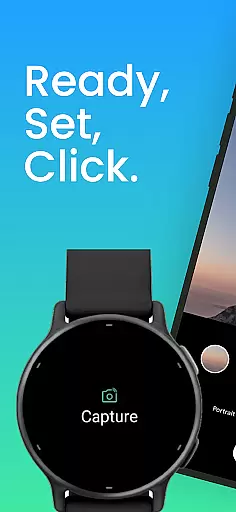
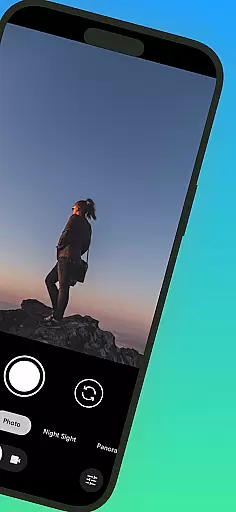
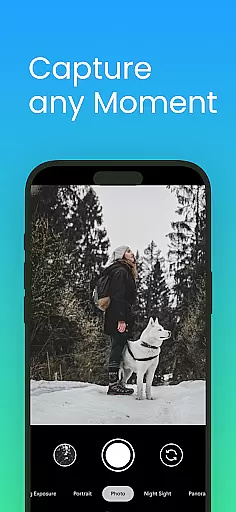
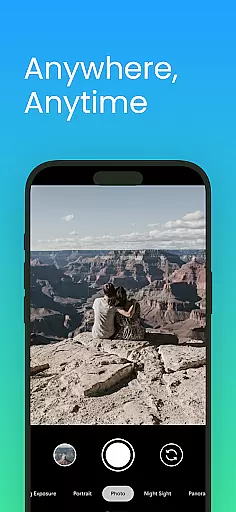
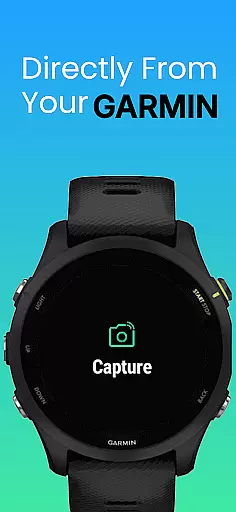
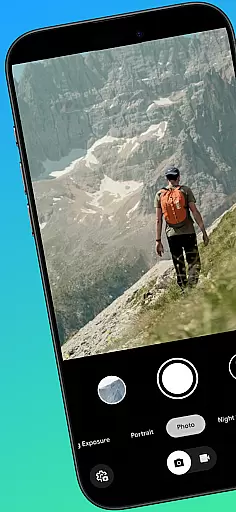
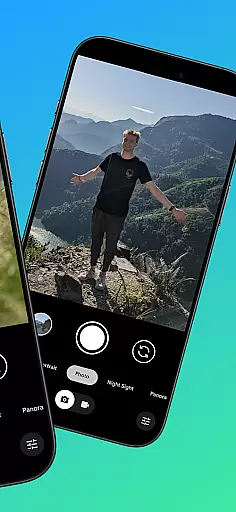
CameraClick is a powerful photography app that transforms your Garmin smartwatch into a wireless remote control for your Android phone's native camera. This seamless integration allows users to capture photos and videos effortlessly, whether they're shooting group photos, solo adventures, or recording from a distance.
The app leverages Android’s AccessibilityService to interact directly with the camera shutter button, ensuring compatibility across a wide range of devices and camera apps. With CameraClick, you can preserve your preferred quality settings, lens choice, and storage paths while enjoying the convenience of wrist-based control.
Perfect for creators, athletes, and everyday users, CameraClick simplifies remote shooting and ensures reliable performance on popular Android devices from brands like Google, Samsung, Motorola, Xiaomi, and more.
CameraClick stands out with its innovative use of Android’s AccessibilityService, enabling direct interaction with the native camera app. This means you don't need to switch to a custom viewer—your preferred camera app remains fully functional.
One of the key features is its compatibility with Garmin Connect IQ-enabled watches, allowing users to trigger the camera remotely without any physical contact with their phones. This feature is particularly useful for capturing steady shots or recording videos during activities like hiking, cycling, or workouts.
Additionally, CameraClick has been rigorously tested on a variety of popular Android devices, ensuring consistent performance across different brands and models. The app supports diverse camera functionalities, making it versatile for both casual and professional photography needs.
Real-time capture and preview functionality is essential for ensuring that users can take photos or record videos with precision and confidence. CameraClick excels in this area by providing seamless integration between your Garmin smartwatch and Android phone.
The app leverages the native camera application on your phone, meaning you can use your preferred camera settings while still controlling the shutter from your wrist. This ensures that all your quality preferences, lens choices, and storage paths remain intact, offering a familiar yet enhanced photography experience.
With CameraClick, you get to enjoy real-time feedback directly on your smartwatch. As you adjust angles or compose your shot, the immediate preview allows you to make necessary changes before capturing the perfect moment. This feature is particularly useful when taking group shots or recording videos from a distance.
Ultimately, the ability to control your phone's camera remotely not only expands creative possibilities but also adds convenience to everyday photography tasks. Whether you're an athlete recording your workout or someone who loves capturing spontaneous moments, CameraClick ensures you never miss a beat.
While CameraClick does not focus heavily on AI beauty and enhancement features, it offers something arguably more valuableu2014natural and authentic captures. The app respects your phoneu2019s native camera settings, ensuring that any beautification or enhancements are applied as you intend them to be.
Using AccessibilityService, CameraClick interacts directly with the camera shutter button across a wide range of devices. This means that whatever filters, effects, or beautification options you have set up in your primary camera app will still apply when using CameraClick.
This approach prioritizes user control and authenticity over automated enhancements. For creators who value genuine representation, this method ensures that every photo taken via CameraClick reflects true-to-life colors, lighting, and details without unwanted alterations.
In essence, while other apps might push aggressive AI-driven edits, CameraClick stands out by maintaining the integrity of your original content. This makes it ideal for users who prefer their images unaltered yet beautifully composed, preserving both the moment and its natural essence.
User-friendly interface
Wide device compatibility
Preserves native camera settings
Wireless convenience
Reliable remote control
Requires Accessibility permissions
Limited to Android devices
Dependent on Garmin smartwatches
No iOS support
May not work with all camera apps

Effortlessly organize, view and share your photos & videos with Gallery app!
 4.40
4.40
Gallery show photo, video, slideshow, is perfect 3D effect private photo albums.
4.80
[3DSteroid Pro] is a stereoscopic application for Android.
4.30
AI photo editor with hair editor, retouch tools, hair color changer & filters!
4.50
Gallery Slideshow is slideshow maker app for slideshow from your gallery photos.
3.90
USB Storage Access for Photos, Videos, Music and Documents
3.80
Smart, light, and fast photo and video gallery
4.30
Transform Photos: Edit, Beautify and Craft Memories & Make Collages!
4.10
RAW video capture with advanced controls
4.40
1M influencer's special filter
4.60
Cut and paste photo editor & eraser to customize photos easy and swap faces fun
4.50
Trendy TikTok time warp scan funny filter app brings you unique photos & videos.
4.40
AI portrait generator and polaroid AI selfie, fun AI generated AI photo creator!
4.30
What celebrity do you look like? Celebs will find your celebrity match!
4.10
Create & Edit with AI: AI Remove, Enhance, Retouch, Filter
4.10
Photo editor: face & body editor, beauty cam, filters and quality enhancer.
4.00
Remote control of the phone camera from your Wear OS smartwatch
3.70
Perfect photos with body shaping, BG changer and object remover.
3.70
Pet Camera
3.70


User Reviews