
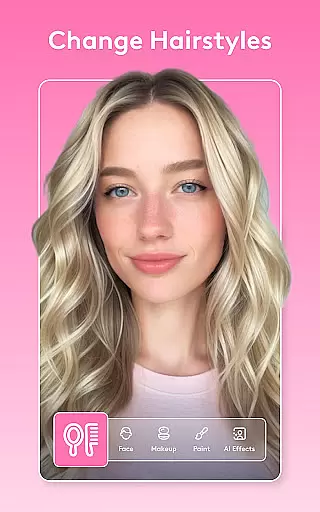
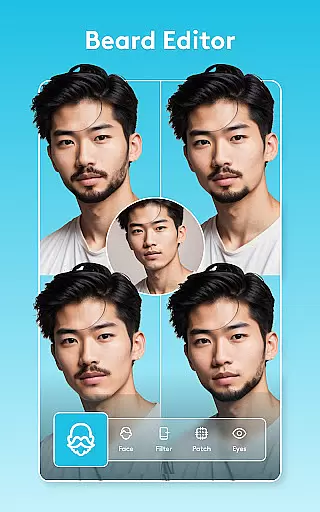
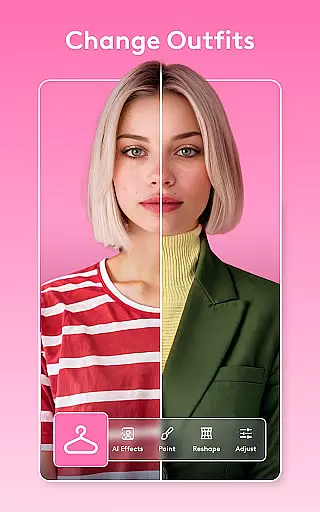
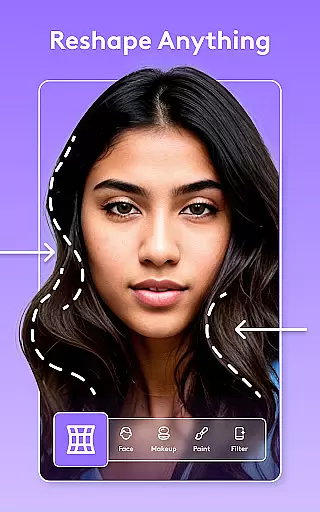
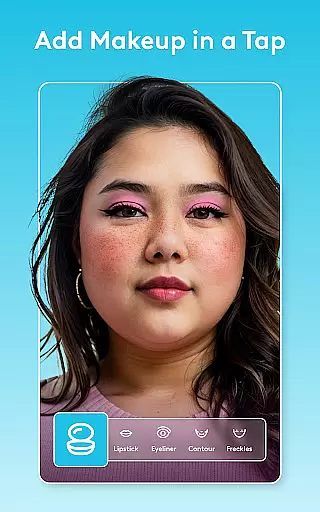
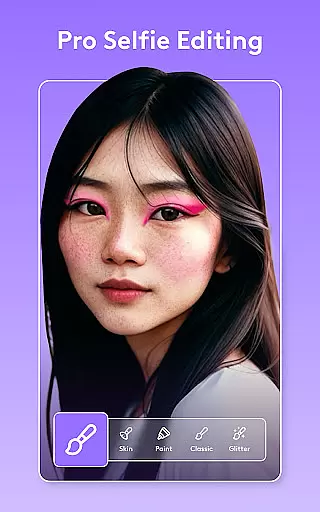
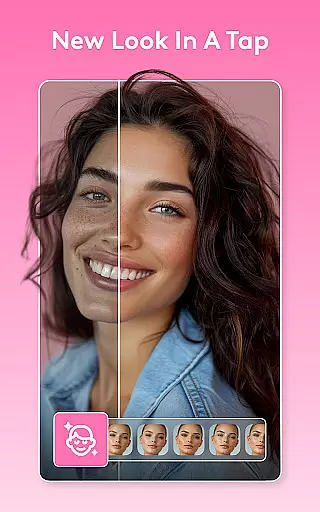
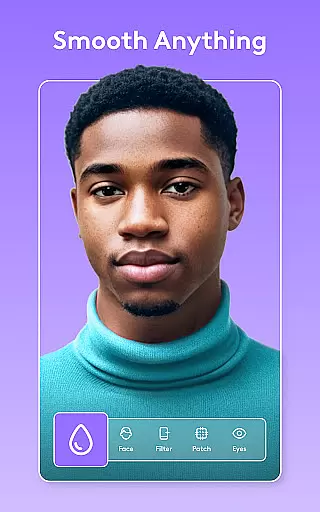
Facetune is the ultimate AI-powered photo and video editor that allows users to effortlessly enhance their digital content. With its comprehensive suite of editing tools, the app enables users to transform ordinary photos and videos into professional-grade creations. Whether you're perfecting a quick selfie or producing polished headshots, Facetune offers one-tap solutions for stunning results without requiring advanced technical skills.
The app's standout feature is its ability to retouch both images and videos with equal finesse. Users can smooth skin, reshape facial features, whiten teeth, and even experiment with new hairstyles or makeup styles. Additionally, Facetune provides creative control over backgrounds, lighting effects, and color adjustments, making it an ideal tool for social media enthusiasts and content creators who want to elevate their visual storytelling.
Facetune boasts an impressive array of features designed to cater to various editing needs. Its AI-powered tools allow users to apply instant filters, retouch individual frames in videos, and experiment with bold new styles. The app supports detailed manual adjustments, giving users complete creative freedom while ensuring ease of use.
One of the most innovative aspects of Facetune is its next-level video editing capabilities. Users can add filters, brighten clips, and ensure consistent enhancements across entire videos. Advanced functionalities like background blurring, body reshaping, and smile enhancement further expand the creative possibilities. These features collectively empower users to produce high-quality, Instagram-ready content with minimal effort.
Real-time capture and preview functionality is essential for ensuring that users can see the results of their edits immediately. Facetune offers this feature, allowing users to witness transformations as they apply various editing tools.
The app's real-time capabilities are powered by advanced AI algorithms that process changes instantly, providing a seamless experience. This ensures that whether you're adjusting skin tone, applying makeup, or experimenting with hair color, you can see the outcome without any lag.
For users, this means an efficient editing process where adjustments can be made on-the-fly, enhancing productivity and satisfaction. The immediacy of feedback helps in fine-tuning details accurately, resulting in professional-quality edits even for those without prior expertise.
Facetune stands out with its AI beauty and enhancement features that focus on maintaining natural-looking results. The app employs sophisticated AI to ensure that enhancements like skin smoothing, teeth whitening, and eye brightening appear realistic rather than over-processed.
This commitment to natural beauty is evident in every tool within Facetune. For instance, when retouching videos or photos, the AI intelligently adjusts features while preserving the subjectu2019s original characteristics. This approach avoids the artificial look often associated with digital enhancements.
Users benefit from this technology by achieving polished yet authentic images and videos. Whether creating headshots or social media content, Facetuneu2019s enhancements help maintain credibility and aesthetic appeal, making it a preferred choice for both casual users and professionals alike.
AI-powered editing
User-friendly interface
Comprehensive toolset
Video and photo support
Instant enhancements
Premium subscription required
Steep learning curve
Occasional glitches
Limited free features
High system requirements

[3DSteroid Pro] is a stereoscopic application for Android.
 4.30
4.30
An interval timer to automate photo taking process for timelapse
2.90
Cut and paste photo editor & eraser to customize photos easy and swap faces fun
4.50
Edit like a pro with Hypic. Apply filters, AI effects, & magic touch.
4.40
Perfect body tune & face app - photo retouch, makeup, slim body & beautify face.
4.80
Transform photos into videos! Create realistic or anime-style images easily!
4.50
Cartoon and artistic effects for your photos and videos
4.70
Turn your phone into a professional camera - full DSLR manual photography
4.30
Pro version: AR sun/moon tracker for any date. Tool for photographers & planners
4.90
AI Photo Editor with 100+ Filters, Effects! Remove BG, Retouch & Photo Enhancer.
4.80
Android Native system HD camera app. Never been so simple and faster.
4.70
See your baby AI baby face generator AI baby maker Face generator babymaker fun!
4.70
Add Watermark - Sign your pictures with a text or logo. Effective, quick, easy!
4.50
Photo Exif Editor allows to view, add and modify EXIF data of multiple photos
4.50
Future baby face generator: AI kids generator, kid face! What my baby look like?
4.40
All-in-One Editor & AI Photo Enhancer, Beautify & Retouch, Collage, Cartoonify
4.20
Gallery Slideshow is slideshow maker app for slideshow from your gallery photos.
3.90
Turn photos into cartoons & avatars! - Photo Editor, Cartoon Face!
3.90
Perfect photos with body shaping, BG changer and object remover.
3.70


User Reviews