
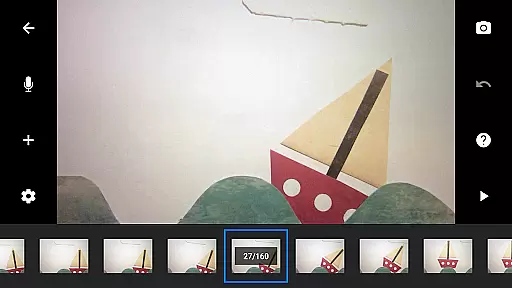
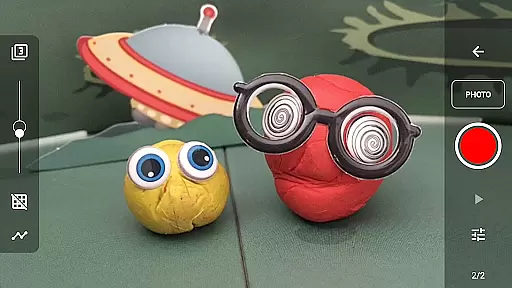
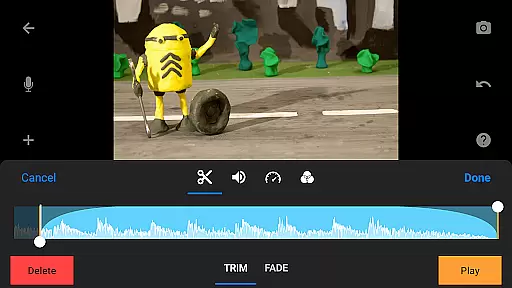
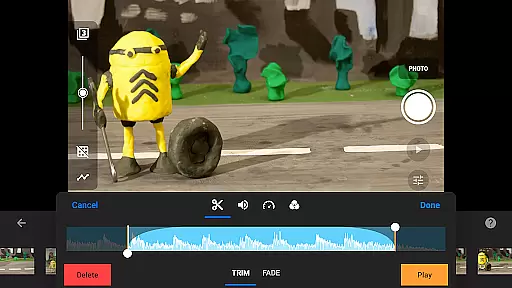
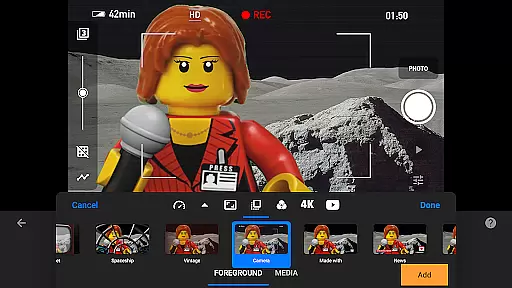
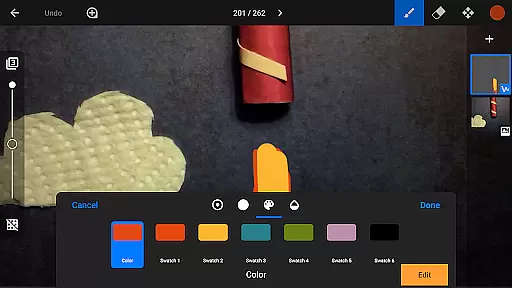
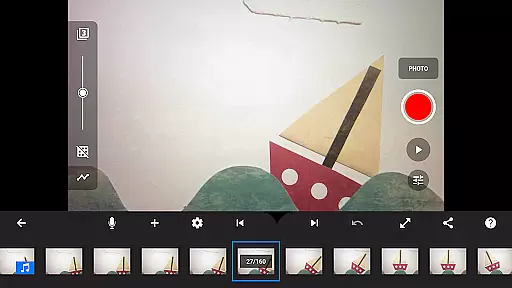
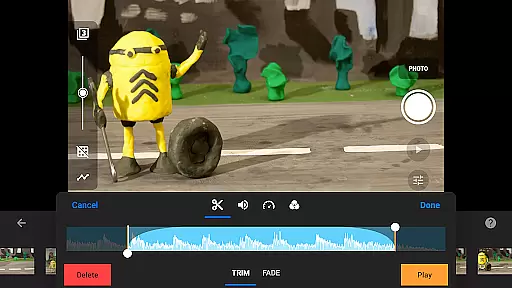
Stop Motion Studio Pro is the ultimate solution for creating professional-quality stop-motion animations on mobile devices. Designed with both beginners and experts in mind this app offers an intuitive interface alongside advanced features that make animation accessible to everyone. With capabilities ranging from frame-by-frame editing to sophisticated rotoscoping and green screen effects users can produce visually stunning movies with ease.
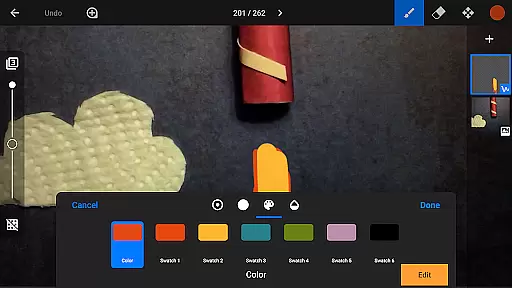
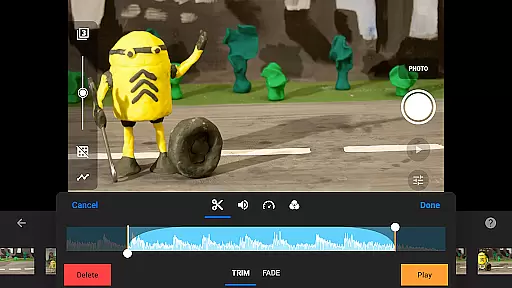
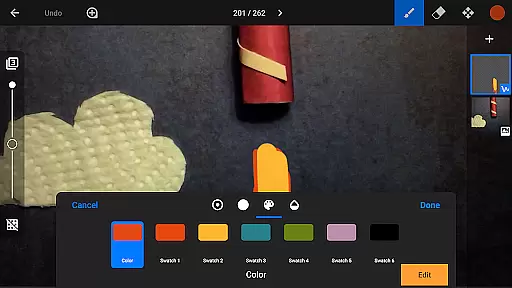
The app includes a robust set of creative tools such as customizable title cards video filters and soundtracks allowing creators to personalize every aspect of their projects. Additionally its powerful built-in image editor supports layers text effects and touch-up tools ensuring polished results. Whether you're crafting short films or experimenting with visual storytelling Stop Motion Studio Pro provides everything needed to bring ideas to life.
Stop Motion Studio Pro stands out with its comprehensive suite of features tailored for stop-motion enthusiasts. The app's core functionality revolves around its user-friendly interface which simplifies complex processes like frame manipulation and timeline management. Unique tools such as overlay mode and animation guides help users achieve smooth transitions and precise object positioning making it easier than ever to create professional-grade animations.
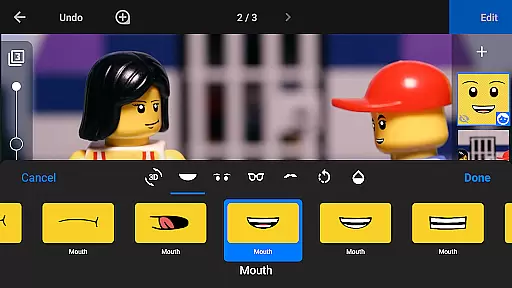
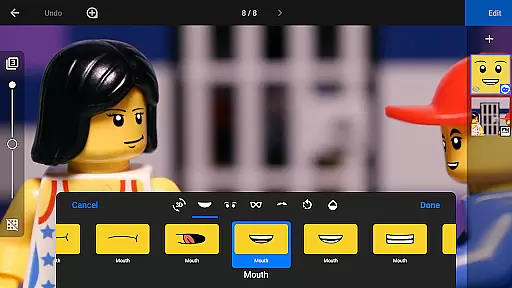
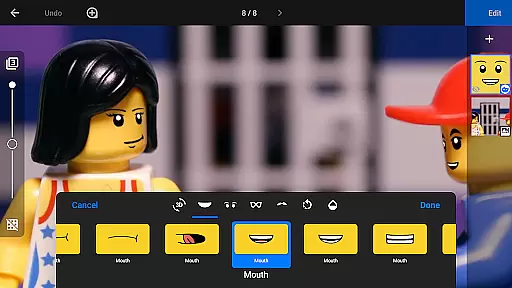
Beyond basic editing the app offers advanced options including rotoscoping green screen effects and a layer-based image editor. These features allow creators to experiment with backgrounds facial expressions and dynamic movements while maintaining full creative control. Furthermore integration with external devices and support for high-resolution exports ensure seamless workflows across platforms. With these capabilities Stop Motion Studio Pro empowers animators to push creative boundaries without limitations.
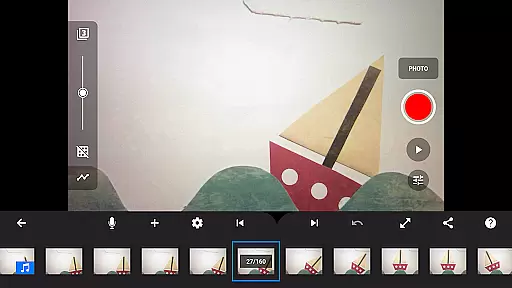
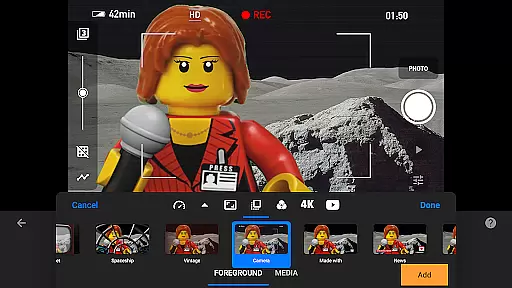
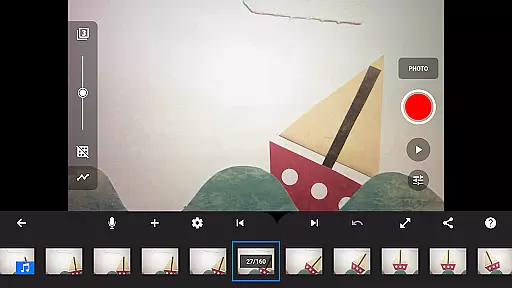
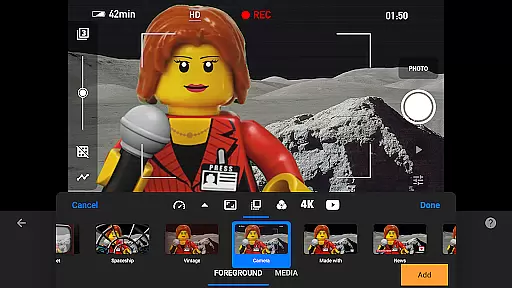
Real-time capture and preview functionality is essential for ensuring that every frame of your stop-motion animation is exactly as you envision it. Stop Motion Studio Pro offers a robust set of tools to facilitate this process.
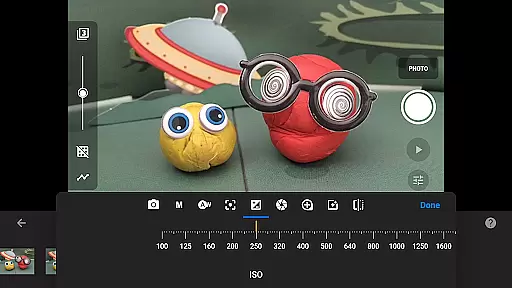
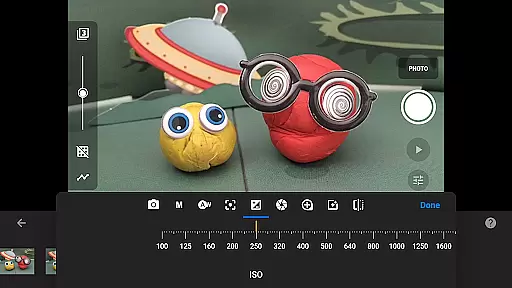
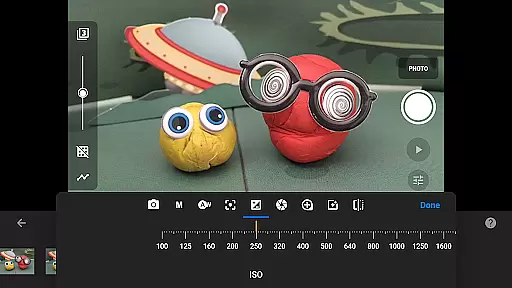
The app provides full camera control, allowing users to adjust settings such as white balance, focus, exposure, ISO, and shutter speed manually or automatically. This ensures that each shot is captured with the desired lighting and clarity, which is crucial for maintaining consistency across frames.
Additionally, the adjustable time interval feature enables animators to capture frames at set intervals, streamlining the animation process and helping maintain a steady pace. The ability to use a second device as a remote camera further enhances the capturing experience by providing alternative angles and perspectives.
With these features, Stop Motion Studio Pro empowers creators to produce high-quality animations with precision and ease, making real-time capture not just a convenience but a significant advantage in creating professional-grade stop-motion films.
While Stop Motion Studio Pro does not explicitly market itself with AI beauty and enhancement features, it excels in providing natural and authentic enhancements to stop-motion animations through its comprehensive editing suite.
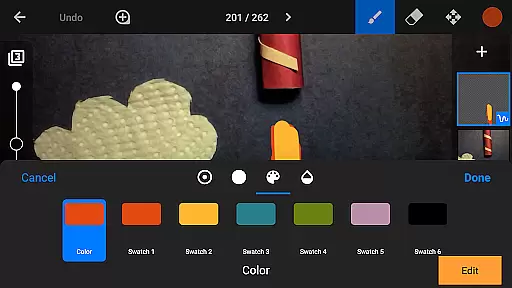
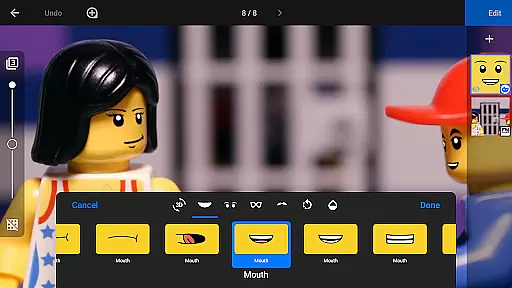
The layer-based image editor allows users to touch up and enhance images naturally, adding text, speech bubbles, or facial expressions to figures without compromising the original footage's integrity. This ensures that any modifications are seamless and retain the organic feel of traditional stop-motion animation.
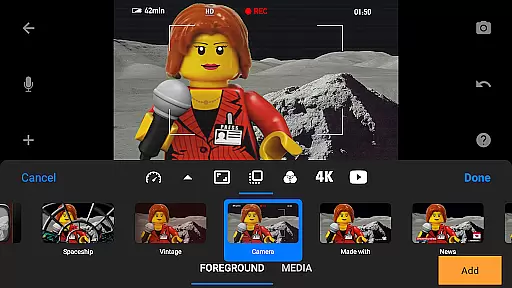
Moreover, the app includes rotoscoping and green screen capabilities, enabling creators to import video clips and change scene backgrounds. These features allow for creative freedom while ensuring that enhancements remain believable and true to the art form.
By focusing on powerful yet intuitive tools that support the animator's vision, Stop Motion Studio Pro delivers an enhancement experience that respects the craft's natural aesthetics, resulting in polished animations that captivate audiences with their authenticity.
User-friendly interface
Advanced editing tools
High-resolution export options
Comprehensive learning resources
Cross-device project syncing
Steep learning curve for beginners
Some features may feel overwhelming
Requires significant storage space
Limited free version availability
Occasional performance lags on older devices

AI portrait generator and polaroid AI selfie, fun AI generated AI photo creator!
 4.30
4.30
Easily stitch panoramas from multiple photos or video.
4.40
Create funny photos and videos with the popular Time Warp Scan filter.
4.90
An interval timer to automate photo taking process for timelapse
2.90
Collage your moments in one tap: 1000+ layouts, filters, stickers, and texts.
4.90
Easily view, share, delete photos with Gallery.
4.70
Unblur, enhance & restore photos with powerful AI photo enhancer tools.
4.60
Welcome to ProShot, the most powerful camera app on Android.
4.20
Solocator stamps photos you take with GPS location, Compass Direction, Date/Time
3.80
AI Photo Editor with 100+ Filters, Effects! Remove BG, Retouch & Photo Enhancer.
4.80
The original Rarevision VHS look seen everywhere!
4.70
PhotoSync Bundle Add-On License. Enables all features and services in PhotoSync.
4.60
Create Business Headshots, Polaroid Filter, Retake Photos,Profile Pics,AI Photos
4.50
Use AI Video Generator to turn your words to ai generated videos.
4.50
Search, tag and rate your way to an organized image gallery
4.40
All-in-One Editor & AI Photo Enhancer, Beautify & Retouch, Collage, Cartoonify
4.20
A light meter for true photographers.
4.20
Professional camera app that brings DSLR manual photography controls to Android.
4.20
How old age camera Gender Swap App Face Shape Hairstyle App Hair Styler App fun!
4.00


User Reviews