
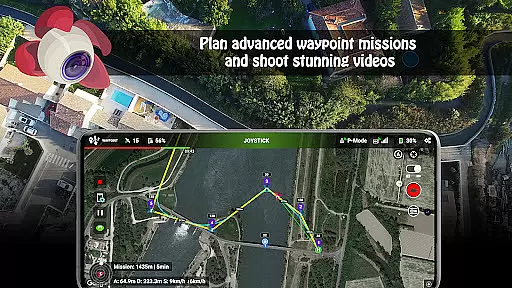
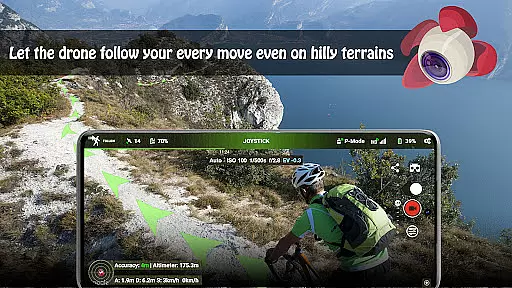
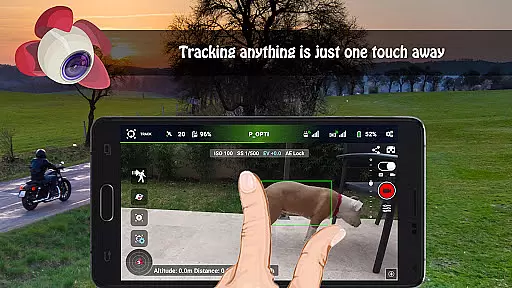
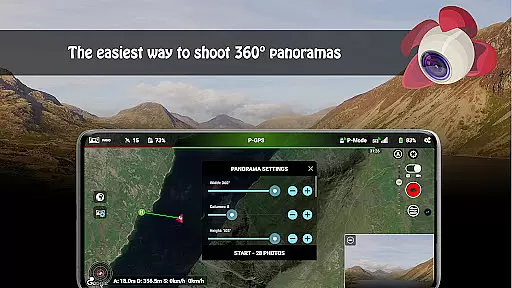



Litchi for DJI Drones is the premier application designed to enhance your drone flying experience. This app unlocks advanced features of compatible DJI drones, offering users an intuitive interface and powerful tools. With Litchi, you can execute complex flight plans with ease, capture stunning panoramic shots, and even track subjects using cutting-edge computer vision technology.
Whether you're a professional photographer or a hobbyist, Litchi provides numerous modes such as Waypoint, Panorama, Track, Follow, VR, and Focus modes. These functionalities allow precise control over your drone's movements and camera settings, ensuring high-quality results every time. Additionally, the app supports live streaming directly to platforms like Facebook, making it ideal for content creators who need reliable performance in dynamic environments.
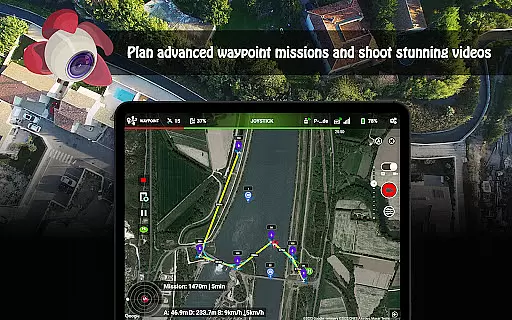
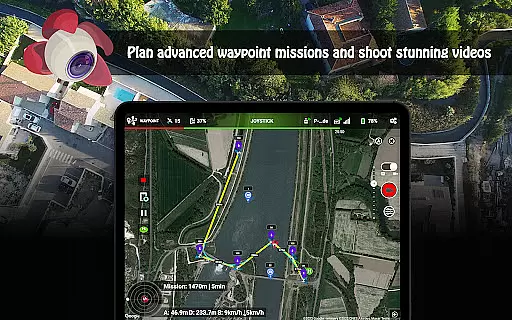
Litchi stands out due to its comprehensive feature set tailored specifically for DJI drone enthusiasts. The Waypoint mode offers an unparalleled planning tool accessible across multiple devices, including PC and Mac, allowing seamless synchronization of flight plans. This ensures that whether you're at home or on location, your missions are always ready to go.
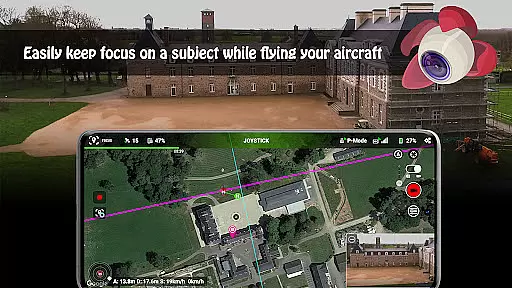
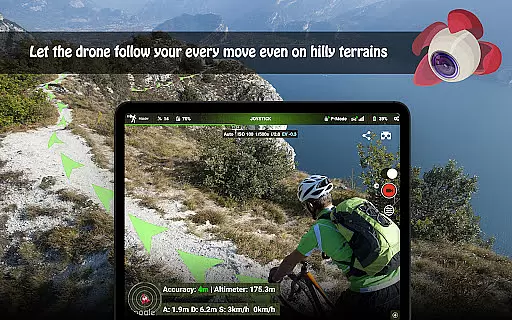
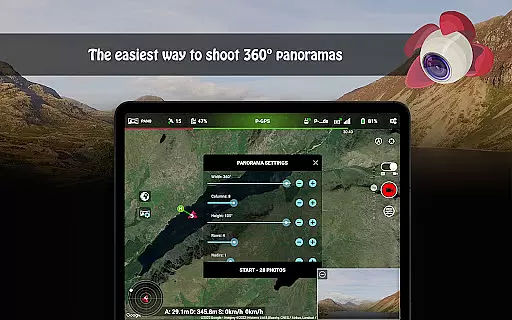
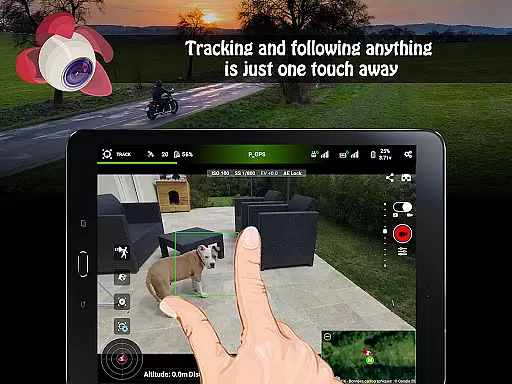
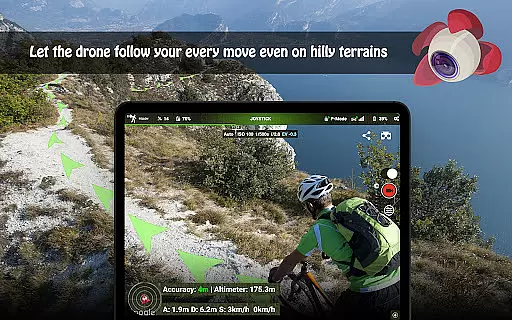
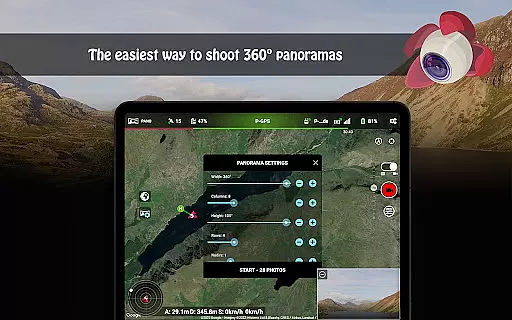
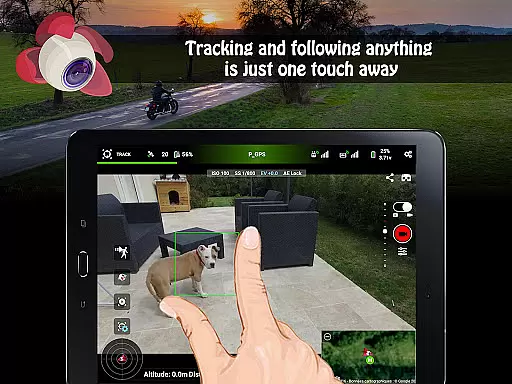
Panorama mode simplifies capturing expansive landscapes by automating the process of shooting horizontal, vertical, and 360-degree spherical images. Meanwhile, Track mode leverages sophisticated algorithms to keep selected subjects perfectly framed during autonomous flights. For those preferring hands-free operation, Follow mode uses GPS data from your mobile device to maintain consistent tracking without manual input.
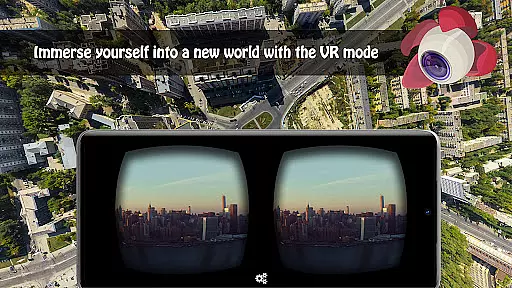
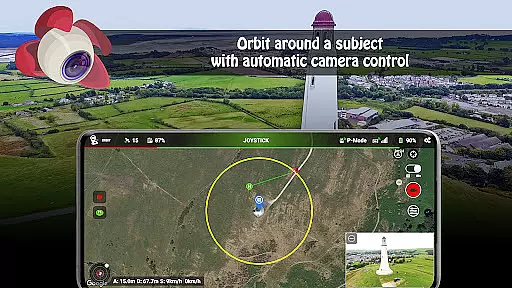
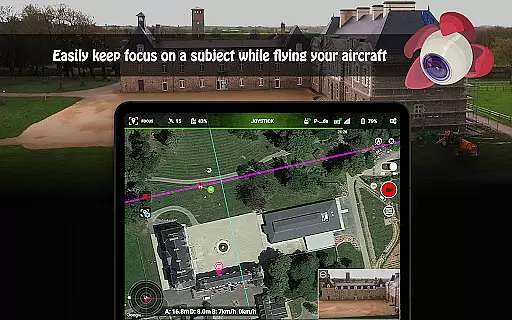
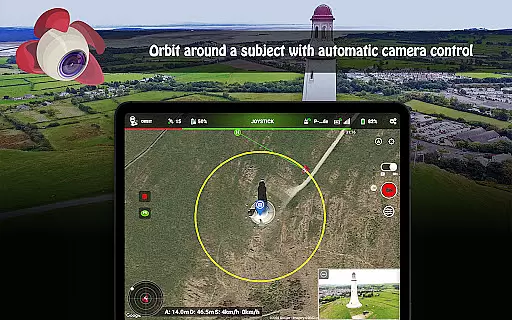
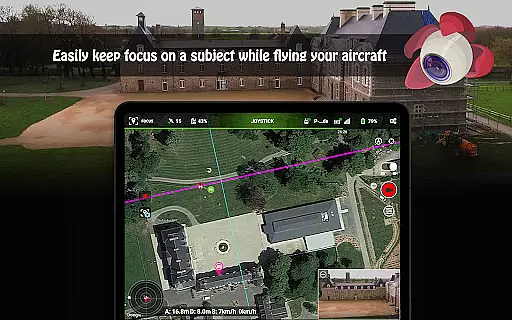
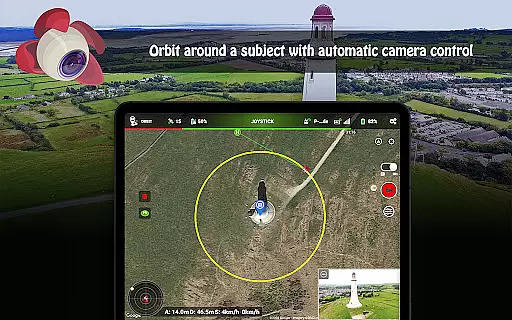
Additional highlights include VR mode for immersive FPV experiences when paired with compatible goggles, Focus mode which manages gimbal and yaw controls so pilots can focus on navigation, and Orbit mode for circling subjects with real-time adjustments. Furthermore, integration capabilities extend to livestreaming options and support for secondary devices via apps like Litchi Magic Leash, enhancing versatility for various use cases.
Real-time capture and preview functionality is essential for drone photography, allowing users to see exactly what the drone's camera is capturing as it happens. Litchi for DJI Drones excels in this area by providing a seamless live feed directly to the user's device, ensuring that every shot can be perfectly framed and timed.
The app supports real-time video transmission with minimal latency, which is crucial for precise drone maneuvering and capturing fleeting moments. This feature is particularly beneficial when shooting complex scenes or executing intricate flight patterns, as operators can make immediate adjustments based on the live preview.
Additionally, Litchi offers various display modes and settings to enhance the real-time viewing experience. Users can customize their screen layout, select different map views, and even enable virtual reality mode for an immersive FPV (First Person View) experience using compatible goggles.
This instant feedback loop not only improves the quality of photos and videos but also enhances safety during flights. Pilots can maintain situational awareness while focusing on getting the perfect shot, knowing they have accurate visual information at all times.
While primarily known for its robust flight control features, Litchi for DJI Drones also incorporates advanced AI beauty and enhancement tools that ensure natural-looking results without compromising image quality. These enhancements are applied intelligently, preserving the authenticity of the original footage while subtly improving overall aesthetics.
The application uses sophisticated algorithms to automatically adjust lighting, color balance, and contrast in real time. This means that whether you're shooting in bright daylight or challenging low-light conditions, your images will maintain optimal exposure levels and vibrant colors. The AI-driven enhancements adapt dynamically to different environments, ensuring consistent performance across diverse shooting scenarios.
Moreover, Litchi provides manual controls for those who prefer more hands-on editing. Users can fine-tune parameters such as saturation, sharpness, and noise reduction to achieve their desired look. This combination of automated and manual options empowers photographers to create stunning visuals that reflect their unique style.
By prioritizing naturalness in its AI enhancements, Litchi ensures that post-processing remains minimal. Photographers can focus on capturing creative compositions rather than spending extensive time editing raw files, making the entire workflow more efficient and enjoyable.
Intuitive Interface
Advanced Flight Modes
Seamless Device Sync
High-Quality Imaging Tools
Live Streaming Capabilities
Incompatible with Latest Models
Requires Internet Validation
Separate Goggles Needed for VR
Additional Costs for Some Features
Complex Setup for Beginners

Photo editor: face & body editor, beauty cam, filters and quality enhancer.
 4.00
4.00
[3DSteroid Pro] is a stereoscopic application for Android.
4.30
AI photo editor with hair editor, retouch tools, hair color changer & filters!
4.50
USB Storage Access for Photos, Videos, Music and Documents
3.80
Fit multiple photos on one post. Create carousels & scroll layouts for Instagram
4.50
Unblur, enhance & restore photos with powerful AI photo enhancer tools.
4.60
live datamoshing
4.00
Solocator stamps photos you take with GPS location, Compass Direction, Date/Time
3.80
Try an anime version, cartoon yourself, and generate AI hug or aging videos!
3.70
Photo editor: AI filters, photo enhancer, pic collage maker, AI art generator.
4.80
Create collages easily! Nice pic collage maker & background eraser for Instagram
4.50
Photo Exif Editor allows to view, add and modify EXIF data of multiple photos
4.50
HD Camera Pro with HD Video shooting, Panorama, Photo editor , Beauty Camera.
4.50
Photo editor & gallery. Crop pictures & edit photos offline, no wifi!
4.50
Easily stitch panoramas from multiple photos or video.
4.40
Virtual makeup, hair filters & body tuner—edit from face to full body!
4.20
Luminar: Photo Editor - easy picture editing with AI
4.20
How old age camera Gender Swap App Face Shape Hairstyle App Hair Styler App fun!
4.00
Photo Album Watch Face shows your favorite pictures as a Watchface.
1.90


User Reviews