
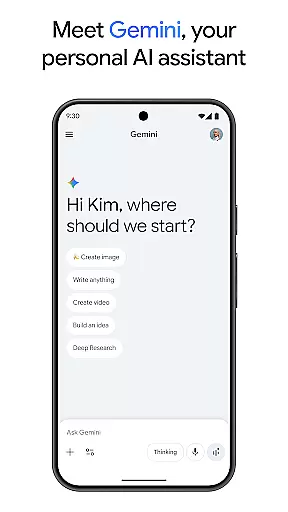
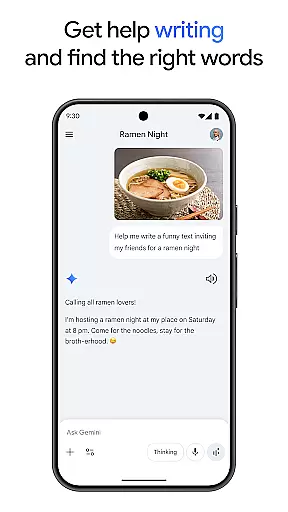
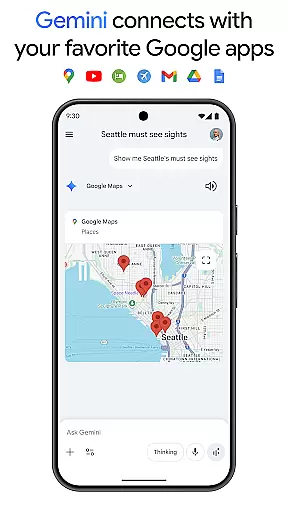
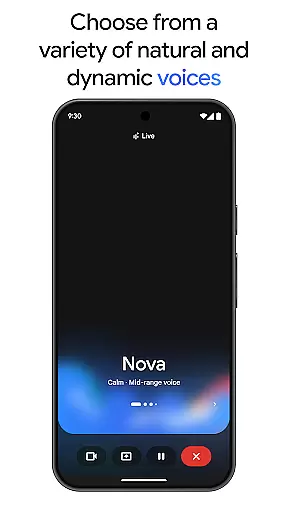
Google Gemini is a cutting-edge AI assistant designed to enhance both creativity and productivity. This powerful app provides direct access to Google's premier family of AI models right on your mobile device. With capabilities ranging from brainstorming ideas and simplifying complex topics to creating various digital content like apps, games, and web pages, Gemini stands out as an essential tool for users seeking to maximize their creative potential.
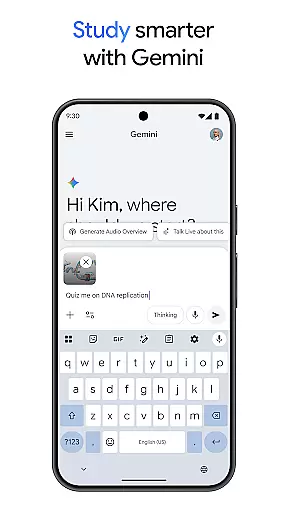
In addition to its creative features, Gemini also supports practical applications such as studying more efficiently through interactive quizzes and flashcards, transforming any file into a podcast for easy listening, editing images with precision, planning trips effectively, and obtaining comprehensive summaries with source links. Whether you're a student, professional, or hobbyist, Gemini offers versatile tools that cater to diverse needs and help streamline workflows.
The true value of Google Gemini lies in its ability to integrate seamlessly with popular Google services like Search, YouTube, Maps, and Gmail. By upgrading to the Pro or Ultra plans, users can unlock advanced functionalities including extended context windows, higher model access, and exclusive features like video generation and deep research capabilities. These enhancements make Gemini an indispensable companion for tackling complex projects and exploring new AI innovations.
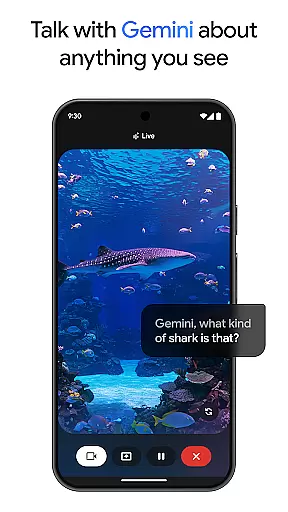
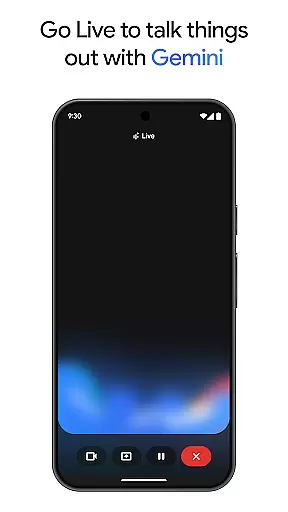
One of the standout features of Google Gemini is its versatility across multiple domains. The app excels in creative tasks, allowing users to bring their ideas to life using Canvas—a feature that facilitates the creation of apps, games, web pages, infographics, and more. Additionally, Gemini Live enables real-time brainstorming sessions where users can share their camera or screen to discuss visual content instantly, making it ideal for collaborative projects.
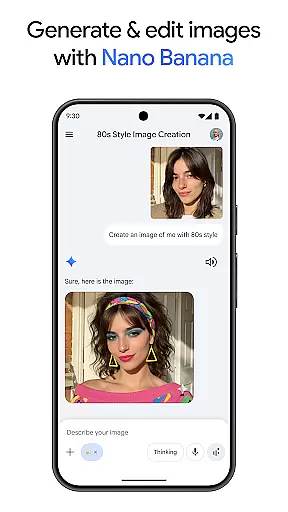
Gemini doesn't stop at creativity; it extends into productivity with robust tools for academic and professional use. Students can benefit from quiz and flashcard creation, while professionals can utilize interactive visuals and real-world examples to enhance presentations. The app's ability to convert files into podcasts adds another layer of convenience, enabling users to consume information on the go. Furthermore, image editing capabilities allow for the creation of stunning visuals from simple text descriptions, perfect for marketing materials or personal projects.
For those seeking advanced functionalities, upgrading to the Pro or Ultra plans unlocks industry-leading features such as a 1M token context window, access to Google's most capable models, and exclusive innovations like video generation with Veo 3.1 Fast and Deep Research on 3 Pro. These premium options ensure that users have the resources needed to tackle even the most complex tasks efficiently, setting Gemini apart from other productivity apps in the market.
Gemini redefines core task management by integrating advanced AI capabilities directly into your workflow. The app allows users to brainstorm ideas, simplify complex topics, and even rehearse for important moments through its Gemini Live feature. This functionality is crucial for productivity-focused users who need real-time assistance in organizing their thoughts and planning tasks efficiently.
The app's integration with popular Google services like Search, YouTube, Gmail, and Google Maps enhances task management by centralizing resources. Whether you're studying, planning a trip, or working on a project, Gemini provides summaries, deep dives, and source links all in one place. This interconnected ecosystem ensures that users can access necessary information without switching between multiple apps, streamlining the task management process.
For users seeking more robust features, upgrading to the Pro or Ultra plan unlocks industry-leading capabilities such as a 1M token context window, enabling the processing of up to 1,500 pages of text or 30k lines of code. These premium features empower users to tackle complex tasks with ease, making Gemini an indispensable tool for both personal and professional task management.
Cross-device synchronization is a cornerstone of productivity, and Gemini excels in this area by ensuring reliable and seamless data sharing across devices. By connecting with essential Google apps, Gemini enables users to maintain consistency in their workflows regardless of the device they are using. This synchronization capability is vital for users who rely on multiple devices throughout their day.
Gemini's ability to turn any file into a podcast that can be listened to anytime, anywhere, exemplifies its commitment to synchronization reliability. This feature allows users to consume content on the go, ensuring that their productivity is not hindered by location or device limitations. Additionally, the app's support for high-capacity context windows and powerful models like 3 Pro ensures that large projects can be synchronized without data loss or corruption.
For business and education users, Gemini's inclusion in qualifying Google Workspace plans further solidifies its reliability. The app's integration with these plans ensures that teams can collaborate effectively, with all members having access to the same up-to-date information. This level of synchronization reliability is crucial for maintaining productivity and ensuring that all team members are on the same page, regardless of their physical location.
User-friendly interface
Wide range of features
Seamless Google integration
Advanced AI capabilities
Regular updates
Premium features require subscription
High system requirements
Limited offline functionality
Occasional bugs
Steep learning curve

Client for Nextcloud Deck
 4.60
4.60
QuickBooks Workforce lets teams view pay info and track time in one place.
4.70
The long-awaited modern gallery app for your Nextcloud server
4.70
Native client for Forgejo and Gitea
5.00
Planet Free VPN - The best Fast Unlimited and Secure VPN Without Logs
4.50
Send files, sync SMS, notifications & clipboard across devices via local network
4.40
Experience and share your SolidWorks designs on your Android® phone and tablet.
2.50
Lightweight PDF, Word, Excel reader.
4.60
AI Chatbot and AI writing assistant powered by ChatGPT.
4.60
Secure, fast, open-source, VNC and SSH Remote Desktop for Windows, Linux and Mac
4.70
Direct Chat without saving contacts & Dual WA Account on Single Device
4.70
Quickly and easily keep track of your work shifts
4.70
App Lock with fingerprint, password: Lock apps & hide photos with lock screens
4.60
Calendar 2023 widget for Android. Appointment scheduler, planner, and reminder
4.60
To do list widget with a notebook organizer, checklist, simple shopping list
4.60
PDF scanner & converter for files, photos, lottery, QR codes. One swipe away!
4.50
A lightweight JSON & XML files creator, editor and viewer (Premium Version)
4.40
Docker, Kubernetes management over Portainer Mobile
4.40
The upgraded version of Name Wheel with AI and the power to add your own wheels.
4.1


User Reviews