
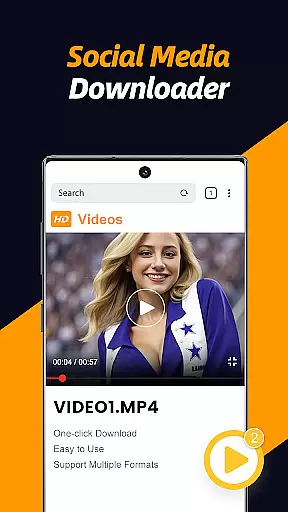
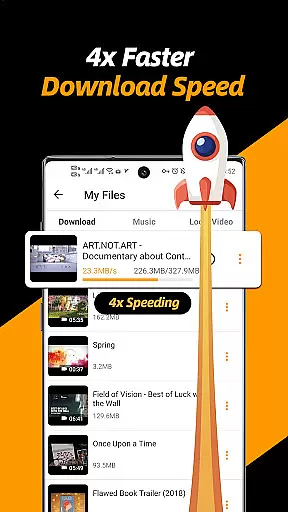
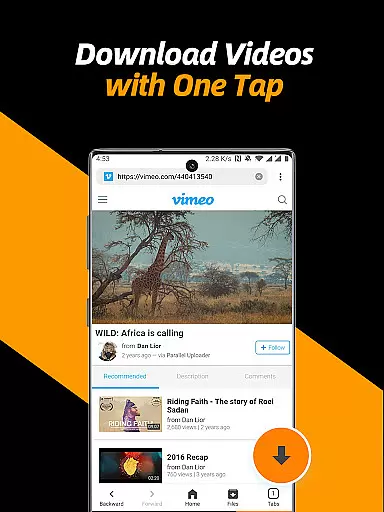
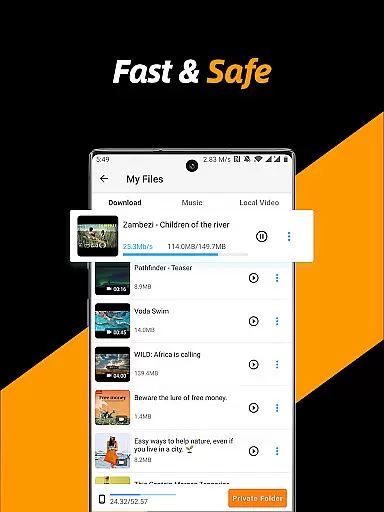
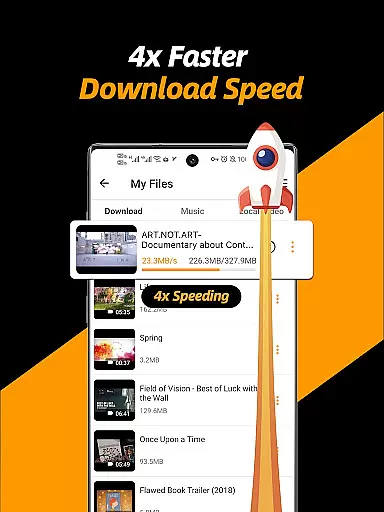
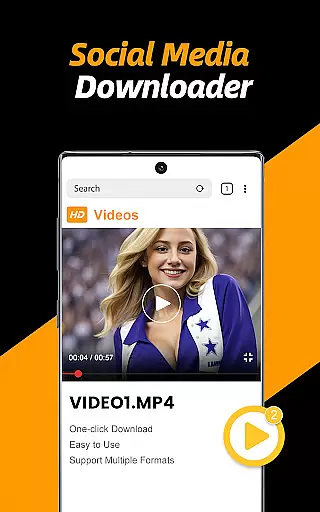
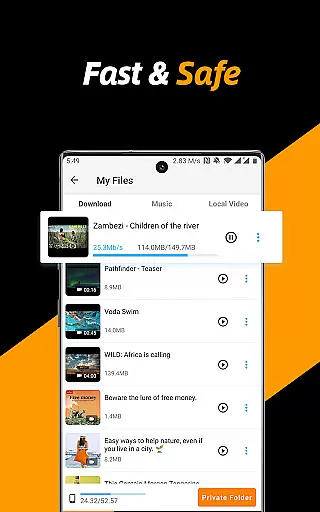
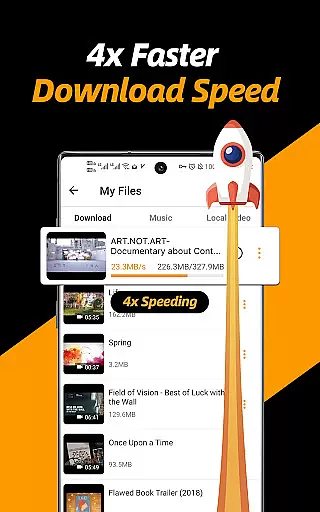
Video Downloader & Video Saver is a versatile tool designed for downloading and managing video content across various social media platforms. With its 4x faster download speed, the app ensures quick access to your favorite videos while maintaining absolute security of files.
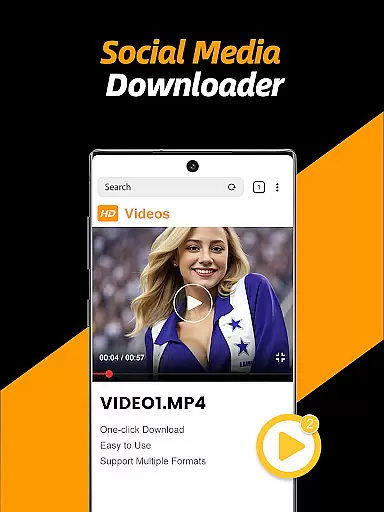
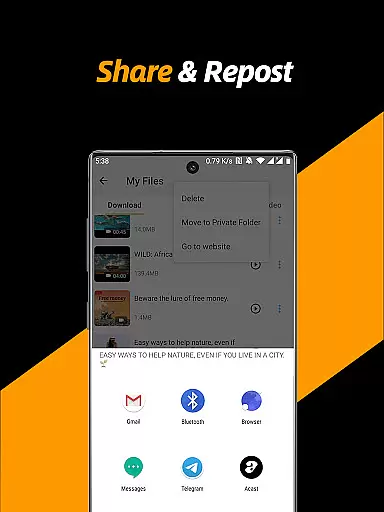
This all-in-one solution not only allows you to download videos and images but also provides an integrated platform to manage, share, and enjoy them. Its built-in browser simplifies the process by automatically detecting downloadable content, making it easy to save HD videos in different resolutions.
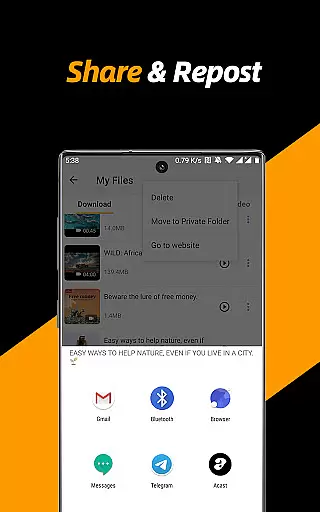
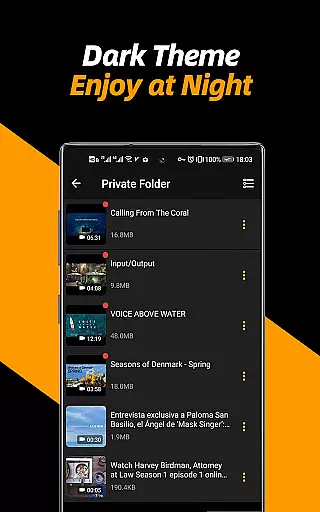
Whether you're looking to back up social media content or share it with friends, this app caters to all your needs with features like multi-threading downloads, background downloading, and a private folder option to safeguard your privacy.
The Video Downloader & Video Saver app stands out with its comprehensive feature set tailored for seamless video management. It supports multi-threading, which significantly accelerates download speeds, allowing users to download multiple files simultaneously without any hassle.
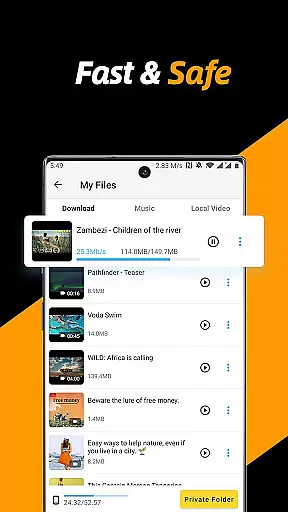
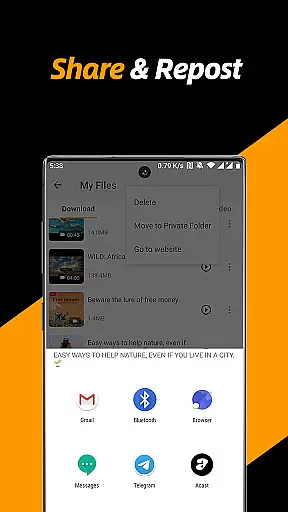
One of the key highlights is the ability to choose from different video resolutions, optimizing storage space while still enjoying high-definition playback. The built-in file manager lets you pause, resume, rename, play, share, and delete files effortlessly.
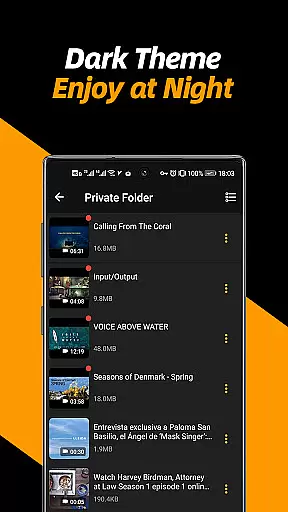
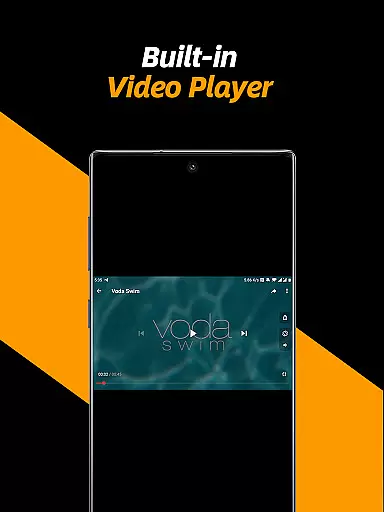
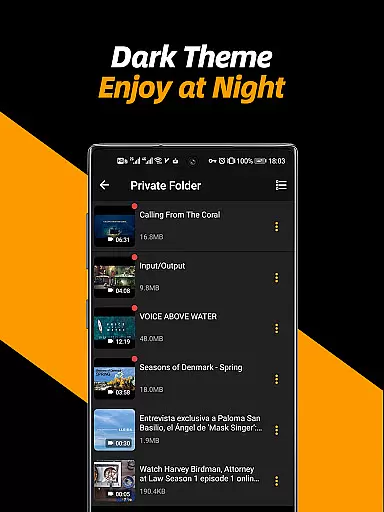
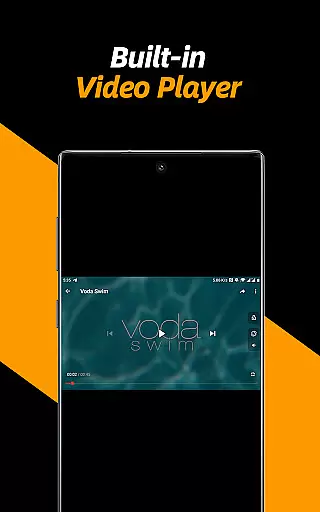
Privacy is prioritized with a secure private folder feature, enabling users to protect sensitive content with a password. Additionally, the app includes a video player with adjustable playback speed and repeat mode, as well as the capability to convert videos into audio files, enhancing user experience.
Video format compatibility is a crucial feature for any video player and editor, ensuring that users can enjoy content in various formats without technical barriers. The Video Downloader & Video Saver app excels in this area by supporting all video formats and different resolutions, making it a versatile tool for Android users.
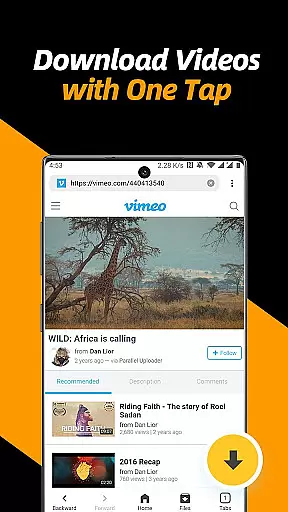
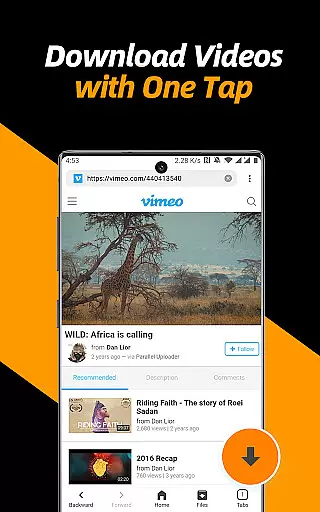
This application allows you to download and save HD videos from social media with just one tap. Whether you're looking to save space with smaller file sizes or indulge in high-definition content, the choice is yours. With multi-threading downloading capabilities, the app accelerates video downloads significantly, enhancing your user experience.
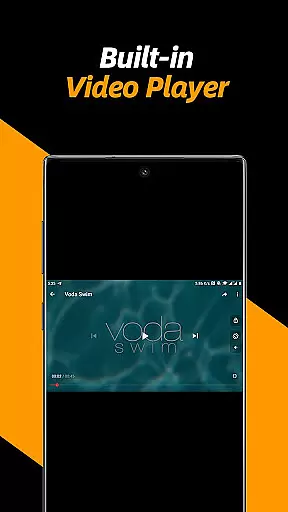
Moreover, the built-in video player within the app supports adjustable video playback speed and repeat video modes. This flexibility ensures that no matter what the original format of the video is, you can play it back in a way that suits your preferences. Additionally, the ability to convert videos into audio files adds another layer of utility, catering to diverse user needs.
The comprehensive compatibility of this app not only simplifies the process of enjoying multimedia content but also empowers users to manage their digital libraries more effectively. By removing format restrictions, Video Downloader & Video Saver positions itself as an indispensable tool for anyone looking to streamline their video consumption and management on mobile devices.
AI-powered editing features represent the cutting edge of video player and editor technology, offering users advanced tools to enhance their content effortlessly. The Video Downloader & Video Saver app incorporates such intelligent functionalities, elevating the editing experience for both novice and experienced creators.
One standout feature is the automatic detection of videos through the app's built-in browser. Once detected, users can initiate downloads with a simple tap, streamlining the acquisition of raw footage for editing purposes. This seamless integration saves time and effort, allowing creators to focus on refining their content rather than navigating complex download procedures.
In addition to facilitating easy access to video files, the app provides robust management options. Users can pause, resume, rename, play, share, and delete files with ease. These capabilities are augmented by AI-driven suggestions that help optimize video quality and file size, ensuring that final outputs meet professional standards without compromising on performance.
By leveraging AI-powered editing features, the Video Downloader & Video Saver app not only simplifies video processing tasks but also enhances creative possibilities. This technological advancement enables users to produce polished, high-quality content efficiently, reinforcing the app's position as a valuable asset in the realm of mobile video editing.
User-friendly interface
Fast download speeds
Multi-resolution support
Private folder protection
Integrated file manager
No YouTube support
Limited to non-copyrighted content
Requires permissions
Occasional ads
Internet required

The smartest M3U IPTV Player your playlists have ever seen.
 4.3
4.3
Video Downloader is an utility that can save videos and music from web sites
4.20
Capture images & record videos for USB Camera, Webcam, Microscopes, Endoscopes
3.80
This app was created to edit the metadata of music files.
4.20
1)AirPlay/DLNA Mirroring/Streaming, up to 4 connections; 2)Samba/NAS/DMS Player.
4.00
Explore the largest library of free GIFs, Stickers & Memes - or create your own!
3.90
Download website videos fast&privacy
4.40
Mix with Virtual DJ directly from your phone or tablet !
3.10
AI Video Editor with Music, Filter, Slideshow, Effect, Merge & Trim Video.
4.80
An easy-to-use and all-round screen recorder with audio
4.80
A Quick and Pro Video Editor
4.70
Snaptubè Video Downloader app allows to download videos and music in Snaptube. .
4.60
VLC Remote lets you control your VLC Media Player on Mac, PC or Linux.
4.60
Auto video maker with music & exclusive filters. Video editing made simple.
4.50
Cast to Chromecast, Xbox, Fire Stick, Roku, DLNA, Smart TV & No Feature Limited!
4.50
Add date and time watermark to photos and videos
4.50
Powerful Video Editor & Photo Editing App —— Quick Edits & Stunning Effects!
4.30
Powerful, professional, versatile teleprompter. Developed by an active film crew
4.00
AirMirror is Receiver for Screen Mirroring and Casting from Apple Devices.
3.60


User Reviews