
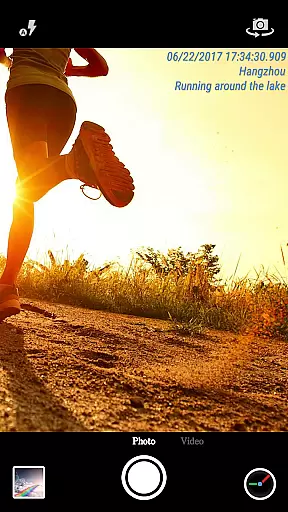
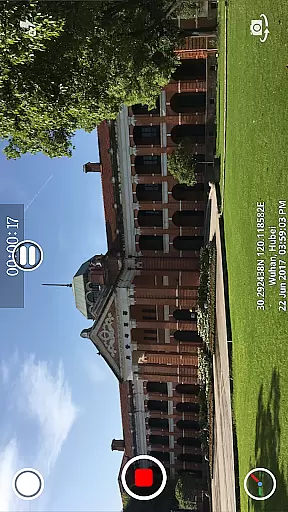
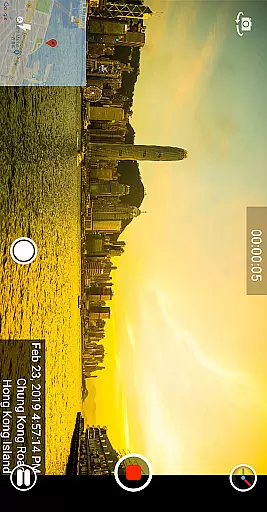
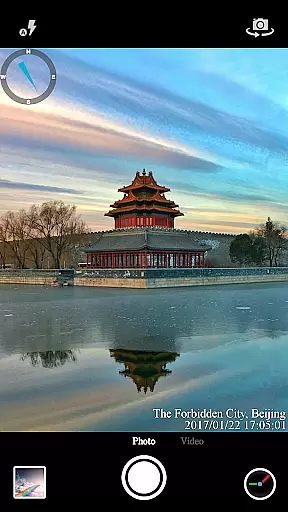

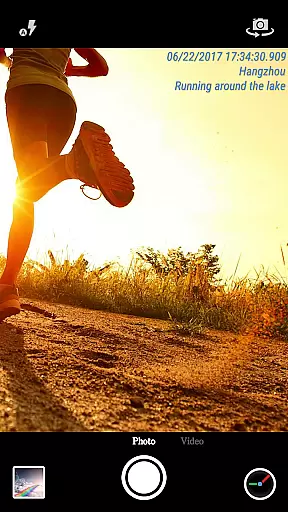
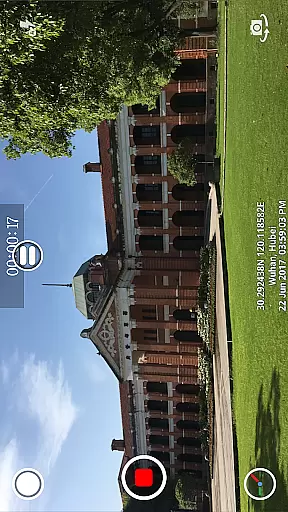
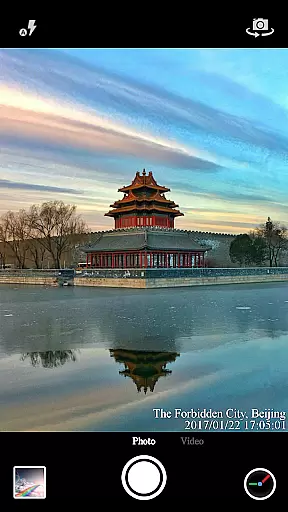
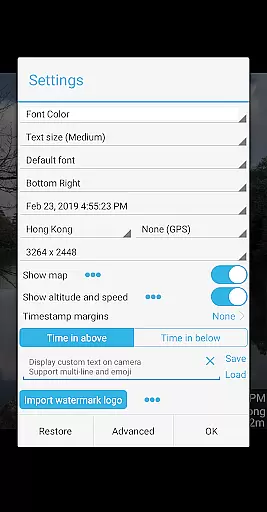

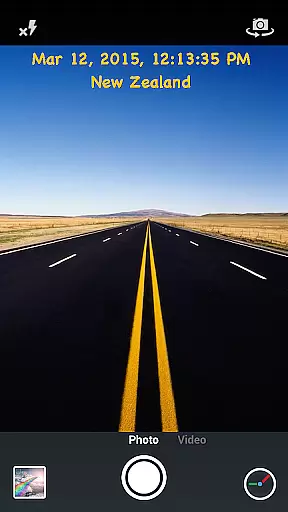
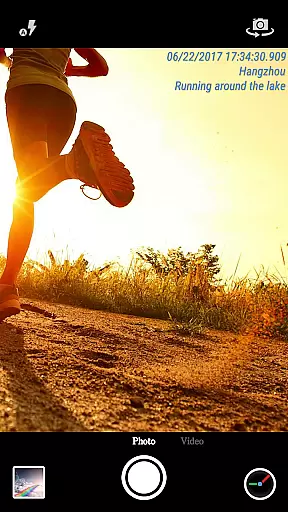
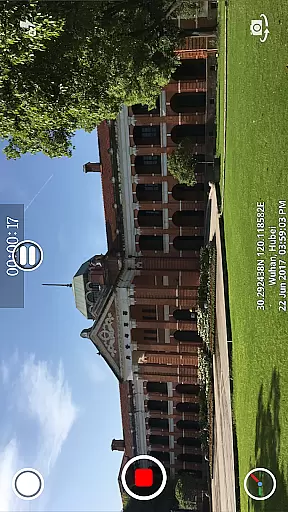
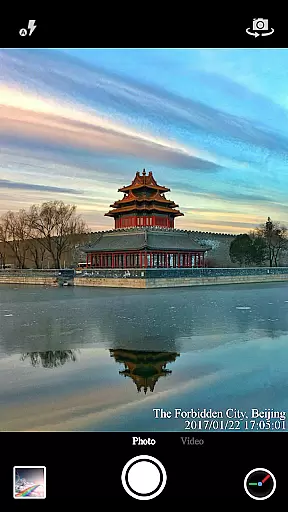
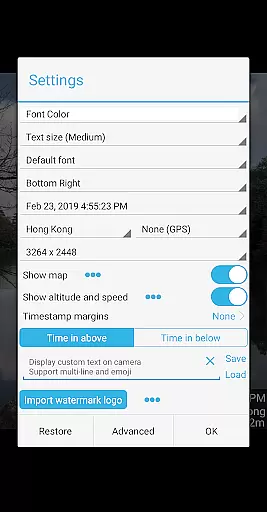

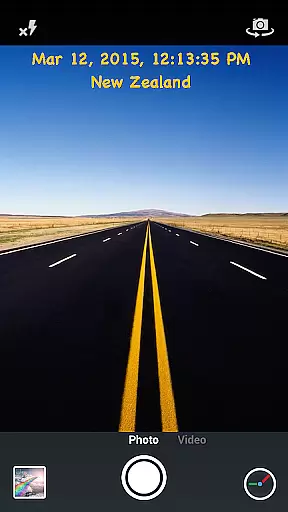
Timestamp Camera Pro is a powerful video and photo editing application that allows users to add real-time timestamp watermarks while capturing media. The app supports 61 different timestamp formats and offers extensive customization options for font style, size, color, and positioning. Users can also include location data, GPS coordinates, altitude, and speed in their timestamps, making it an ideal tool for professionals who need to document precise time and location details.
In addition to its core functionality, Timestamp Camera Pro provides creative features such as custom text overlays, emoji integration, map displays with adjustable transparency and scale, and custom logo embedding. Whether you're recording important events or creating content for social media, this app ensures your media stands out with professional-grade enhancements.
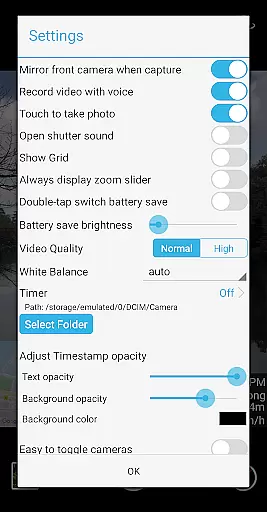
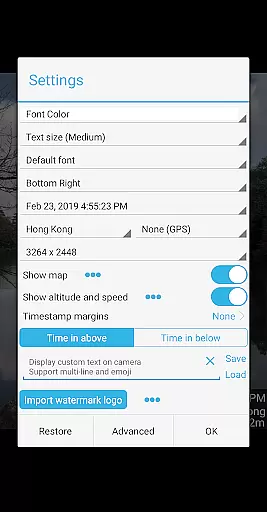
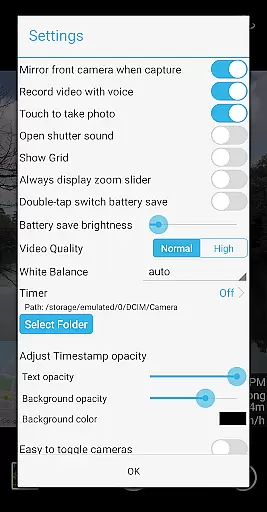
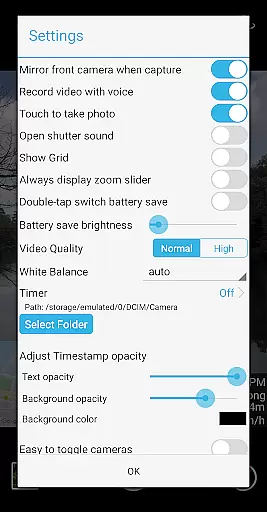
One of the standout features of Timestamp Camera Pro is its ability to record videos with millisecond accuracy in timestamps, a unique capability not found in similar apps. The app allows users to customize every aspect of the timestamp display, including font settings, background opacity, and position on the screen. With support for seven distinct positions and advanced options like altitude and speed overlays, users have complete control over how their timestamps appear.
For added convenience, the app includes practical tools such as battery saver mode, which reduces screen brightness during use, and a silent shutter option. It also supports both portrait and landscape orientations, multiple resolutions, and direct saving to an SD card. These robust features ensure that users can capture high-quality media without compromising device performance or storage space.
Timestamp Camera Pro stands out with its extensive video format compatibility, ensuring that users can work with a wide array of file types without any hitches. The app supports popular formats such as MP4, AVI, and MOV, making it versatile for various devices and platforms.
Beyond just basic playback, the app allows real-time effects to be applied to videos regardless of their format. This includes adding timestamps with millisecond accuracy, custom text, emoji overlays, and even map displays with adjustable transparency and size.
Users benefit from the flexibility of recording videos with or without audio, changing resolutions, and saving directly to an SD card. These features ensure that content creators have all the necessary tools at their disposal for producing high-quality, time-stamped media across different video formats.
One of the key highlights of Timestamp Camera Pro is its suite of AI-powered editing features that streamline the video creation process. With support for 61 timestamp formats, users can customize the appearance of timestamps down to the millisecond, choosing from different fonts, colors, sizes, and positions on the frame.
The app employs intelligent algorithms to automatically add location data and GPS coordinates onto videos and photos in real time. Users also have the option to overlay custom logo images or maps with adjustable scales and transparencies, enhancing personalization while maintaining professional-grade quality.
These advanced functionalities empower users to produce highly customized content effortlessly. Whether it's for personal memory-keeping or professional documentation needs, Timestamp Camera Prou2019s AI-driven tools offer unparalleled convenience and precision in video editing.
Real-time timestamping
Extensive customization
Millisecond accuracy
Battery saver mode
Supports SD card storage
No free version available
Complex for beginners
Limited offline support
Occasional bugs
Premium pricing

HD Video player all format, HD Videos, Cast & Subtitle. No annoying ads.
 4.60
4.60
Play ALL formats in 4K & HD. Video downloader, MP3 player, Chromecast & more.
4.80
VLC Remote lets you control your VLC Media Player on Mac, PC or Linux.
4.60
High-Quality USB Camera Viewer & HDMI Display
4.70
Turn your phone into a wireless camera!
4.20
Download website videos fast&privacy
4.40
GENRAL PRO - General Pro is the best video player that fully supports all formats.
4.70
Browser for Sony TV to stream web videos, online movies and live tv
3.20
Screen recorder with audio to take live videos & Screenshot in high quality!
4.70
A Simple app to download Video & Music from the Internet.
4.70
Video Player - Unlimited features, 30 days money back guarantee.
4.60
Support 1000+ Video Format, Subtitle Download, mp3 & Background Play, Cast On TV
4.60
HD video maker with no watermark, no ads & vlog maker with music, PIP, text
4.50
Create & edit videos with AI
4.30
Web Browser for LG TV to stream webvideos, online movies and livestreams in HD
4.20
Video player with 4K & 1080P support, popup play, background play and subtitle.
4.20
Browser for Samsung TV to stream webvideos, online movies and livestreams in HD
4.10
Online Videos Player
3.90
Explore the largest library of free GIFs, Stickers & Memes - or create your own!
3.90


User Reviews