
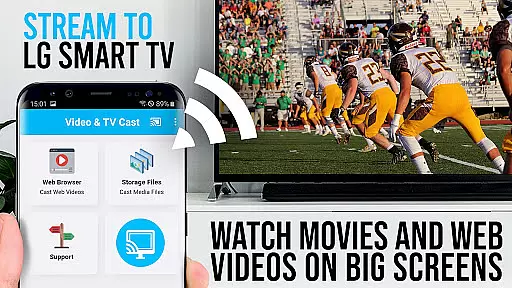
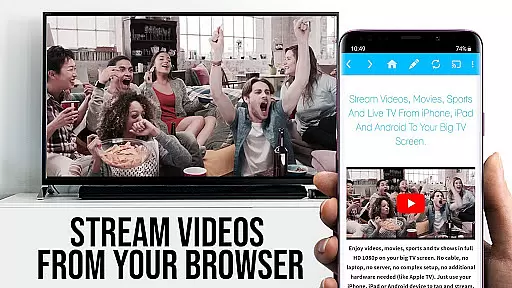
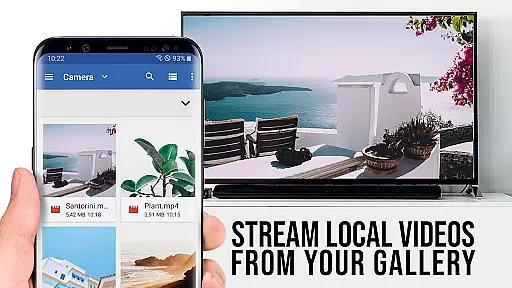
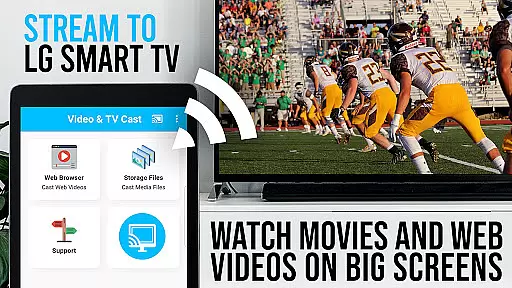
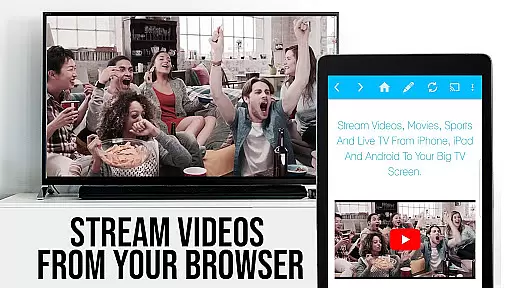
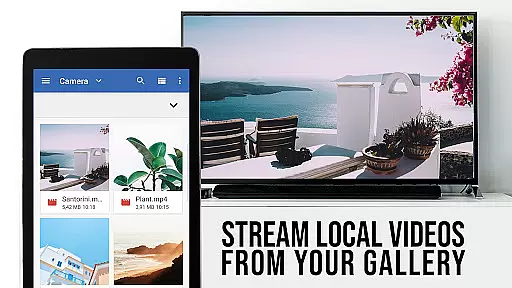
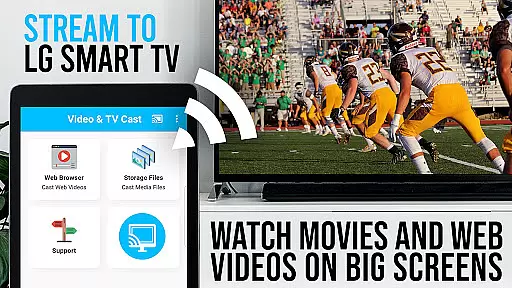
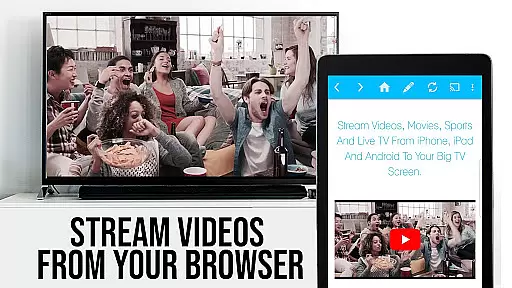
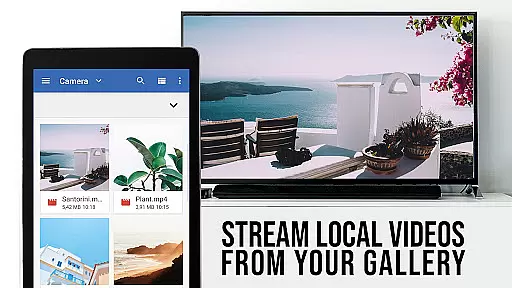
TV Cast Pro for LG webOS is a premier application designed to enhance your streaming experience on LG Smart TVs. This app allows users to cast web-videos, online-movies, livestreams, and live TV shows directly to their LG TV without the need for an additional streaming box. With support for video formats like mp4 and m3u8, it ensures high-quality Full HD streaming. The app stands out with its multitasking capabilities, enabling users to close the app or even shut down their phone while casting continues uninterrupted.
One of the key features of TV Cast Pro is its compatibility with all Android devices, offering a broader range of device support compared to Miracast. It optimizes Wi-Fi usage by not routing videos through the user's phone, thus providing a seamless streaming experience. Users can easily navigate to their favorite websites and send embedded videos to their TV with a single tap. To get started, users need to install a free companion app from the LG App Store and connect via QR Code or IP Address entry.
This app is ideal for those who wish to enjoy a wide array of online content on the big screen. Its ability to stream content in Full HD, even from Android devices with lower screen resolutions, makes it a valuable tool for enhancing home entertainment systems. By transforming your LG TV into a powerful streaming device, TV Cast Pro offers convenience and superior performance for streaming enthusiasts.
TV Cast Pro for LG webOS boasts a variety of advanced features that cater to diverse user needs. One standout feature is the Remote Playbar, which provides enhanced video control options such as video scrubbing, forward, rewind, play, pause, and stop functionalities while browsing. This allows users to have complete control over their viewing experience directly from their mobile device.
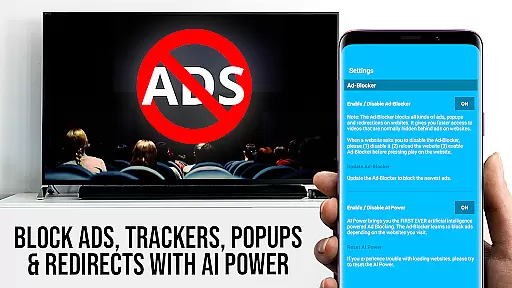
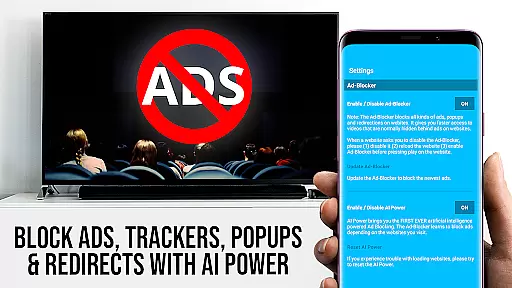
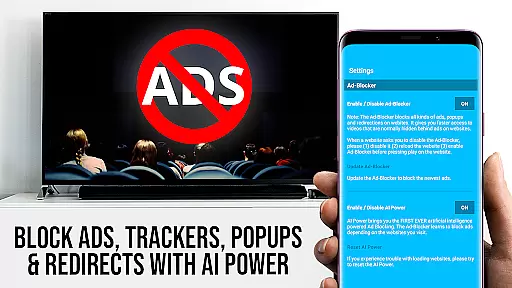
The app also includes an Ad-Blocker that enhances the browsing experience by blocking ads and popups on most websites. This feature can be toggled on or off in the settings, giving users flexibility based on their preferences. Additionally, the Bookmarks feature lets users save and manage numerous bookmarks either through the bookmarks menu or directly within the browser, making navigation to frequently visited sites effortless.
Another notable feature is the Desktop Mode, which changes the browser user-agent to mimic a desktop PC. This ensures that users can access the desktop versions of websites rather than mobile versions, providing a richer browsing experience. Furthermore, users can personalize their homepage after purchasing the app, allowing for a tailored start page that suits individual preferences. These features collectively ensure a versatile and user-friendly streaming experience.
TV Cast Pro for LG webOS stands out with its versatile video format compatibility, ensuring users can stream a wide range of content without limitations. The app supports popular formats such as mp4 and m3u8, allowing seamless streaming of videos in full HD quality.
This compatibility is crucial for users who want to enjoy high-definition content directly on their LG Smart TVs without the need for additional streaming devices. Whether it's web-videos, online-movies, livestreams, or live-tv shows, this app ensures that all content is delivered in the best possible quality.
By removing technical barriers related to video formats, TV Cast Pro enhances the overall user experience. Viewers can focus on enjoying their favorite entertainment without worrying about format restrictions or playback issues.
While TV Cast Pro for LG webOS doesn't offer traditional AI-powered editing features found in dedicated video editing software, it provides advanced functionalities that enhance the viewing experience. One notable feature is the Ad-Blocker, which intelligently removes ads and popups from most websites, creating a cleaner viewing environment.
The app also includes a Remote Playbar that functions similarly to advanced editing controls. Users can scrub through videos, control playback speed, rewind, fast forward, pause, and stop content directly from their browsing interface. This level of control gives users power similar to basic video editing capabilities.
Additionally, the Desktop Mode feature allows users to modify the browser user-agent, effectively changing how websites display content. This functionality enables access to desktop versions of websites, often providing better-quality video sources and more comprehensive content options.
Full HD Streaming
Multi-tasking Support
Ad-Free Experience
Wide Device Compatibility
Remote Video Control
No DRM Video Support
Requires Companion App
Limited Refund Period
QR Code Dependency
Premium Price Tag

The smartest M3U IPTV Player your playlists have ever seen.
 4.5
4.5
IPTV-Smarters Player Pro M3U - Watch Live Stream TV Channels with Chromecast
4.00
Video Downloader is an utility that can save videos and music from web sites
4.20
KineMaster, Your Ultimate Video Editor!
4.40
Video player with powerful streaming playback and various convenient features.
2.10
Stream Web Videos to Chromecast, Samsung, LG, Sony, Roku, Fire TV, DLNA + more
4.00
All in one HD video downloader & player for multiple formats with full privacy
4.70
Cast to Smart TV, Fire TV. Cast video, photo - Fast & Stable!
3.90
Manage your YouTube channel on the go
4.40
An easy-to-use and all-round screen recorder with audio
4.80
Download Hub, easy and private way to download and enjoy your videos offline
4.80
Download videos and play them offline
4.70
A Simple app to download Video & Music from the Internet.
4.70
HD Video player all format, HD Videos, Cast & Subtitle. No annoying ads.
4.60
Download website videos fast&privacy
4.40
This app was created to edit the metadata of music files.
4.20
Kodi media center, a free and open source cross-platform entertainment hub
3.60
Watch full episodes of your favorite Cartoon Network and Cartoonito shows!
3.50
Browser for Sony TV to stream web videos, online movies and live tv
3.20


User Reviews