

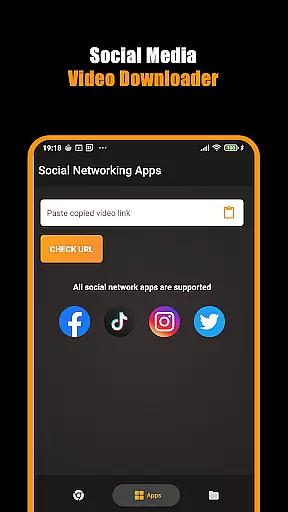
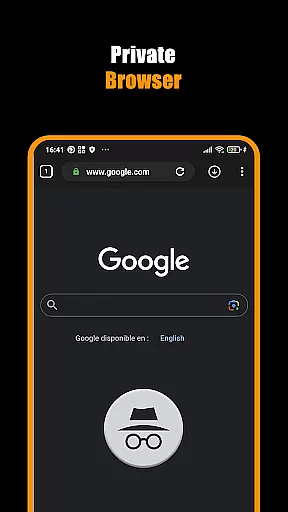

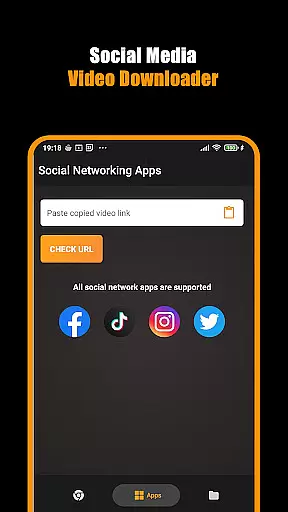
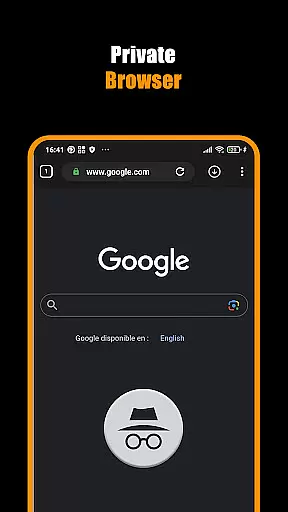

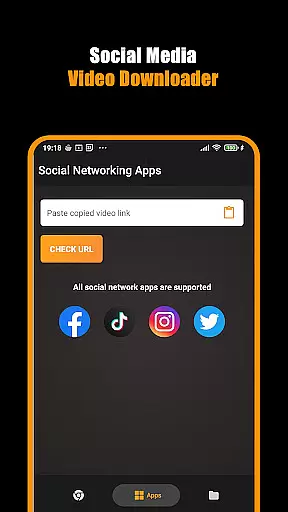
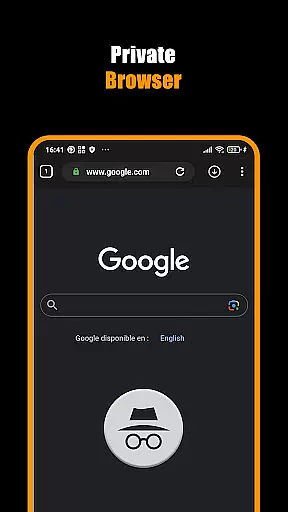

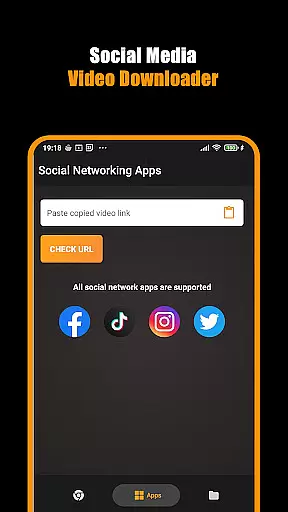
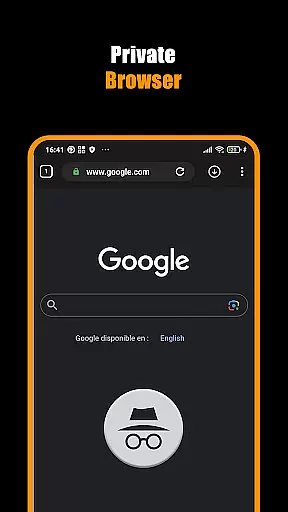

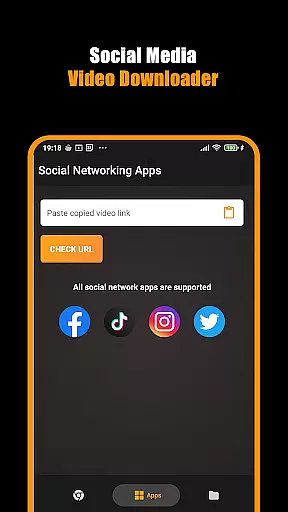
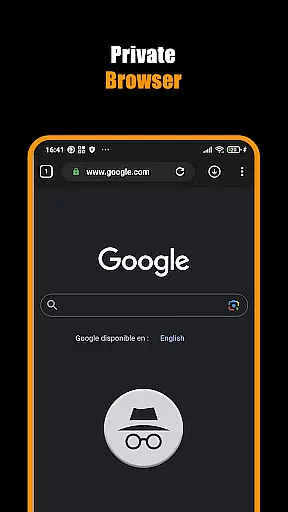
Hub Video Downloader is a versatile video downloading tool designed for users who want to save online videos directly to their devices. This app features a built-in private browser that allows you to browse and download videos in HD, 2K, or 4K quality while maintaining your privacy. With its automatic video detection technology, you can instantly grab videos from most websites with a single tap.
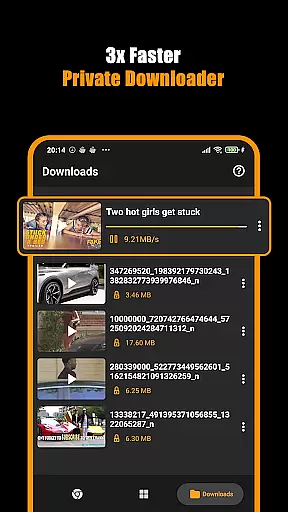
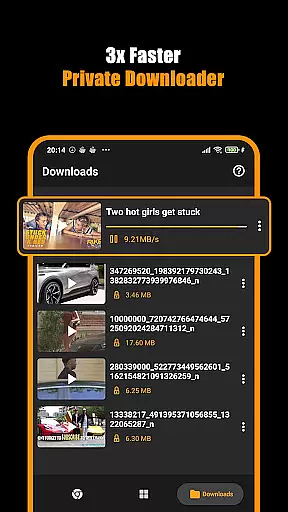
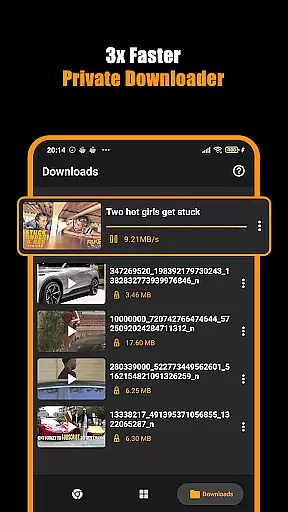
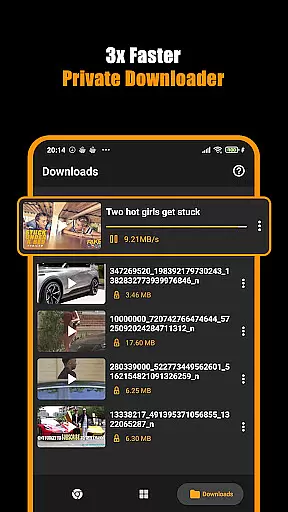
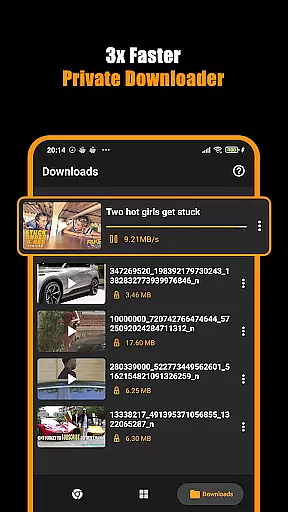
The application supports background downloading, which means you can multitask without interrupting the download process. You have full control over your downloads with options to pause, resume, or cancel. The user-friendly interface ensures that even beginners can easily navigate and manage their video library. Whether you are looking to save short clips or full-length movies, Hub Video Downloader provides a seamless experience tailored to your needs.
Hub Video Downloader stands out with its comprehensive set of features designed to enhance user experience. One of the key highlights is the smart video detection system that automatically identifies downloadable content on web pages. This feature saves time and effort, making video retrieval quick and straightforward.
Another notable aspect is the app's private browsing mode, which ensures your activities remain confidential. It blocks intrusive ads and trackers, providing a secure environment for streaming and downloading. Additionally, the ability to run downloads in the background empowers users to continue using their devices without any interruptions. The intuitive design of the Download Hub tool further simplifies managing multiple downloads simultaneously, ensuring an organized and efficient workflow.
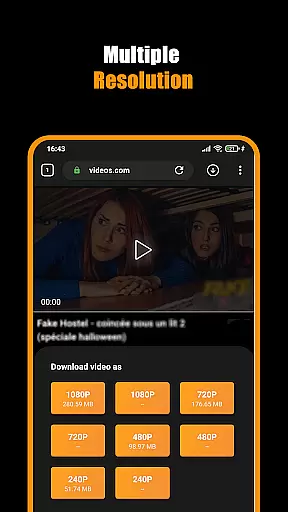
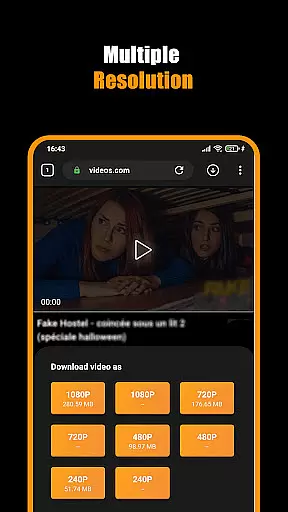
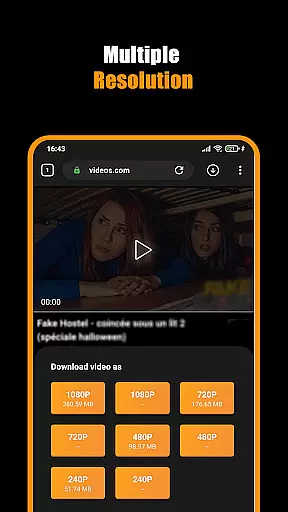
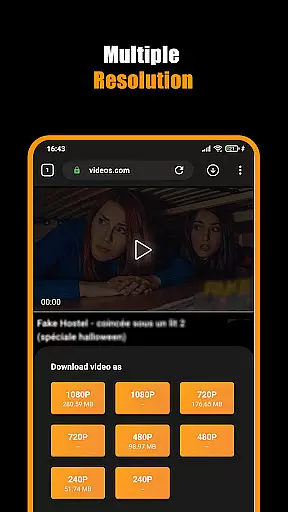
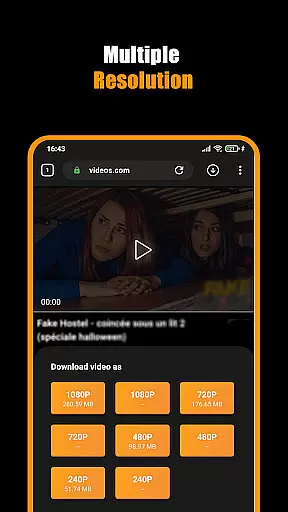
Video format compatibility is a crucial feature for any video player and editor, ensuring that users can access their content in various formats without technical barriers. Hub Video Downloader supports an extensive range of video formats, including HD, 2K, and 4K resolutions, allowing users to download and view high-quality videos directly from websites.
The app's built-in browser automatically detects and grabs videos upon visiting a site, streamlining the process of downloading content in multiple formats. This automatic detection ensures that no matter the source, users can save their desired videos effortlessly. The ability to handle diverse formats makes it versatile for different user needs, whether they are downloading short clips or full-length movies.
With this comprehensive format support, users benefit from a seamless experience where they don't have to worry about conversion or compatibility issues. The downloaded videos are stored directly in the gallery, ready for instant playback. This convenience saves time and enhances the overall user experience by providing quick access to a library of videos in their preferred formats.
Ultimately, the robust video format compatibility of Hub Video Downloader empowers users to manage their multimedia content efficiently. By removing technical obstacles, the app ensures that everyone can enjoy their favorite videos in the best possible quality, making it an essential tool for anyone looking to build a personal video collection.
AI-powered editing features represent the cutting edge of video player and editor technology, offering users advanced tools to enhance their video content effortlessly. Hub Video Downloader incorporates intelligent algorithms that automate and refine the editing process, enabling users to produce professional-quality videos with minimal effort.
One of the standout AI features is the automatic video detection and download capability. When users play a video in the app's private browser, the system intelligently identifies the content and offers download options in various qualities, including HD, 2K, and 4K. This smart detection not only simplifies the downloading process but also optimizes the video settings for the best viewing experience.
In addition to downloading, the app provides powerful editing tools that leverage AI to improve video quality. These include enhancements for brightness, contrast, and sharpness, ensuring that every frame looks its best. Users can apply these adjustments with a single tap, thanks to the intuitive interface designed for ease of use.
By integrating AI-powered editing features, Hub Video Downloader significantly boosts user engagement and satisfaction. The combination of automated processes and sophisticated editing capabilities allows users to focus on creativity rather than technical details, resulting in a more enjoyable and productive video management experience.
User-friendly interface
High-quality video downloads
Private browsing mode
Background downloading capability
Automatic video detection
No YouTube support
Limited to non-copyrighted materials
Requires stable internet
Occasional ads
Permissions needed for storage

Video Player - Unlimited features, 30 days money back guarantee.
 4.60
4.60
IPTV-Smarters Player Pro M3U - Watch Live Stream TV Channels with Chromecast
4.00
Watch a large amount of high-definition short drama content
4.60
1)AirPlay/DLNA Mirroring/Streaming, up to 4 connections; 2)Samba/NAS/DMS Player.
4.00
Video player with powerful streaming playback and various convenient features.
2.10
Fast & easy HD video downloader for all formats, support 4K playback & download.
4.60
Watch IPTV on your Android device
4.60
Browser for Fire TV to stream webvideos, online movies, livestreams in HD
4.40
Screen recorder with audio to take live videos & Screenshot in high quality!
4.70
Flud is a simple and beautiful BitTorrent client for Android.
4.80
Video Trimmer, Video to MP3 Converter. Extract music from video, Easy & Fast.
4.80
Cast to Chromecast, Xbox, Fire Stick, Roku, DLNA, Smart TV & No Feature Limited!
4.50
Fast & Private HD Video Downloader with Built-in Proxy Browser and Video Player.
4.50
Powerful video player with advanced hardware acceleration and subtitle supports
4.20
Video player with 4K & 1080P support, popup play, background play and subtitle.
4.20
Stream Web Videos to Chromecast, Samsung, LG, Sony, Roku, Fire TV, DLNA + more
4.00
Manage your IPTV live channels and VOD playlists (no playlist included)
3.80
Browser for Sony TV to stream web videos, online movies and live tv
3.20
Powerful HD video player with support for all formats & subtitles.
4.2


User Reviews