
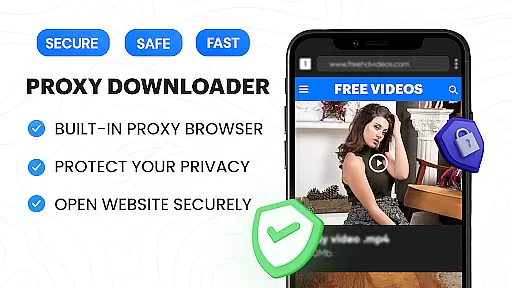

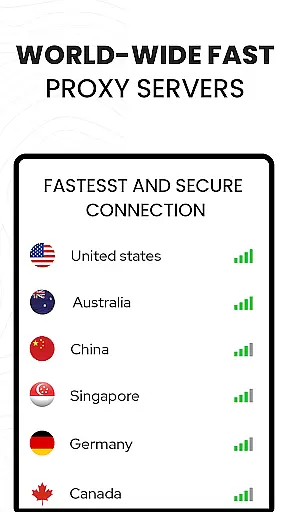





Video Downloader Proxy Browser is a comprehensive tool designed for Android users who need a secure and efficient way to browse, download, and manage videos. This app combines a fast HD video downloader, a built-in proxy browser, and an advanced video player, making it a one-stop solution for all your video needs.
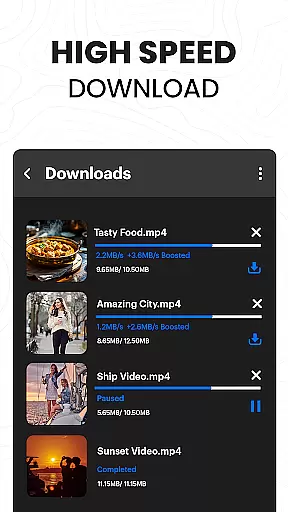
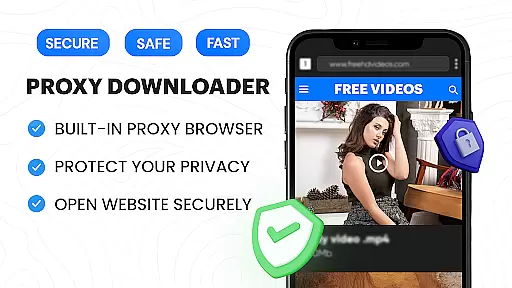
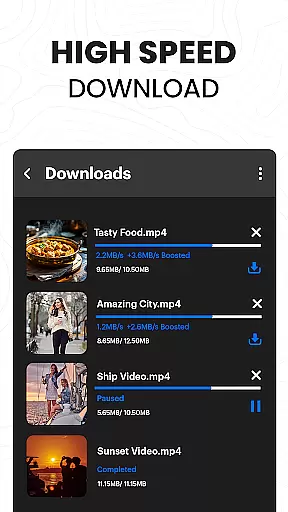
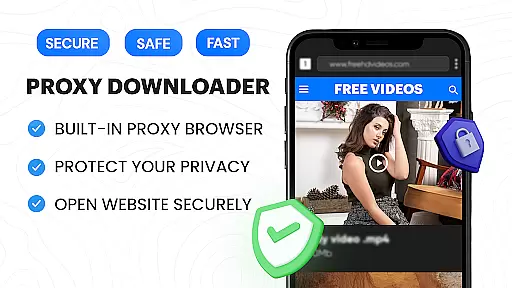
The integrated proxy browser ensures privacy and security, even on public WiFi, while allowing unlimited access to content. With features like ad and tracker blocking, the browser not only enhances speed but also reduces data usage. The video downloader supports multiple simultaneous downloads, background mode, and resume options, ensuring 4X faster download speeds without compromising quality.
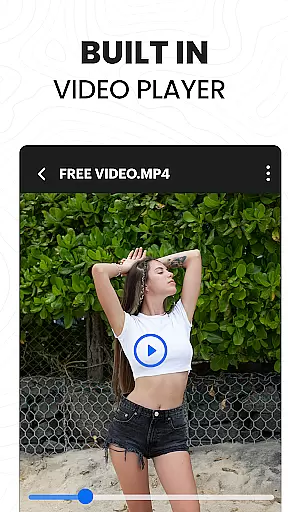
Whether you're downloading videos from popular websites or managing your downloaded files in a password-protected folder, this app provides a seamless experience. Its ultra HD video player supports 4K playback and various formats, offering smooth and high-quality viewing anytime, anywhere.
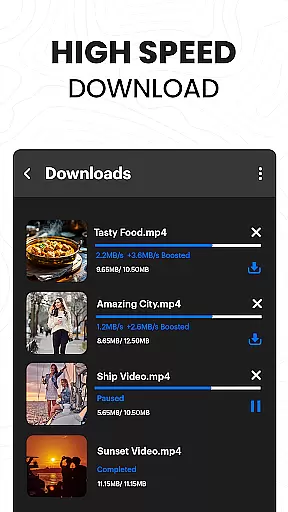
One of the standout features of Video Downloader Proxy Browser is its powerful download manager. It supports multiple simultaneous downloads, background downloading, and the ability to resume interrupted tasks. This ensures that users can download videos quickly and efficiently, with speeds up to 4X faster than usual without any loss in quality.
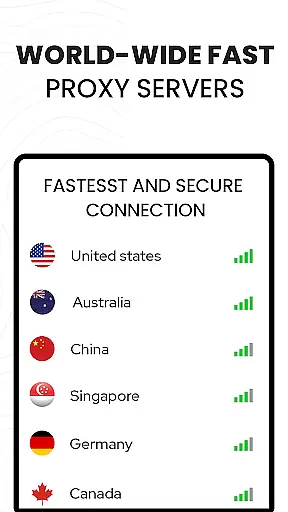
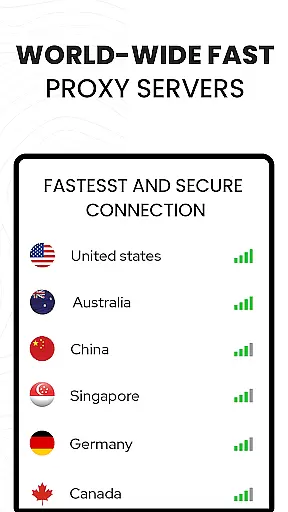
The built-in proxy browser offers robust security features, including protection against ads and trackers, which makes browsing faster and safer. Additionally, the proxy function keeps your browsing private, especially useful when connected to public Wi-Fi networks. The app also includes a password-protected folder feature, adding an extra layer of security for your downloaded files.
Another remarkable feature is the ultra HD video player, which supports 4K resolution and multiple video formats. Whether you're watching online or offline, the video player delivers a superior viewing experience. The one-click HD video download option simplifies the process of saving videos, while the smart auto-detect function finds downloadable content on websites effortlessly.
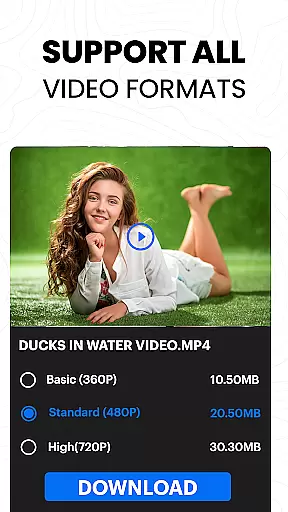
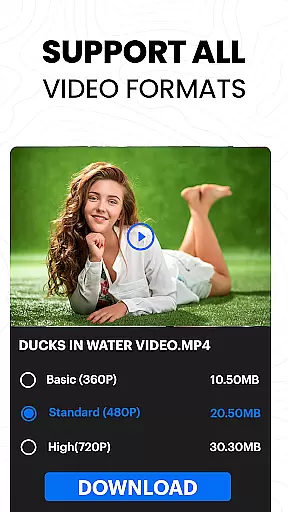
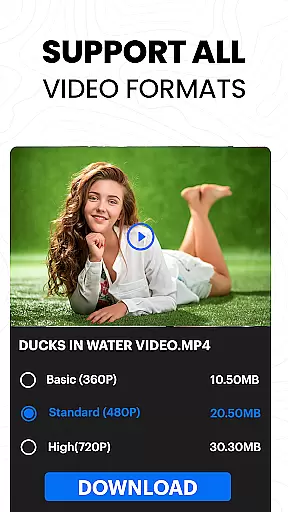
Video format compatibility is a crucial feature for any video player and editor, ensuring that users can enjoy content across various formats without technical barriers. The Video Downloader Proxy Browser supports an extensive range of video formats, including but not limited to MP4, AVI, MKV, and FLV. This versatility allows users to play videos from different sources seamlessly.
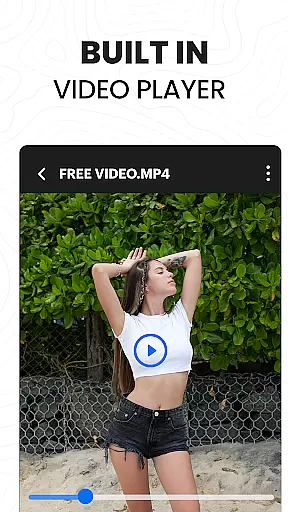
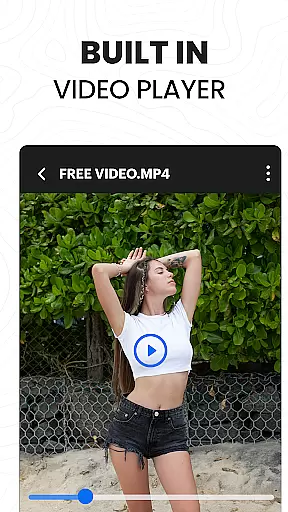
The app's built-in ultra HD video player elevates the viewing experience by supporting high-definition formats up to 4K resolution. Whether you're watching online streams or locally saved files, the clarity and detail are preserved, offering a cinema-like experience on your mobile device.
For users who frequently download and manage video content, this compatibility ensures that all files are accessible without the need for conversion or additional software. With one-tap downloads available in HD quality, users can quickly save and enjoy their favorite videos anytime, anywhere.
Moreover, the ability to handle multiple formats enhances productivity for video editors. They can focus on the creative process rather than worrying about format restrictions. Overall, the Video Downloader Proxy Browser provides a comprehensive solution for both casual viewers and professional editors seeking flexibility and performance in video playback.
AI-powered editing features represent the cutting edge of video editing technology, enabling users to enhance their content with minimal effort. The Video Downloader Proxy Browser incorporates advanced AI tools that simplify the editing process while delivering professional-quality results. These features include automatic video enhancement, smart cropping, and real-time filters that adapt to the video content.
One standout capability is the app's AI-driven ad and tracker blocker, which not only improves browsing speed but also optimizes video playback by reducing interruptions. This ensures a smoother viewing experience, especially when streaming content from websites. Additionally, the AI algorithms assist in organizing downloaded videos efficiently, categorizing them based on content type or source.
For creators looking to produce engaging videos, the app offers intuitive editing options such as auto-generated subtitles and scene detection. These tools help streamline workflows, allowing users to focus on storytelling rather than technical adjustments. The AI enhancements are designed to be user-friendly, making sophisticated editing techniques accessible even to beginners.
By integrating AI-powered features, the Video Downloader Proxy Browser positions itself as more than just a downloader or playeru2014it becomes a complete video management suite. Users benefit from intelligent solutions that save time and elevate the quality of their projects, whether they're editing personal memories or preparing content for broader audiences.
User-friendly interface
Fast download speeds
Secure proxy browsing
High-quality video playback
Ad-free experience
No YouTube support
Limited to legal downloads
Requires internet connection
Privacy concerns on shared devices
Potential compatibility issues

Fast, private downloading, video saving, social media
 4.50
4.50
HD video & music player - All format support with floating & PIP mode!
3.80
Video Downloader is an utility that can save videos and music from web sites
4.20
This app was created to edit the metadata of music files.
4.20
Stream Web Videos to Chromecast, Samsung, LG, Sony, Roku, Fire TV, DLNA + more
4.00
Turn your phone into a wireless camera!
4.20
Explore the largest library of free GIFs, Stickers & Memes - or create your own!
3.90
Screen recorder with audio to take live videos & Screenshot in high quality!
4.70
Video player with 4K & 1080P support, popup play, background play and subtitle.
4.20
#1 Torrent App on Android ** No Ads Ever + Battery Saver **
4.80
Download videos and play them offline
4.70
GENRAL PRO - General Pro is the best video player that fully supports all formats.
4.70
HD Video player all format, HD Videos, Cast & Subtitle. No annoying ads.
4.60
Seamlessly connect and control your smart devices, anytime, anywhere with ease.
4.60
AirMirror Receiver - Screen mirroring/cast web videos to Android TV by AirPlay.
4.40
Powerful, professional, versatile teleprompter. Developed by an active film crew
4.00
All format media Player, no need video converter any more!
4.00
Connect 2 UVC devices for recording and broadcast video/audio stream
3.90
Play and download HD videos from all sources — fast, simple, and all-in-one.
4.4


User Reviews